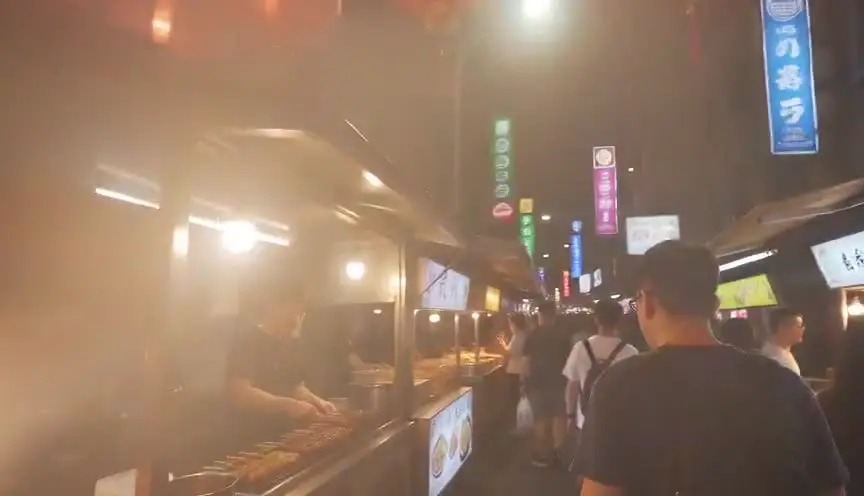
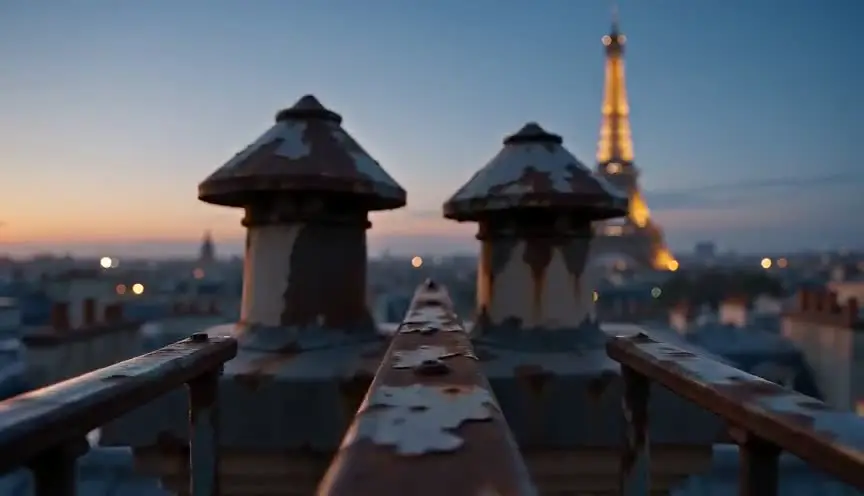
Object portalThrough the keyhole, into another world
An object portal pushes the camera into an object, such as a door, a lens, a drain or a glass, and comes out the other side in a new place. The audience travels with the camera and feels the passage instead of a cut.
Also calledPortal transitionObject transitionPush-through reveal
Optical effects
Why it works on screen
Use it when a character crosses into another world and the story wants the audience to cross too. It suits dreams, fantasy, memory, drug trips and heists that slip from the street into a vault. The object becomes the threshold: a keyhole says secrecy, a pupil says the mind, a snow globe says childhood. A scene earns it when the destination is a different register, not just another room. Because the transition is continuous, it binds cause and effect: this object leads there. Keep the object meaningful and plant it before the push, so the audience already cares about what it hides.
The shot list line
- Size
- Starts on a close-up of the object, ends on a wide shot of the new place
- Angle
- Straight on the object's opening
- Movement
- Continuous push in, hidden cut at the darkest or fullest frame
- Lens
- Macro or probe lens for the object, wide lens on the far side
- Duration
- 3 to 6 s through the join
Plan the exit shot to begin with exactly the texture, color and speed the entry shot ends on, so the hidden cut disappears.
Screenplay
On the page
Write the object and the destination, and let the reader feel the passage through what we see. A line such as "We move closer to the loupe until the gears inside become a city" suggests the idea without directing lenses. Avoid phrases like "the camera pushes through" more than once in a script. If the portal is the film's signature transition, one clear description is enough. The exact join point, speed and hidden cut belong in the shot list and the VFX notes.
INT. WATCH REPAIR STALL - GRAND BAZAAR, ISTANBUL - DAY
KEMAL YILDIZ (70s, magnifying loupe in one eye) lifts the back of a gold pocket watch.
The tiny gears tick. Closer. Closer still, until one gear fills the world.
INT. CLOCK TOWER - 1923 - DAY
The same gear, now as tall as a house, turns above a boy in short trousers.
The boy is Kemal. He looks up, amazed.
Storyboard
In the storyboard
Draw three panels: the object in the first world, the frame completely filled by its surface or opening, and the new world as the camera emerges. Draw a long forward arrow through all three. Mark the middle panel HIDDEN CUT and describe what fills it (dark, metal, water). Under each panel, note lens and speed so both halves match. Label the two scenes clearly so the leap in place or time is obvious.
Pairs well with
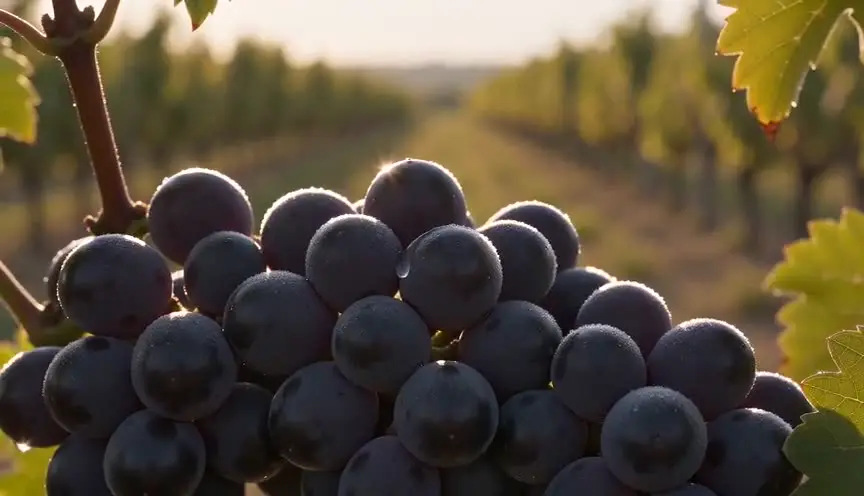
An earlier insert of the object, shown plainly in the scene, plants it in the audience's memory. When the camera later dives into it, the portal feels like a promise kept rather than a trick.

Once the camera emerges, an establishing shot of the new world answers where and when we are, letting the audience settle after the passage.
Reference
Watch it in
The Wizard of Oz (1939)
The camera follows Dorothy through the farmhouse door, and the image turns from sepia to Technicolor as if the doorway itself opened onto Oz.
Citizen Kane (1941)
The camera rises past a rooftop sign and seems to pass through a rain-streaked skylight, joining a miniature exterior to the nightclub below in one impossible move.
Trainspotting (1996)
Renton plunges into a filthy toilet and the camera follows him down into a strange, clear underwater world, then back up again.
ScreenWeaver
Set it up in ScreenWeaver
Write the object and the new place as two scenes in your screenplay, and ScreenWeaver breaks them down into shots automatically. Open the last shot of the first scene and set a close framing on the object with a push-in movement, then open the first shot of the second scene and start it on the matching texture with the same movement. Set durations so the speed carries across. References carry from shot to shot, and the AI previsualization lets you check the passage.
Start writing for freeThe prompt behind this clip
This is the exact prompt that rendered the clip at the top of the page. Keep the description of the camera and the light, change the subject and the place.
Object portal: a slow dolly push toward a cracked rearview mirror half buried in the white cracked crust of a salt flat under a flat overcast sky. The camera glides forward at a steady, unhurried pace, the mirror's silver surface expanding until it fills the entire frame, its reflection rippling as focus holds tight on the glass. At the exact instant the mirror's edges vanish from frame, the reflected image resolves into a wide view of the same salt flat at golden hour, the camera continuing its forward glide without any visible cut. No text.
Common mistakes
- 01
Speed changes at the join
If the push slows or speeds up at the hidden cut, the audience feels a bump. Match the camera speed on both sides, and plan a ramp only if the story calls for it.
- 02
A portal with no meaning
Diving through a random object feels like a stock transition. Choose an object tied to the character or the destination, something the story has already made important.
- 03
Mismatched textures
If the entry frame ends on black metal and the exit starts on bright water, the join shows. Pick one bridging texture and light it the same in both shots.