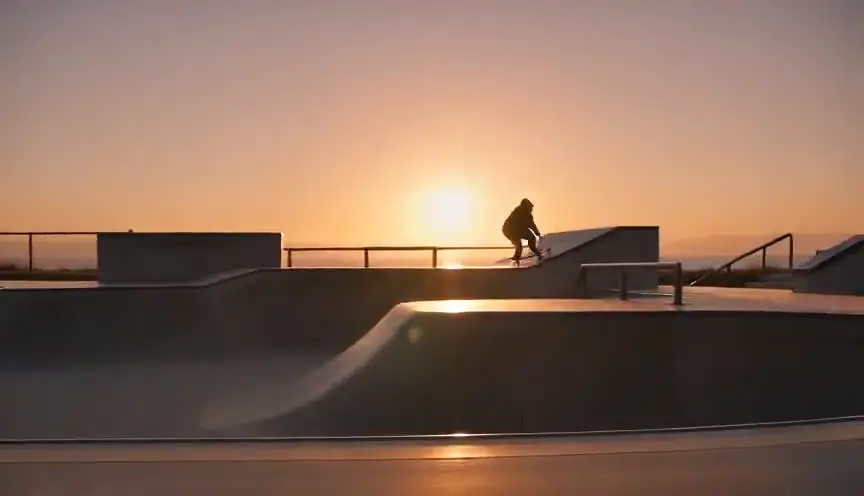
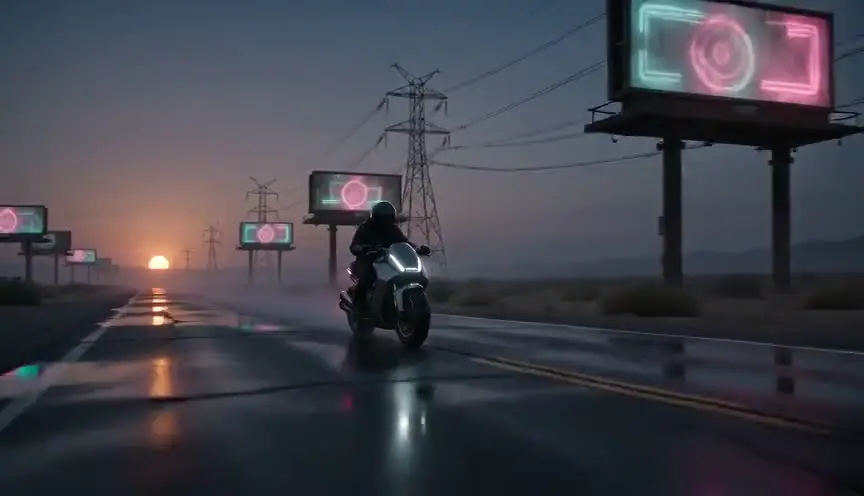
Glitch effectWhen the image itself breaks
A glitch effect breaks the image on purpose with stutters, pixel blocks, color splits, tearing or static. The audience reads it as a failure in the signal or in reality itself, and feels that something is wrong before any character says so.
Also calledDigital glitchVideo glitchSignal glitchDatamosh
Optical effects
Why it works on screen
The glitch serves stories where the medium is part of the plot: simulations that crack, haunted screens, surveillance feeds, hacked systems, characters unstable in their own bodies or minds. It can mark a memory that has been tampered with, a jump between worlds, a panic attack or the moment an AI loses control. A scene earns it when the story has taught the audience what a clean image means, so the break carries information. Short and rare, a glitch is a clue or a shock. Constant, it becomes a style that tells the audience the whole world is unreliable.
The shot list line
- Size
- Close-up or insert on the screen or the face
- Angle
- Eye level or straight on the monitor
- Movement
- Static, the image breaks, not the camera
- Lens
- 50mm or 85mm
- Duration
- 0.5 to 2 s per glitch
Shoot a clean take with room to break in post, and record the reference screen image separately so the editor has clean frames to corrupt.
Screenplay
On the page
Write a glitch when it happens inside the story, on a screen, a feed or a video call, because then it is an event the characters see and react to. Describe it in plain terms: the image freezes, stutters, breaks into squares. If the glitch is a stylistic treatment of the film itself, leave it to the director and the editor, or give one hint in the first instance. The exact type of corruption, duration and sound design go in the shot list and the post notes.
INT. STUDIO APARTMENT - SEOUL - 3 A.M.
HAN JI-WOO (19) sits in the glow of a laptop, headset on, on a video call with her GRANDMOTHER in Busan.
GRANDMOTHER
...and don't forget to eat breakfast, Ji-woo.
The image freezes. Grandmother's face splits into green and violet blocks.
When it unfreezes, she is sitting in the same chair, but the room behind her is empty and dark.
Ji-woo pulls off her headset.
Storyboard
In the storyboard
Draw the clean frame, then a second panel with the same framing broken into blocks, stripes or displaced color channels, hatched or colored so the damage is readable. Add a lightning mark or a small wave symbol between panels and write GLITCH with its duration in frames. Note the type (freeze, pixel block, RGB split, tearing) and the sound cue that goes with it, since the audio sells half the effect.
Pairs well with

A close-up of a character or a screen, clean and stable, just before the glitch sets the reference. When the image breaks, the loss of that face is what hurts.
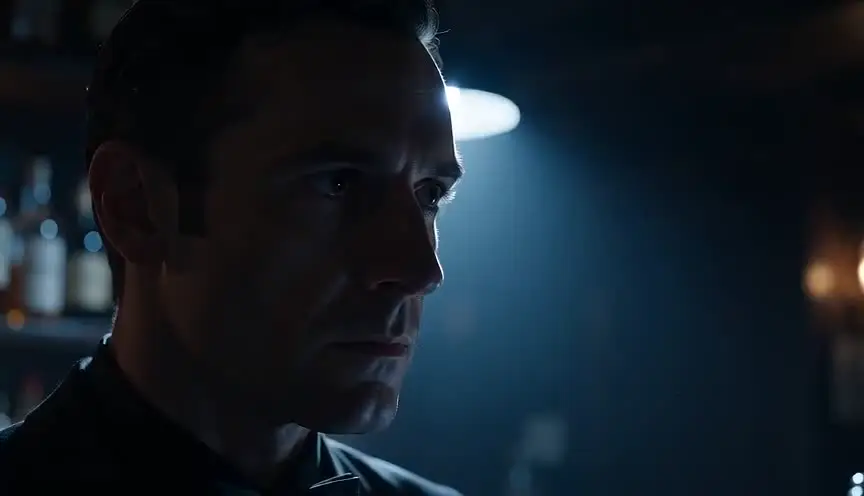
Ending a glitch with a smash cut to silence or darkness turns the signal failure into a jolt. The audience feels the connection has been cut for good.
Reference
Watch it in
The Matrix (1999)
A black cat crosses a doorway twice in the same way, a small repeat that warns everyone the simulation has just been changed.
Spider-Man: Into the Spider-Verse (2018)
Heroes pulled into the wrong universe flicker and split into colored pixels, bodies that no longer fit the world around them.
The Ring (2002)
The cursed tape breaks into static, tracking lines and smeared frames, so the threat feels like a damaged signal leaking into the room.
ScreenWeaver
Set it up in ScreenWeaver
Write the glitch as an event in your action lines if a character sees it, and ScreenWeaver breaks the scene into shots automatically. In the storyboard, open the shot, set a close framing on the screen or the face, a static movement and a short duration, then describe the kind of break in the shot notes. Characters and locations carry from shot to shot, so the clean and broken versions match. Use the AI previsualization to judge the timing before editing.
Start writing for freeThe prompt behind this clip
This is the exact prompt that rendered the clip at the top of the page. Keep the description of the camera and the light, change the subject and the place.
Glitch effect. Close-up of a young man's face in a neon-lit arcade; the image suddenly glitches: horizontal bands tear and shift sideways, RGB channels separate into red and cyan copies, blocky digital noise flickers over his face for a split second, then the image returns to normal and glitches again. Music video style. No text.
Common mistakes
- 01
Glitch as wallpaper
Adding random glitches to look modern tires the audience and empties the effect. Tie each break to a story cause, a signal, a mind, a system, and keep it short.
- 02
Silent glitches
A visual break without a sound break feels like a render error. Pair it with dropouts, digital crackle or a sudden cut in the music so the audience feels the failure.
- 03
Unreadable damage
Heavy corruption on every frame hides the actor's performance and the story information. Keep a recognizable face or object under the break so the audience knows what is being lost.