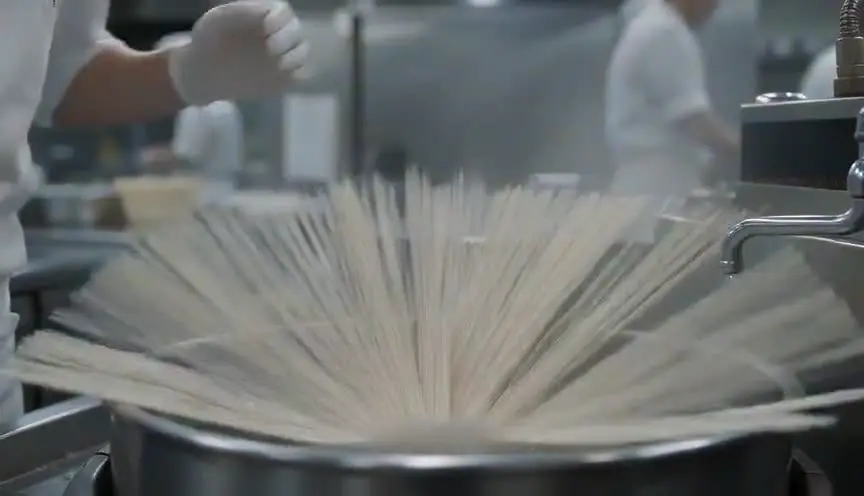
J-cut and L-cutSound that crosses the cut first
In a J-cut, the sound of the next shot starts before its picture; in an L-cut, the sound of a shot continues after the picture has changed. The audience flows across the edit, hearing where the story is going or where it has just been.
Also calledSplit editOverlapping editAudio lead and lag cut
Editing and transitions
Why it works on screen
Split edits are the quiet glue of storytelling. A J-cut pulls the audience forward: we hear the next scene's crowd, voice or train before we see it, so curiosity leads the cut. An L-cut lets a line of dialogue linger over a reaction, so we watch someone absorb what was said. They serve conversations, transitions between scenes, memories and voice-over. A scene earns them whenever the story benefits from overlap: a reaction that matters as much as the line, or a new place that should arrive through sound. Most viewers never notice them, but they feel the flow.
The shot list line
- Size
- Close-up for reactions, any size for scene transitions
- Angle
- Eye level, matched for dialogue coverage
- Movement
- Static or slow, so attention stays on the sound
- Lens
- 50mm or 85mm for reactions
- Duration
- Overlap of 0.5 to 3 s
Cover listening reactions and record wild lines and room tone so the editor has sound to lead or trail across cuts.
Screenplay
On the page
J-cuts and L-cuts are editing decisions, so spec scripts rarely name them. A writer can plan them with pre-lap dialogue: the next scene's first line written at the end of the current scene, marked (PRE-LAP). You can also write a reaction after a line so the director covers it. Use pre-laps sparingly, where the overlap carries meaning. The exact frame offsets are for the editor, noted in the shot list or editing notes.
INT. RADIO STATION - FAIRBANKS, ALASKA - 2 A.M.
Night host CAL ASHBY (50s, beard, headphones) reads a listener's text on air.
CAL
"My dad drives the ice road tonight. Tell him to come home."
Cal looks at the black window.
CAL (PRE-LAP)
If you're on the Dalton, Ray, this one's for you.
EXT. DALTON HIGHWAY - CONTINUOUS
A lone truck on the ice road. Inside, RAY (60s) turns up the radio.
Storyboard
In the storyboard
Draw two panels for the shots before and after the cut, then a sound bar underneath each one. For a J-cut, extend the second shot's sound bar under the first panel, forming a J shape. For an L-cut, extend the first shot's sound bar under the second panel, forming an L. Write the line or sound that crosses and the overlap length.
Pairs well with
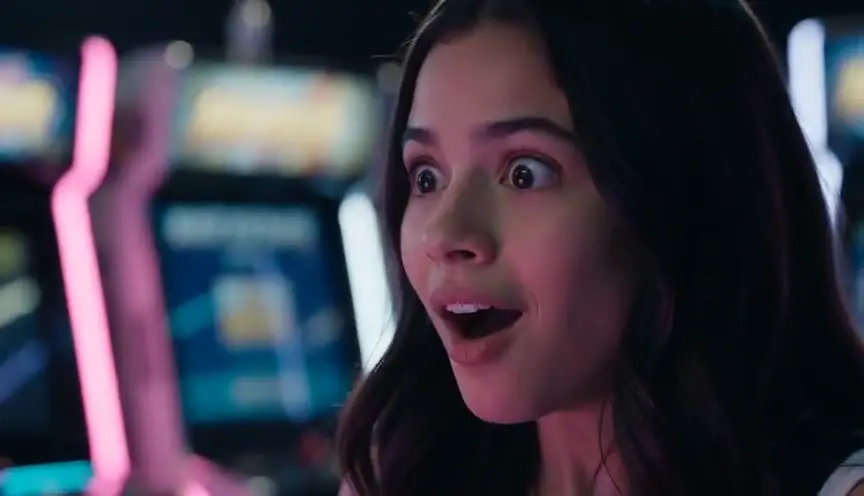
An L-cut into a reaction shot lets a line of dialogue land on the listener's face. The audience hears the words and sees their effect at once.

A J-cut into an establishing shot introduces a new place by sound first, such as waves, traffic or a radio, before the image confirms where we are.
Reference
Watch it in
The Social Network (2010)
In the rapid-fire conversations, lines often keep running over the next shot, landing on the other character's reaction.
Citizen Kane (1941)
Editor Robert Wise uses early sound overlaps to join scenes across time and place.
ScreenWeaver
Set it up in ScreenWeaver
Write your dialogue and any pre-lap lines in your screenplay, and ScreenWeaver breaks the scene into shots automatically. In the storyboard, make sure reactions have their own shots with a close framing and enough duration for a line to land over them. Characters and locations carry from shot to shot. Use the AI previsualization to check the rhythm of lines and reactions, then note the planned overlaps in your shot list for the editor.
Start writing for freeThe prompt behind this clip
This is the exact prompt that rendered the clip at the top of the page. Keep the description of the camera and the light, change the subject and the place.
J-cut and L-cut editing demonstrated visually across two shots in a Victorian library. Shot one: a static medium close-up on an elderly woman at a reading desk, warm candlelight, her eyes suddenly widen and her head begins turning toward an open doorway as if reacting to something unseen. Hard cut, mid-turn, to shot two: a young man already standing in the doorway, mid-stride, a leather book slipping from his hand and starting to fall, camera holding steady at eye level. The cut lands before the source of his reaction would normally appear, implying the sound bridge. No text.
Common mistakes
- 01
No reaction coverage
Without listening shots, the editor cannot lay a line over a reaction. Always cover the person hearing the words, not just the one speaking.
- 02
Overlaps too long
Sound that leads or trails for many seconds can confuse the audience about where they are. Keep most overlaps short, around a second or two.
- 03
Muddy sound
Overlapping sounds from two scenes can clash. Plan levels and room tone so the leading or trailing audio sits cleanly under the other image.