Graphic matchA shape that crosses the cut
A graphic match cuts between two shots whose shapes, lines, colors or compositions line up in the frame. The audience's eye stays on the same spot while the subject changes, and the likeness plants an idea without a word.
Also calledGraphic cutShape matchVisual rhyme cut
Editing and transitions
Why it works on screen
A graphic match makes the audience compare. A crack in dry soil next to a scar, a spiral staircase next to a seashell, a red scarf next to a red traffic light: the shared form says these two things belong together, whether as cause, echo or contrast. It serves transitions between worlds, symbolic links, time jumps and irony. A scene earns it when both images already carry weight and the comparison deepens what the audience knows. Because it works on the eye, it can say something delicate that dialogue would make obvious. Plan it in preparation, because it depends on precise composition on both sides.
The shot list line
- Size
- Close-up or insert on both sides of the cut
- Angle
- Same angle for both shots, often top-down
- Movement
- Static on both shots, or identical movement
- Lens
- Same focal length, 50mm or macro
- Duration
- 2 to 3 s per shot
Frame the shared shape at the same screen position, size and angle in both shots, and overlay the first frame on the monitor when shooting the second.
Screenplay
On the page
A graphic match can appear on the page, because the idea is often the writer's. Describe the first image with its shape clearly, then open the next scene on the matching image. You may use "MATCH CUT TO:" once or twice in a script if the link is essential, but often a clear description is enough. Screen position, framing and the exact frame of the cut belong in the shot list and the storyboard, where the director and the editor align them.
EXT. WHEAT FIELD - PUNJAB - MIDDAY
The earth is cracked in long dry lines. BALDEV SINGH (60s, turban faded by the sun) runs his thumb along one crack, from top to bottom.
MATCH CUT TO:
INT. HOSPITAL WARD - LUDHIANA - NIGHT
A fresh surgical scar runs down the chest of his son, HARPREET (30s), in the same long dark line.
Baldev sits by the bed, the same thumb hovering above the stitches, not touching.
Storyboard
In the storyboard
Draw the two panels side by side with the matching shape traced in the same place in each frame, using a light grid or a guide line to show alignment. Label the shared element (line, circle, color) between the panels with MATCH CUT. Note the lens, angle and camera height under each panel so both setups can be reproduced. Add the scene and time for each, to show the leap.
Pairs well with
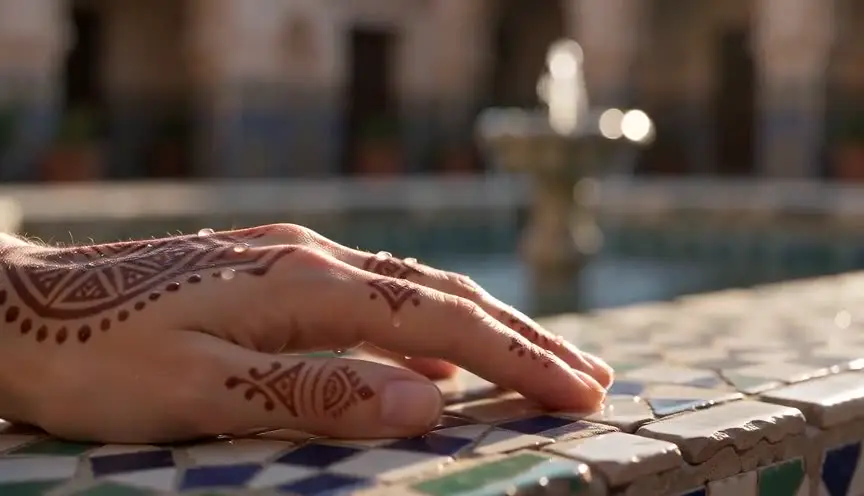
An extreme close-up isolates the shape before the cut, so the eye has already locked onto it. When the new image lands with the same form, the match is instant and clear.

After the graphic match opens a new place, an establishing shot tells the audience where they are, turning a poetic link into a clear jump in the story.
Reference
Watch it in
2001: A Space Odyssey (1968)
A bone thrown in the air cuts to an orbiting satellite of similar shape and screen position, crossing millions of years in one edit.
Psycho (1960)
The round shower drain dissolves into Marion's still eye, the two circles aligned while the camera keeps spiraling outward.
ScreenWeaver
Set it up in ScreenWeaver
Write both images in your screenplay, the shape clearly described on each side, and ScreenWeaver breaks the scenes down into shots automatically. In the storyboard, open the last shot of the first scene and the first shot of the second, give them the same framing, angle and movement, and set durations so the cut lands cleanly. References carry from shot to shot. Play them back to back in the AI previsualization to check the alignment.
Start writing for freeThe prompt behind this clip
This is the exact prompt that rendered the clip at the top of the page. Keep the description of the camera and the light, change the subject and the place.
Graphic match: first shot is a close-up inside a car at dusk on a desert highway, a circular steering wheel gripped by a middle-aged man's hands, centered in frame, warm dashboard light, camera locked off. Hard cut, at the exact moment the wheel's circle fills the same size and screen position, to an extreme wide shot of the empty desert highway, the setting sun forming an identical circle in the same spot in the frame, orange sky, straight road to the horizon, camera locked off. No text.
Common mistakes
- 01
Shapes that do not line up
A circle at frame left followed by a circle at frame right forces the eye to jump and kills the rhyme. Match position and size, not just the kind of shape.
- 02
A likeness without meaning
Cutting between two round things just because they are round is a trick. The comparison should say something about the characters or the story, or it will feel clever and empty.
- 03
Lighting that breaks the match
A bright, flat image cut to a dark, contrasty one weakens the link. Keep tone and contrast close so the shape reads as the same across the cut.