Robotic arm shotPrecise moves, repeated exactly
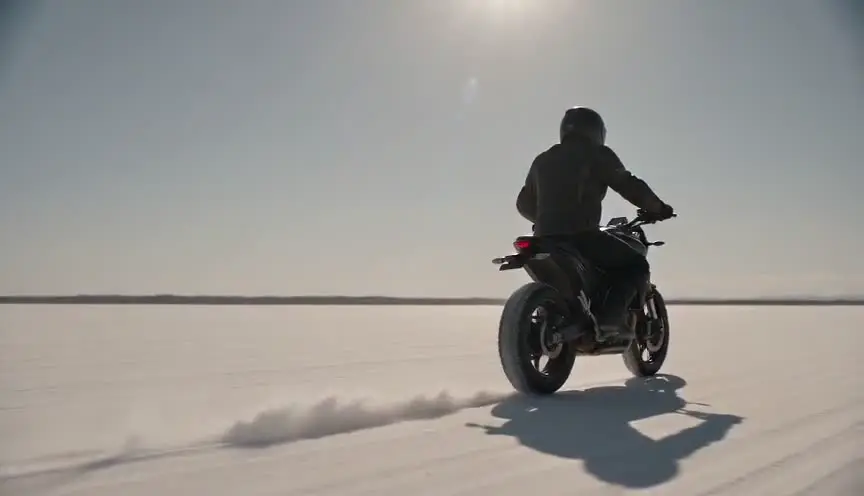
A robotic arm shot uses a programmed camera arm to fly a path with speed and precision no human operator could match, and to repeat it identically as many times as needed. The audience sees impossibly fast, clean motion around a moment that seems frozen or hyper-real.
Also calledMotion control shotMotion-control rig shotProgrammed camera moveRobo-arm shotBolt cam
Camera movement
Why it works on screen
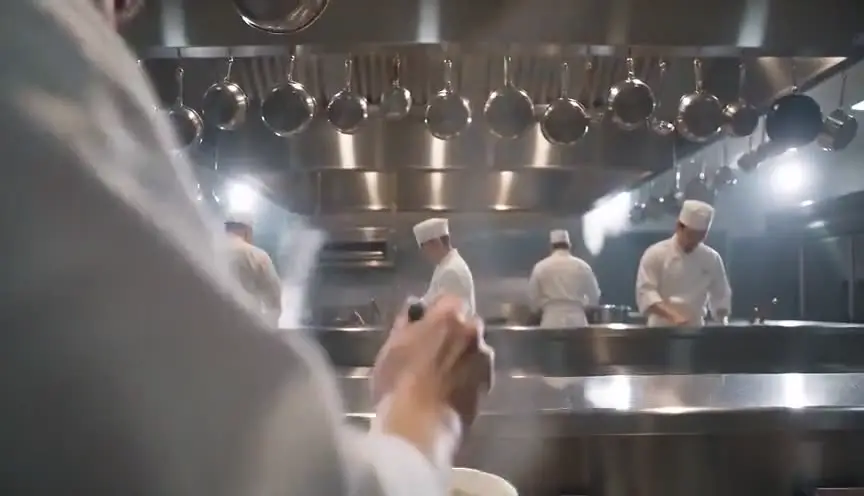
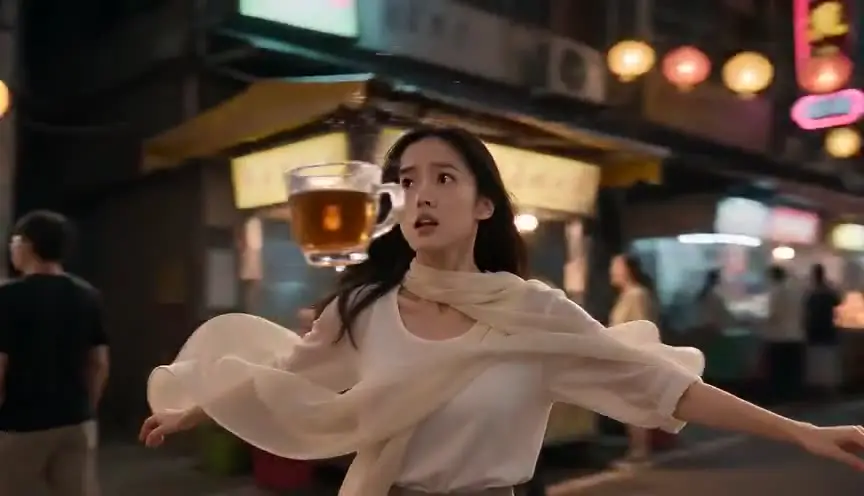
The robotic arm serves moments where time and detail are heightened. A cook's hands in a split second of action, a liquid splash orbited at high speed, a character duplicated in the same frame, a spaceship model passing the lens with perfect grace. It serves spectacle, obsession, precision and control. In drama it can express a character who lives by exact rules: a chef, a surgeon, a watchmaker. A scene earns it when the story wants the audience to notice a split second in extreme detail, or when visual effects need several passes of the exact same move to layer together.
The shot list line
- Size
- Close-up
- Angle
- Starting low, rising to a high three-quarter angle
- Movement
- Programmed whip around the action, 1.5 m arc at high speed
- Lens
- 24mm to 35mm prime
- Duration
- 2 to 3 s on screen, shot at high frame rate
Program the path from the actor's mark, do a slow rehearsal pass with the performer, and keep a safety perimeter around the arm on every take.
Screenplay
On the page
A screenplay does not need to know a robot is on set. Write the heightened moment: time seems to slow, the splash hangs in the air, the knife moves faster than the eye. If the effect depends on duplicating a character, describe what we see, two versions of the same person in one room, and let the director and the effects supervisor choose motion control. Keep rig names, speeds and pass counts in the shot list and the technical breakdown.
INT. RAMEN SHOP KOBAYASHI - KITCHEN - NIGHT
KENJI KOBAYASHI (52, towel knotted on his head) lifts a basket of noodles from the boiling pot.
One flick of the wrist. The water leaves the basket in a single silver sheet.
For an instant the drops hang in the steam, catching the red paper lantern.
The noodles land in the bowl. Perfect coil. Kenji is already reaching for the next order.
Storyboard
In the storyboard
Draw a start panel and an end panel with the subject at the center, then a small overhead diagram of the arm's path as a curved arrow around the subject. Mark three or four keyframes along the curve with numbers and the time in seconds. Note the capture frame rate and the playback speed. If the shot needs several passes for effects, list each pass under the diagram: actor, clean plate, splash element.
Pairs well with
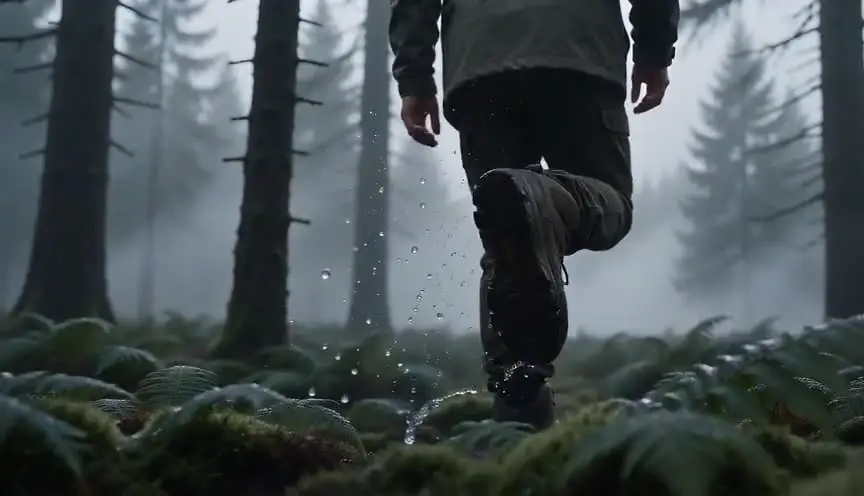
Shooting the programmed move at a high frame rate turns a one-second action into a suspended moment, while the arm's speed keeps the camera itself alive around the frozen detail.
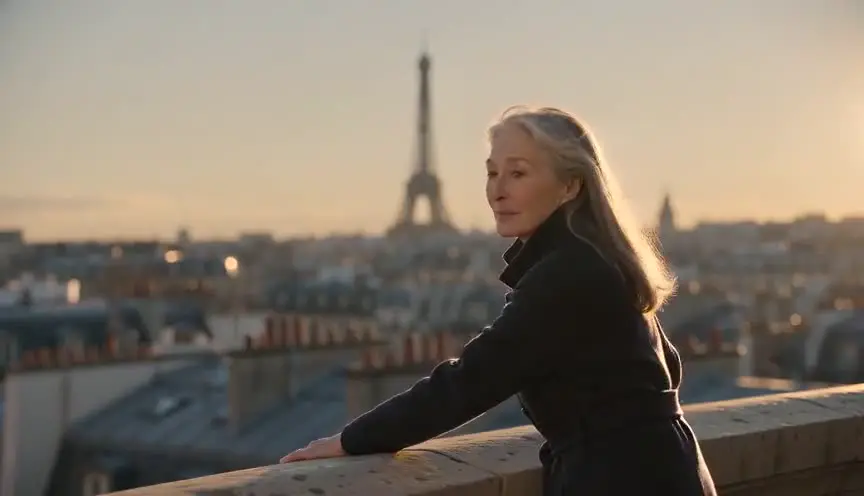
Cutting back to a normal medium shot after the robotic move returns the audience to human time. The ordinary framing shows the character moving on as if nothing special happened.
Reference
Watch it in
Gravity (2013)
Programmed robotic arms carried the camera along complex space paths, repeated precisely and synchronized with a box of LED panels lighting the actors.
2001: A Space Odyssey (1968)
Early motion-controlled rigs moved the camera past spacecraft models on exact, repeatable paths, so separate passes of the same move could be combined.
ScreenWeaver
Set it up in ScreenWeaver
Write the heightened moment in your action lines, and ScreenWeaver breaks the scene down into shots automatically. Open the key shot, set a close-up framing, choose the angle where the move starts, pick an arc or orbit movement, and give it a short duration. The character, the props and the location carry from shot to shot, so the kitchen or the set matches the coverage around it. Use the AI previsualization to test the path and timing before booking a rig.
Start writing for freeThe prompt behind this clip
This is the exact prompt that rendered the clip at the top of the page. Keep the description of the camera and the light, change the subject and the place.
Robotic arm camera shot, high-speed motion control. On a black studio table, a strawberry drops into a glass of milk and splashes. The camera itself whips in fast, stops dead on the splash in extreme close-up, then swings around it in a sharp arc, perfectly precise, ultra smooth, impossible for a human operator. Crisp studio light, slow motion splash, no machine visible in frame. No text.
Common mistakes
- 01
Speed with no subject
A dazzling camera path around nothing in particular is just a demo reel. The move must reveal an action or a detail the story needs the audience to see in extreme clarity.
- 02
Ignoring safety
A robotic arm moves fast and does not see people. Rehearse at low speed, keep actors on their marks and plan a clear perimeter before any full-speed take.
- 03
Too long on screen
Held for too long, the effect loses its shock and starts to look like a commercial. Keep it short and cut away while the audience still wants more.