Camera rollTurning the world on its axis
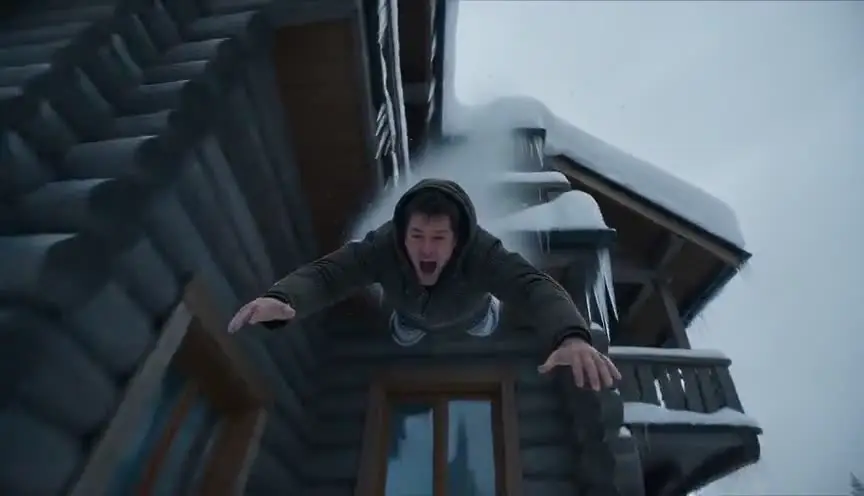
A camera roll rotates the frame around the axis of the lens, so the horizon spins clockwise or counterclockwise while the camera keeps looking in the same direction. The audience loses their sense of up and down and feels the ground tip away.
Also calledRoll shotBarrel roll shotRotating horizon shot
Camera movement
Why it works on screen
The roll is about disorientation and broken rules. It can show a vehicle flipping, gravity failing, a dream bending physics, or a character's mind coming loose. A slow roll feels like vertigo or drunkenness; a full, fast roll feels like a crash or an explosion of power. It serves action set pieces, dream logic, psychological collapse and science fiction. A scene earns it when the world itself has stopped being stable, and when the audience should experience that instability physically rather than just watch it happen.
The shot list line
- Size
- Medium or wide
- Angle
- Eye level, rotating around the lens axis
- Movement
- Roll clockwise or counterclockwise, partial or full 360
- Lens
- 18mm to 35mm
- Duration
- 3 to 10 s
Use a remote head with a roll axis or a rotating rig, and secure every object and person on set for the full rotation.
Screenplay
On the page
A spec script should not say "camera rolls". Describe the event that justifies it: a ship listing, a car flipping, a room tilting, a character losing balance. The physical chaos on the page invites the director to rotate the frame. Keep it for set pieces and turning points. When you direct, the shot list gives the degrees of rotation, the direction and the speed, and whether the set rotates too.
INT. CARGO FREIGHTER HALCYON, MAIN CORRIDOR - SHIP NIGHT
Red emergency lights. A low groan runs through the hull.
Engineer TOMASZ WIŚNIEWSKI (50s, grease on his cheek) grips a handrail as the floor starts to become a wall.
Tools, coffee cups and a cat slide past him, slowly, sideways, then up.
He hangs from the rail. The ceiling is now under his boots.
TOMASZ
Who turned off the gravity?
Storyboard
In the storyboard
Draw the start panel with a level horizon, then one or two panels with the horizon progressively tilted or upside down. Around the frame, draw a circular arrow showing the direction of the roll, labeled ROLL and the number of degrees. Note the speed and whether the set rotates, the camera rotates, or both. Mark the actors' positions relative to the floor at each stage.
Pairs well with
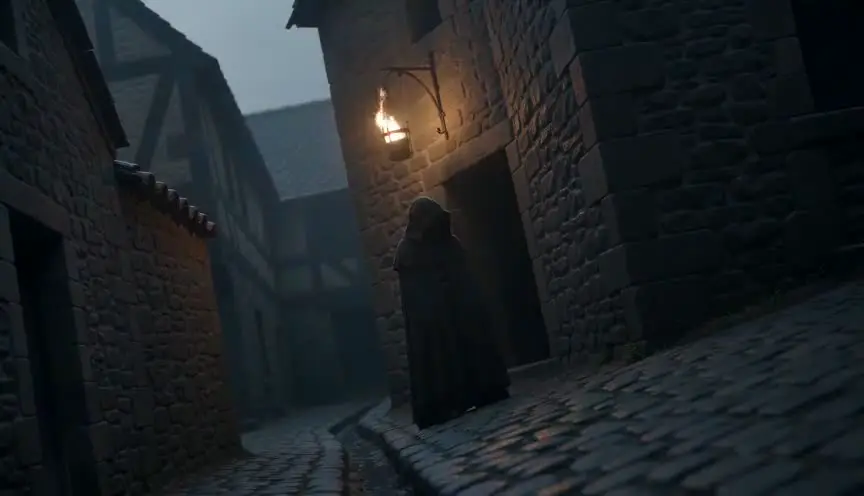
A slight Dutch angle before the roll signals that something is off. When the frame then rotates fully, the audience feels the unease grow into complete loss of balance.

After a full roll, a locked, level frame lets the audience recover. The return to stability marks the end of the chaos and makes the aftermath readable.
Reference
Watch it in
Inception (2010)
In the spinning hotel corridor, the camera turns with the set as Arthur and his attackers fight across the walls and the ceiling.
The Dark Knight (2008)
A camera fixed inside the cab of a real semi truck turns with it as it flips end over end, so the horizon spins through a full turn.
ScreenWeaver
Set it up in ScreenWeaver
Write the physical event that tips the world in your screenplay, and ScreenWeaver breaks the scene down into shots automatically. Open the shot, set the framing and the angle, choose a camera roll as the movement and give it a duration that fits the rotation. Characters and the location carry from shot to shot, so the corridor and the people in it stay consistent before, during and after. Test the rotation and speed in the AI previsualization.
Start writing for freeThe prompt behind this clip
This is the exact prompt that rendered the clip at the top of the page. Keep the description of the camera and the light, change the subject and the place.
Camera roll: in a sunlit ballet rehearsal room with mirrored walls and a wooden barre, a lone dancer in a gray leotard spins en pointe at the center of the frame. The camera, mounted on a rotating gimbal, rolls a full 360 degrees around its own lens axis over two seconds, tilting the horizon line completely upside down and back while the dancer remains centered and in sharp focus. The mirrors and barre swing wildly around the frame's edges. No text.
Common mistakes
- 01
Rolling for no reason
A roll without a story event feels like a gimmick. Tie it to something physical or psychological: a crash, a gravity shift, a character's breakdown.
- 02
Nausea overload
Long, fast rolls repeated in a sequence can make audiences sick. Keep rolls short, and give the eye a stable subject to follow during the rotation.
- 03
Unsafe set
Rotating sets and rigs move people and objects. Without careful rigging and safety checks, actors and crew can be hurt. Plan with a stunt coordinator.