UnderwaterA world with its own silence
An underwater shot places the camera below the surface, where light bends, sound goes muffled and bodies float. The audience leaves the ordinary world and enters one that feels calm, dreamlike or suffocating.
Also calledUnderwater shotSubmerged shotUnderwater cinematography
Atmosphere and weather
Why it works on screen
Going underwater changes the rules of a scene. Gravity loosens, voices vanish and every movement slows. That makes it perfect for inner states: a character hiding from noise, a moment of peace, a near drowning, a baptism, a memory. It serves isolation, rebirth, danger, sensuality and awe. A scene earns it when the story needs to cut the character off from the surface world, literally or emotionally. The surface itself is a strong image: seen from below, it is a ceiling of light that promises air and escape, and the distance to it becomes the tension of the scene.
The shot list line
- Size
- Medium or wide, with the surface visible above
- Angle
- Low angle looking up toward the surface, or level with the swimmer
- Movement
- Floating handheld, drifting with the character
- Lens
- Wide, 18mm to 24mm behind a dome port
- Duration
- 4 to 8 s
Work with safety divers, plan breath holds with the actor, and keep takes short with clear signals between camera and cast.
Screenplay
On the page
When a character goes into water, the screenplay can follow them, because that is action, not camera direction. Write what the character experiences below: the muffled sound, the light on the surface, the breath running out. Do not specify housings, tanks or lens choices. If the scene cuts between above and below, you may write "UNDERWATER" as a location note in the heading or action line. The rest, from diving crew to safety divers, goes in the shot list.
INT. MUNICIPAL POOL - LEEDS - EARLY MORNING
The lanes are empty except for one.
DESMOND ACHEAMPONG (58, swim cap, a scar along his left arm) grips the edge, counts to three under his breath, and lets go.
UNDERWATER: the roar of the filters, then almost nothing. Bubbles rise from his nose.
His left arm pulls weaker than the right, but it pulls.
Above him, the lights ripple, far away.
Storyboard
In the storyboard
Draw a wavy line near the top of the panel for the surface, with light shafts falling from it in diagonal strokes. Draw the character floating, limbs slightly spread, with bubble trails rising. Mark the camera position below or level with a small note "underwater". Add an arrow for the drift direction. Under the panel, note the depth, the planned breath hold in seconds and whether the shot cuts from or to the surface.
Pairs well with
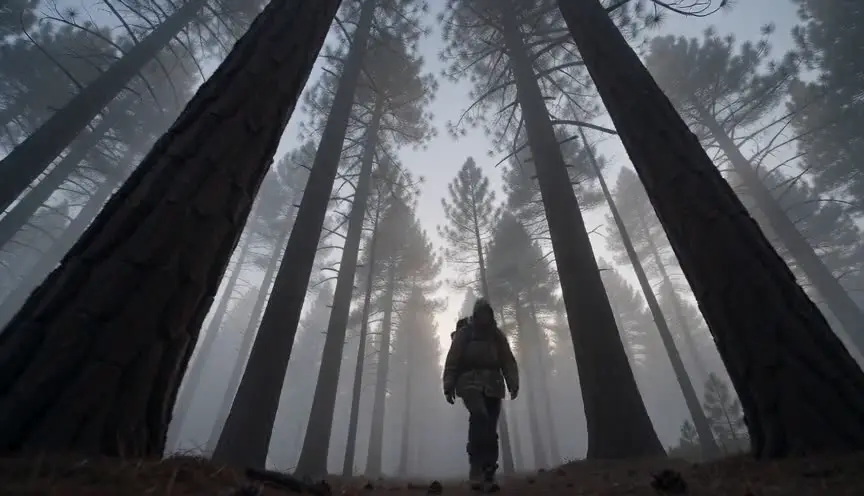
A low angle from below the swimmer shows the surface as a bright ceiling. The distance to the air becomes visible, which builds tension in a drowning scene or wonder in a peaceful one.
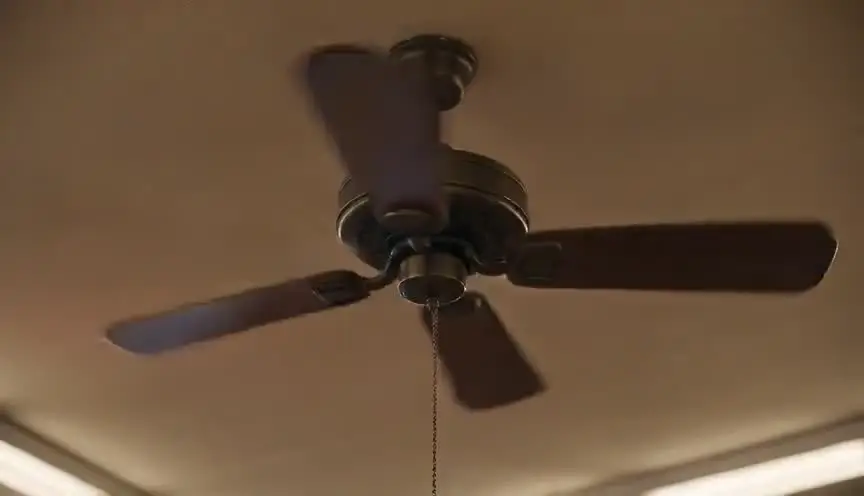
Cut from a head going under to a completely different space, or from underwater back into a bathroom or a dream. The water becomes a passage between two worlds.
Reference
Watch it in
Life of Pi (2012)
As the ship goes down, wide submerged frames make the wreck feel immense, slow and confusing while the boy fights his way out.
The Shape of Water (2017)
An embrace under water, bathed in soft blue light and weightless motion, moves the film from horror into tenderness.
ScreenWeaver
Set it up in ScreenWeaver
Write the moment the character goes under in your screenplay, and ScreenWeaver breaks the scene down into shots automatically. Open the underwater shots and set a medium or wide framing, a low angle toward the surface, a floating movement and short durations that match realistic breath holds. The character carries from the surface shots to the underwater ones, so costume and look stay consistent. Check the flow between above and below in the AI previsualization before you plan the dive crew.
Start writing for freeThe prompt behind this clip
This is the exact prompt that rendered the clip at the top of the page. Keep the description of the camera and the light, change the subject and the place.
Underwater camera drifts slowly through a flooded car repair garage, submerged fluorescent lights flickering above rippling water, sending wavering light patterns across a sunken sedan and rows of tools floating past. A mechanic in a wetsuit glides weightlessly between hoists, bubbles trailing from his regulator, movement slowed and buoyant, color muted to blue-green, edges softened by refraction. The camera pans gently, tracking his slow kick as murky particles drift through the beam of a work light. No text.
Common mistakes
- 01
Long takes without planning
Actors cannot hold their breath as long as a script might want. Break the moment into several short shots, plan air sources nearby and never push beyond what the actor agreed.
- 02
Murky water
Particles and poor filtration turn the image into fog. Filter the tank or pool well before shooting and light from above or the sides to cut through the water.
- 03
Forgetting the sound
An underwater image with normal dialogue or clear music feels false. Muffle, cut or replace the soundtrack with bubbles and low hum so the audience feels submerged.