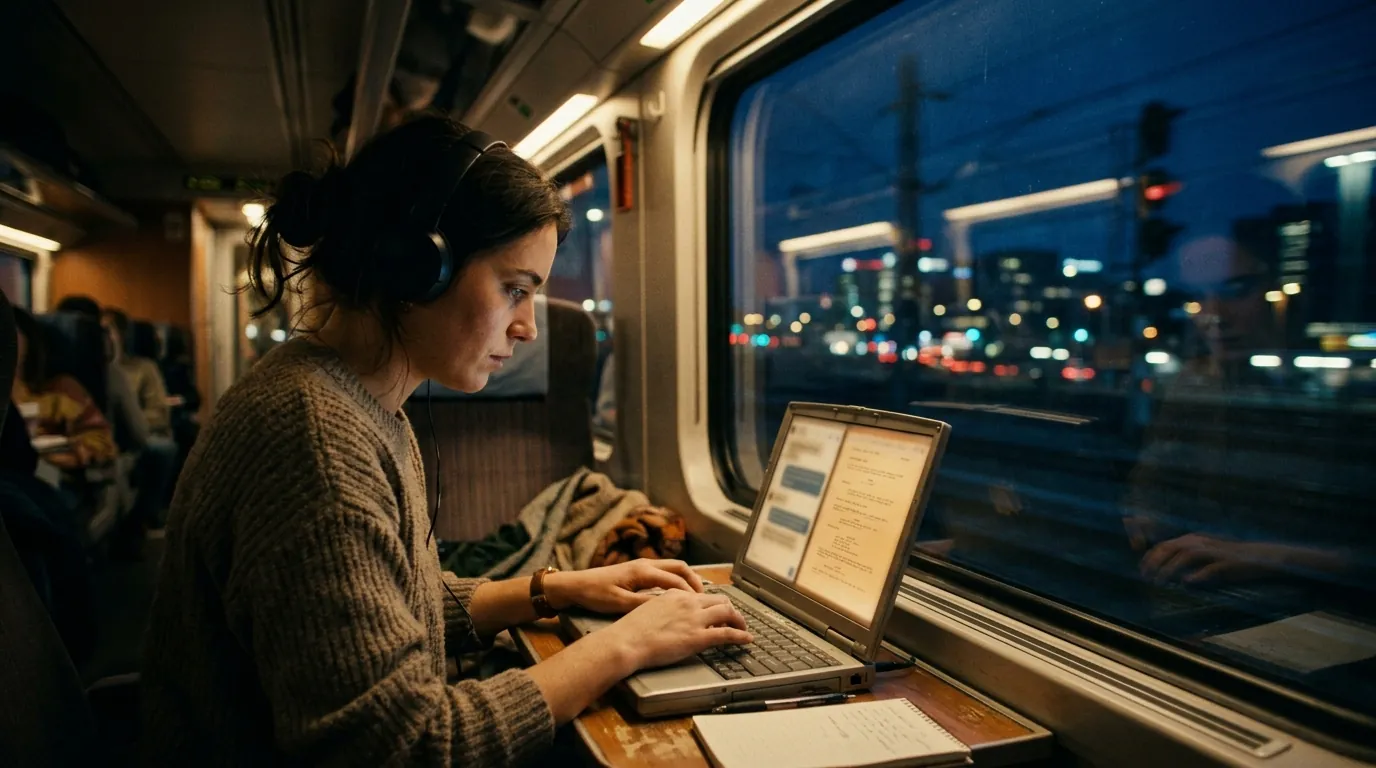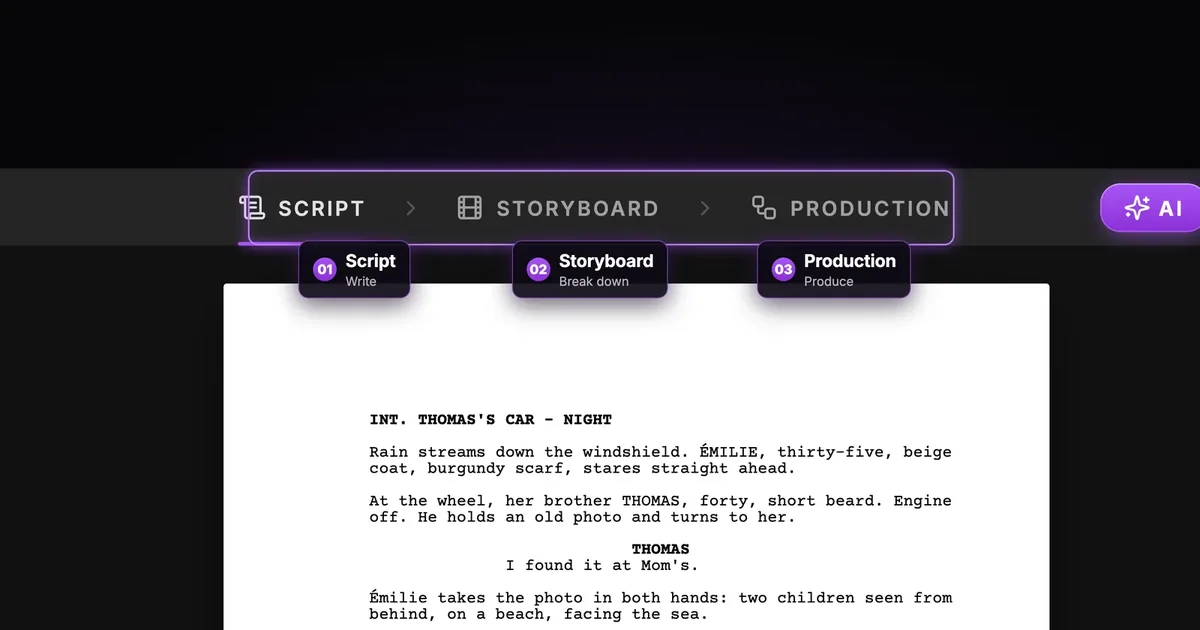

The short answer: an MCP server is a door that lets an AI assistant work inside another app. MCP stands for Model Context Protocol, an open standard that Claude, ChatGPT, Cursor, VS Code and many other assistants understand. When you connect ScreenWeaver's MCP server, your assistant stops working next to your screenplay and starts working in it: it reads your scenes, rewrites one, imports a script and creates storyboard shots, straight in your ScreenWeaver project.
If you write with an AI assistant today, you know the routine. Copy a scene into the chat. Ask for a rewrite. Copy the answer back. Fix the formatting it broke. Do it again for the next scene, and hope the assistant still remembers who your characters are. MCP removes that loop.
MCP in one paragraph
Before MCP, each AI company had to build its own connection to each app. MCP is a shared plug. An app publishes a server that describes what it can do as a list of tools ("read a scene", "create shots"). An assistant that speaks MCP reads that list and calls the tools when your request needs them. You keep talking in plain language; the assistant picks the tool.
You do not install anything for ScreenWeaver. It is a remote MCP server: a web address your assistant connects to.
What changes for a screenwriter
| Without MCP | With the ScreenWeaver MCP |
|---|---|
| You paste scenes into the chat, one at a time | The assistant reads the scene it needs, or searches the whole script |
| The answer comes back as plain text | The rewrite lands as real screenplay elements: headings, action, cues, dialogue |
| Formatting breaks on the way back | Nothing to paste, so nothing to break |
| The assistant forgets your characters | It reads your characters, places and objects from the project |
| A shot list stays in the chat | The shots appear in your storyboard, with framing, movement and duration |
What your assistant can do in ScreenWeaver
The server exposes 23 tools. You never call them yourself, but it helps to know the families:
- Read: list your projects, get the outline of a film or a series, read a scene, search every line for a word, list the story elements and the storyboard shots, look at an image.
- Write the script: import a Final Draft, WriterDuet or Fountain file after a preview, turn a PDF or photos of pages into text (with OCR for scans), insert, rewrite or delete script elements.
- Build the story world: create characters, places and objects with their descriptions.
- Storyboard: create shots in a scene, change a shot's framing or duration, delete shots after a preview.
- Visual material: bring in comic pages, hand-drawn boards or reference pictures, cut pages into panels, connect images to a shot, rewrite a generator's prompt.
- Projects: create a new film or series in your organisation.
The full list, tool by tool, is on the ScreenWeaver MCP page.
What it does not do yet: generate the storyboard images or the video. The assistant prepares everything around the generation (shots, prompts, references), and you press Generate in the app.
Is it safe to let an assistant touch my script?
That is the right question, and the answer depends on the server. Here is how ScreenWeaver's behaves:
- You choose what it sees. When you allow the connection, you pick all your projects or a list of them.
- Every script change can be undone. The version before each edit or import goes to the project's History.
- Deletions wait for you. Deleting script lines or replacing a script needs your explicit confirmation. Deleting shots shows you the list first.
- Some things it can never do. No tool deletes a project or a story element.
- No password, no API key. You sign in with your ScreenWeaver account (OAuth 2.1), and you can revoke the connection at any time in Connected apps, in your account.
How to connect it
The server address is:
https://app.screenweaver.ai/api/mcp
- Claude (web or desktop): Settings, Connectors, Add custom connector, paste the address, Connect, sign in to ScreenWeaver. Step by step: screenwriting with Claude.
- ChatGPT: Settings, Apps, turn on Developer mode, Create, paste the address, choose OAuth, sign in. Step by step: screenwriting with ChatGPT.
- Cursor and VS Code: one block of configuration to paste. See screenwriting in Cursor and screenwriting in VS Code.
Menu names move often in these apps, so if a label differs, look for "connectors", "apps" or "MCP" in the settings.
Try it free
Try Screenweaver for free on your script
It is free. Import your existing project, get a clearer view of your outline, and regain control of your story structure in minutes.
Start FreeThree things to ask on day one
- "List my ScreenWeaver projects and give me the outline of the newest one." A safe first request: read only.
- "Find every scene where the umbrella appears and tell me if the continuity holds." Search across the whole script, something a chat window cannot do on a 100-page draft.
- "Break scene 3 into shots: a wide on the crossing, a close-up on Seo-yeon, a slow push in on the umbrella." Watch the shots appear in your storyboard.
What it costs
Reading, writing and importing a script spend nothing. Two steps use credits: OCR on scanned pages, about half a credit per page, and finding the panels of comic or storyboard pages, about one credit per page. Above 20 pages, the assistant asks you first. Access to the MCP is part of the Auteur and Studio plans.
FAQ
What does MCP stand for?
Model Context Protocol. It is an open standard that lets AI assistants use the tools of other apps through a server.
Do I need to be a developer to use an MCP server?
No. With a remote server like ScreenWeaver's, you paste one address in your assistant's settings and sign in. There is nothing to install or run.
Which assistants work with the ScreenWeaver MCP?
Any MCP client that supports remote servers with sign-in: Claude, ChatGPT in developer mode, Claude Code, Cursor, VS Code and others.
Can the assistant see all my projects?
Only the ones you allow when you connect it. You can choose all projects or a list.
Can the MCP generate my storyboard images or my film?
Not yet. It prepares the shots, prompts and references; you press Generate in the Storyboard or Production tab.
Does the assistant keep my script?
Your script stays in your ScreenWeaver project. What the assistant reads during a conversation follows the privacy rules of the assistant you use, so check them for sensitive projects.
Try it on a scene
Connect ScreenWeaver to your assistant and ask for the outline of your script: it takes two minutes. Everything is on the MCP page.
Final Step
Build your next script with Screenweaver
Move from ideas to production-ready pages faster with timeline-native writing and AI-assisted story flow.
Try Screenweaver