
The top AI tools for screenwriters in 2026 fall into three groups: general chat models (ChatGPT, Claude, Gemini) for brainstorming and options, script generators (Squibler, NolanAI) for a fast first draft, and prose assistants (Sudowrite) for dialogue and description passes. None of them replaces the writer, and none of them is best at every step. One tool promises to write your script. Another sells structure. A third says it’s built for novels but "works for scripts." The real question isn’t "which tool is best." It’s which tool matches your step in the process, outlining, drafting, or polishing, and whether it keeps you in charge of the words. Here’s a straight comparison of three tools that keep coming up for screenwriters in 2026: Squibler, NolanAI, and Sudowrite, plus how they stack up against a workflow built around structure and script in one place.
No tool can replace the writer. The best ones speed up the parts that aren’t the actual writing, outlines, research, continuity, and stay out of the way when it’s time to put the scene on the page.
For how to stay on the right side of the line when using any of these, see ethics of AI in screenwriting. For a workflow where structure and script stay in sync without generating your dialogue, what is augmented screenwriting lays out the alternative.
If your search was really AI for script writing as one step inside a longer pipeline, park the models next to a human-owned spine: how to write a screenplay from idea to first draft, then revision passes before you let autocomplete touch dialogue.
Free tool: use the Beat Sheet Calculator to map these beats to exact page numbers for your script length.
What You’re Really Choosing
Screenwriting tools that mention "AI" tend to fall into two camps. Generators try to produce scenes, dialogue, or whole drafts from prompts. Augmented tools give you a better view of your story, beats, timeline, character presence, and maybe suggest structure or research, but they don’t write the script for you. Squibler, NolanAI, and Sudowrite all lean toward generation. They’re built to output text. That’s useful for beating the blank page or exploring options. It’s dangerous if you hand in that output as yours without heavy rewriting. So the comparison below is about what each tool is good at, where it overreaches, and how to use it without blurring authorship.
General-purpose LLMs: ChatGPT, Claude, and “best AI for script writing” searches
Type those phrases into Google. Odds are you open a tab. Not Fade In. Not WriterDuet. A chat: ChatGPT, Claude, Gemini, pick your poison.
That is not cheating. It is a workflow, if the chat stays a sparring partner: beats, logline variants, “five ugly endings,” research you still fact-check. The model is not the name on the title page. You are.
What do they actually do well? Lists. Options. Rough scene clay you then re-sculpt inside a real script editor, where margins and pagination mean something. Clear prompts beat vague ones every time; prompt engineering for screenwriters is the craft note. Wondering how a generalist chat compares to a fiction-tuned sidecar when you paste dialogue? ChatGPT vs Sudowrite for scripts draws the line: generalist vs specialist, money optional.
Tired of the copy and paste between the chat and the editor? Connect the chat to the script itself: write your screenplay with Claude or with ChatGPT through the ScreenWeaver MCP server, and the scene lands formatted in your project.
But there’s a catch.
No chat holds one screenplay object, with your revision spine and production handoff baked in. Page ninety does not remember page twelve unless you remember. Voice, irony, the thing unsaid under the line, still needs your pass, see can AI write subtext. Guild or studio gig? Your contract wins; read ethics of AI in screenwriting before you paste the room’s draft anywhere.
Think about it this way: browser for sparks, screenplay app for the file you would sign. Squibler, NolanAI, Sudowrite below are for when you want the machine inside a script-shaped window. Different hunger, different tool.
Squibler: Long-Form Generator With Script Mode
Squibler pitches itself at novelists and screenwriters who want to "write" a full manuscript or script with the help of AI. You get a project dashboard, chapters or sections, and a script mode that formats in something like industry standard. The engine suggests or generates the next chunk of text based on what you’ve written and your instructions. For screenwriters, the draw is speed: you can go from a one-pager to a 90-page draft in a fraction of the time it would take to type every word yourself. The risk is the same as with any generator. The prose and dialogue will sound generic if you don’t treat it as raw material. Squibler works best when you use it to draft fast and then rewrite completely. Use it for a messy first pass. Then go through scene by scene and make every line yours. Don’t submit the raw output to a producer or a contest.
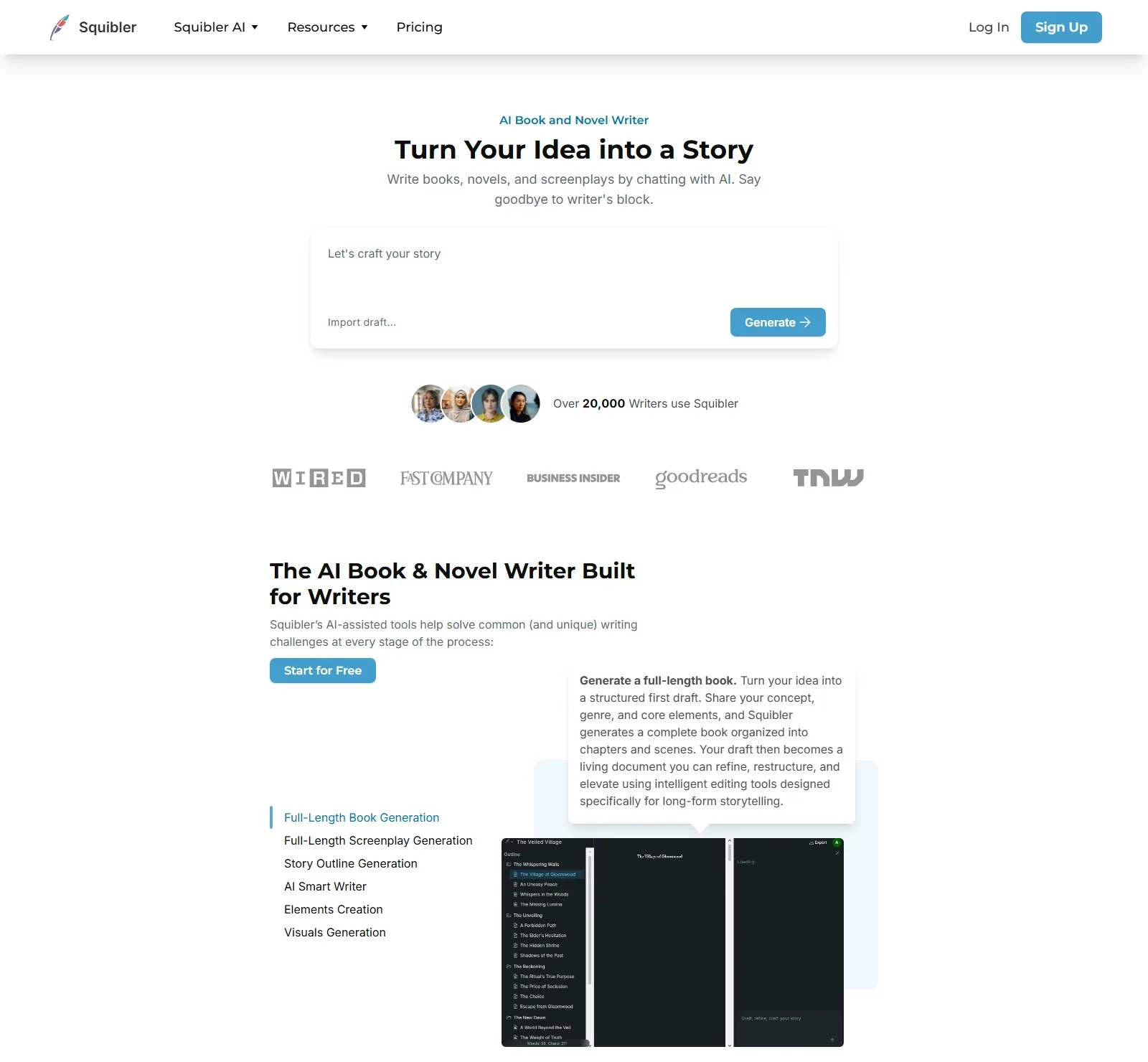
Strengths. You can go from outline to full-length draft quickly. Script mode keeps basic formatting. The interface is straightforward. If you’re stuck on "what happens next," it can throw out plot beats you can accept, reject, or heavily alter. Weaknesses. Output is often on-the-nose and repetitive. Character voices blend together. You’ll spend a lot of time undoing clichés. No deep integration with a visual timeline or beat board, you’re still in a linear document. For a comparison focused on script-first workflows, see how Squibler stacks up when structure matters as much as word count.
Verdict. Use Squibler when you want to generate a full draft fast and plan to rewrite heavily. Don’t use it as your final draft tool. Don’t hand in its dialogue as yours without substantial revision.
NolanAI: Script-First and Budget-Friendly
NolanAI is built specifically for screenplays. You get script editor, scene cards, and AI that can suggest scenes, dialogue, or "continue writing" from where you left off. Pricing is aimed at indie writers and students. The script formatting is adequate for spec work. Where NolanAI stands out is the script-first mindset: you’re in a screenplay from the start, not a novel that gets exported to script format. That’s a real plus if you think in scenes and slug lines. The AI features are similar in spirit to Squibler, generate, then edit. Quality of suggestions is mixed. You’ll get usable structure ideas and some dialogue options; you’ll also get a lot of filler. The same rule applies: treat everything as a starting point, not final copy.
One thing changed since this comparison was first written: nolanai.app now redirects to FinalBit (finalbitai.com), which presents itself as an all-in-one AI platform for screenwriting, budgeting and pre-production. Check the current plans there before you pick it.
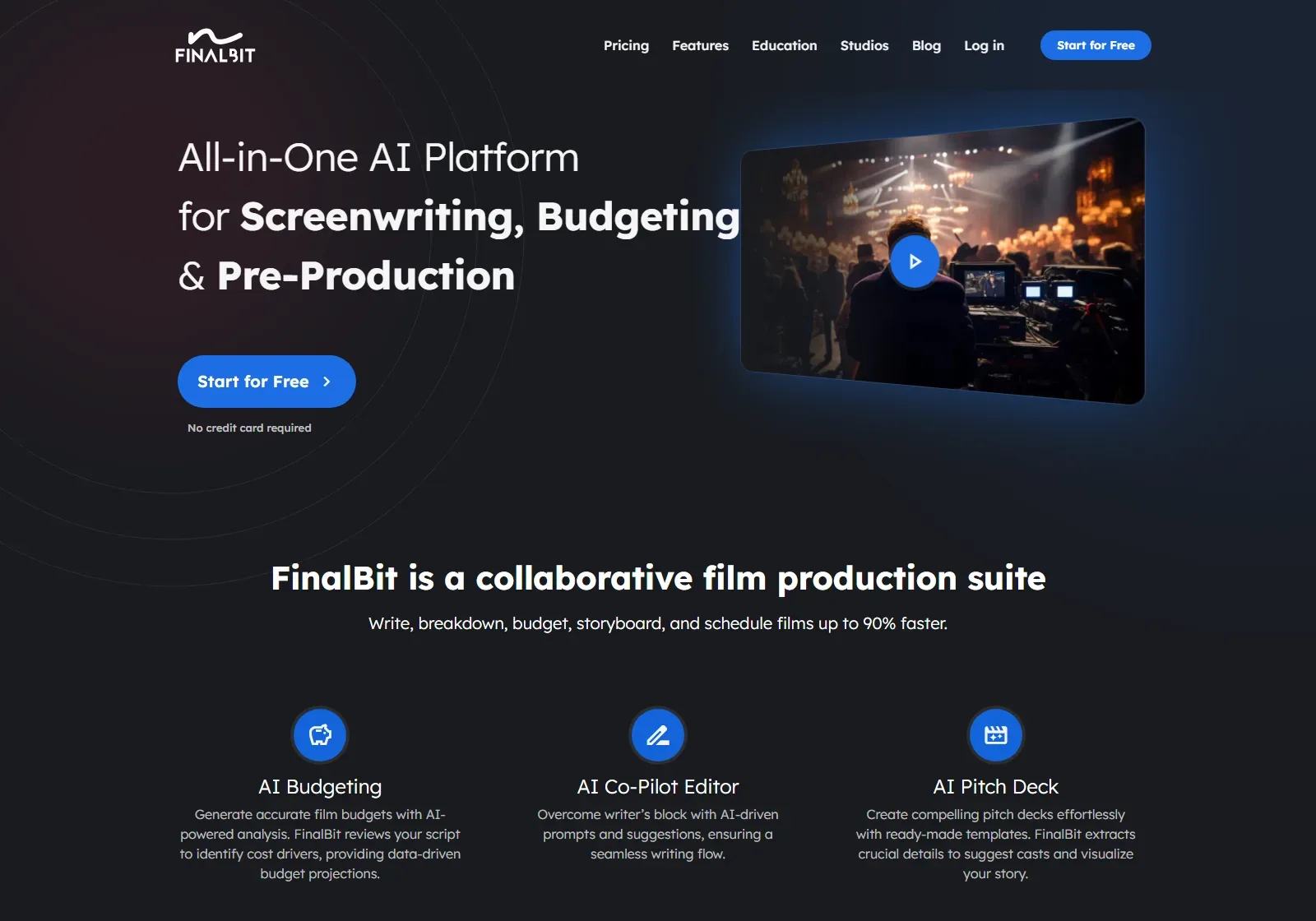
Strengths. Screenplay-native. Affordable. Scene cards help you see structure. Good for getting from zero to a first draft without staring at a blank page. Weaknesses. Generation still tends toward generic dialogue. Limited ability to visualize the whole story as a timeline or map. You’re still in a document, not a unified structure-and-script object. For a direct comparison with a timeline-and-script workflow, NolanAI vs ScreenWeaver goes deeper.
Verdict. NolanAI is a solid choice if you want an AI-assisted script editor that doesn’t cost a fortune. Use it to break the blank page and draft quickly. Plan to rewrite and sharpen every scene yourself.
Sudowrite: Fiction Prose, Not Script-Native
Sudowrite is built for fiction writers, short stories, novels. It excels at prose: description, voice, "expand" and "rewrite" at the sentence level. It does not have a dedicated screenplay mode. You can paste script text into it and ask it to expand a beat or suggest dialogue, but you’re using a novel tool on script format. That has implications. Sudowrite’s strengths are style and variation, it can offer several ways to say the same thing. For a screenwriter, that’s useful when you’re polishing dialogue or trying to get out of a repetitive rhythm. It’s less useful for structure, slug lines, or keeping act breaks in view. You’ll be copying and pasting between your script editor and Sudowrite. If you already write in another app (e.g. Final Draft, Fade In), Sudowrite works as a sidecar for prose and dialogue polish, not as your main script environment.
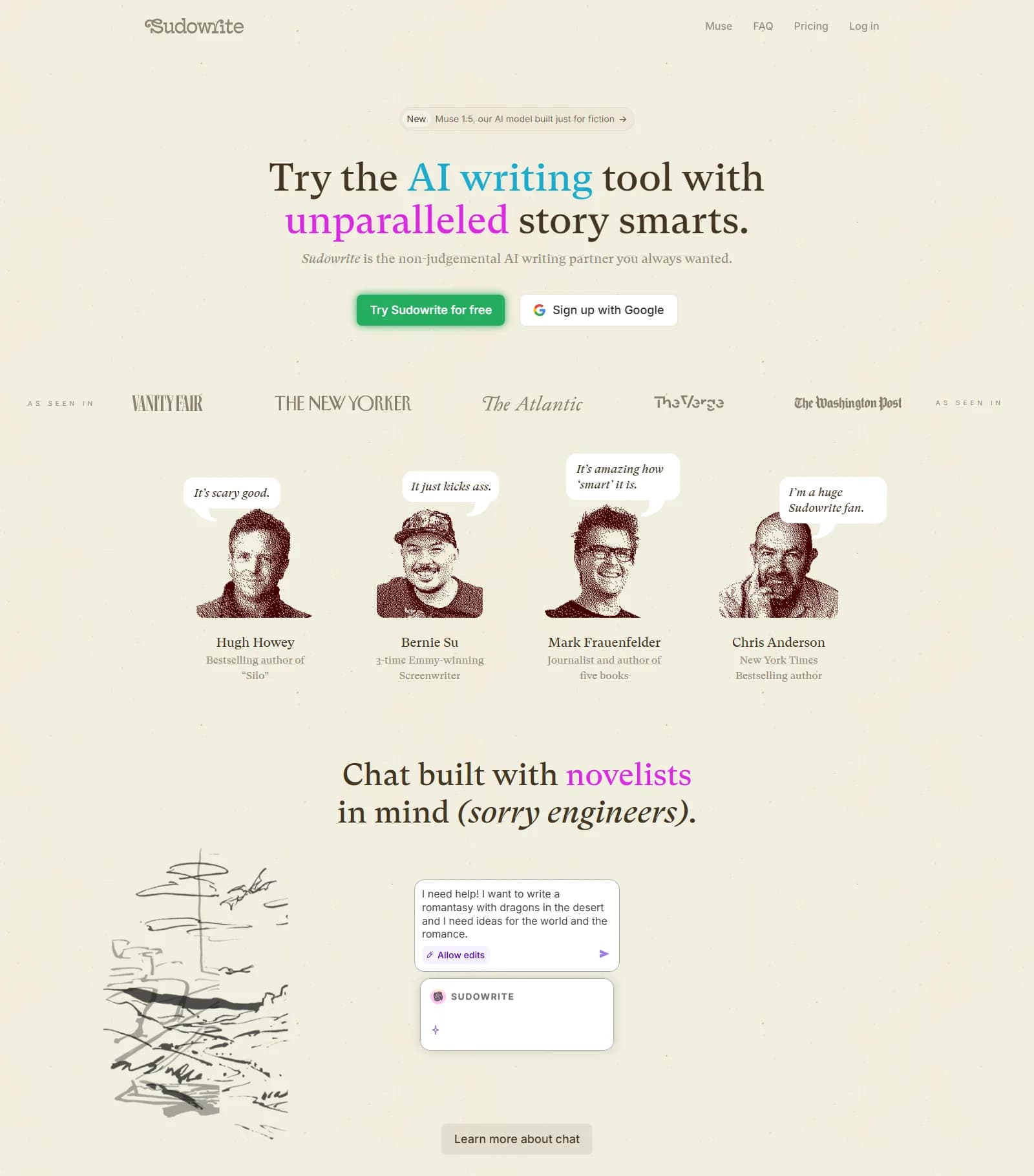
Strengths. Strong prose and dialogue variation. Good for "give me three versions of this exchange." Useful when you’re stuck on how to phrase something. Weaknesses. No script-specific features. No outline or beat view. You manage structure elsewhere. For a head-to-head on script work specifically, ChatGPT vs Sudowrite breaks down generalist vs fiction-specialist for scripts.
Verdict. Use Sudowrite when you want better prose and dialogue options and you’re okay keeping your script in another app. Don’t expect it to replace a script editor or a structural tool.
Try it free
Try Screenweaver for free on your script
It is free. Import your existing project, get a clearer view of your outline, and regain control of your story structure in minutes.
Start FreeSide-by-Side: What Each Tool Is Best For
| Tool | Best for | Weak at | Best used as |
|---|---|---|---|
| Squibler | Fast long-form draft (novel or script), beating blank page | Distinct voices, subtext, final-draft quality | Draft generator; rewrite everything after |
| NolanAI | Script-only drafting, scene cards, low cost | Deep structure view, timeline, premium dialogue | First-draft script engine; you own the rewrite |
| Sudowrite | Prose and dialogue variation, polish passes | Script format, structure, outline | Sidecar for dialogue and description; script lives elsewhere |
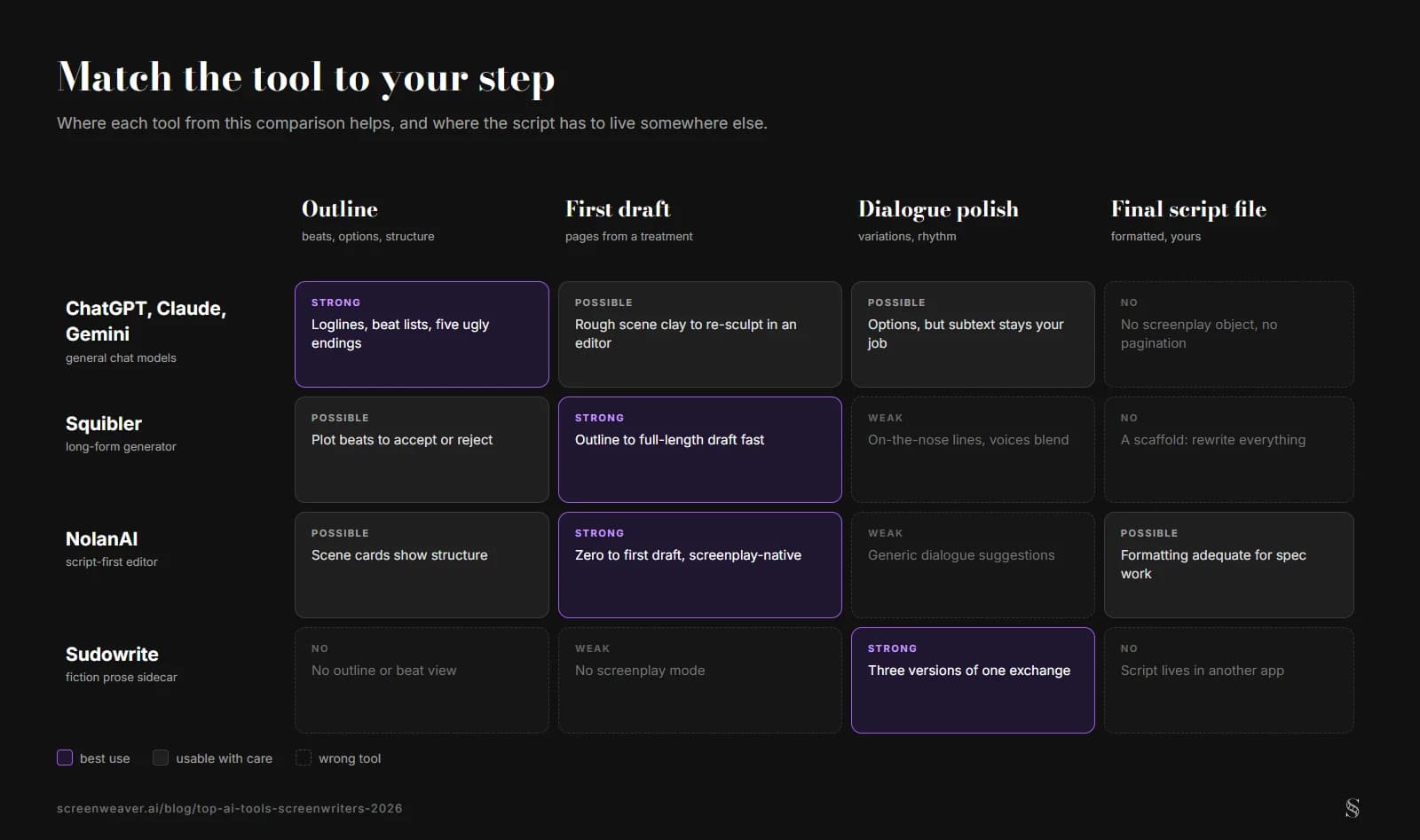
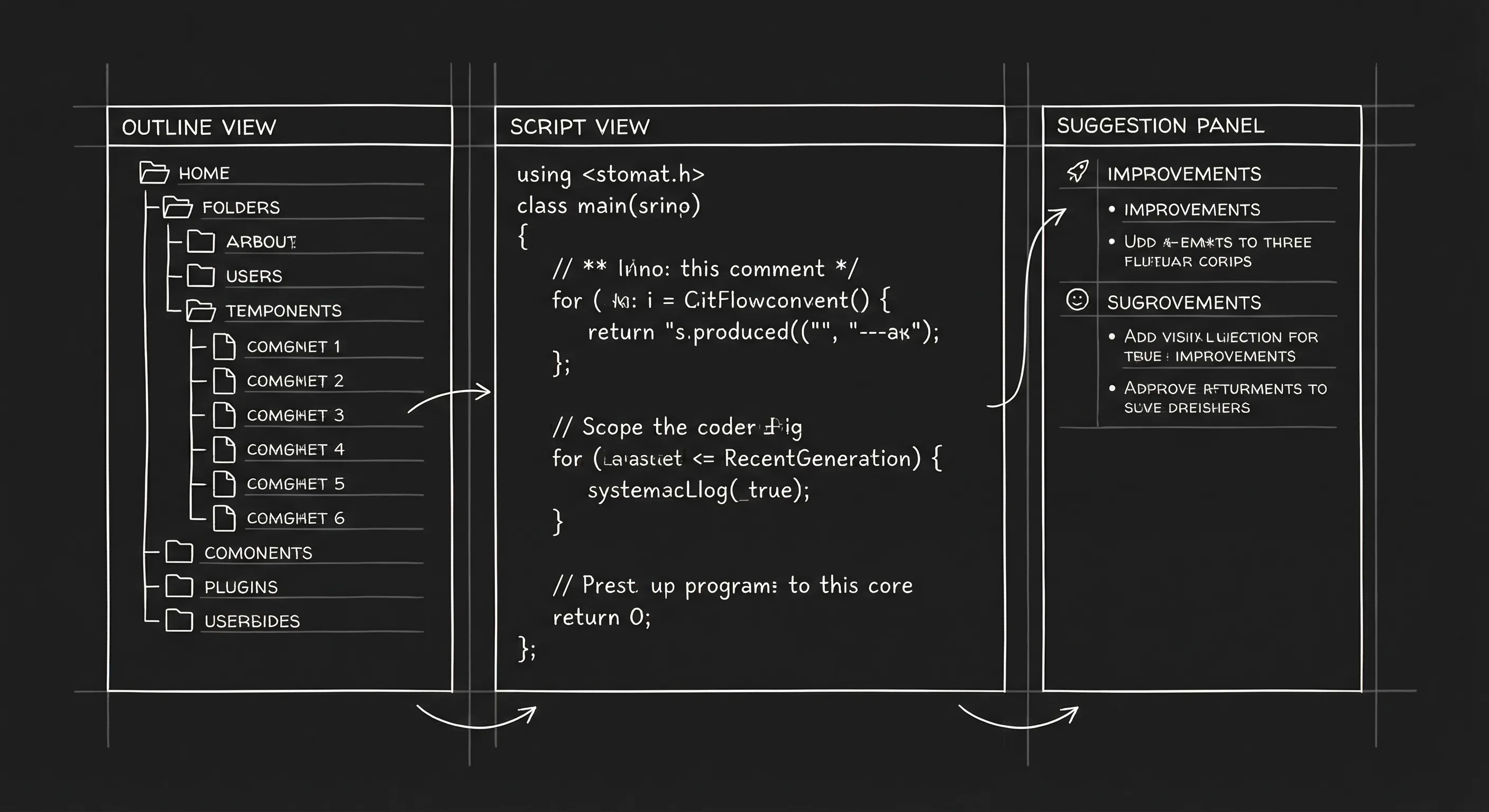
None of these tools gives you a single object that is both your structure (beats, timeline) and your script, with no copy-paste between "outline" and "pages." If that’s what you want, you’re looking at a different category, augmented screenwriting tools that prioritize clarity and control over generation.
Relatable Scenario: The "I Need a Draft by Monday" Crunch
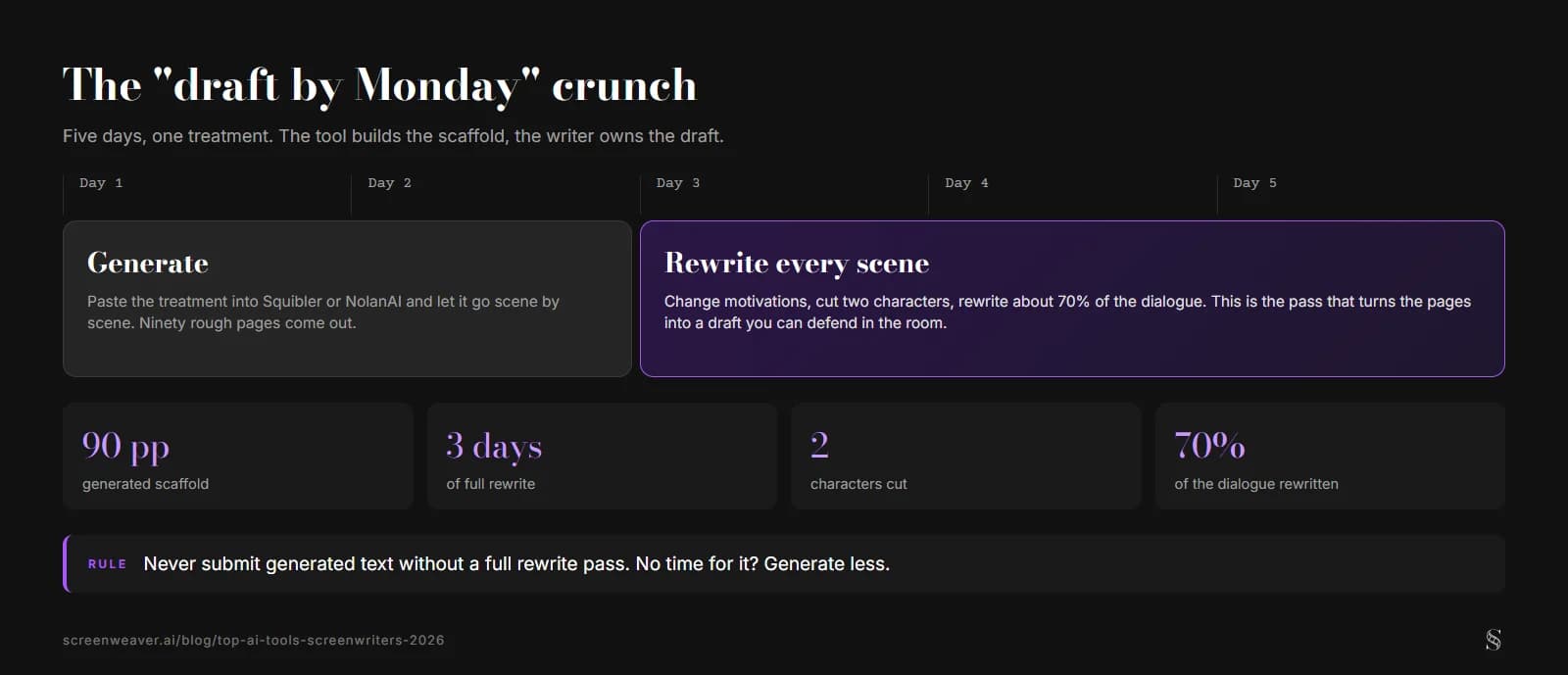
You have a treatment. The producer wants a full draft in five days. You open Squibler or NolanAI, paste the treatment, and let it generate scene by scene. You get 90 pages. They’re rough. You spend the next three days rewriting every scene, changing motivations, cutting two characters, rewriting 70% of the dialogue. You hand in the draft. You wrote it. The tool gave you a scaffold. That’s a valid use. The failure mode is handing in the scaffold with a light pass. So set a rule: never submit generated text without a full rewrite pass. If you don’t have time for that pass, generate less, outline and key scenes only, and write the rest yourself. The goal is a draft you can defend in the room, not a draft that sounds like the machine.
Relatable Scenario: The Dialogue That All Sounds the Same
You’ve written 40 pages. Every character talks in the same rhythm. You drop a few exchanges into Sudowrite and ask for variations. You get three options per beat. Most are off, but one or two lines give you an idea. You rewrite from there. The final dialogue is yours. Sudowrite was a thesaurus for tone and rhythm. That’s a good use. The failure mode is pasting in a whole scene, accepting the output, and moving on. So use it in small chunks. One exchange at a time. Then rewrite so the voice is consistent with your character. Tools like dialogue subtext remind you that the real work is what’s under the line, and that’s something you have to do yourself.
What Beginners Get Wrong
Treating the first generated draft as "my draft." The first draft that comes out of Squibler or NolanAI is a scaffold. It’s not your script until you’ve rewritten it. Beginners often skip the rewrite because they’re relieved to have pages. Then they get notes that say "this feels generic" or "the dialogue doesn’t pop." The fix: plan time for a full pass. If you don’t have time, generate less and write more yourself.
Using Sudowrite as their only script tool. Sudowrite doesn’t format scripts or manage structure. If you try to write a whole feature in it, you’ll be fighting the format and losing the big picture. Use it for what it’s good at, prose and dialogue variation, and keep your script in a proper script editor; a free screenwriting app with industry-standard formatting costs nothing.
Paying for all three. You don’t need Squibler, NolanAI, and Sudowrite. Pick one that matches your bottleneck: blank page (Squibler or NolanAI) or flat dialogue (Sudowrite). Stacking tools without a clear role for each wastes money and fragments your process.
Ignoring structure. All three tools are document-centric. They don’t show you a timeline or a beat board that stays in sync with the script. If you’re a structural thinker, you’ll want something that lets you see the whole story at once, or at least an outline that drives the script instead of living in a separate file. The same logic applies after the draft: if the script is headed for production, a storyboard generated from the screenplay keeps the visuals tied to the pages instead of a folder of loose images.
Assuming "AI" means "better." Better means you write something that works. These tools are only better if they get you to a draft you then make yours. If they make you lazy, accepting output without rewriting, they’re worse. The tool is not the author. You are.
For the ethics of using any of these tools on guild or studio work, ethics of AI in screenwriting and copyrighting AI-assisted work are the next reads. The WGA’s position on AI is the authoritative source for what’s allowed in covered work.
The Perspective
Pick one tool that solves your current problem. Use it to get to a draft or to polish dialogue. Then do the work that only you can do: rewrite, sharpen, own the script. The best tool in 2026 is the one that gets out of your way when it matters, when the words on the page have to be yours.
Trench Warfare Addendum: Three Technical Habits That Save Credits
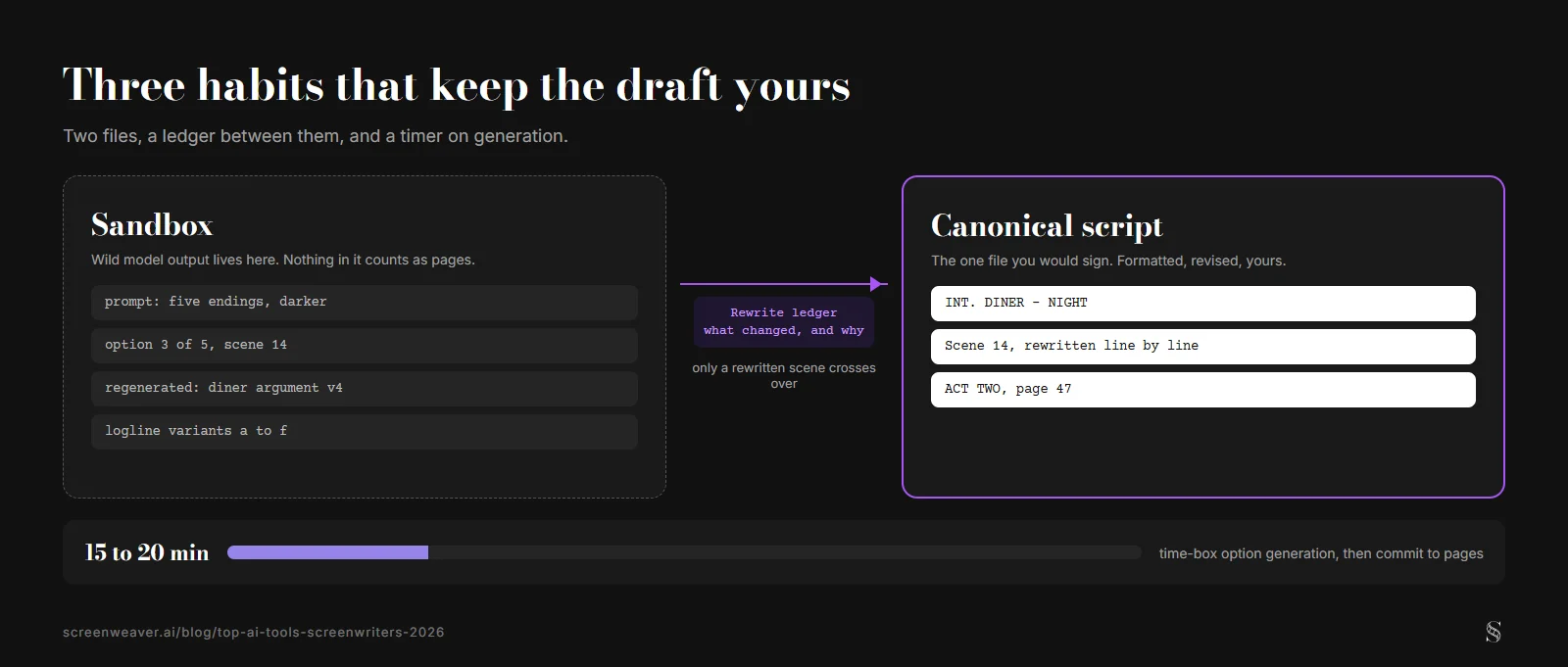
Teams who survive this transition tend to adopt the same habits. First, they keep a rewrite ledger. Not because spreadsheets are fun, because memory under deadline is unreliable. When a generated section survives into draft, they log what changed and why. That log protects voice continuity and keeps authorship clean in practice, not only in principle.
Second, they separate experimentation from production drafting. One sandbox document for wild model outputs. One canonical script file for actual scene work. Mixing both in one file creates confusion and false progress, where page count rises but story quality does not.
Third, they time-box generation. Fifteen or twenty minutes for option generation, then back to deliberate writing. Without a time box, writers can get trapped in infinite possibility mode, refreshing suggestions instead of choosing a direction. Choice is where writing starts.
| Habit | Common Beginner Behavior | Better Professional Behavior |
|---|---|---|
| Draft ownership | Accept output and tweak lightly | Rewrite deeply, line by line, with intent |
| File hygiene | Mix prompts and final pages together | Separate sandbox from canonical draft |
| Suggestion cadence | Endless regenerate loops | Time-box ideation, then commit to pages |
If you want one more practical companion read after this comparison, proofreading AI typos and format errors helps close the loop before submissions.
Final Step
Build your next script with Screenweaver
Move from ideas to production-ready pages faster with timeline-native writing and AI-assisted story flow.
Try Screenweaver