
Kling is worth paying for if motion and camera work matter most to you. It is one of the strongest AI video models for action, and its app has grown into a full studio around it. It is a weaker buy if you need predictable costs, because Kling does not publish what a clip costs on the pages we could read, and credits are not refunded when a generation misses. It also holds no screenplay.
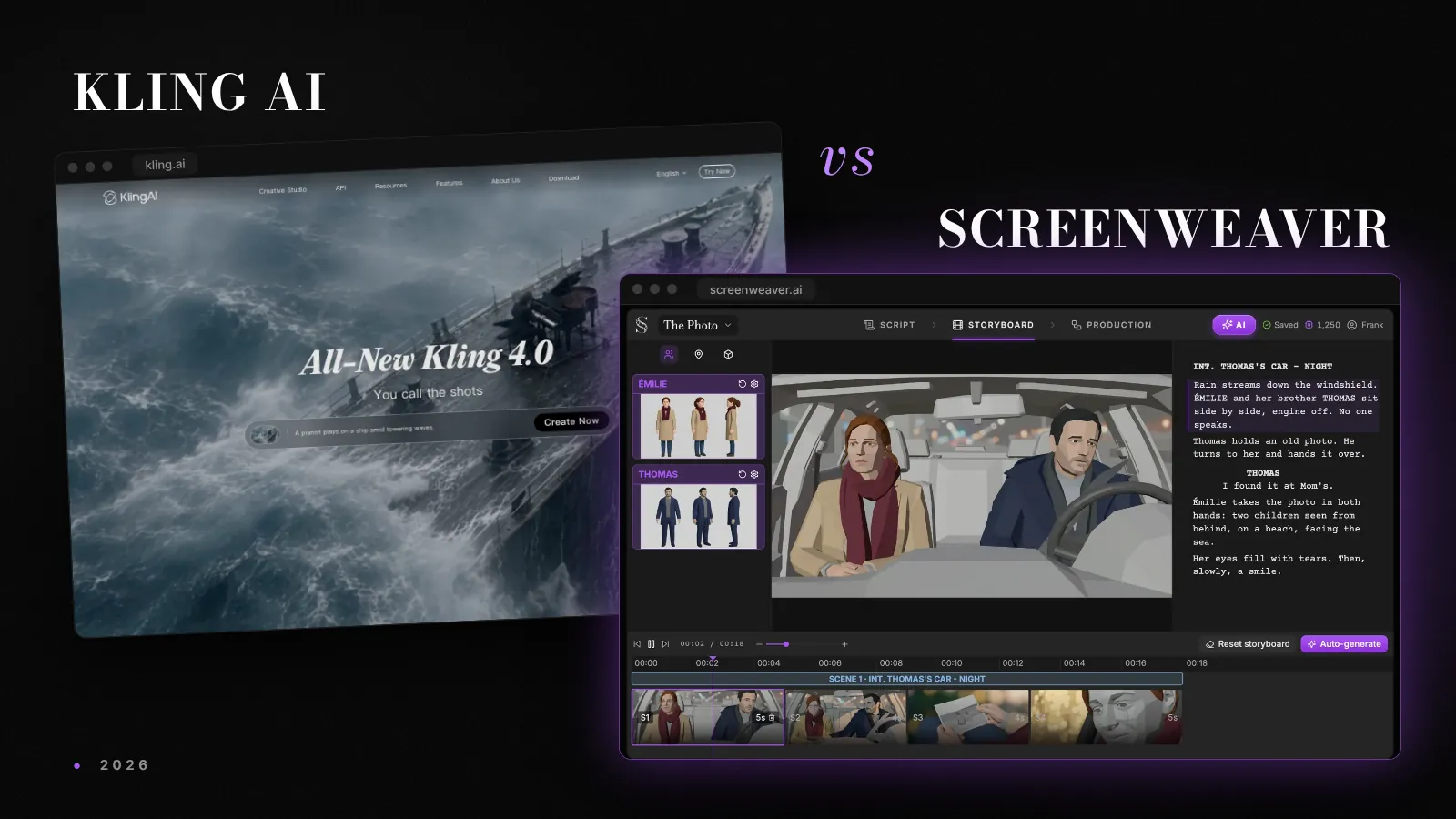
If you are still comparing tools, our script-to-video tools comparison covers the field, and Kling 3 vs Seedance 2 tests the two models head to head. The side-by-side table of Kling and ScreenWeaver is on the Kling alternative page. This review covers what you get, what you pay, and what App Store reviewers report.
Facts below come from kling.ai and from the Kling AI listing on the US App Store, read on 27 October 2026. Kling's web prices load inside its app and change with promotions, so the prices quoted here are the App Store ones.
The verdict
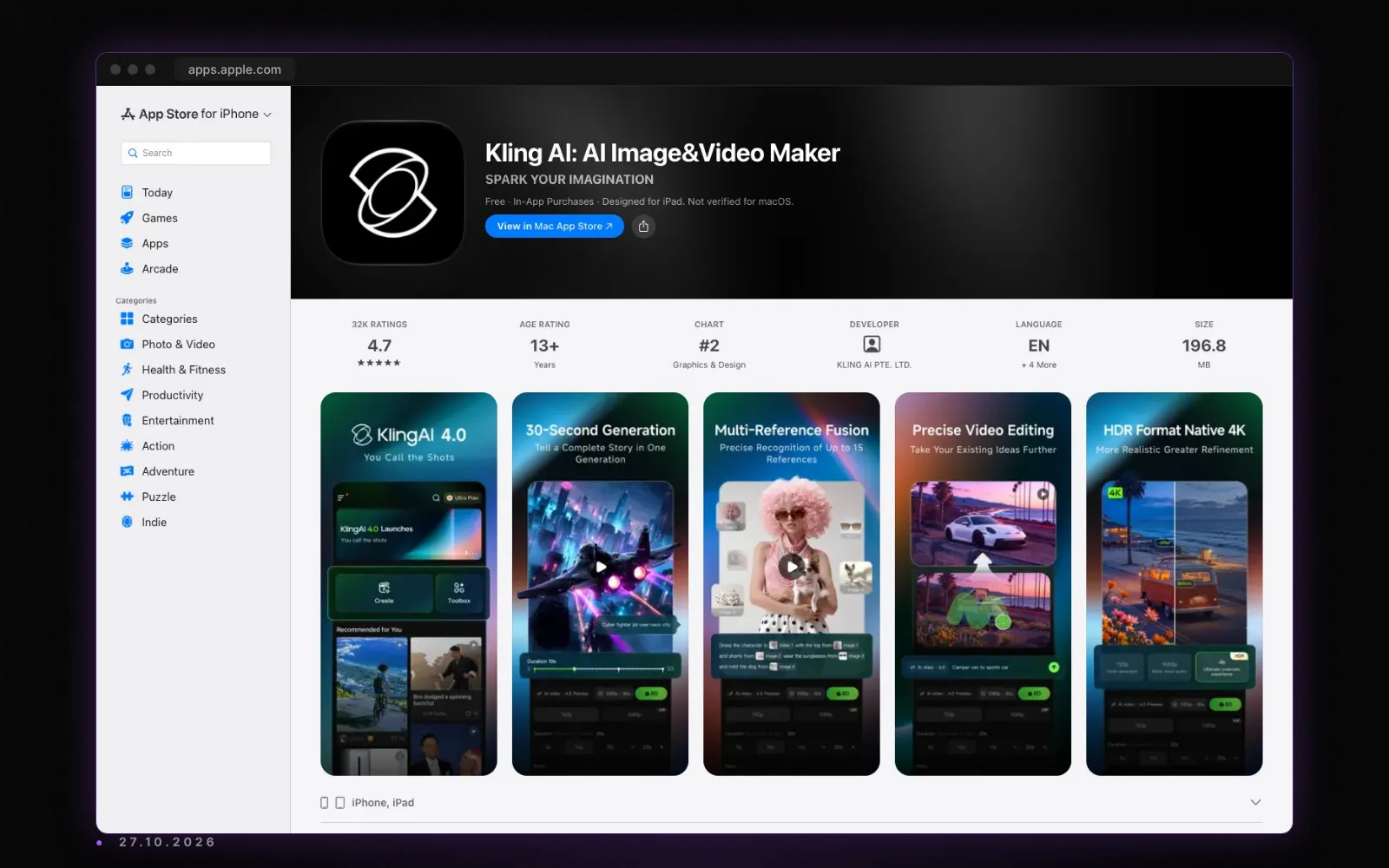
Kling started as a model and became a creative suite: video and image generation, an agent for brainstorming and scripting, a canvas with node editing, motion control, and even an MCP server and a CLI for batch work. Kling 4.0 makes 3 to 30 seconds in one pass, builds multi-shot sequences and extends clips. Kling 3.0 adds native audio with dialogue in five languages.
| You are | Best fit | App Store price |
|---|---|---|
| Testing | A one-week Standard pass | $1.19 or $1.49 |
| Making a few clips a month | Standard | $10/mo |
| Creating weekly | Pro | $37/mo |
| Producing at volume | Premier | $92/mo |
| Writing and shooting a whole film | A script-first tool | See the verdict below |
The Kling AI app holds 4.7 out of 5 from about 32,000 ratings on the US App Store, the highest score of the five tools we reviewed this month.
What Kling does well
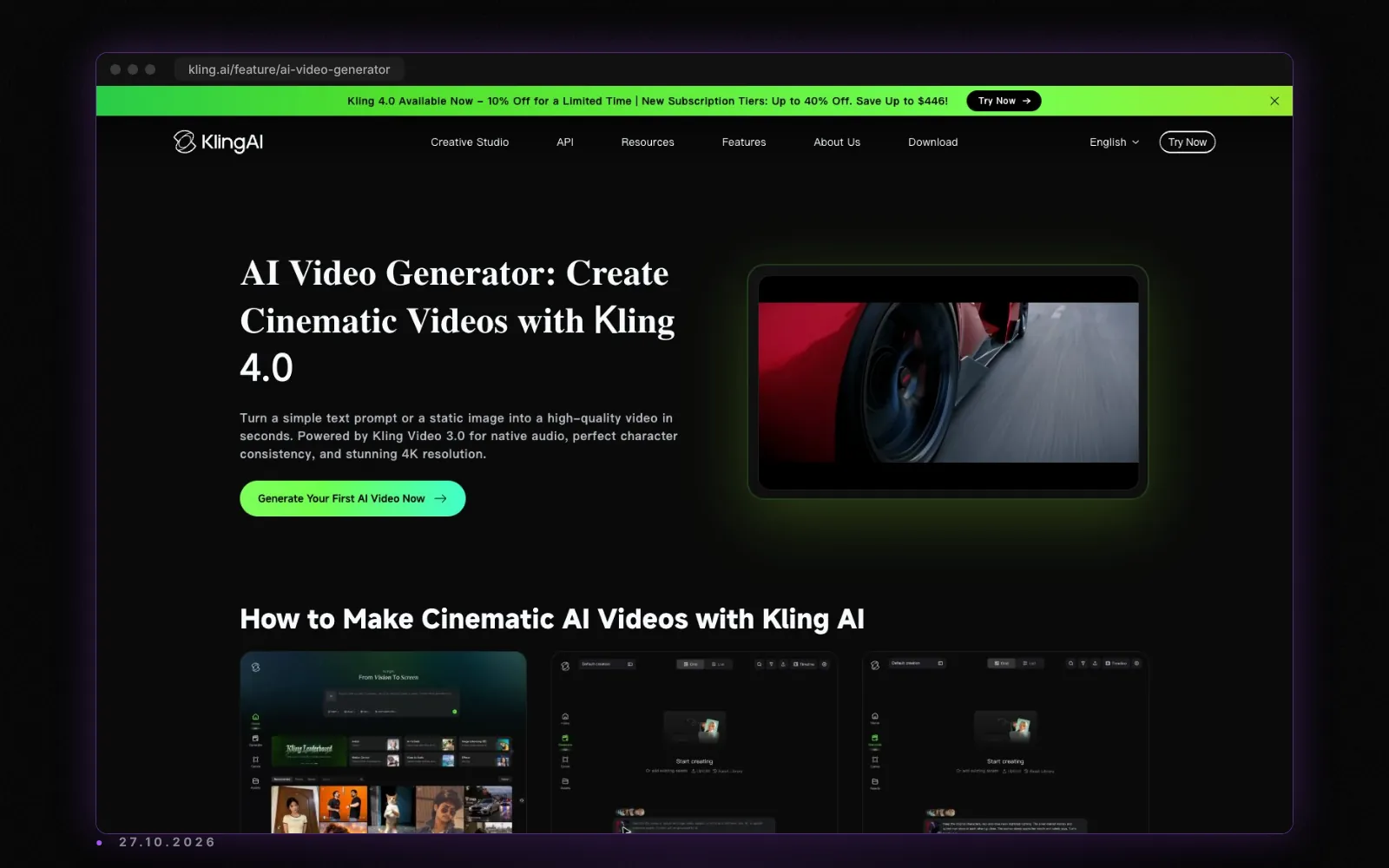
Motion. Kling's reputation is built on movement: running, fighting, vehicles, fast camera moves. If your shots move, it is one of the first models to try.
Length and multi-shot. Kling 4.0 generates 3 to 30 seconds in one pass and builds multi-shot sequences. Kling's site states extension up to 2 minutes, and the App Store listing says about 3 minutes.
References. Kling 4.0 combines up to 15 assets, images, videos and subject elements, to keep a character or product stable. Character Elements and voice binding carry a person across clips.
Native audio. Kling 3.0 generates dialogue in Chinese, English, Japanese, Korean and Spanish with the picture.
Everywhere. Web, iPhone, iPad, Mac with Apple silicon and Android, plus an API, an MCP server and a CLI. Few tools are this open.
Where Kling costs you
Opaque per-clip costs. On the pages we read, Kling does not publish how many credits a second of each model costs. The App Store sells packs from 330 credits for $5 to 6,600 for $100, a flat 66 credits per dollar, but without the per-clip rate you cannot turn that into seconds before you buy.
No refunds on misses. App Store reviewers report credits spent when a requested action does not happen in the clip. One quotes Kling's rule directly: credits are non-refundable once the video has generated.
Moderation changes. One reviewer reports that prompts which worked before an update are now blocked as sensitive, including regenerations of earlier videos. If you build a project on a prompt style, that is a risk to plan for.
No screenplay. The agent helps brainstorm and script a short piece, and Multi-Shot works scene by scene, but there is no screenwriting editor and no script file import.
Kling pricing 2026: what the App Store lists
| Item | Price |
|---|---|
| Standard plan | $10/mo |
| Pro plan | $37/mo |
| Premier plan | $92/mo |
| Standard, one week | $1.19 or $1.49 |
| 330 credits | $5 |
| 660 credits | $10 |
| 1,320 credits | $20 |
| 3,300 credits | $50 |
| 6,600 credits | $100 |
Subscriptions bought through Apple renew automatically unless turned off at least 24 hours before the end of the period. Prices on kling.ai may differ and change with promotions, so check there before you compare.
The practical advice: buy the one-week pass, run the same three shots you actually need, and count the credits each one used. That gives you your own per-second rate, which is the number Kling does not publish.
Try it free
Try Screenweaver for free on your script
It is free. Import your existing project, get a clearer view of your outline, and regain control of your story structure in minutes.
Start FreeWhat App Store reviewers say
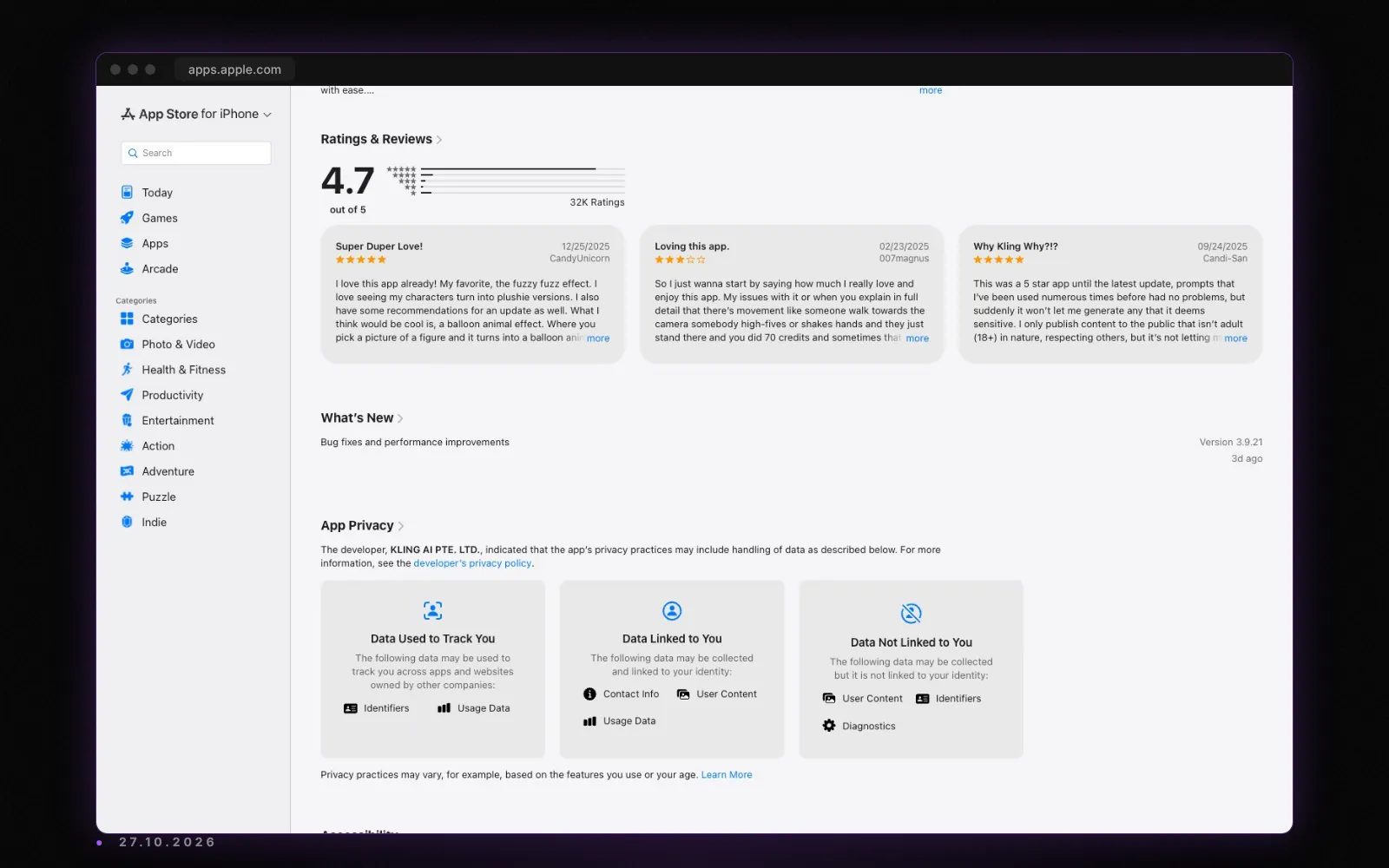
The praise is about fun and creativity, the effects and the quality of motion. The complaints, in a small sample of visible reviews:
- Credits lost when the clip does not do what the prompt asked.
- No refunds for accidental or failed generations.
- Prompts newly blocked as sensitive after an update.
- Requests for periodic credit grants for paying subscribers.
Who should pick which plan
- The one-week pass is the cheapest honest test of any tool in this category.
- Standard suits a creator posting a few clips a month.
- Pro is the working tier for weekly social or ad production.
- Premier is for volume and teams, and makes sense only once you know your per-second rate.
Alternatives worth checking
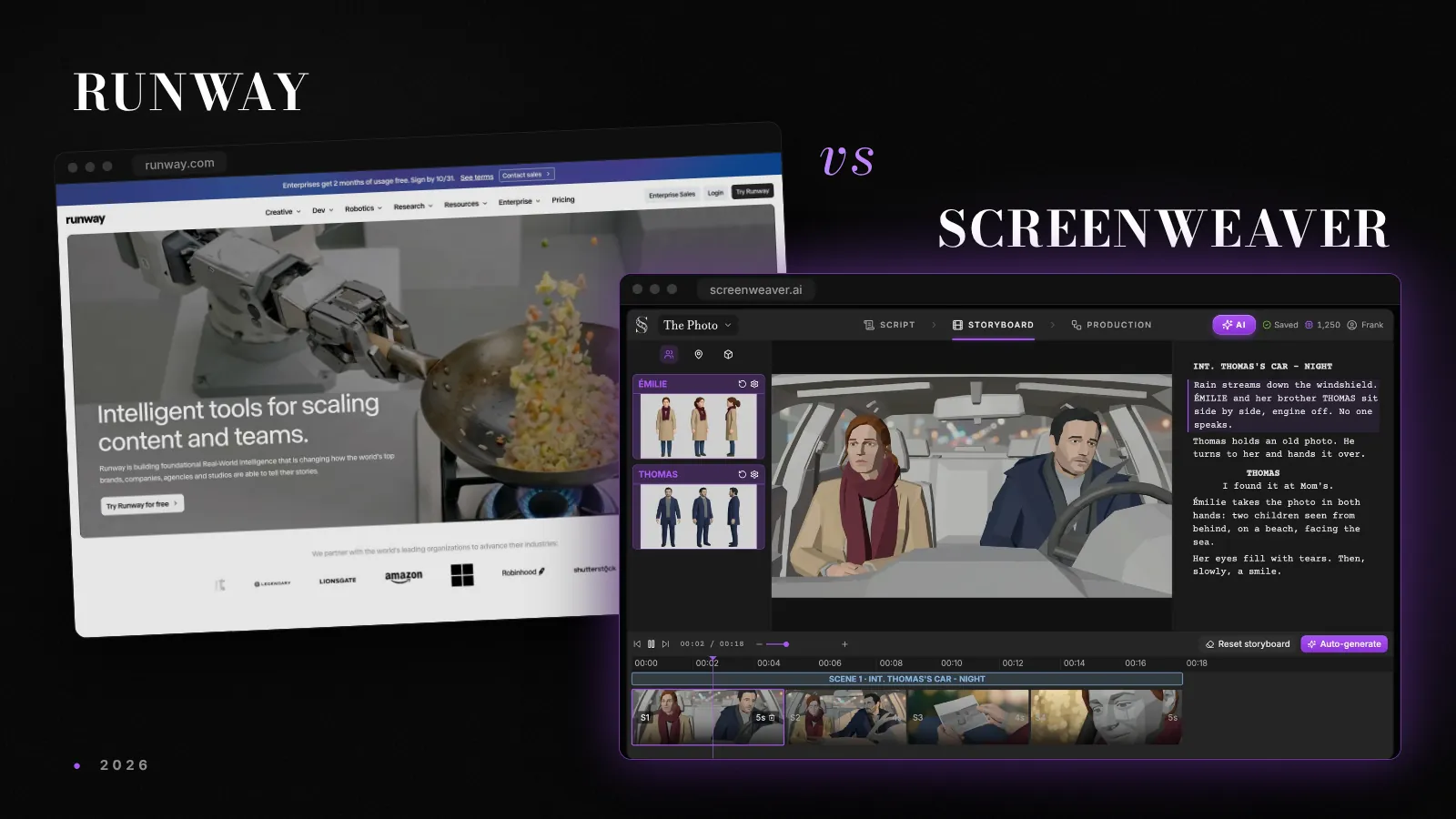
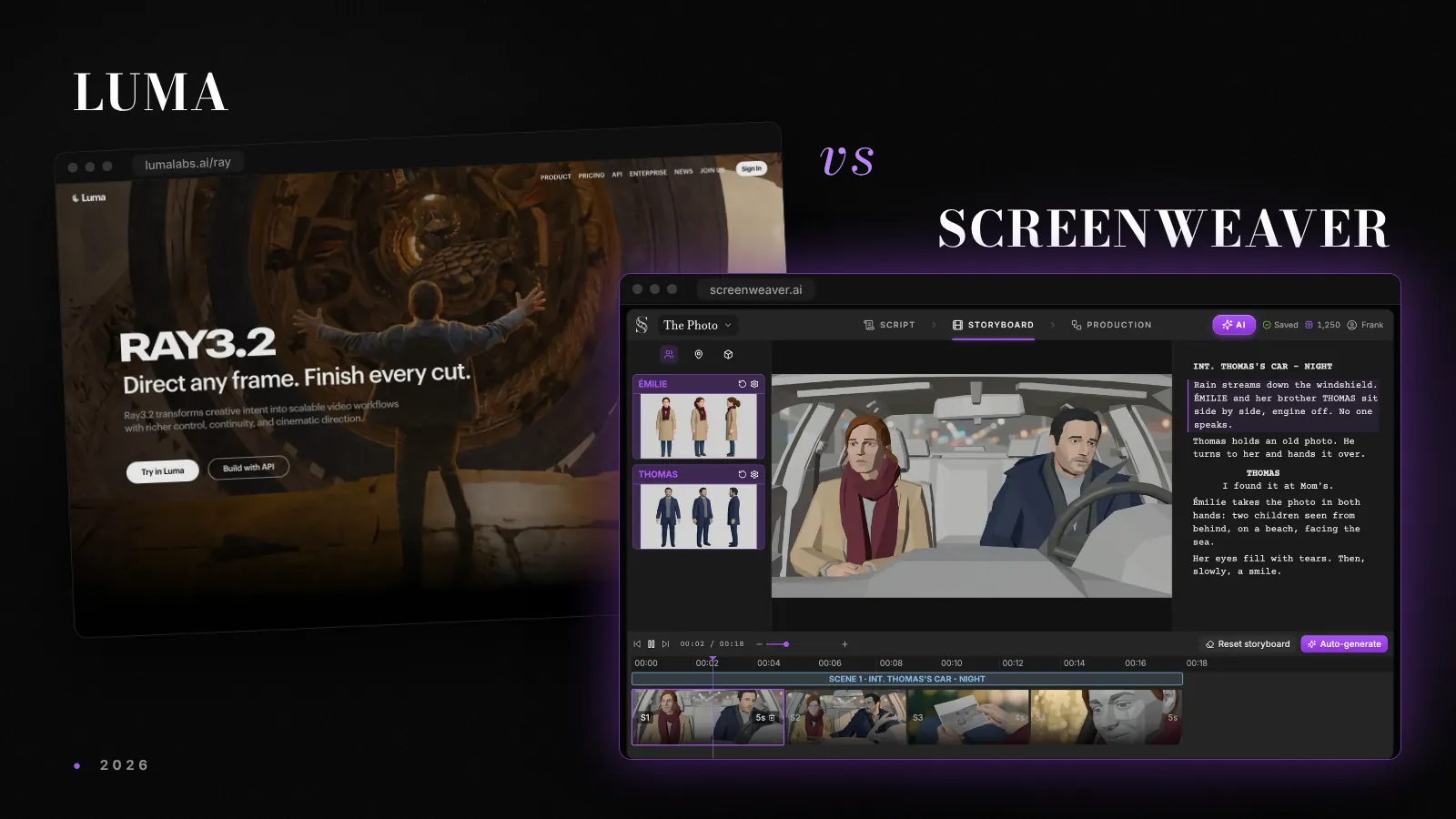
For a broader suite with finishing tools, compare Runway. For playful effects at a lower entry price, see Pika. For campaign work on a shared board, see Luma Dream Machine. Our Kling prompting guide helps you waste fewer credits whichever plan you choose.
Final verdict: Kling or ScreenWeaver?
Kling is the better pick for short, high-motion sequences from a prompt, especially on a phone. If your project starts from a screenplay, ScreenWeaver is the stronger fit, and it runs Kling too: Kling 3.0 is one of the models on its video node, next to Seedance 2.5, Veo 3.1 and MiniMax H3. Writing is free on the Screenwriter plan. The Auteur plan, at $39.99 a month, generates the storyboard from your screenplay and the video shot by shot, with characters kept from shot to shot. The full comparison is on our Kling alternative page.
FAQ
How much does Kling AI cost in 2026?
On the US App Store in October 2026, Kling lists Standard at $10 a month, Pro at $37 and Premier at $92, plus credit packs from 330 credits for $5. Web prices load inside the app and change with promotions, so check kling.ai.
Is Kling AI worth it?
For motion-heavy short clips, yes. Its 4.7 rating from about 32,000 App Store reviews reflects that. For a long project, the unpublished per-clip cost and the no-refund rule make budgeting hard.
Does Kling refund credits for failed videos?
No. App Store reviewers quote the rule that credits are non-refundable once a video has generated, even when the result misses the prompt.
How long can a Kling video be?
Kling 4.0 generates 3 to 30 seconds in one pass. Extension takes a clip further: kling.ai states up to 2 minutes, and the App Store listing says about 3 minutes.
Is there a Kling app for Android and iPhone?
Yes. Kling AI is on iPhone, iPad, Mac with Apple silicon and Android, as well as the web.
Can I use Kling inside ScreenWeaver?
Yes. Kling 3.0 is one of the models on ScreenWeaver's video node, so you can run it on a shot generated from your screenplay.
Final Step
Build your next script with Screenweaver
Move from ideas to production-ready pages faster with timeline-native writing and AI-assisted story flow.
Try Screenweaver