CinemagraphA frozen world with one heartbeat
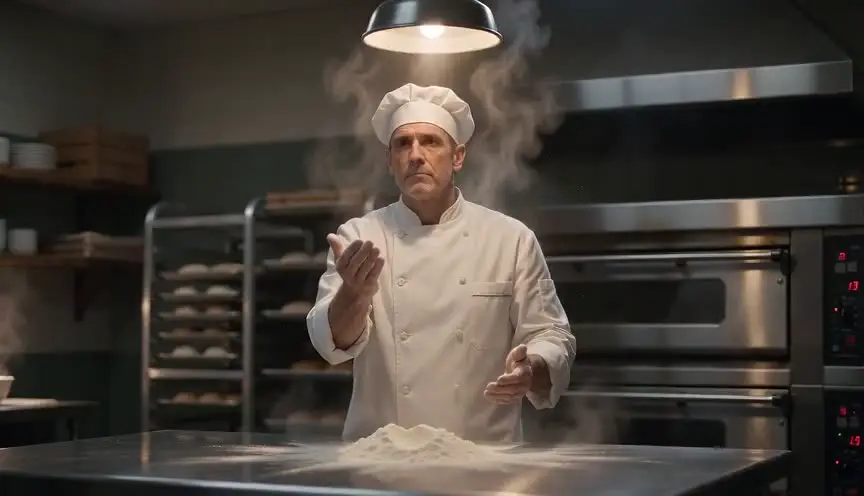
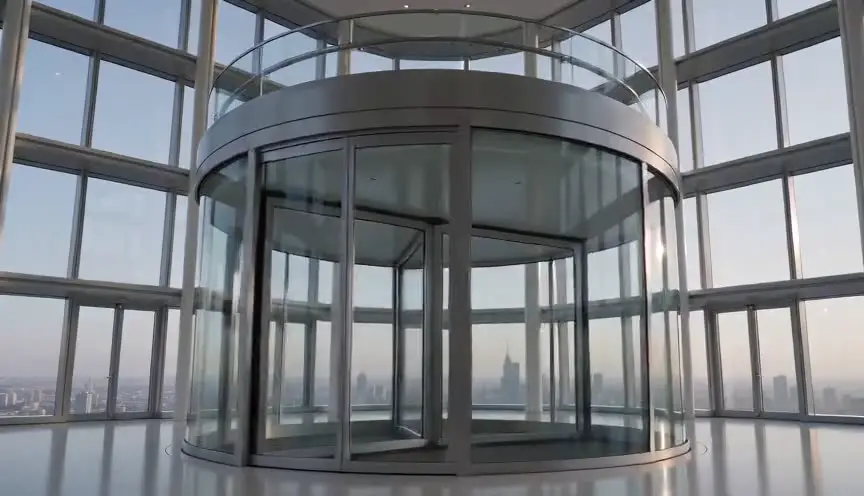
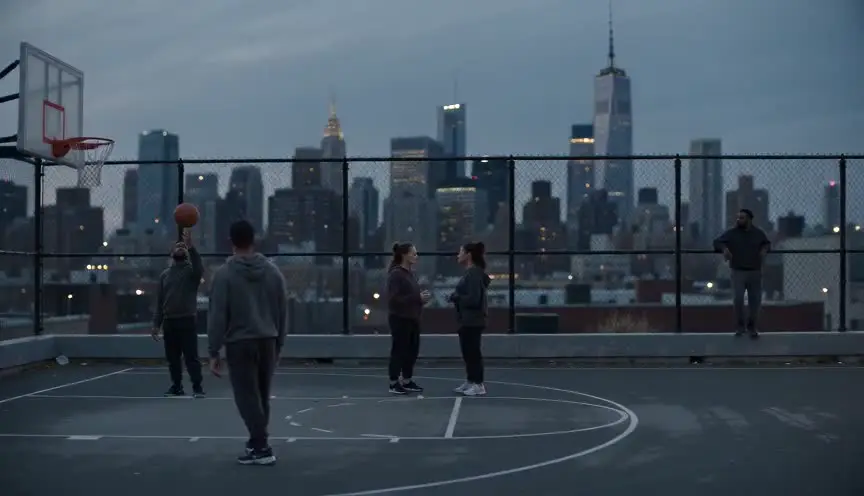
A cinemagraph holds almost the entire frame still, like a photograph, while one small element keeps moving in a loop. The audience leans in, because the single motion feels alive against everything that has stopped.
Also calledLiving photographMotion photoLiving still
Optical effects
Why it works on screen
Use it when time itself is the subject. A cinemagraph suits memory, grief, waiting and enchantment: a parent's portrait where only the curtain breathes, a town frozen at the minute of an accident while a flag still flutters. The stillness says the world has stopped for someone, and the one moving detail says something refuses to stop. It works in openings, dream passages, title cards and flashbacks. A scene earns it when the story needs a pause that is not dead air, a held breath the audience can study. Keep the moving element meaningful, because the eye will go straight to it.
The shot list line
- Size
- Medium shot or close-up, depending on the moving detail
- Angle
- Eye level, perfectly square to the subject
- Movement
- Locked off on a tripod, no camera movement at all
- Lens
- 35mm or 50mm, fixed focus and exposure
- Duration
- 4 to 8 s, built on a clean 2 to 3 s loop
Lock the camera, focus, iris and white balance, then shoot several cycles of the moving element so post can pick a loop that joins without a jump.
Screenplay
On the page
A spec screenplay should not name the effect. Write the stillness as something the character or the audience witnesses: the room stops, nothing moves except one detail, described plainly. That is enough for a director to see the idea. If the image is a photograph that comes alive inside the story, describe it as an object in the scene, the way you would describe any prop. Frame rate, loop length and the mask of the moving area belong in the shot list and the VFX notes.
INT. SUDA FAMILY PHOTO STUDIO - DUSK
A framed portrait on the back wall: a young couple in 1970s wedding clothes, stiff and smiling.
Old HIROSHI SUDA (80s) sweeps the floor beneath it. He stops, leaning on the broom.
In the portrait, nothing moves. Only the bride's veil lifts, falls, lifts again, as if a window were open behind her.
Hiroshi reaches up and straightens the frame. The veil settles.
Storyboard
In the storyboard
Draw a single panel and shade or hatch the parts that stay frozen. Circle the one moving element and add a small looping arrow beside it, with the loop length written next to it. In the margin, note LOCKED OFF and the exact frame to hold as the still plate. If the effect begins or ends inside the shot, draw a second panel marking where motion starts or stops, and label the story beat that triggers it.
Pairs well with
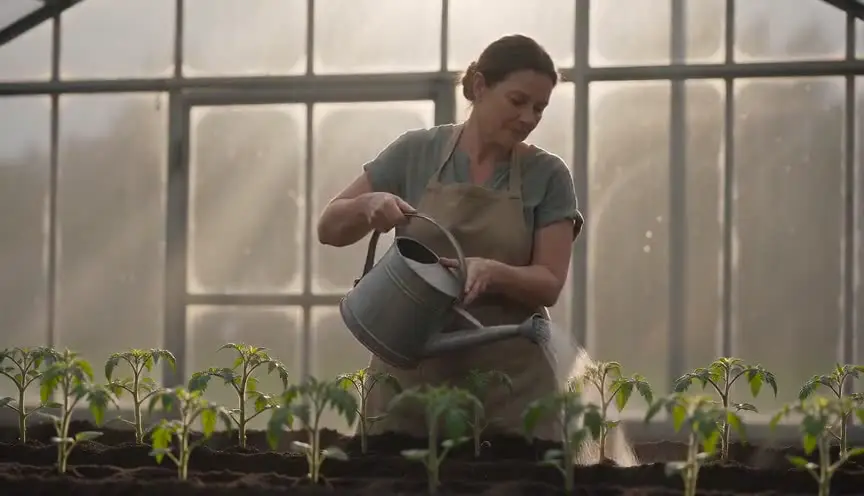
A normal locked-off shot before the cinemagraph shows the same space with ordinary life in it. When the frame then freezes around one moving detail, the audience feels time stop rather than reading a still picture.

After the living still, a slow push toward the moving detail tells the audience where the story's attention lies, turning a pretty image into a clue or an emotion to follow.
Reference
Watch it in
Harry Potter and the Philosopher's Stone (2001)
Newspaper photos and painted portraits hold still except for one animated gesture, an early screen model for the look later called the cinemagraph.
La Jetée (1962)
Told almost entirely in still photographs, the film lets a woman's eyes blink awake in one bedroom moment, and that tiny motion hits like a shock.
Harry Potter and the Prisoner of Azkaban (2004)
Wanted posters of Sirius Black pair fixed printed text with a looping photo of the fugitive screaming, a living photograph everyone remembers.
ScreenWeaver
Set it up in ScreenWeaver
Describe the frozen room and the one detail that keeps moving in your action lines, and ScreenWeaver breaks the scene down into shots automatically. Open that shot and set a static movement, a square eye-level angle and a framing that isolates the moving element, then give it a duration long enough for two or three loops. Characters and props carry from shot to shot, so the portrait or object matches the scene around it. Review the stillness and the timing in the AI previsualization.
Start writing for freeThe prompt behind this clip
This is the exact prompt that rendered the clip at the top of the page. Keep the description of the camera and the light, change the subject and the place.
Cinemagraph of a quiet Venetian canal at dusk, camera locked off on a tripod with a 35mm lens, framing weathered stone buildings, a moored gondola and a narrow footbridge. Every surface in the frame stays perfectly still: the stonework, the gondola's hull, the shuttered windows, the warm lamplight. Only the canal water moves, its surface rippling gently and reflections shimmering in a continuous, looping pattern, while the rest of the image remains frozen like a photograph. Soft golden-hour light, no camera movement, no cuts. No text.
Common mistakes
- 01
A camera that breathes
Handheld drift or a slight tripod bump ruins the illusion, because the frozen area and the moving area stop lining up. Lock everything, including autofocus and auto exposure, before you roll.
- 02
A loop that hiccups
If the last frame of the cycle does not meet the first, the motion jerks on every repeat. Shoot longer than you need and choose a loop point where the moving element returns to the same position.
- 03
Too many moving parts
Two or three animated areas split the eye and the frame starts to look like a glitchy video. One detail, chosen for what it means in the story, is what makes the image hold.