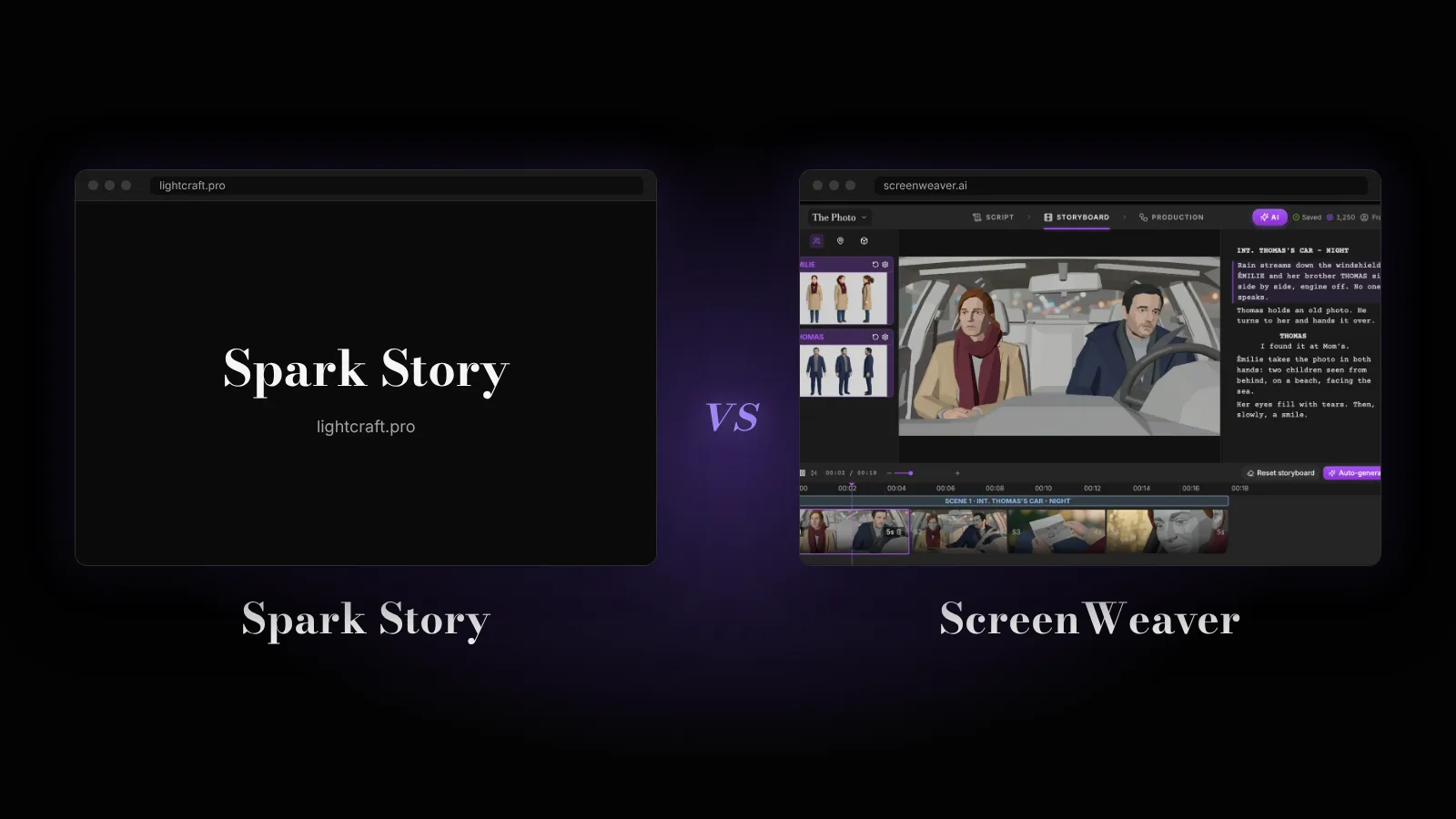

Spark Story is a 3D previs platform from Lightcraft Technology, the company behind the Jetset virtual production app. It runs in Chrome with an iPhone companion that drives the virtual camera, and costs $29.95 a month for a team of three, still through a beta waitlist. ScreenWeaver starts from the screenplay and turns it into a storyboard and AI video.
The verdict: pick Spark Story if you will shoot live action and need lens-accurate 3D shots of real locations. Pick ScreenWeaver if you want your script to become boards and a finished AI film.
Every Spark Story fact below comes from lightcraft.pro (home page and pricing) and from interviews and reports by Animation World Network, Newsshooter, Radiance Fields and Jon Peddie Research, all read on 7 November 2026.
What Spark Story is
Lightcraft describes Spark Story as a tool that "lets anyone visualize 3D scenes on day one with an interactive previs platform built for team collaboration". Its CEO, Eliot Mack, built Previzion, a real-time VFX system that won an Emmy, and the company's chairman and lead investor is Bill Warner, the founder of Avid. Lightcraft first showed Spark Story at NAB in April 2026 and opened a rolling beta at SIGGRAPH in July.
How it works, from its own site and Mack's interviews:
- Script in, scenes out. You "drop in scripts or write your own collaboratively". The site lists Fountain, Final Draft and PDF scripts, and each scene links to a 3D set.
- Real places as sets. Locations are Gaussian splat scans of real places or generated environments. The beta ships more than 25 Marble environments from World Labs and more than 300 3D assets, and loads USD files straight from Blender, Unreal Engine and Maya.
- A real camera. Spark "uses physically correct camera sensors and real lens models". With the companion app, "move the phone, the Spark camera moves with it".
- A shot list that writes itself. Every camera you place in a scene adds a shot list entry, with its lens and 3D metadata.
- Live compositing on set. The iOS app composites actors into the 3D set in real time at 24 or 25 fps, in 4K.
- Export. Shots leave as .mp4 files, "for external editing or 2D AI style transfer".
Price on lightcraft.pro in November 2026: one Team plan, $29.95 a month for the whole organisation, with three editor seats and 75 GB of storage. Each extra member is $19.95 a month with 25 GB more, and 100 GB of extra storage costs $8 a month. There is a 14-day free trial with no credit card, and the annual toggle shows 20% off.
Three things the launch coverage blurs. First, Spark Story does not generate video: Mack calls it "a previs and collaboration layer, not a render engine", and AI only appears in the environments and in style transfer done elsewhere. Second, it is not a desktop app and, in Mack's words, "will not become one": it runs in Chrome on Mac, Windows or Linux. Third, the general launch was announced for fall 2026, yet on 7 November the site still invites you to "Join the Beta Waitlist".
Spark Story vs ScreenWeaver, side by side
| Spark Story | ScreenWeaver | |
|---|---|---|
| Made by | Lightcraft Technology (makers of Jetset) | ScreenWeaver |
| Can you use it? | Beta, by waitlist, in rounds | Yes, open to everyone |
| Price | $29.95/mo for 3 seats, 14-day trial | Writing free, Auteur $39.99/mo, Studio $149.99/mo |
| Starts from | A script, a location scan or a 3D environment | A blank page or your script (PDF, Final Draft, text) |
| Screenplay editor | Yes, collaborative writing and script import | Yes, a full script editor, free |
| Storyboard | 3D shots you frame by hand | Generated from the script, scene by scene |
| Animatic | Keyframed camera moves in 3D | The sequencer plays your shots like a rough cut |
| AI video | No, it exports .mp4 previs | Yes, Kling 3.0, Seedance 2.5, Veo 3.1 and more |
| Export | .mp4 shots, shot list with lens data | Video, plus scripts to PDF and .fdx |
| Collaboration | Real-time across web and iOS | Studio plan, real-time, Owner/Editor/Viewer roles |
| Phone | iPhone and iPad app as camera and compositor | Any mobile browser |
What ScreenWeaver does that Spark Story does not
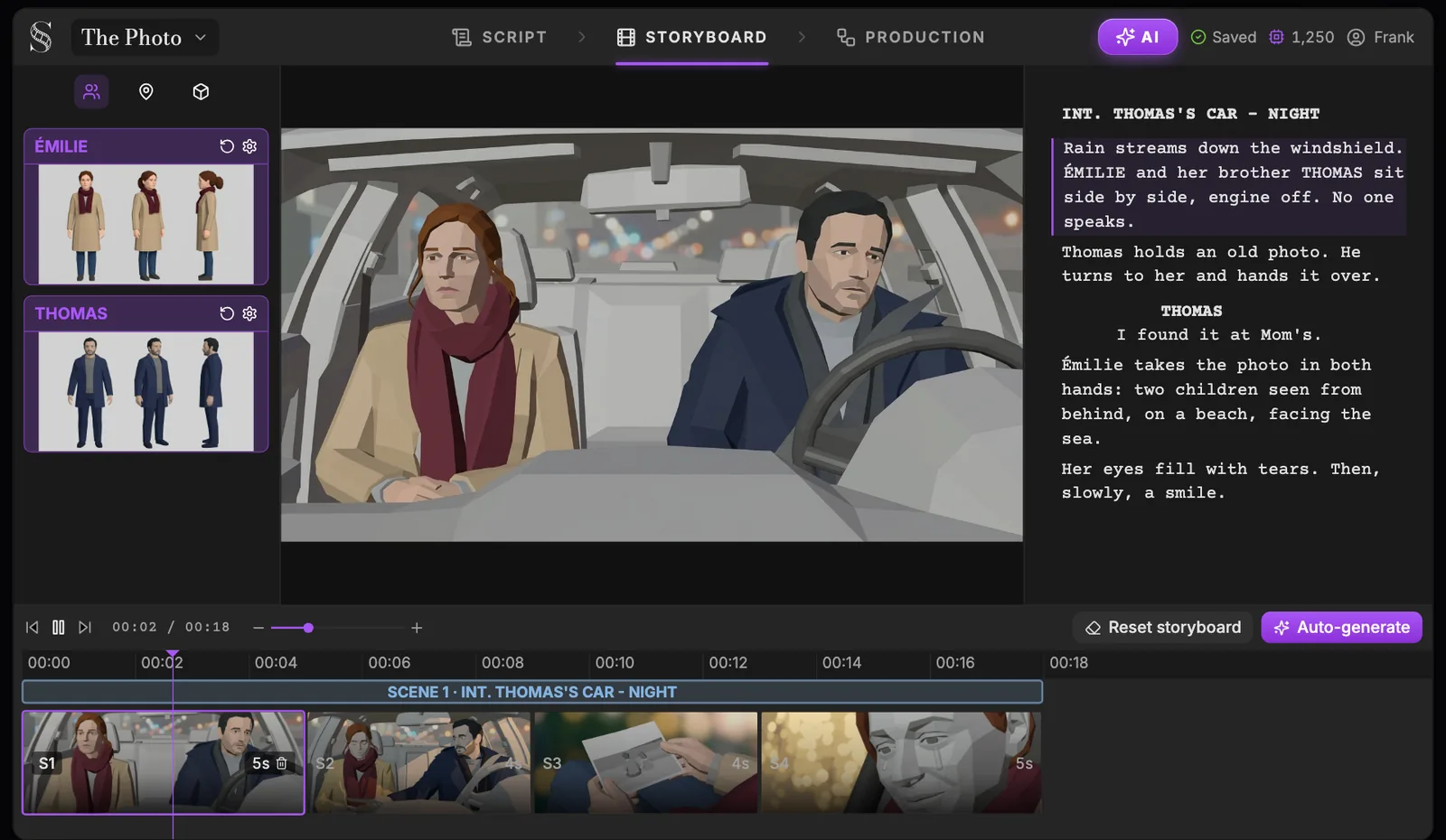
A storyboard you do not have to build. In Spark Story you dress a 3D set, place each camera and move it. On the Auteur plan ScreenWeaver writes the shooting script and generates the storyboard from your screenplay, with framing, movement and duration per shot. The AI storyboard generator page shows the steps.
The finished film, not only the plan. Spark Story stops at previs. ScreenWeaver takes the same shots to AI video with Kling, Seedance, Veo and other models, chosen shot by shot, so an animated short or a pitch trailer can be finished in the same project.
Open today, free to start. Writing in ScreenWeaver is free forever on the Screenwriter plan, with imports and exports to .fdx and PDF. No waitlist.
Characters that stay on model. Story elements hold a reference sheet for every character, place and prop, and every panel cites them, which a 3D asset library does not do for drawn or generated looks.
Try it free
Try ScreenWeaver for free on your script
It is free. Import your existing project, get a clearer view of your outline, and regain control of your story structure in minutes.
Start FreeWhat Spark Story does better
Spark Story is built for productions that will actually shoot. Its lenses and sensors match real cameras, its sets can be scans of the real location, and the iPhone app turns a phone into the camera, so a director of photography can test a dolly move before the crew arrives. Live compositing and Jetset carry the same shots onto the set. For three people, $29.95 a month is also cheap. ScreenWeaver's panels are 2D images: right for planning and for AI films, not a substitute for lens-accurate 3D blocking.
Which one fits you?
- You are shooting live action on a real location: Spark Story's 3D previs and lens data are worth the waitlist.
- You have a screenplay and want boards fast: ScreenWeaver generates them from the script. Compare the plans and credits.
- You are making an AI or animated film: write, board, time the animatic and generate in ScreenWeaver. The previs vs storyboard vs animatic guide explains which stage you need, and the free shot sizes guide helps you name each frame.
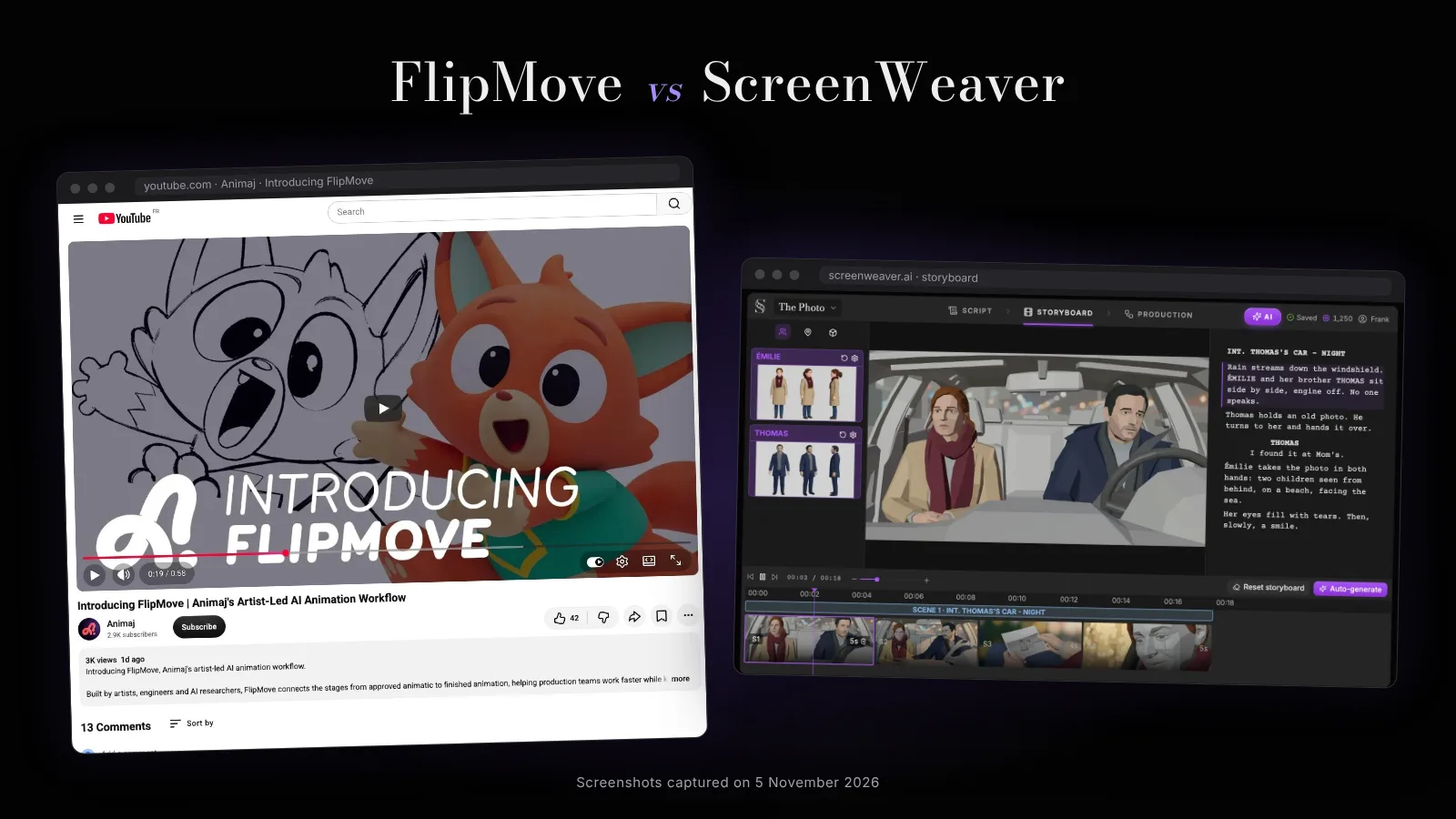
For other previs tools, read our Previs Pro alternative page and the FlipMove comparison, the animatic-to-3D tool shown at Disney's Accelerator.
FAQ
Is Spark Story free? No. It has a 14-day free trial with no credit card, then the Team plan costs $29.95 a month for three editor seats and $19.95 for each extra member, with 20% off on yearly billing.
Is Spark Story available now? It is in a rolling beta: you join a waitlist and Lightcraft grants access in rounds. A general launch was announced for fall 2026; on 7 November 2026 the waitlist was still open.
Does Spark Story use AI? Partly. Environments can be generated, and Lightcraft suggests exporting shots for 2D AI style transfer, but Spark Story does not generate video itself. ScreenWeaver generates the storyboard and the AI video.
Is Spark Story the same as Jetset? No. Both come from Lightcraft. Jetset is the on-set virtual production app for iPhone; Spark Story is the previs platform used before the shoot.
Can I import a Final Draft script into Spark Story? Yes, Lightcraft lists Fountain, Final Draft and PDF scripts. ScreenWeaver also imports Final Draft and PDF, and exports to both.
Is Spark Story better than ScreenWeaver? For lens-accurate 3D previs of a live-action shoot, yes. For going from a screenplay to a storyboard and a finished AI film, ScreenWeaver does more of the work.
Sources: lightcraft.pro, Lightcraft pricing, AWN, SIGGRAPH beta, Newsshooter, Radiance Fields, Jon Peddie Research. Read on 7 November 2026.
From script to shots
Turn your script into a film, shot by shot
Write the scene, get its storyboard, then generate each shot with consistent characters. You direct every step.
Start your film free