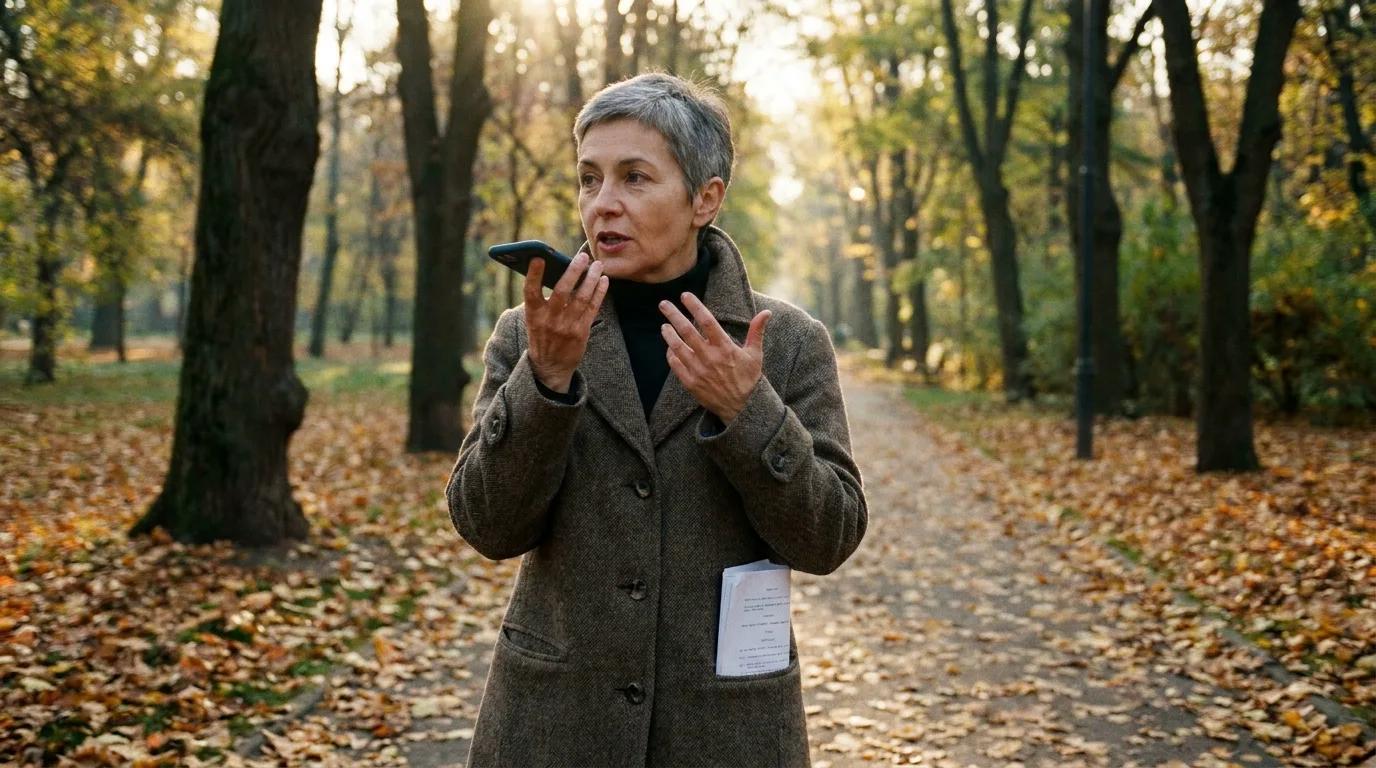

Plenty of writers find their best lines while walking, not sitting. Since 19 November 2026, ChatGPT's dictation keeps up with them: Live Dictation transcribes your voice as you speak, lets you edit the text before you send it, and drops the 10-minute recording limit.
This comes from The Verge's report by Stevie Bonifield of 19 November, read on 20 November 2026. OpenAI's release notes page did not load from our tools, so the details below are The Verge's. I have not tried the feature yet.
What OpenAI changed
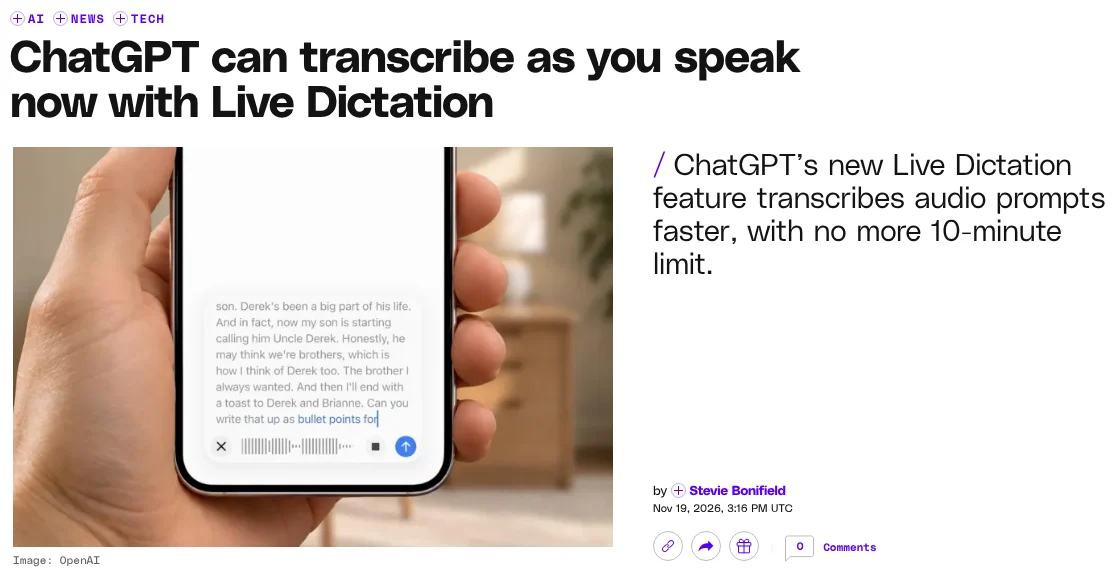
Until now, ChatGPT's dictation waited until you stopped recording before it turned your voice into text. Live Dictation writes as you talk. According to The Verge:
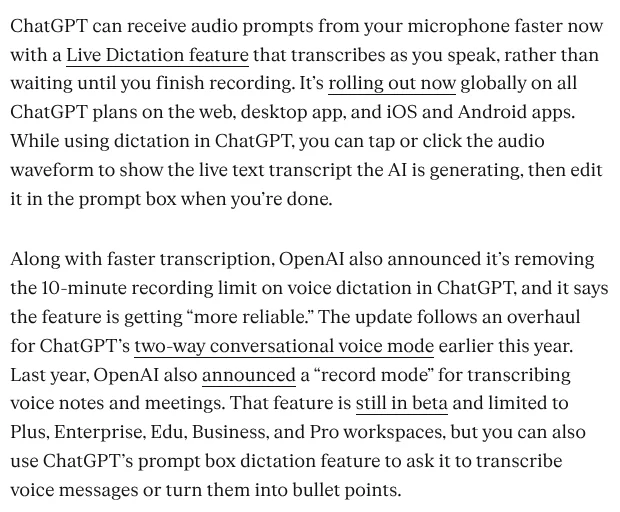
- It transcribes in real time. Tap or click the audio waveform to see the live transcript, then edit it in the prompt box when you are done.
- The 10-minute cap is gone. OpenAI also says dictation is getting "more reliable".
- It is rolling out globally on all ChatGPT plans, on the web, the desktop app, and the iOS and Android apps.
It is a different thing from the separate "record mode" for meetings and voice notes, which The Verge says is still in beta and limited to Plus, Enterprise, Edu, Business and Pro workspaces.
Why it matters for a screenwriter
Disclosure: ScreenWeaver is a screenwriting and pre-production tool that connects to ChatGPT. We have an interest in how writers use it, so weigh our angle accordingly.
Ten minutes was enough for a prompt, not for a scene. A full dialogue scene performed out loud, with every character, false starts and stage directions, can easily run past that. The limit forced you to cut your flow in pieces. Now you can talk through a whole sequence in one go.
The live transcript matters just as much. Speech-to-text gets character names, slang and invented words wrong. Seeing the text while you speak, and fixing it before it reaches the model, means ChatGPT works on what you meant, not on a garbled version.
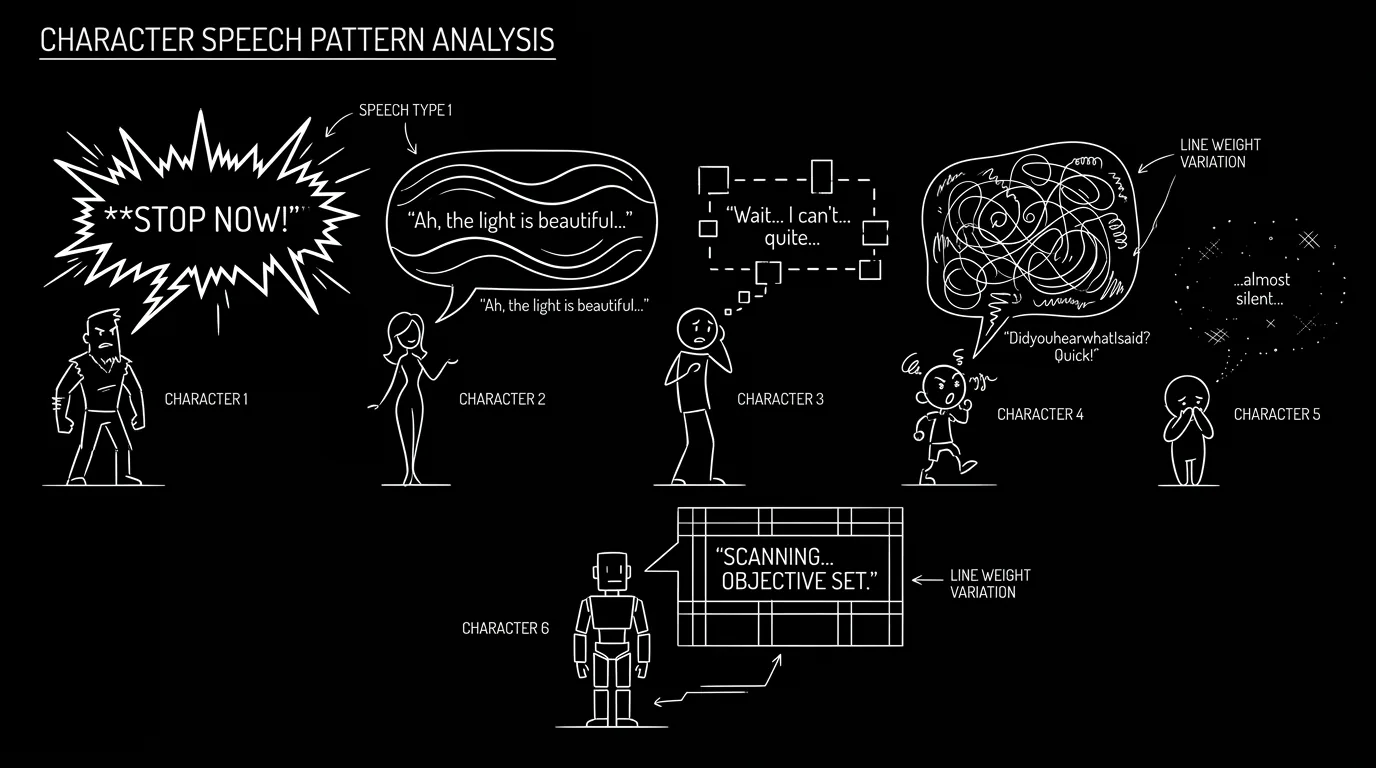
Hearing dialogue out loud is also an old trick for catching flat lines. If two characters sound the same when you speak them, they will sound the same on the page. Our blind read test for distinct voices builds on the same idea.
How I would use it this week
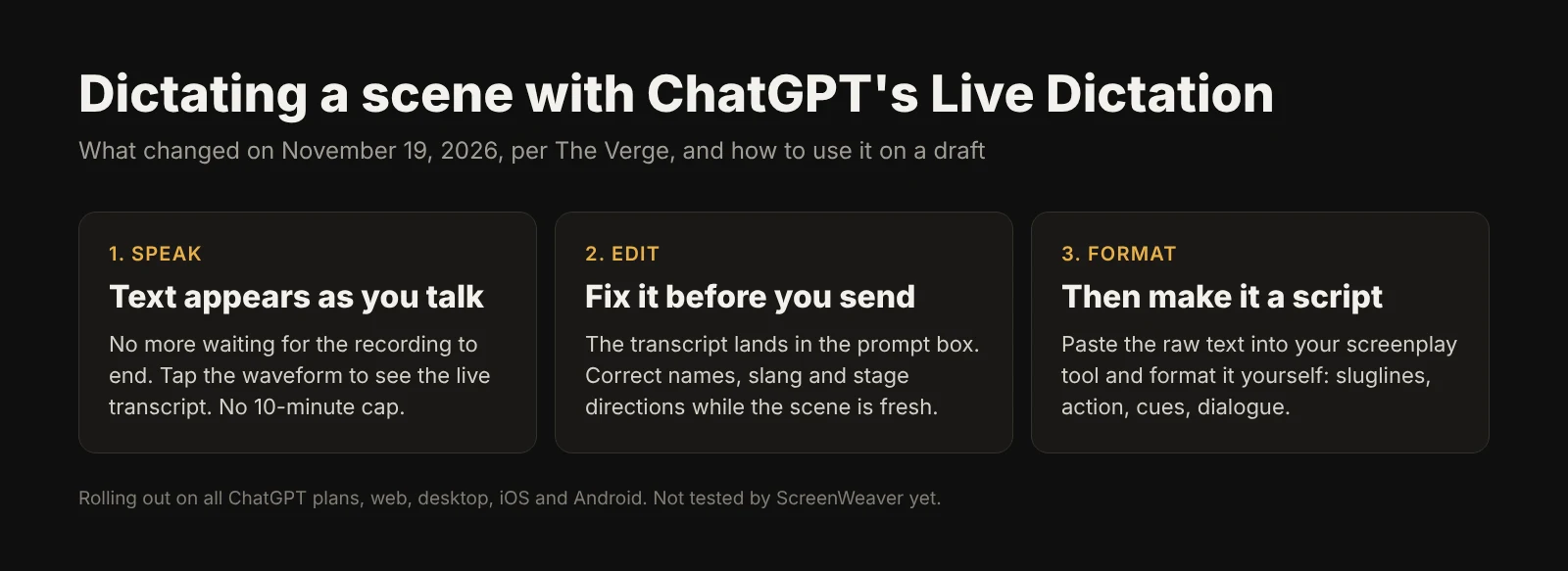
- Dictate raw, not formatted. Do not try to say "INT. KITCHEN, NIGHT" and "parenthetical". Speak the scene as you see it, then format it in your screenplay editor.
- Say who is speaking. Start each line with the character's name. It makes the transcript far easier to turn into cues and dialogue.
- Fix names before you send. Correct every character and place name in the prompt box. One wrong name and ChatGPT will repeat it everywhere.
- Ask for a cleanup, not a rewrite. "Turn this into screenplay format, keep my words" gets you a draft that still sounds like you. Our step-by-step guide to writing a screenplay with ChatGPT shows how to keep each request to one job.
- Think about what you say out loud. Dictated pages go to OpenAI like typed ones. For unproduced work, the questions we raised about what writers should paste into Gemini apply here too.
Try it free
Try ScreenWeaver for free on your script
It is free. Import your existing project, get a clearer view of your outline, and regain control of your story structure in minutes.
Start FreeWhat we don't know
- The new length limit, if any. The Verge says the 10-minute cap is gone, not whether another one replaces it.
- Which languages work in real time. The report does not list them.
- How long the rollout takes to reach every account and app.
- How well it handles accents and overlapping voices, which matter when you perform several characters.
FAQ
What is ChatGPT Live Dictation?
A dictation mode that transcribes your voice into the prompt box as you speak, instead of after you stop recording. You can view the live transcript by tapping the audio waveform and edit it before sending.
Is there still a 10-minute limit on ChatGPT dictation?
No. According to The Verge, OpenAI removed the 10-minute recording limit on voice dictation with this update.
Which ChatGPT plans get Live Dictation?
All plans, according to The Verge, rolling out globally on the web, the desktop app and the iOS and Android apps.
Is Live Dictation the same as record mode?
No. Record mode transcribes meetings and voice notes, and The Verge says it is still in beta and limited to Plus, Enterprise, Edu, Business and Pro workspaces. Live Dictation is for prompts.
Can I dictate a screenplay directly in screenplay format?
You can ask ChatGPT to format a dictated scene, but it works better to dictate raw text, name the speaker on each line, and format the result in a screenplay editor.
Is dictated text treated differently from typed text?
Not that OpenAI has said. Once you send it, a dictated prompt is a prompt like any other, so the same caution about unproduced pages applies.
From script to shots
Turn your script into a film, shot by shot
Write the scene, get its storyboard, then generate each shot with consistent characters. You direct every step.
Start your film free