
AI Screenwriter, the AI scriptwriting tool at aiscreenwriter.com, is closing. Its homepage now carries one message: the platform "will officially close on 2 December 2026", and after that date, user content "will no longer be accessible."
If you wrote anything there, you have about ten days to download it. If you didn't, this is still a useful reminder of what happens to a script that only lives in someone else's cloud.
This is based on the closure notice on aiscreenwriter.com, read on 22 November 2026. The page doesn't say when the notice went up, and we found no press coverage of the closure.
Disclosure: ScreenWeaver is a screenwriting tool too, so AI Screenwriter's users are people we would like to win over. Keep that in mind, and note that the advice below applies to every cloud tool, ours included.
What the notice says
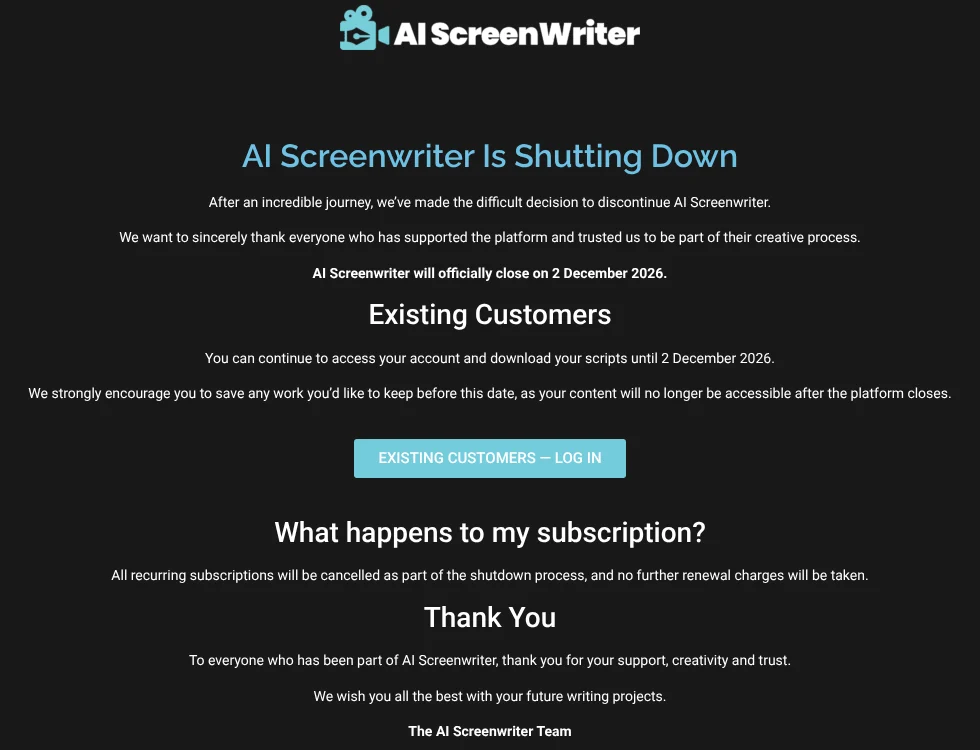
The page is short. Here is everything it states:
- Closing date: "AI Screenwriter will officially close on 2 December 2026."
- Your scripts: existing customers "can continue to access your account and download your scripts until 2 December 2026." The team "strongly" encourages users to save their work before then, because content "will no longer be accessible after the platform closes."
- Your subscription: "All recurring subscriptions will be cancelled as part of the shutdown process, and no further renewal charges will be taken."
- Support: the page points users having trouble to support@aiscreenwriter.com.
It gives no reason for the closure, and says nothing about refunds for the current billing period or about what happens to user data on the company's servers after 2 December.
What to do before 2 December
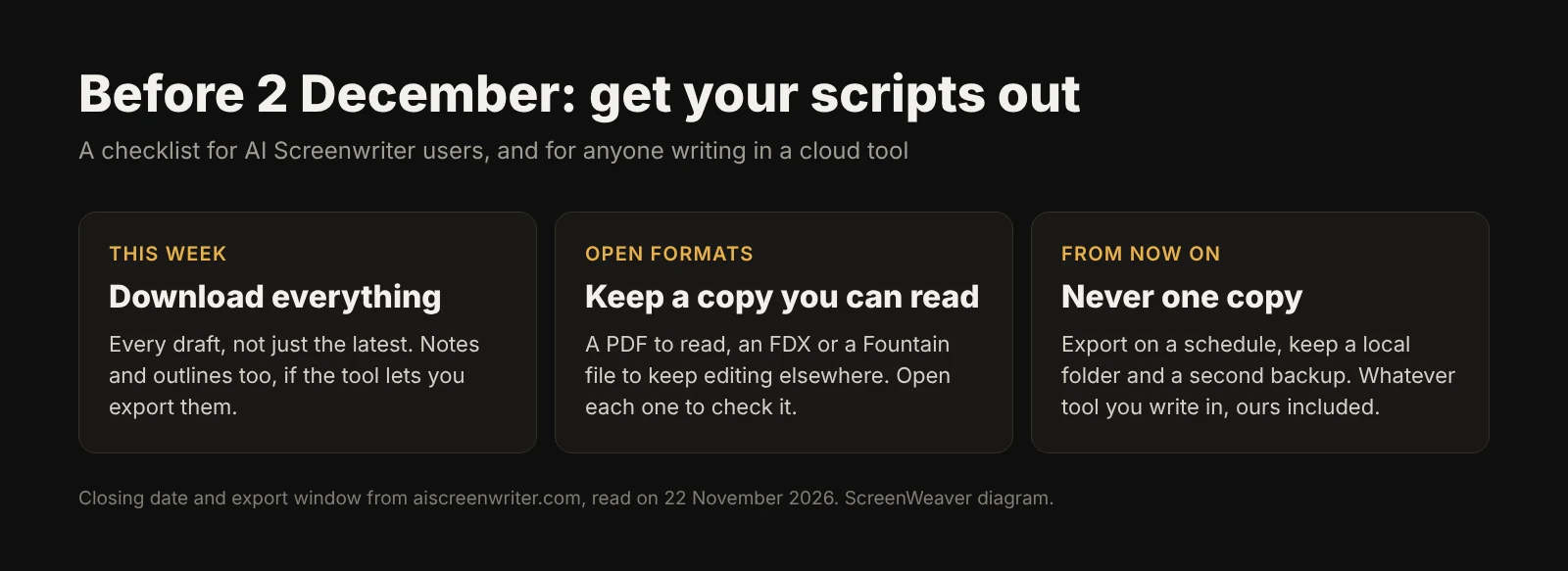
Don't leave it to the last weekend. A shutdown in progress is a bad time to discover that an export button is broken or a login no longer works.
- Log in today and list what you have. Every project, every draft, every version. The draft you abandoned in June may hold the scene you will want in March.
- Download every script, not just the latest. Use every export format the tool offers. If you can only get a PDF, take it: a PDF is readable forever, even if it isn't easy to edit.
- Open each file. Check the page count, scene headings, the last page. An export that stops halfway is common enough to be worth five minutes.
- Save notes and outlines separately. Character notes, beat sheets and loglines often don't come out with the script. Copy them into a plain document if there is no export for them.
- Write to support now if something fails. Not on 1 December.
Why open formats matter
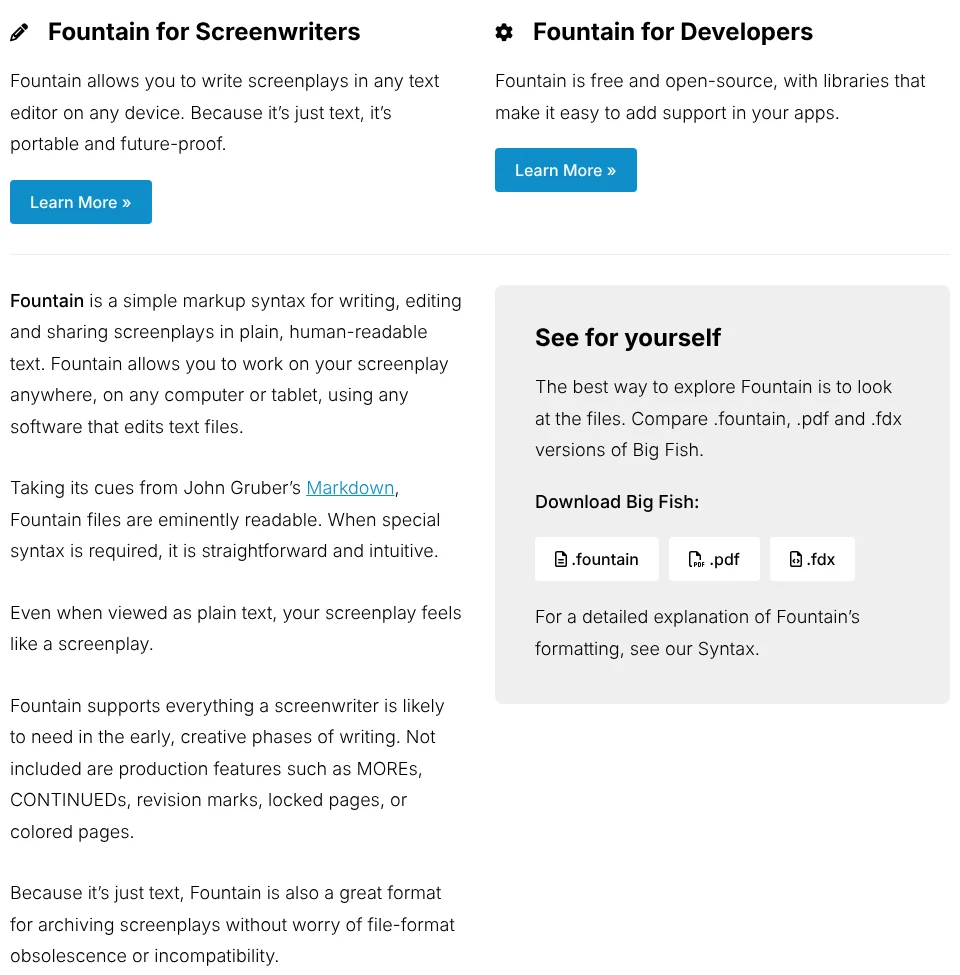
A script you can only open in one app belongs to that app's future. Two formats travel well:
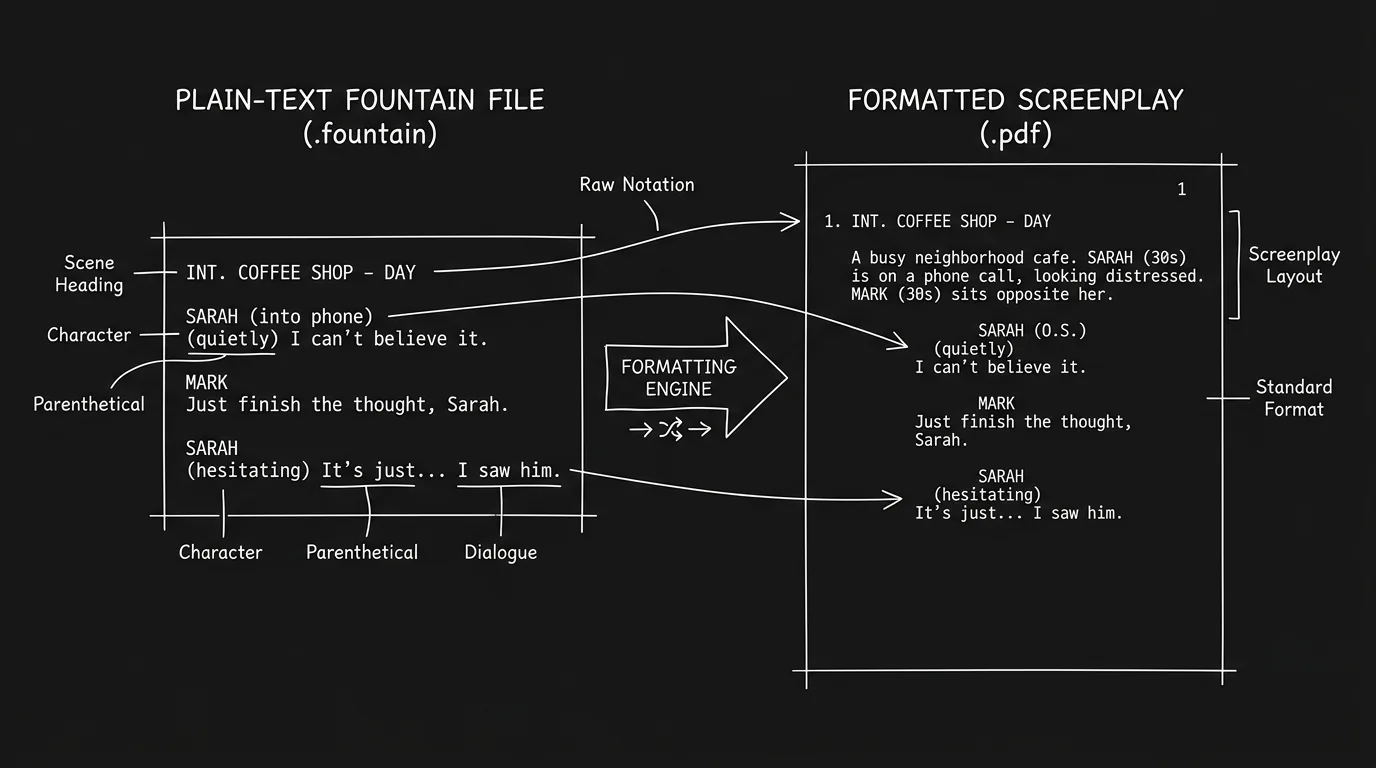
- Fountain is plain text with light markup. As the Fountain site puts it, "because it's just text, it's portable and future-proof", and it is "a great format for archiving screenplays without worry of file-format obsolescence." Any text editor opens it, today or in twenty years.
- FDX, the Final Draft format, is what most screenwriting apps import, and what productions usually ask for.
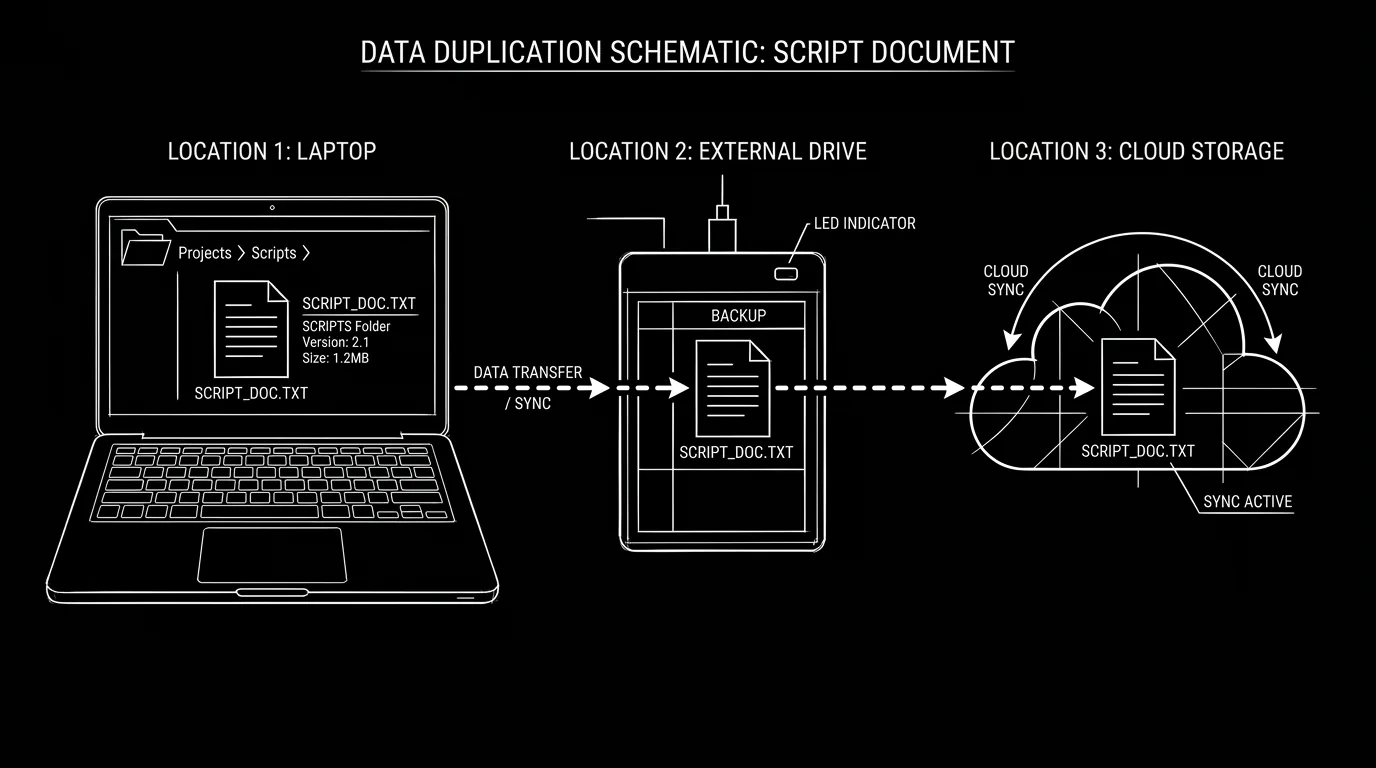
Keep a PDF to read and share, plus an FDX or Fountain file to keep writing. Our guide to importing and exporting Fountain explains how the format works, and the 3-2-1 backup rule for screenwriters covers where to keep the copies.
Try it free
Try ScreenWeaver for free on your script
It is free. Import your existing project, get a clearer view of your outline, and regain control of your story structure in minutes.
Start FreeWhere to take your scripts
Most screenwriting apps import FDX, and many import Fountain. ScreenWeaver imports Final Draft, Fountain, plain-text screenplays, WriterDuet files and PDFs, and exports PDF and FDX. Our guide to importing a script into an AI screenplay editor walks through it. Whatever you pick, check its export options before you write a page in it. The time to know how to leave a tool is the day you join it.
The bigger lesson
AI writing tools are young, and plenty of them are small teams on thin margins. Some will close, some will be bought, some will change their terms. None of that is a reason to avoid them. It is a reason to treat your exports as part of the writing routine, the same way you save a file.
Set a reminder: once a month, export everything you are working on, in an open format, to a folder you control. If your tool closes with ten days' notice, you lose nothing.
What we don't know
- When the closure was announced. The notice is undated, and we couldn't find coverage elsewhere.
- Why AI Screenwriter is closing. The notice doesn't say.
- Which export formats the tool offers. We don't have an account, so we couldn't check whether it exports FDX or Fountain as well as PDF.
- What happens to user data afterwards, and whether the current billing period is refunded.
FAQ
When does AI Screenwriter close?
According to its website, AI Screenwriter will officially close on 2 December 2026.
Can I still download my scripts?
Yes. The notice says existing customers can access their account and download their scripts until 2 December 2026. After that, content will no longer be accessible.
Will I keep being charged?
No. The notice says all recurring subscriptions will be cancelled as part of the shutdown, with no further renewal charges.
Why is AI Screenwriter shutting down?
The notice doesn't give a reason. It only thanks users and announces the closing date.
Which format should I export my scripts in?
Take a PDF to read and share, and an FDX or Fountain file if the tool offers one, so you can keep editing in another app. Open each file to check it is complete.
How do I avoid losing scripts if a tool closes?
Export regularly in an open format, keep a copy in a folder you control and a second backup elsewhere. Do it whatever tool you write in.
From script to shots
Turn your script into a film, shot by shot
Write the scene, get its storyboard, then generate each shot with consistent characters. You direct every step.
Start your film free