
Final Draft 13 costs $199.99 as a one-time purchase, currently discounted from $249.99. It is still the format nobody in a production office will question, and the editor itself is excellent. But the "buy it once" story has quietly become three separate purchases if you also want cloud and mobile. That is the decision.
If you are shortlisting tools, start from our best screenwriting software 2026 roundup or the screenwriting software comparisons hub. What follows is narrower: what Final Draft 13 gives you, what each door costs, and who should walk through which one.
Every price below comes from Final Draft's own product and pricing pages, in US dollars, checked in August 2026. Discounts on that site rotate, so treat the struck-through numbers as list price and the lower ones as what is on offer right now.
The verdict
Buy Final Draft 13 outright if you already know you will be handing .fdx files to people who expect .fdx files. Staffed TV writers. Anyone whose pages will be broken down by a production coordinator who has never opened anything else. For them the license pays for itself the first time nobody has to ask what to do with the file.
Everyone else is paying a premium for compatibility they may never use. Plenty of cheaper tools format a screenplay correctly, and some of them are pleasanter to sit in front of. What they cannot sell you is thirty years of readers and production offices assuming your file will open.
| You are | Best fit | Cost |
|---|---|---|
| Staffed, or delivering to a production office | Final Draft 13 | $199.99 one time |
| Testing whether you like it | Suite trial | Free, 5 days |
| Want desktop plus cloud, low upfront | Final Draft Suite | $16.99/mo, or $8.33/mo billed yearly |
| Already own an older version | Upgrade | $99.99 |
| Enrolled student | Educational license | $99.99 one time |
| Writing on an iPad | Final Draft Go | $1.99/mo or $9.99/year, separate |
Final Draft states that 95% of film and television professionals use it. That figure is the company's own, repeated across its site, and it is a market-share claim rather than a quality claim. It also happens to be the clearest argument for buying. You are paying for the fact that everybody else already did.
What Final Draft 13 does well
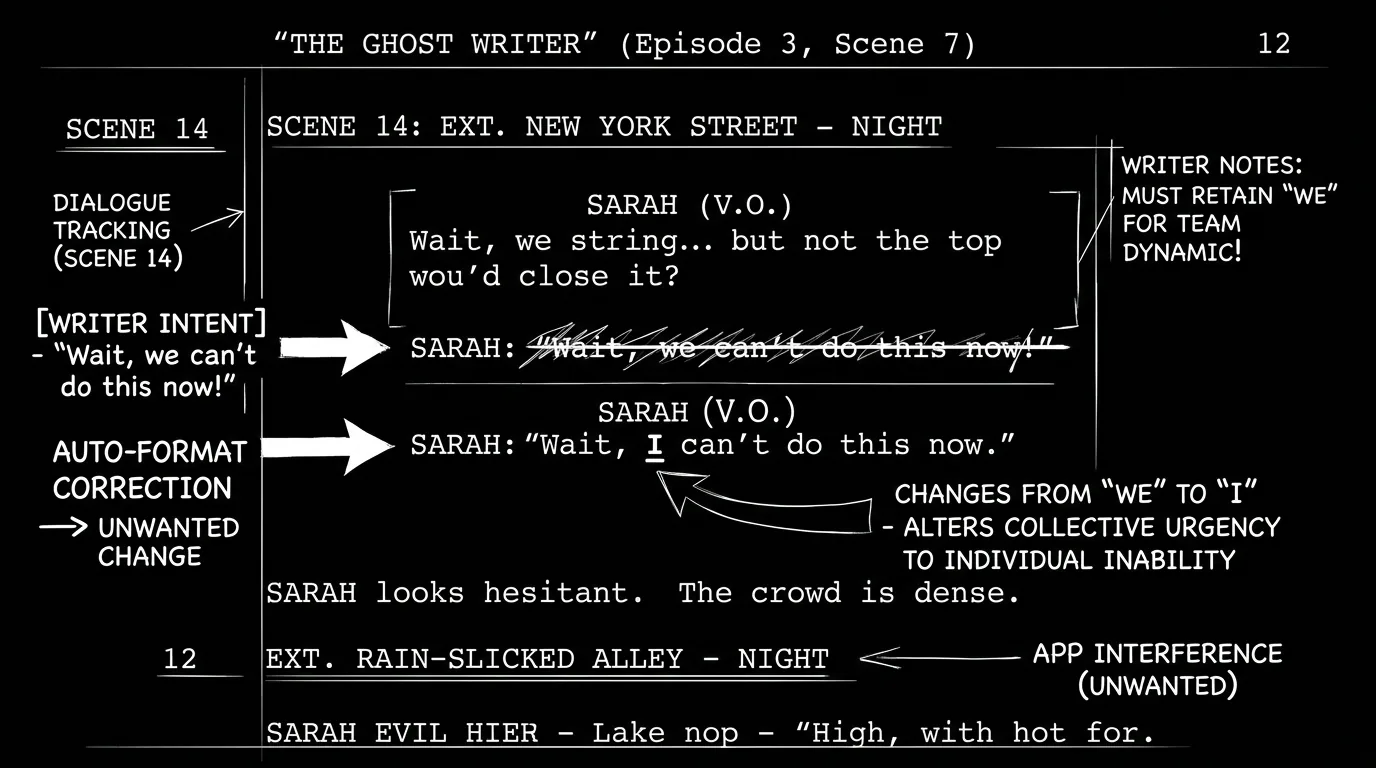
The formatting engine is the reason the thing survived. Type a slugline, press return, and the software has already decided you are writing action next. Type a character name in caps and it knows dialogue follows. This sounds trivial until you use a tool that gets it wrong on the fifth page of a phone conversation. Final Draft almost never guesses wrong, and when it does, the correction sticks. We have written about how automatic formatting can turn against you during heavy rewrites, which is a real cost. On a clean first draft, though, it stays out of your way.
Version 13's headline additions are all planning tools rather than writing tools: Beat Board, Outline Editor, Structure Lines, an expanded Navigator, plus Midnight and Typewriter modes and writing-goal statistics. Structure Lines is the one worth the attention. It draws your act breaks and story threads down the length of the script so you can see, in the document itself, where a subplot goes quiet for forty pages. If you already run a beat sheet calculator before you draft, Structure Lines is the same discipline enforced after you draft.
Revision handling is where the industry-standard claim stops being marketing. Revision mode, colored and locked pages, collated revision sets, scene numbering and omitted scenes are all built in, and they behave the way a script coordinator expects. Cheaper editors tend to ship the ones a writer notices and skip the ones a production office needs, which is a distinction you discover late. Final Draft has the full set, so it survives contact with a shooting schedule.
The license terms are reasonable by 2026 standards. One purchase activates on two computers, and there is a 30-day money-back guarantee. Nobody at head office can decide next quarter that your finished script now sits behind a subscription. Final Draft also discounts verified students, educators, non-profits, military and first responders.
Where Final Draft 13 costs you
The one-time purchase does not include Final Draft Cloud. The product pages say so explicitly, on the retail listing, the educational listing and the studio listing alike. So the writer who buys the $199.99 desktop license and expects browser access to their own scripts has bought the wrong thing. Cloud comes only with the Suite subscription.
Mobile is a third purchase. Final Draft Go for iPhone and iPad runs $1.99 a month or $9.99 a year, and the numbered desktop versions do not run on iOS at all. Nothing about that is hidden, but the aggregate matters: desktop, cloud and mobile are three products with three billing relationships, and the "one-time purchase" framing only ever described one of them.
Then there is the upgrade cycle, which the company built on purpose. Version 12 owners pay $99.99 to reach 13. Over ten years a writer who stays current has paid the initial license plus two or three upgrades, so run that number honestly before you tell yourself you are avoiding a subscription. Our piece on what free screenwriting software actually costs makes the same argument from the opposite end.
System requirements are current and unforgiving. macOS 12 Monterey or higher, Windows 11 or higher, no Chromebook support. If you are on an older machine you are buying a hardware upgrade too.
A .fdx file is also a container, and containers corrupt. We have a whole guide on recovering a corrupted .fdx after a crash because it happens often enough to warrant one. Automatic version saving keeps most of those incidents to a lost afternoon rather than a lost draft.
Final Draft pricing decoded
Individual purchase options, as listed:
| Product | List | Current | Billing | Includes Cloud |
|---|---|---|---|---|
| Final Draft 13 | $249.99 | $199.99 | One time | No |
| Final Draft 13 Upgrade | $129.99 | $99.99 | One time | No |
| Final Draft 13 Educational | $129.99 | $99.99 | One time, student verified | No |
| Final Draft 13 Military | $249.99 | $129.99 | One time, verified | No |
| Final Draft Suite | n/a | $16.99/mo | Monthly | Yes |
| Final Draft Suite | n/a | $8.33/mo | Billed yearly | Yes |
| Final Draft Go (iOS) | n/a | $1.99/mo or $9.99/yr | Subscription | Separate product |
Final Draft quotes educators, non-profits, studios and production companies individually rather than publishing a price. Multi-seat use requires a site license, and the company states plainly that a personal license is the wrong purchase for an organization needing several seats.
Run the arithmetic before you pick a door. At $8.33 a month billed yearly, the Suite reaches the $199.99 desktop price after two years, and you get Cloud for the whole of that time. Past year two the one-time license wins, until the next paid upgrade resets the comparison. Which means Suite is cheaper if you are unsure, and the outright license is cheaper if you already know you are staying.
Try it free
Try Screenweaver for free on your script
It is free. Import your existing project, get a clearer view of your outline, and regain control of your story structure in minutes.
Start FreeWho should buy which
| Situation | Buy | Why |
|---|---|---|
| Staff writer or working pro | Final Draft 13 outright | The file format is the job requirement |
| First feature, no industry contacts yet | Suite, or something cheaper | Compatibility you are not using yet |
| Student with a valid .edu address | Educational license, $99.99 | Same software, half price |
| On Final Draft 11 or 12, happy with it | Nothing, until an OS forces you | Upgrades buy planning tools, not formatting |
| Writing mostly on an iPad | Final Draft Go plus a desktop tool | Desktop license does not cover iOS |
| Two people co-writing daily | Look elsewhere | Real-time co-writing is not the strength here |
| Prepping a shoot, not just a script | Something with breakdown built in | Final Draft stops at the script |
Final Draft produces the reports a production needs, cast and scene and location, but a stripboard and a call sheet are somebody else's software. If your project is heading to a shoot, run it through a script breakdown checklist and see how much of your pipeline lives outside the script editor. For many indie productions, most of it does.
Alternatives worth a look
If the price is the objection rather than the tool, compare Final Draft against whatever you would actually open instead, not against the idea of saving $200. Our Celtx review covers the browser-based studio that bundles production planning. Our Final Draft alternative page is for writers who plan on boards rather than in outlines.
If you only need a correctly formatted PDF from a script you have already written, a Fountain to PDF converter does that for nothing, and a title page maker handles the one page most tools get subtly wrong.
For the direct head-to-head, see ScreenWeaver vs Final Draft.
FAQ
Is Final Draft 13 worth it in 2026?
Yes if you deliver .fdx files to other people professionally. The formatting engine rarely guesses wrong, the revision tools match what a script coordinator expects, and industry compatibility has real cash value. If you are writing spec scripts nobody has asked for yet, you are paying $199.99 for a compatibility guarantee you have not needed once.
Does Final Draft 13 include Final Draft Cloud?
No. The product pages state this explicitly on the retail, educational and studio listings. Cloud is only available through the Final Draft Suite subscription, which bundles Cloud with the desktop application at $16.99 a month, or as low as $8.33 a month billed yearly.
How many computers can I install Final Draft 13 on?
One license activates on two computers, per Final Draft's own product page. That covers a desktop and a laptop for a single writer. Final Draft points organizations needing multiple seats to a site license instead.
Can I run Final Draft 13 on an iPad?
Not the numbered desktop version. Final Draft sells a separate iOS app, Final Draft Go, at $1.99 a month or $9.99 a year, which syncs with desktop files via iCloud or Dropbox. Budget for it separately if the iPad is your main writing machine.
Is upgrading from Final Draft 12 worth $99.99?
Only if you want the planning tools. Version 13's additions are Beat Board, Outline Editor, Structure Lines, an enhanced Navigator, Midnight and Typewriter modes, and writing statistics. None of that changes how your pages format or how your .fdx opens elsewhere. If your version 12 still runs on your current OS, waiting costs you nothing.
What is the free trial?
Final Draft offers a five-day free trial of the Suite, which includes both Cloud and the desktop application. Five days is short. Write something real during it rather than poking at menus, because you only find out how the formatting engine behaves when you are drafting fast and badly.
Final Step
Build your next script with Screenweaver
Move from ideas to production-ready pages faster with timeline-native writing and AI-assisted story flow.
Try Screenweaver