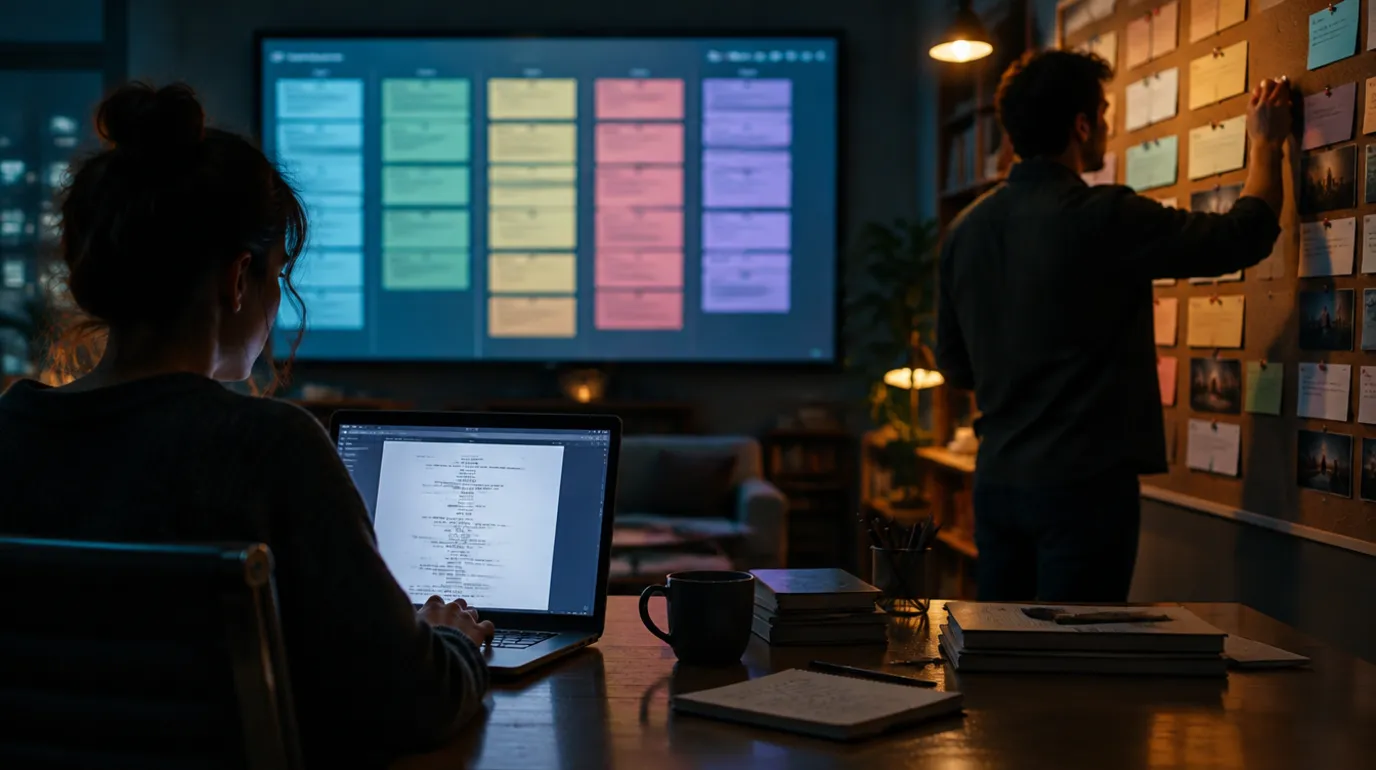
For over three decades, the question of "which software should I write with?" had a simple, monotonous answer: Final Draft. It wasn't just a tool; it was the industry handshake. But as we step into 2026, the landscape of visual storytelling has fundamentally shifted.
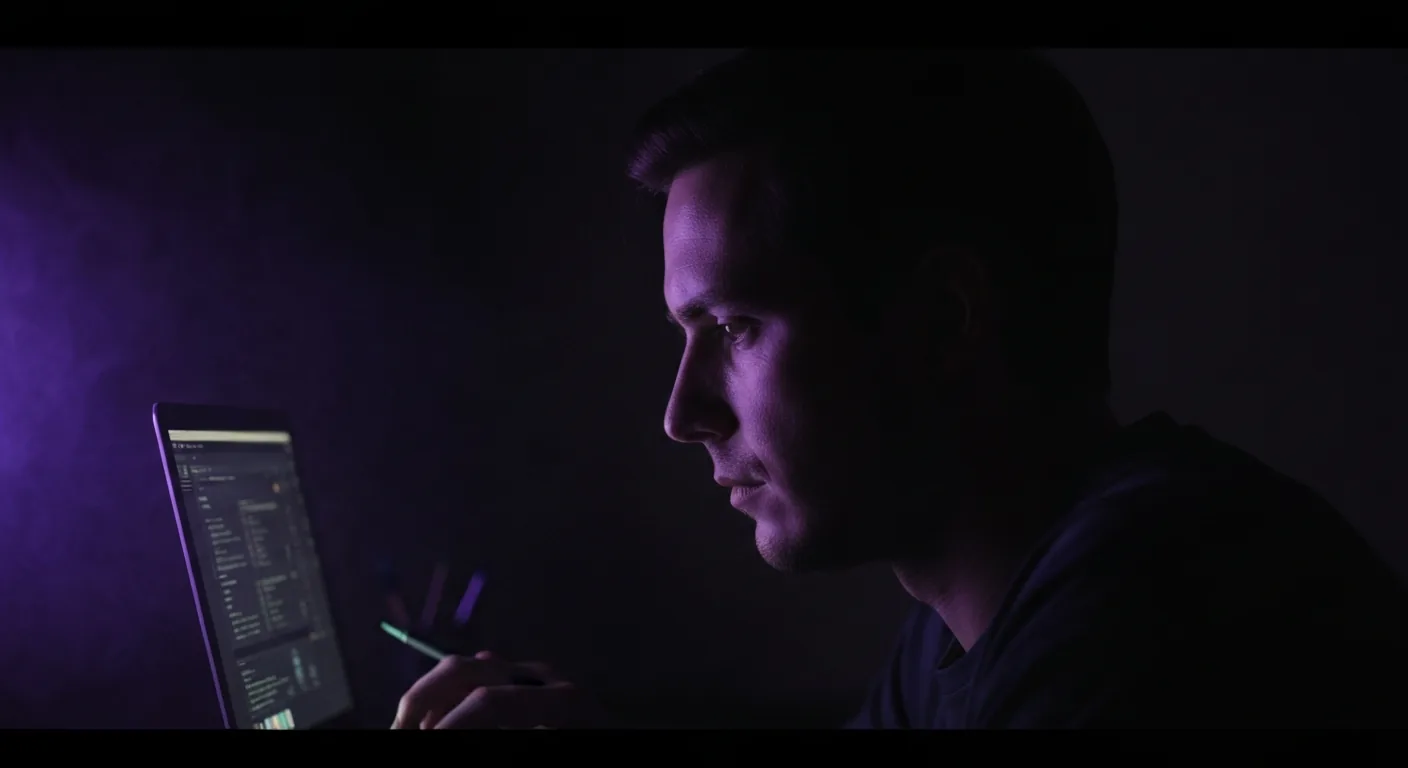
Prompt: Dark Mode Technical Sketch, ScreenWeaver vs Final Draft comparison, typewriter vs futuristic cockpit, thin white lines on black --ar 16:9
Writers today aren't just typing dialogue; they are architecting worlds. The linear, paper-simulating interface of traditional word processors is struggling to keep up with the demands of modern showrunners, indie creators, and visual-first storytellers.
Enter ScreenWeaver. We didn't build ScreenWeaver to be just another place to type fade-ins and fade-outs. We built it to be a visual story architect,an AI-powered co-pilot that helps you see your story as clearly as you write it.
In this deep-dive comparison, we’re going to look past the marketing hype and analyze the real-world trade-offs between the industry incumbent, Final Draft, and the modern challenger, ScreenWeaver. Whether you are a student, a professional screenwriter, or a director-writer, this guide will help you decide which tool belongs in your dock in 2026.
If you are still choosing a stack, read idea to first draft for process, affordable software and TCO for money math, and exporting PDF vs FDX for handoff reality. Final Draft’s own product pages live on finaldraft.com; we are not affiliated, but readers expect an apples-to-apples look at the incumbent’s positioning.
The Incumbent: What Is Final Draft?
Final Draft acts as the digital typewriter of Hollywood. Since the early 90s, its core mission has been standardization. Before Final Draft, screenplay formatting was a nightmare of margins, tab stops, and font inconsistencies. Final Draft solved this by forcing every writer into the same rigid, perfectly industry-compliant box.
Strengths
- Ubiquity: "Send me the FDX" is a standard phrase in LA.
- Production Tools: Deep features for line producers, script coordinators, and budgeting (tagging, reports, revision mode).
- Legacy Stability: It’s a known quantity. It works offline, and it does exactly what it says on the box.
The 2026 Problem
The limitation of Final Draft is in its philosophy: it treats a screenplay as a document to be printed, not a story to be visualized.
Final Draft is a digital typewriter. ScreenWeaver is a story architect.
Prompt: Dark Mode Technical Sketch, document icon vs 3D story map icon, thin white lines on black --ar 16:9
When you stare at Final Draft, you are staring at a blank white page. You aren't seeing your pacing. You aren't seeing your visual tone. You aren't getting feedback on your structure unless you manually build beat boards in a separate, somewhat clunky view. It is a solitary, manual experience that hasn't changed much in twenty years.
The Challenger: What Is ScreenWeaver?
ScreenWeaver was born from a different philosophy: Screenwriting is world-building.
We positioned ScreenWeaver as an AI co-writer and visual story architect. This means the software isn't just waiting for you to type; it's actively helping you construct the narrative.
Core Philosophy
"Stop writing blind. See your story as you write it."
ScreenWeaver maintains perfect industry-standard formatting (we export flawless FDX and PDFs), but the writing interface is surrounded by context.
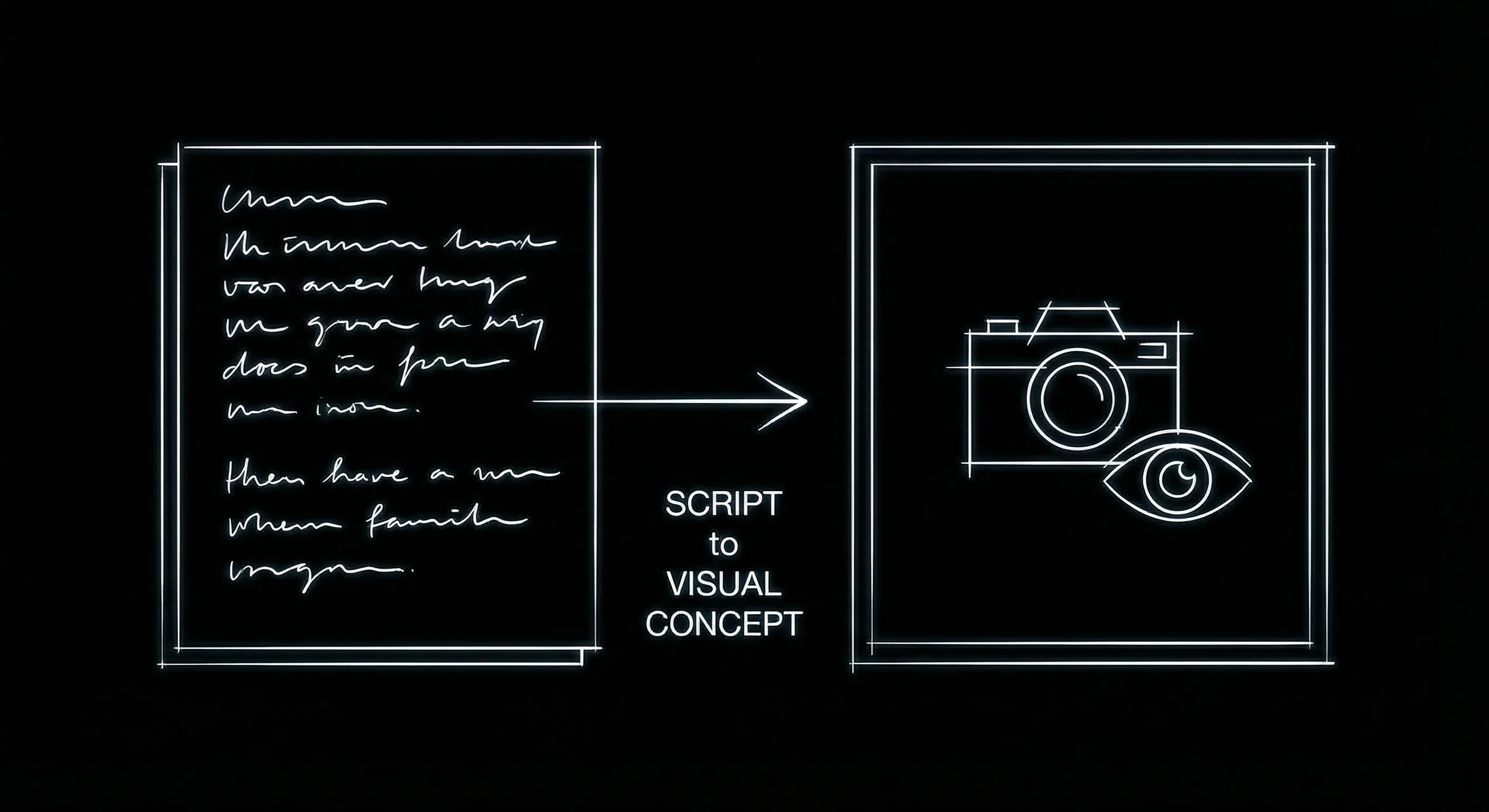
The core concept: As you write the text, ScreenWeaver visualizes the world.
- Visual Context: As you write a scene, our AI can generate concept art, mood boards, and storyboards in real-time, helping you visualize the aesthetic of the film.
- Structural Context: A dynamic timeline evolves as you write, showing you act breaks, pacing issues, and character screen time.
- Creative Context: Integrated AI tools help you brainstorm dialogue options, alternative scene endings, or flesh out character backstories without leaving the editor.
Feature-by-Feature Comparison
Let's look at the hard data. How do these tools compare in the daily workflow of a writer?
| Feature | ScreenWeaver | Final Draft |
|---|---|---|
| Core Philosophy | Visual Story Architect + AI Co-writer | Industry Standard Formatting |
| Writing Experience | Modern, distraction-free, block-based | Traditional word processor feel |
| Visual Storyboard | Native, AI-generated from text | Basic Beat Board (manual only) |
| AI Assistance | Deeply integrated (Brainstorming, rewriting, visualization) | None (or limited via external integrations) |
| Character Development | Visual profiles, relationship maps, voice analysis | Character Navigator (Trait storage) |
| Structure Visibility | Always-on Outline & Timeline View | Navigator (separate panel) |
| Collaboration | Real-time, Google Docs style | Co-writing (requires setup) |
| Export Formats | FDX, PDF, Pitch Deck (Visual) | FDX, PDF |
| Learning Curve | Intuitive (Web-first UX) | Steep (Legacy interface) |
| Pricing Model | SaaS (Monthly/Yearly) - Update included | License + Paid Upgrades |
| Platform | Cloud-native (Browser, Desktop app wrapper) | Desktop Only (Mobile app separate) |
1. The Writing Interface
Final Draft feels like Microsoft Word for scripts. It’s grey, functional, and text-heavy. For purists who want zero distraction, this is a feature.
ScreenWeaver offers a "Focus Mode" that is even cleaner than Final Draft, but its default view is rich with information. We use a block-based editor (similar to Notion) that makes moving scenes around as easy as dragging a card. The typography is modernized for long writing sessions, reducing eye strain.
2. AI & Visualization
This is the biggest differentiator. In Final Draft, if you want to see what your location looks like, you tab out to Google Images or Pinterest.
In ScreenWeaver, you describe the scene, and our generative engine builds a visual reference board for you. This isn't just a gimmick; for directors and showrunners pitching a vision, being able to export a script with a visual lookbook is a game-changer.
3. Collaboration
Final Draft 13 introduced better collaboration tools, but it still feels like a "check-out/check-in" system compared to modern web apps. It relies on a host-join model that can be fragile if internet connections drop or if versions get out of sync.
ScreenWeaver is native to the cloud (with robust offline capability). It works like Google Docs: multiple writers can be on the same line at the same time. Comments are threaded, resolveable, and can be linked to specific visual elements, not just text. For TV writers' rooms, this real-time fluidity is essential,it allows the showrunner to be "in the room" digitally, tweaking dialogue while a staff writer builds the action lines.
4. Structure Visibility & Outlining
One of the most common complaints about traditional screenwriting software is the "tunnel vision" effect. You are staring at page 45, and you have no idea if your pacing is dragging or if you've hit your midpoint. Final Draft offers a Beat Board, but it is a separate mode,you have to leave your script to see it.
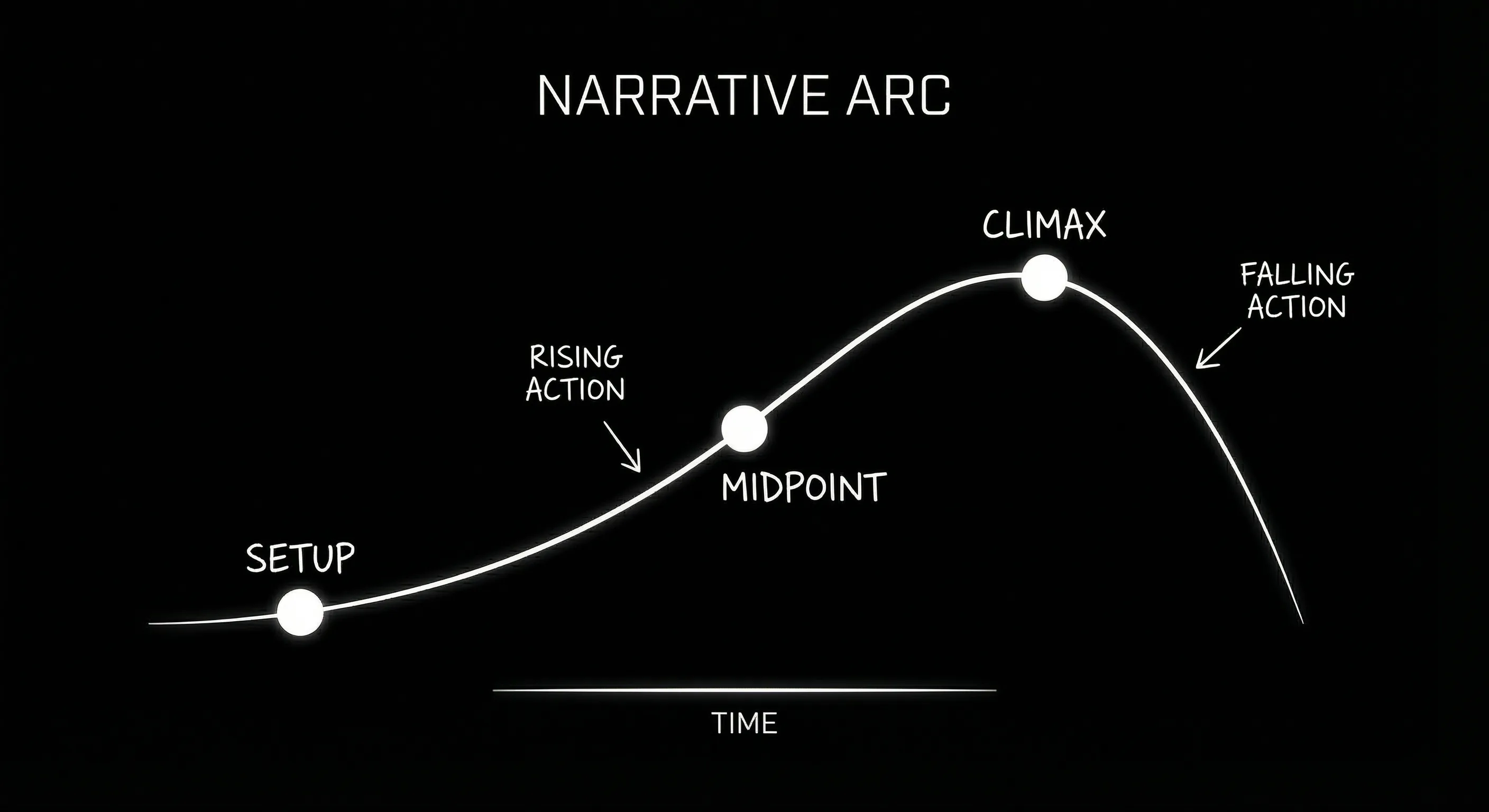
ScreenWeaver's Always-On Story Timeline tracks pacing and tension in real-time.
ScreenWeaver integrates structure directly into the writing view. Our "Story Timeline" sits above your script, visualizing act breaks, scene density, and emotional beats in real-time. You can click a scene in the timeline to jump to it instantly. If you drag a scene card in the timeline, the text in your script moves with it. It unifies the macro (structure) and the micro (dialogue).
Prompt: Dark Mode Technical Sketch, horizontal story timeline with scene cards and act breaks, thin white lines on black --ar 16:9
5. Export & Professional Deliverables
Final Draft wins on legacy acceptance, but ScreenWeaver wins on the pitch. Final Draft exports the standard PDF and FDX files that production managers need. We do that too,our FDX export is byte-for-byte compatible with Final Draft 13.
However, ScreenWeaver goes further. We offer a "Pitch Deck Export" that automatically pulls your scene headers, loglines, and generated visual concepts into a slide format. Instead of spending three days in Keynote or PowerPoint trying to make your script look visual, ScreenWeaver does 80% of the work for you. For indie filmmakers applying for grants or writers pitching to Netflix, this is a massive competitive advantage.
Who Should Use What?
We believe in using the right tool for the job. ScreenWeaver is the future, but Final Draft has a massive legacy. Here is our honest recommendation for different profiles.
Film Students & Indie Filmmakers
Verdict: ScreenWeaver
If you are writing, directing, and producing, you need more than a text editor. You need a pitch deck builder, a storyboarder, and a script tool in one. ScreenWeaver saves you hundreds of hours and subscription dollars by bundling these tools. You can visualize your shot list as you write the scene, ensuring your budget matches your vision.
Studio Line Producers
Verdict: Final Draft
If your job is purely budgeting, scheduling, and breaking down a locked script for production boards, Final Draft’s tagging tools are still the industry deep-standard. You can write in ScreenWeaver and export to FDX for the production manager. Final Draft's reporting tools for "Day out of Days" and element breakdown are currently unmatched for pure physical production management.
TV Writers' Rooms
Verdict: ScreenWeaver
The collaboration lag in legacy software kills the "flow" of a room. ScreenWeaver's real-time engine allows a showrunner to see changes instantly as a staff writer types them. The ability to visualize the season arc on the timeline is also invaluable. Plus, assigning different colors to different storylines helps track A, B, and C plots visually across an episode.
Professional Pitching
Verdict: ScreenWeaver
It is 2026. Handing a producer a brick of black-and-white text is becoming less effective. Handing them a visual link where they can read the scene AND see the mood? That sells movies. ScreenWeaver turns your script into a visual asset immediately, giving executives something they can "see" rather than just read.
Writing Blind vs. Writing With Vision
The most dangerous thing for a writer is getting lost in the weeds. You spend three weeks perfecting the dialogue in Act 2, only to realize later that the structural bridge to Act 3 is broken.
We call this "writing blind." It happens when your tool only shows you the words.
ScreenWeaver is designed to prevent this. By keeping the outline and visual references always accessible, it anchors you. It reminds you why this scene exists. It shows you that this character hasn't spoken in 15 pages. It warns you that the pacing has slowed down significantly.
In a world where attention spans are shorter and the bar for visual storytelling is higher, you cannot afford to write blind anymore.
Frequently Asked Questions
Is ScreenWeaver compatible with Final Draft?
Yes. ScreenWeaver has full import and export support for .fdx files. You can start a project in ScreenWeaver, export it to Final Draft for production, or import old Final Draft scripts to visualize them.
Does ScreenWeaver use my script to train its AI?
No. Your intellectual property is yours. Your projects are private and you own your work, on every plan: Screenwriter (free), Auteur ($39.99 a month) and Studio ($149.99 a month). We build tools for writers, not data harvesting.
Can AI really replace screenwriters?
AI cannot replace the human soul, lived experience, or creative taste. It can, however, replace the tedium of writing. It can replace the writer's block. It can replace the formatting headaches. ScreenWeaver is an exoskeleton for your creativity, not a replacement for it.
Final Verdict
Final Draft still sets the bar for formatting, and for a production office that lives on FDX it remains a safe purchase. For writers and writer-directors, ScreenWeaver is the more complete choice: the same industry-standard pages on a free Screenwriter plan, with PDF and Final Draft export, then a storyboard generated from your screenplay and production with AI video in the same project on the Auteur plan at $39.99 a month. You write, see and make the film without moving files between apps.
If you want that bar without the upfront price, our Final Draft alternative page compares the plans side by side.
The Trench Warfare: What Beginners Get Wrong
The "Industry Standard" Anxiety. Beginners often buy Final Draft because they think it's the only way to be "professional." They spend $200 before they've even written a logline. Fix: Focus on the story first. Any tool that exports a clean PDF is enough to start.
The "Beat Board" Neglect. Writers often skip the outlining phase because the tools for it feel separate from the writing. They dive straight into dialogue and get lost by page 30. Fix: Use a tool that keeps your outline visible while you write.
The "Manual Sync" Nightmare. Trying to keep a separate outline doc (Word/Notion) in sync with your script. You move a scene in the script but forget to update the outline. Two weeks later, your structure is a mess. Fix: Use a unified tool where the map and the script are the same object.
If your outline and your script live in different files, they are already out of sync.
The "Export and Pray" Habit. Exporting to PDF and sending it without checking the page count or margins. Final Draft's pagination can be tricky; ScreenWeaver's is more predictable. Fix: Always read your own export.
Ignoring Visual Context. Writing a 10-page action sequence without ever visualizing the geography of the room. You end up with characters teleporting or impossible blocking. Fix: Use visual references or generated concept art to anchor your scenes.
If you are working on a production that demands a specific, legacy workflow and you are resistant to cloud tools, Final Draft is still a safe, solid choice. It is the IBM of screenwriting.
But if you are a storyteller who wants to push boundaries, visualize your work, and collaborate in real-time, ScreenWeaver is the upgrade you have been waiting for. It respects the craft while removing the friction.
The future of storytelling is visual. Your writing tool should be too.
Ready to see your story?
Try ScreenWeaver for free and import your first .FDX script today.
Start Writing for FreeFinal Step
Build your next script with Screenweaver
Move from ideas to production-ready pages faster with timeline-native writing and AI-assisted story flow.
Try Screenweaver