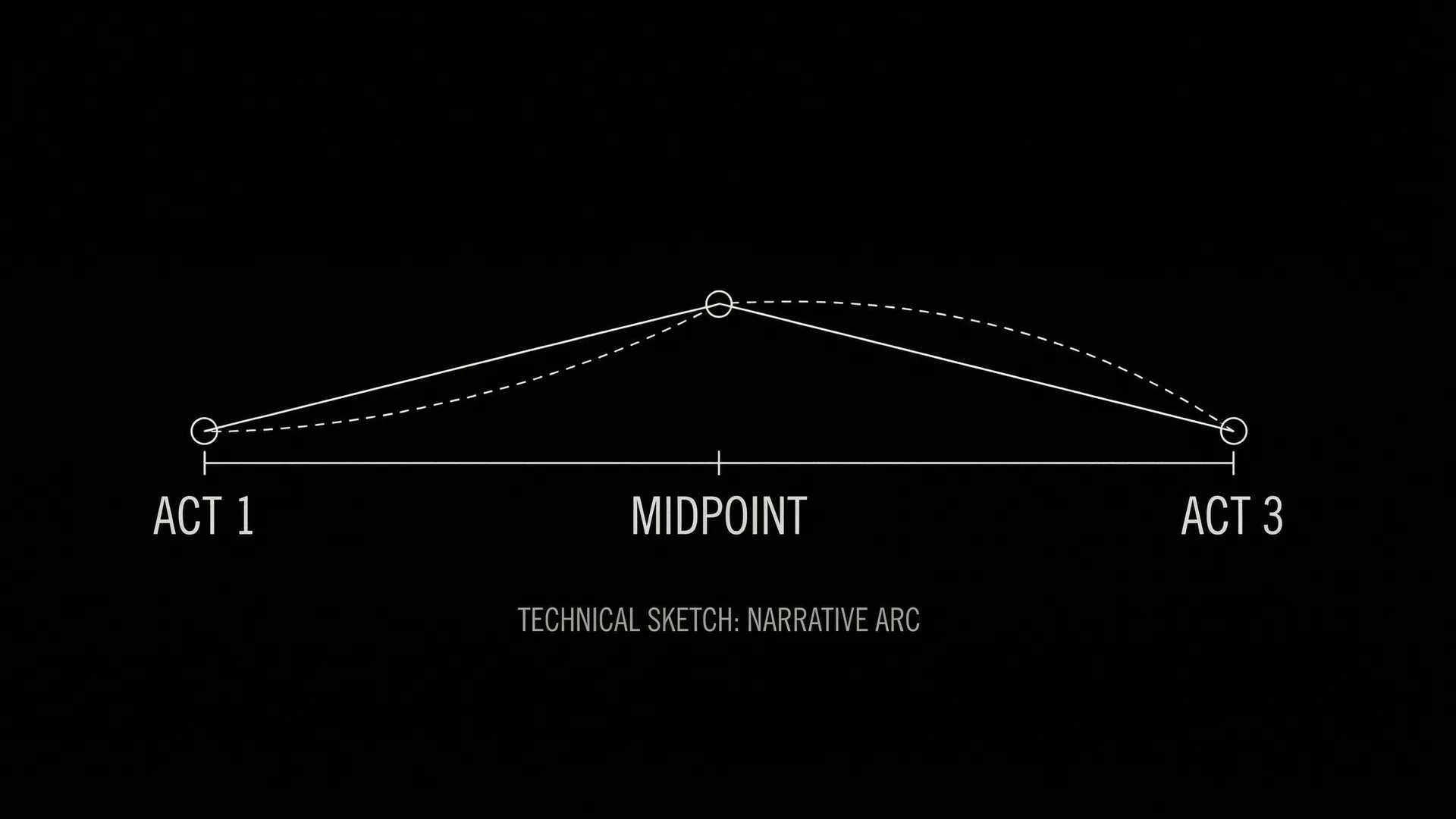

For two years, AI video has been a highlight reel of five-second miracles. A gorgeous clip here, a perfect camera move there, and always the same quiet ceiling: the shot ends before the scene does. Seedance 2.5, the next iteration of ByteDance's video model, is built to break that ceiling, and it's coming to ScreenWeaver, generated straight from your screenplay.
Two numbers carry the announcement: 30 seconds of continuous generation and native 4K. On their own they sound like spec-sheet bragging. Inside a script-first workflow they're something else entirely: the first time an AI shot is long enough and sharp enough to be a scene, not a teaser for one.
This is what's coming, why the two numbers matter more together than apart, and how ScreenWeaver keeps your screenplay, not the model, at the center of it.
For the current landscape, see Seedance 2 vs Veo 3 vs Sora 2. For the full pipeline, read how to make an AI film.
The 30-Second Wall, and Why It Mattered
Every filmmaker who has actually tried to assemble an AI film has hit the same wall. You generate a brilliant 5-second shot. Then you need the next 5 seconds to match it, same face, same light, same lens, same room, and the model gives you a cousin instead of a continuation. You spend the afternoon stitching near-misses, and the seams show.
Short duration wasn't just a length limit. It was a continuity tax. The shorter the clip, the more cuts you need, the more chances for the world to drift. A two-minute scene built from 5-second fragments is two-dozen opportunities for your protagonist to subtly become someone else.
Thirty seconds changes the unit of work. A 30-second take holds an entire beat: an entrance, a line, a reaction, a turn. Most real scenes breathe in 20-to-40-second phrases. When the generated shot can hold that long, you stop assembling continuity and start directing performance. The model keeps the world stable across the beat, and you spend your attention on what the beat is supposed to mean.
A 5-second clip is a sketch. A 30-second take is a scene. The difference isn't six times longer, it's a different job.
Why 4K Is the Other Half
Length without resolution would just be a longer thumbnail. Native 4K is what makes the 30 seconds usable past the demo.
Most AI footage looks great on a phone and falls apart on a screening-room projector, soft edges, mushy texture, the tell-tale plastic sheen under real light. For a sizzle reel that dies fine. For a festival short, a brand film, or anything a buyer watches at scale, it doesn't survive the upscale.
Native 4K (3840×2160) means the detail is generated, not interpolated after the fact. Skin keeps its texture. Backgrounds keep their depth. The shot holds up when it's the hero frame in a pitch, not just a tile in a moodboard. Pair that with 30-second duration and you have, for the first time, an AI shot you could actually cut into a finished piece without apologizing for it.
The two numbers only matter together. Thirty seconds of soft footage is a long disappointment. A crisp 4K five-second clip is still just a clip. Thirty seconds of native 4K is a scene you can ship.
What Seedance 2.5 Brings to ScreenWeaver
Here's the part that matters more than the model: a better model doesn't fix a broken process, it amplifies whatever process you point it at. Point 30-second 4K generation at a pile of disconnected prompts and you get longer, sharper chaos. Point it at a screenplay and you get scenes.
That's why Seedance 2.5 is arriving inside ScreenWeaver rather than as one more standalone generator to babysit. The screenplay stays canonical. Every scene owns a stable identity that travels from script to storyboard to motion. When you generate, you're not prompting from scratch, you're generating this beat, with the character, location, and continuity references the project already knows.
Concretely, the workflow looks like this:
- Write the scene in a real screenwriting environment, structure, beats, and dialogue first.
- Board it with the AI storyboard generator so composition and shot intent are decided before a single credit is spent.
- Generate the take with Seedance 2.5, up to 30 seconds, native 4K, anchored to that scene's boards and references.
- Keep the script canonical. The clip is a render of the beat, not the source of truth. Rewrite the scene, regenerate the take; the rest of your film is untouched.
| 5-second AI clips | Seedance 2.5 in ScreenWeaver | |
|---|---|---|
| Unit of work | A fragment | A full beat (≤30s) |
| Resolution | Phone-grade, upscaled | Native 4K, screening-ready |
| Continuity | Re-rolled every cut | Held across the take + script-anchored |
| Source of truth | The clips | The screenplay |
| What you direct | Stitching | Performance and intent |
Try it free
Try Screenweaver for free on your script
It is free. Import your existing project, get a clearer view of your outline, and regain control of your story structure in minutes.
Start FreeThe Trap That Doesn't Go Away
A more capable model makes the old failure mode more tempting, not less. When a 30-second 4K take looks this good, the urge to let the footage lead, to keep a gorgeous shot that no longer serves a scene that's quietly broken, gets stronger.
The discipline is the same as it's always been, and it's the whole reason for the script-first design: clips are temporal hypotheses; the screenplay is the contract. When the take and the script disagree, the script wins and the take gets regenerated. Better generation raises the cost of forgetting that, because now the beautiful wrong shot is thirty seconds long and looks like a finished scene.
ScreenWeaver is built so the script stays in charge by default. The model gets dramatically more powerful with Seedance 2.5; your control over the story doesn't have to get weaker to use it.
Model-Agnostic, on Purpose
One more thing the announcement doesn't change: ScreenWeaver remains model-agnostic. Seedance 2.5 is a major leap, and it won't be the last. Veo, Sora, Kling, and Seedance will keep trading the lead quarter by quarter. Because your project lives as a script-linked scene graph, not a folder of clips from whichever model won last spring, you adopt the new model without rebuilding your film. The take improves; the movie stays yours.
That's the bet under all of this. The model you generate with in 2026 is not the model you'll generate with in 2027. The screenplay is the asset that doesn't depreciate.
Want to be ready when it lands? Start building the script-first way now, read how to make an AI film, try the AI storyboard generator, or compare today's models in Seedance 2 vs Veo 3 vs Sora 2 and Kling 3 vs Seedance 2.
FAQ
What is Seedance 2.5?
Seedance 2.5 is the next iteration of ByteDance's Seedance AI video model. Its headline advances are continuous generation of up to 30 seconds per shot and native 4K (3840×2160) output, which together make a generated take long enough and sharp enough to work as a finished scene rather than a short demo clip. ScreenWeaver is integrating it so shots can be generated directly from your screenplay.
How is 30 seconds of generation different from current AI video?
Most current models generate roughly 5–10 seconds per clip, so a real scene has to be stitched from many fragments, and continuity drifts at every cut. A 30-second take holds an entire beat (entrance, line, reaction, turn) in one continuous shot, so you direct performance instead of assembling continuity. It changes the unit of work from a fragment to a scene.
Why does native 4K matter for AI filmmaking?
Native 4K means the detail is generated at full resolution rather than upscaled afterward, so footage keeps real texture and depth and holds up on a large screen, in a pitch, or in a finished edit, not just on a phone. Combined with 30-second duration, it's the difference between a clip you show as a demo and a shot you can actually ship.
When is Seedance 2.5 available in ScreenWeaver?
Seedance 2.5 is an upcoming release. This article previews what's coming and how it will work inside ScreenWeaver's script-first workflow. For timing and access, watch the ScreenWeaver blog and join the community, and in the meantime you can build the script → storyboard foundation that the integration plugs into.
Do I have to commit my whole film to Seedance 2.5?
No. ScreenWeaver is model-agnostic by design. Your project is a script-linked scene graph, so you can route generation through Seedance 2.5 for the beats it's best at and swap in other models as they improve, without rebuilding the project. The screenplay stays canonical; the model is just the current renderer.
Can I make a finished film with this by myself?
You can get much closer than before, but a strong model is still a powerful component, not a turnkey movie. Published demos are the best of many attempts. A finished film still needs a finished screenplay, a shot plan, curation, and a post pass, which is exactly why ScreenWeaver keeps the script, boards, and generation in one place instead of leaving you to stitch tools together.
Final Step
Build your next script with Screenweaver
Move from ideas to production-ready pages faster with timeline-native writing and AI-assisted story flow.
Try Screenweaver