
By early 2026, three names dominate every "which AI video model" thread: ByteDance's Seedance 2.0, Google DeepMind's Veo 3.1, and OpenAI's Sora 2. They all promise the same headline, native 4K, synchronized audio, multi-shot generation, cinematic camera moves, and they all deliver footage that, in the best take, holds up in a real edit.
The headline is also where most comparisons stop being useful. Picking a model is not the decision that makes or breaks your film. The decision that does is what the model is generating from. A model is a render farm with taste. If you point it at a scene that hasn't earned its place in the story, you get a beautiful clip of a broken sequence.
This is a working filmmaker's comparison: what each model is genuinely best at in 2026, where each one quietly costs you time, and how to keep your screenplay, not the model of the month, as the thing your project is actually built on.
For the broader tool landscape (platforms, not raw models) see Script-to-Video AI Tools Compared, and for where this fits in a full pipeline read The AI Filmmaking Workflow: Script to Screen.
The 2026 Snapshot: Three Models, Three Personalities
| Dimension | Seedance 2.0 (ByteDance) | Veo 3.1 (Google DeepMind) | Sora 2 (OpenAI) |
|---|---|---|---|
| Signature strength | Speed + character consistency | Raw image quality + audio | Physical realism + prompt obedience |
| Resolution ceiling | High; fast iterations | True 4K (3840×2160) | High; strong upscales |
| Native audio | Yes, single pass | Yes, premium fidelity | Yes |
| Lip-sync | Phoneme-level, strong non-English | Good, slightly behind on phonemes | Good |
| Multi-shot / camera | Smooth tracking, film-like motion | Cinema-grade "look" | Coherent physics across a shot |
| Best for | Iteration, character-driven scenes, dialogue | Trailers, brand films, the "hero" shot | Action, physical staging, previs |
| Watch out for | Resolution vs Veo on the final master | Slower, costlier per premium render | Variance take-to-take |
Read this as personalities, not a leaderboard. Most filmmakers who use these seriously end up using more than one, Seedance to iterate and nail a performance, Veo for the one shot that has to look like money, Sora when the physics of an action beat matter. A model picker for AI video turns those trade-offs into a per-shot recommendation if you would rather answer questions than memorize tables.
The model is not your film. It is a camera you cannot fully control, pointed at a script that had better be finished.
Seedance 2.0: The Iteration Workhorse
Seedance 2.0 (ByteDance, released February 2026) wins on the two things that actually govern a shoot day: speed and character consistency. Its motion smoothing and camera tracking produce natural, film-like results, and its lip-sync reaches phoneme-level accuracy, noticeably ahead on non-English dialogue, which matters if your film isn't in English or travels internationally.
Why iteration speed is the real feature: filmmaking is rewriting. You will regenerate a shot ten times before it's right. A model that returns a usable take fast lets you stay in a creative loop instead of waiting on a render queue. Character consistency compounds this, when your protagonist looks like the same person across forty shots, you spend your time directing instead of re-rolling for continuity.
Where it costs you: on the final master, Veo can still edge it on pure resolution and the premium "look." For a festival trailer's hero shot, that gap is visible. For ninety percent of a character-driven film, it isn't.
Veo 3.1: The Premium Look
Veo 3.1 from Google DeepMind delivers the only true 4K output at 3840×2160 with cinema-grade visual quality, and its native audio is the most premium of the three. For content where the look matters as much as the action, cinematic trailers, brand films, architectural and product visualization, Veo produces the most premium-feeling result, full stop.
The trade-off is throughput and cost. Premium renders are slower and pricier, which makes Veo a poor fit for the messy iteration phase and a great fit for the handful of shots that have to carry the project. Smart workflows treat Veo as a finishing tool: block and iterate elsewhere, then spend Veo budget on the three to five shots an audience remembers.
Sora 2: Physics and Obedience
Sora 2 (OpenAI) stands out for physical realism and prompt obedience, it tends to stage action coherently and respects the spatial logic of a described shot, which makes it strong for previs and action beats where bodies, objects, and momentum have to behave. When you need a stunt, a chase, or a complex physical interaction to read clearly, Sora's grasp of physics earns its place.
Its watch-out is variance: the gap between the best take and the average take can be wide, so budget for more rolls. That's fine in previs, where you're hunting for one clear read, and more annoying when you need a guaranteed deliverable on a deadline.
Try it free
Try Screenweaver for free on your script
It is free. Import your existing project, get a clearer view of your outline, and regain control of your story structure in minutes.
Start FreeThe Trap Every Model Shares
None of these are turnkey production tools. They are powerful components in a workflow that still requires human judgment, curation, and post-production skill. The demos you see are the best output from many attempts, not the average output from a single prompt.
That matters for how you plan. The dangerous failure mode is canonical drift: you generate a gorgeous clip, the clip looks like progress, and you postpone the structural rewrite the scene actually needed. Renders feel like momentum. Rewrites feel like work. So the broken sequence survives because it now has beautiful footage attached to it.
The defense is boring and decisive: keep one artifact canonical, and it should not be a clip. Clips are temporal hypotheses, disposable tests of tone and pacing. Your screenplay is the collaboration contract. When the two disagree, the screenplay wins and the clip gets regenerated.
Where ScreenWeaver Fits: Model-Agnostic by Design
Here's the strategic point that survives every model release: the model you use in 2026 is not the model you'll use in 2027. Veo 4, Sora 3, and Seedance 3 are coming, and each will reset the leaderboard for a quarter. If your project's source of truth is a pile of clips from whichever model was best last spring, you've tied your film to a depreciating asset.
ScreenWeaver is built the other way around. The screenplay and its scene graph are canonical; every scene owns a stable ID that survives across boards, breakdowns, and motion tests. You generate storyboards from your screenplay, you run selective motion experiments through whichever video model is currently best, and you swap that model out next quarter without rebuilding your project. The clips are indexed to your beats, not the other way around.
That's the difference between using an AI video model and betting your film on one. Use Seedance to iterate a performance. Use Veo for the money shot. Use Sora when physics matter. But keep your script the spine, so that when the next model drops, you upgrade your renders without losing your movie.
To see the full path from written beats to motion tests, read how to make an AI film with ScreenWeaver, or start with the AI storyboard generator where boards come before any clip.
FAQ
Which AI video model is best for filmmakers in 2026?
There is no single winner. Seedance 2.0 leads on iteration speed and character consistency, Veo 3.1 leads on premium 4K look and audio, and Sora 2 leads on physical realism and prompt obedience. Most serious workflows use more than one: Seedance to iterate, Veo for hero shots, Sora for action and previs. The bigger decision is keeping your screenplay canonical so you can swap models as they improve.
Is Seedance 2 better than Veo 3?
For most of a character-driven film, Seedance 2.0 is more practical because it iterates faster and holds character consistency across many shots. Veo 3.1 wins specifically on final-master resolution (true 4K) and the premium cinematic look, which makes it the better choice for the handful of trailer or brand-film shots that have to look expensive.
Can I use these AI video models to make a whole film by myself?
Not as turnkey tools. They generate components, shots, audio, motion tests, that still need human curation, editing, and structure. The published demos are the best of many attempts, not the average single prompt. A finished film still needs a finished screenplay, a shot plan, and a post-production pass.
How do I avoid wasting time regenerating clips?
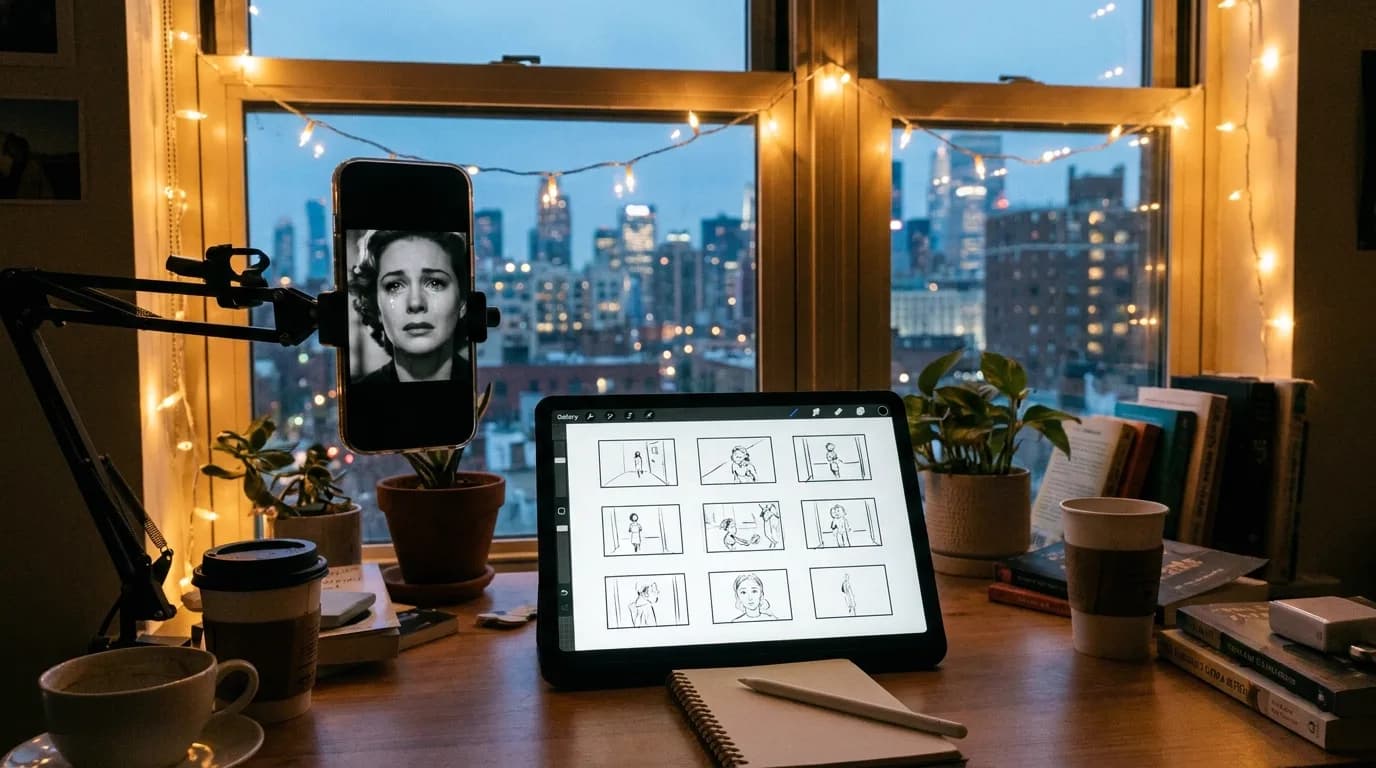
Keep one artifact canonical, and make it your screenplay, not your clips. Lock structure first, generate storyboards from the script, and only run motion generation on beats that have earned their place. Treat clips as disposable tone tests so a good render never talks you out of a needed rewrite.
Will switching AI video models break my project?
Only if your project is built on the clips themselves. If your source of truth is a script-linked scene graph, the way ScreenWeaver is structured, each scene keeps a stable ID and you can route motion generation through any model, then swap that model out as Veo 4, Sora 3, or Seedance 3 arrive, without rebuilding the project.
Final Step
Build your next script with Screenweaver
Move from ideas to production-ready pages faster with timeline-native writing and AI-assisted story flow.
Try Screenweaver