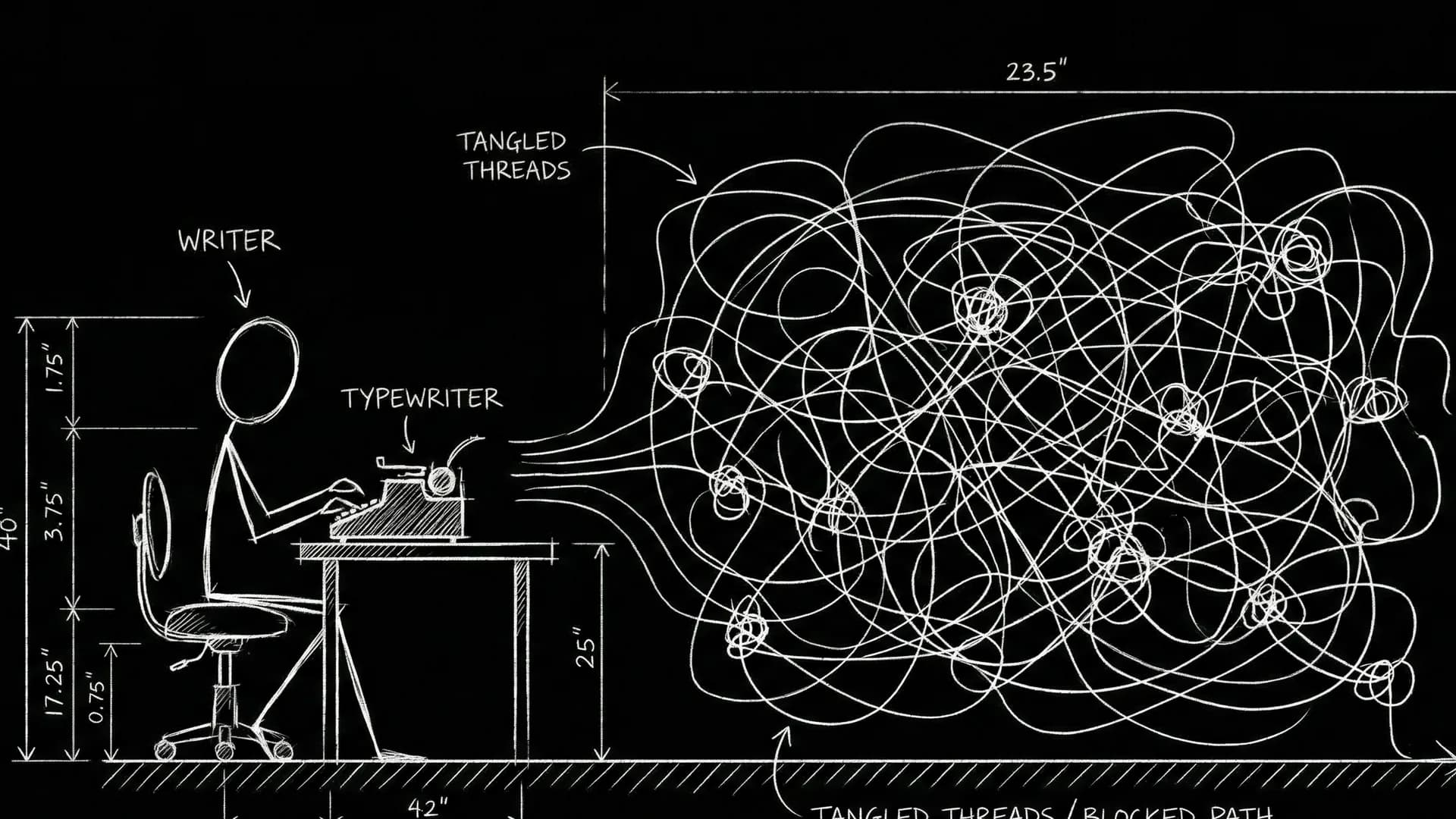

Independent filmmaking in 2026 is not short on software. It is short on coherence. You can write in one app, board in another, budget in a spreadsheet, schedule in a third tool, and generate AI clips in a fourth browser tab. Each tool works. Together they lie. Scene 18 ends differently in every export. Your pitch deck shows a movie your script no longer contains.
The indie filmmaker who wins is not the one with the most subscriptions. It is the one with the clearest artifact chain: what leads at each phase, what gets exported together, and what AI is allowed to decide versus what the screenplay still owns.
This guide clusters the tools and rituals that matter for micro-budget features, proof-of-concept shorts, and series pilots developed without a studio infrastructure team. It connects writing, visual development, pre-production, and optional motion tests into one workflow you can run on a laptop and a disciplined calendar.
Free tool: use the Beat Sheet Calculator to map these beats to exact page numbers for your script length.
The Indie Constraint: One Person, Many Hats
You are writer, producer, director, and sometimes editor. Context switching is not a productivity flaw. It is the job. Tools that force you to retype the same scene in five places tax the only resource you cannot crowdfund: attention.
A workable 2026 stack minimizes re-entry. The script lives in a canonical graph. Visuals attach to scene IDs. Pre-production reads from that graph instead of a duplicated PDF someone annotated at 2 a.m. Motion tests, when you use them, reference beats you can find in the script in ten seconds.
If your bottleneck is boards and pitch visuals, start from the AI storyboard generator. If your bottleneck is schedules, breakdowns, and location reality, anchor in film pre-production. Both should read the same scene numbers.
Tool Cluster One: Writing and Structure
Your screenplay software must do three things well: stable industry formatting, revision history you trust, and export PDFs that match what collaborators read on their tablets.
Indie writers often over-buy on features they never touch: production scheduling inside writing tools they never learn, or collaboration suites when they write alone for six months. Under-buy on what hurts: find-and-replace across sluglines when a location rename breaks continuity, or beat tracking when act two wanders.
Structure tools beat decoration. Beat boards, sequence outlines, and scene lists linked to pages help you see whether you are building a movie or a collection of clever scenes. For a full script-to-screen view that includes when to add visuals, read AI filmmaking workflow from script to screen.
Tool Cluster Two: Visual Development
Visual development for indies is not always full storyboards. Sometimes it is one overhead blocking diagram per difficult scene. Sometimes it is a six-frame pitch strip. Sometimes it is reference packs that constrain AI regen so faces and wardrobes stop morphing between panels.
Dedicated board tools like Boords fit teams with illustration rituals. Script-linked generation fits writers whose scripts still move weekly. Compare handoff costs in Boords vs ScreenWeaver.
The failure mode is premature prettiness. Beautiful frames feel like progress while act two rots. Fix: beat sentences before panels. Frame budgets per scene. Package exports only after script and visuals agree.
Pitch covers and board strips work when they show emotional escalation tied to scene numbers, not plot summary as wallpaper.
Tool Cluster Three: Pre-Production and Reality Checks
Pre-production tools earn their keep when they translate script truth into schedule truth. Can you shoot this scene at this location in this many hours? Do you have company moves that eat a day? Does your breakdown reveal that every "simple" kitchen scene needs a different kitchen?
Indie filmmakers skip breakdowns until it hurts (our complete script breakdown process walks through one scene by scene). Then the AD discovers four scenes labeled INT. KITCHEN that were four different kitchens in the writer's head. Link breakdowns to stable slugs early, even if your schedule is a guess. Guesses with scene IDs beat confident fantasies with no index. A day out of days chart built from that breakdown shows which actors you would be paying to wait around.
Tool Cluster Four: AI Motion and Proof-of-Concept
AI video is tempting because it feels like forward motion. Sometimes it is. A stairwell beat that reads too long on the page becomes obvious in a ten-second clip. Sometimes it is a trap. You keep a broken sequence because the render looks cinematic.
Use motion tests sparingly: one high-risk beat per week, filenames that include scene numbers and draft versions, no investor sends without PDF anchors. Compare platforms in script-to-video AI tools compared and the dedicated mStudio vs ScreenWeaver breakdown.
Script-first filmmakers often need structure and stills more than clips. Motion-first filmmakers need clip speed but still owe the script coherence. Know which problem you are solving before you subscribe.
A Week-by-Week Indie Workflow
Week 1: Structure sprint. Beat map the feature or pilot. Mark visual-risk sequences. No AI spend yet.
Week 2: Draft push. Pages over panels. Stable sluglines even if dialogue is rough.
Week 3: Spatial pass. Board or diagram only marked sequences. Merge staging fixes into action lines.
Week 4: Package moment. PDF, board strip, one-page index. Send to one honest reader.
Week 5: Pre-production skim. Breakdown top twenty scenes. Location photos against boards.
Week 6: Optional motion. One clip test on the sequence that still feels wrong in time, not space.
Repeat with discipline. Indie schedules slip when every week becomes "try a new tool" instead of "finish the artifact."
Try it free
Try Screenweaver for free on your script
It is free. Import your existing project, get a clearer view of your outline, and regain control of your story structure in minutes.
Start FreeScenario: Micro-Budget Feature Before Crowdfunding
Tessa has a contained thriller and a thirty-day prep window. She refuses to open five apps daily. Her script graph owns scene IDs. She boards twelve sequences, not ninety pages. She runs breakdowns only on locations she can afford.
Her crowdfunding deck pairs script excerpts with a board strip for the opening, midpoint, and climax. She does not send AI clips without scene context. Backers fund coherence. She hits prep knowing which scenes need the good kitchen versus the friend's apartment.
Scenario: Proof-of-Concept Short for a Festival Run
Marco directs a sci-fi short with heavy sound design. He boards for silhouette and reveal timing. AI stills accelerate iteration on shadow placement. He motion-tests one silent beat to check dread versus accidental comedy.
He keeps the script canonical. When a clip suggests a timing trim, he edits dialogue, not just the render. Festival programmers read credits, not prompts. The short still has to be a film, and once it is picture-locked, a music cue sheet generator handles the deliverable that broadcasters and rights societies ask about first.
Collaboration on a Shoestring
Indie collaboration is async by default. Your tools should support dated exports and comment trails without requiring everyone to live in the same subscription.
Rules that prevent chaos: one canonical script file per draft number, visual attachments as pointers not junk drawers, announced "lead artifact" per phase (script leads in development, board may lead in a pitch sprint), and no compliment-only feedback before notes are captured in writing.
What Not to Buy Yet
Do not buy a full production suite before you have a script worth shooting. Do not buy motion credits before spatial questions are answered. Do not buy a fourth writing app because the third one's font annoyed you once.
Buy when fragmentation costs you a rewrite: mismatched pitch pairs, lost scene IDs, or hours retyping sluglines into image prompts.
Closing Stance
Independent filmmaker tools in 2026 reward linkage over novelty. Structure validates intent. Boards test space. Pre-production tests schedule reality. Motion tests time.
Run a boring index. Export package moments. Let AI accelerate iteration inside a graph the script still owns.
When words, images, and schedule assumptions agree, you stop losing weeks to sync anxiety. You spend those weeks on performances you cannot generate from a prompt.
FAQ
What tools do independent filmmakers need most in 2026?
A canonical script workspace, a visual development path tied to scene IDs, lightweight pre-production breakdowns, and clear export rituals. Motion tools are optional until timing questions are real.
Should indie filmmakers use AI storyboards?
Yes when boards accelerate spatial clarity and pitch packaging without replacing structure work. Constrain regen with sluglines and references so panels stay consistent.
How do I avoid tool overload as a one-person film crew?
Pick one lead artifact per phase, maintain a scene index, and export script plus visuals together. Add tools only when fragmentation costs measurable rewrites.
Where does AI video fit in an indie workflow?
After beats and staging are mostly stable, test single high-risk beats for timing. Do not send clips to investors without script anchors and scene numbers.
How does ScreenWeaver fit an independent filmmaker stack?
It links script development, AI storyboards, and pre-production in one graph so indie crews reduce retyping and mismatched exports. Compare motion-oriented alternatives in LTX Studio vs ScreenWeaver.
Final Step
Build your next script with Screenweaver
Move from ideas to production-ready pages faster with timeline-native writing and AI-assisted story flow.
Try Screenweaver