
Free tool: use the Beat Sheet Calculator to map these beats to exact page numbers for your script length.
Try it free
Try Screenweaver for free on your script
It is free. Import your existing project, get a clearer view of your outline, and regain control of your story structure in minutes.
Start FreeCinematic workflow frames
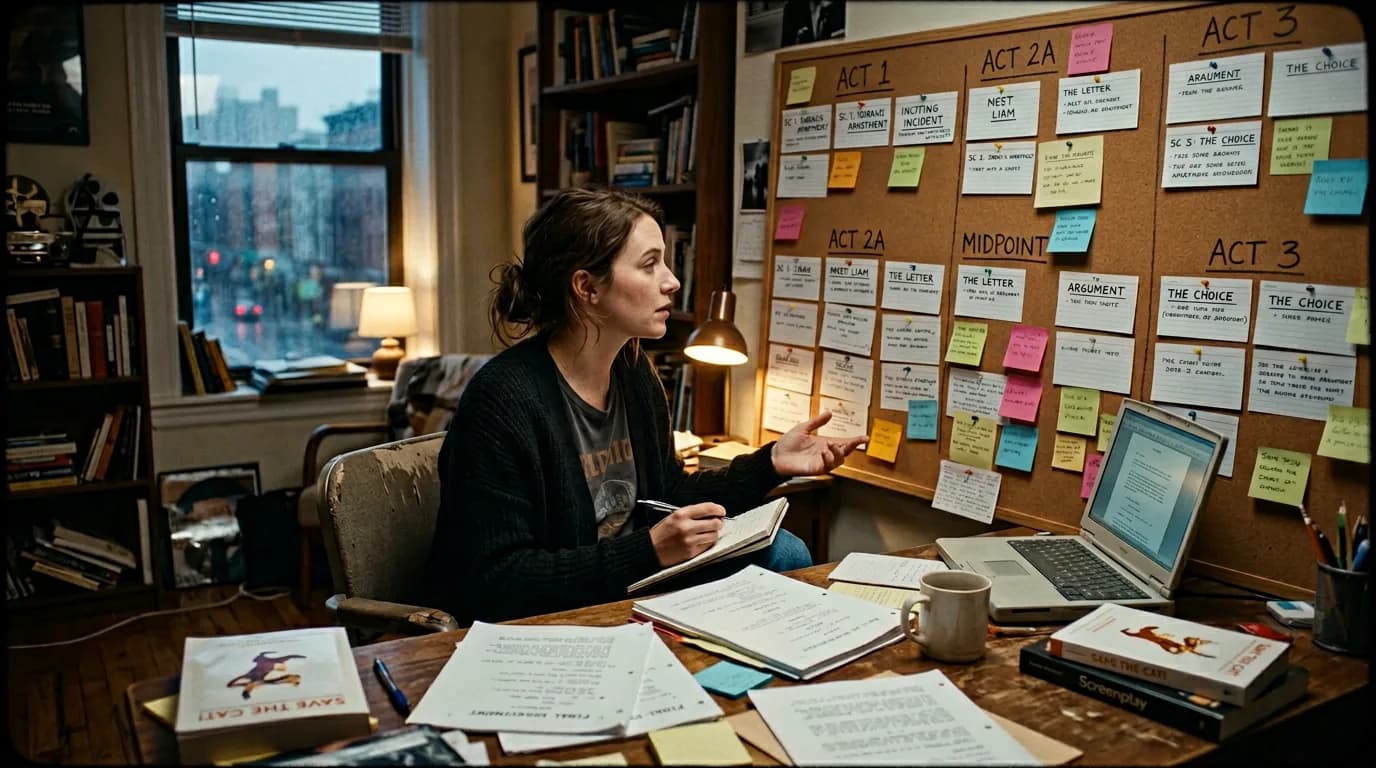
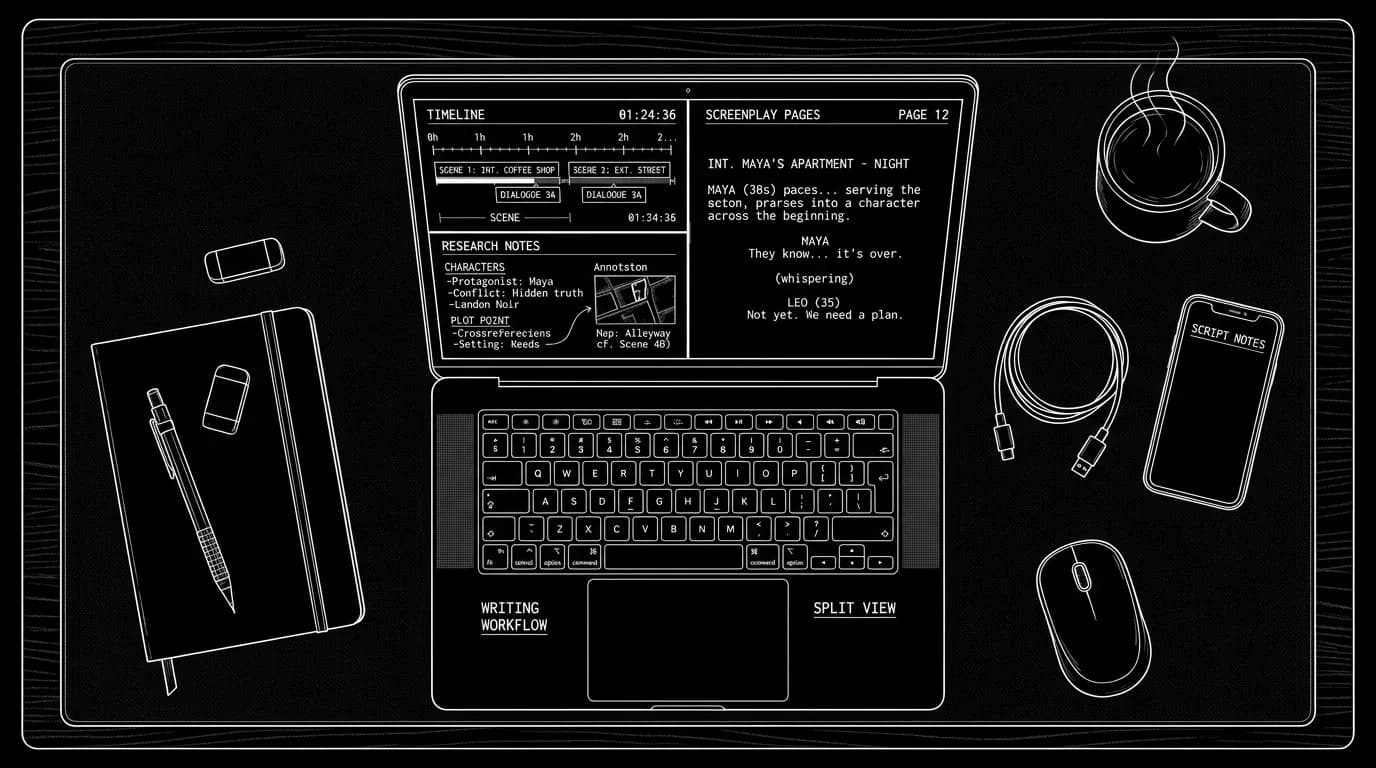
These two visuals work as a pair: the first shows Cinematic workflow still, first angle, 35mm film grain, and the second shifts to Cinematic workflow still, second angle, 35mm film grain - compare them briefly, then move on.
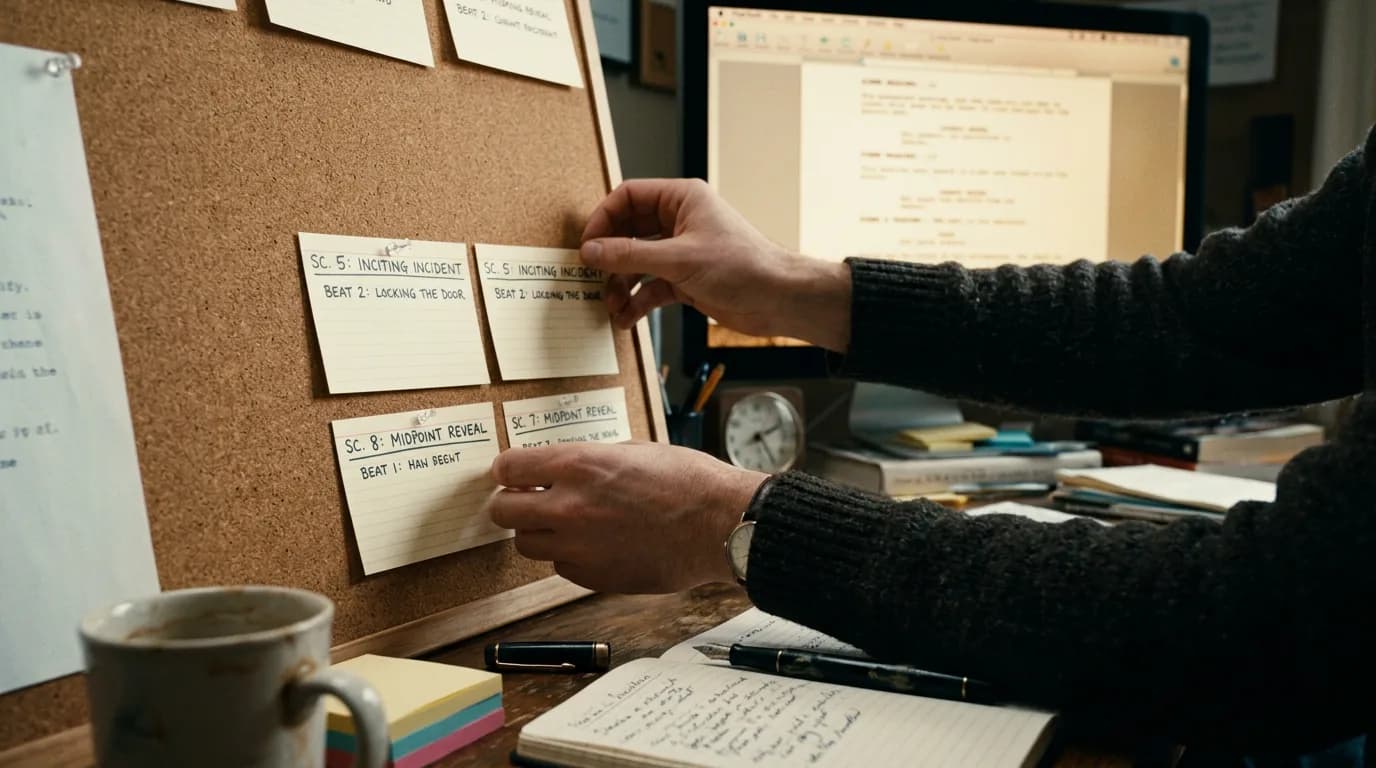
How to Structure a Visual Beat Board Without Leaving Your Writing Software
You love the beat board on the wall, cards, arrows, color. Then you sit down to write and the board is there, the script is here, and you're the only link. You jump between apps, re-find the beat, then try to remember what you were typing.
A beat board inside your writing software keeps structure and pages in one place. You see the beats; you click one; you're in that scene. No context switch. No "where was I?"
Why In-App Beat Boards Win
When the beat board and script share one surface, three things happen. You stop losing context: the beat you're writing is the one that's selected. You navigate by story, not by page: "The dinner fight" instead of "page 47." You restructure without leaving the draft: drag a card, the script order follows (in tools that support it), or you at least see the new order and move scenes accordingly.
A beat board that lives next to the script turns "outline" and "draft" into one object. You're not maintaining two separate truths.
What a Visual Beat Board Needs
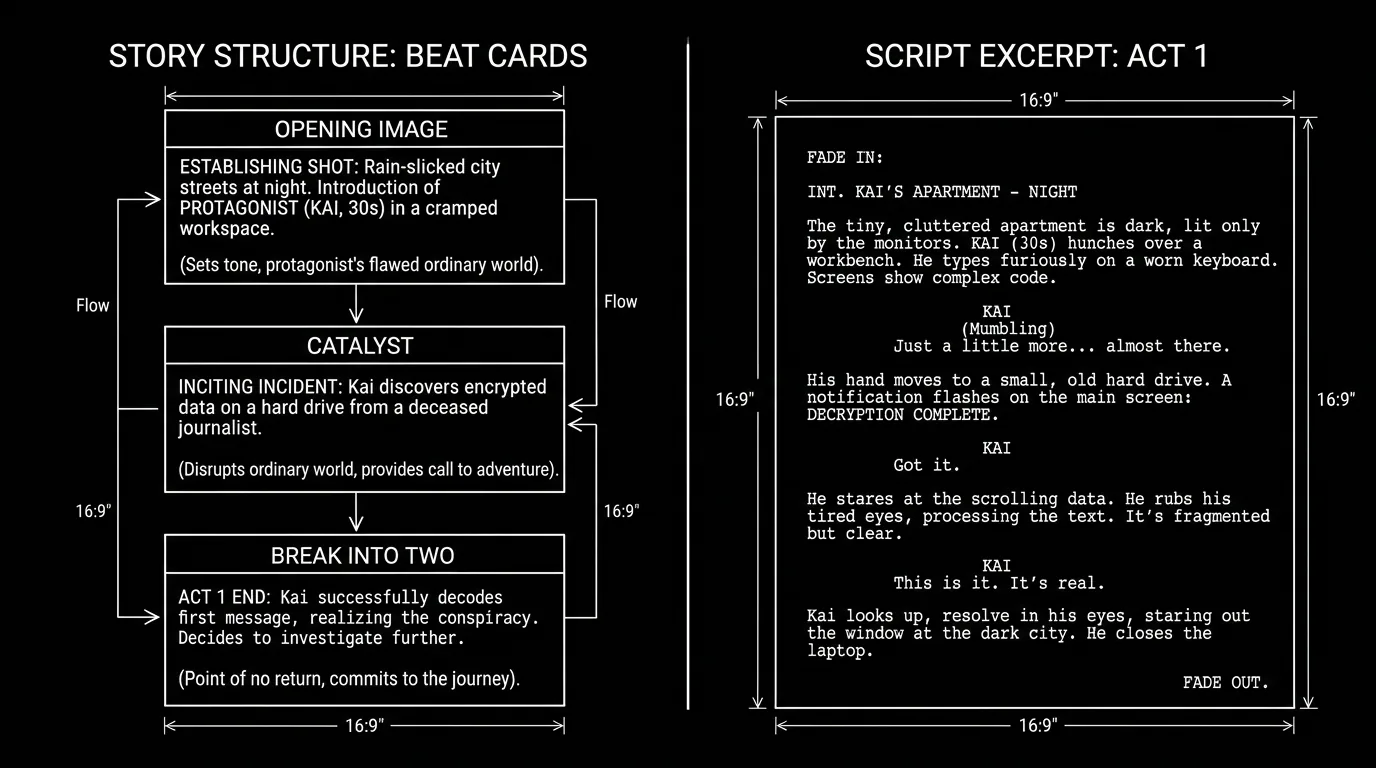
Cards or nodes for key beats (Opening Image, Catalyst, Midpoint, All Is Lost, etc.). Optional labels or one-line descriptions.
Order that matches the script. Beats appear in story order. When you click a card, the script jumps to that section (or that scene). No mental mapping.
Minimal friction. Add a beat, rename it, reorder by drag. No trip to a different app or a modal that hides the script.
Optional hierarchy. Acts, sequences, or "chapters" that group beats. So you see "Act Two" and under it the beats that belong there.
Tools like ScreenWeaver build this into the Living Story Map: timeline and beat cards are one view; the script is another view of the same object. Our what ScreenWeaver is and beat sheet calculator align with this, structure as something you see and click, not a separate document.
Scenario: Rewriting the Midpoint Without Getting Lost
You need to move the midpoint later and add a beat. In a separate outline app you change the order, then alt-tab to the script and hunt for where Act Two really starts. In an integrated setup you drag the "Midpoint" card right; the timeline updates; you click the card and the script jumps to that scene. You edit in place. The beat board and script never disagree because they're the same data.
When Your App Doesn't Have a Beat Board
Approximate with headings. In your script or outline doc, use a consistent heading per beat (e.g. "## Midpoint – She discovers the lie"). Use Find or a doc outline to jump. Not as visual, but it keeps one document with both structure and text.
Side-by-side outline. Keep a simple list or table in a second pane (or second monitor): beat name, page or scene slug, one-line summary. Update it as you draft. Use it as your "map" to click or search into the script. Our dual monitors piece fits here, outline on one screen, script on the other, same idea.
Upgrade when you feel the pain. If you're constantly re-syncing a separate beat doc and the script, a tool that unifies them (e.g. timeline + script in one app) may be worth it.
The Trench Warfare: What Goes Wrong
Beat board and script drift. You move a beat on the board but don't move the corresponding scene in the script (or vice versa). Fix: Use a tool where they're one object, or treat the beat list as the source of truth and manually move script sections to match, then save.
Too many cards. Every minor moment becomes a beat. The board is noise. Fix: One card per major story turn (Save the Cat / sequence level). Sub-beats can live in the scene text or as a note on the card.
Using the board only at the start. You build it, then write in a flat script view and never click back. Fix: Make a habit of opening the board when you sit down. Use it to jump to "today's scene." Let it be your home base.
The Perspective
A visual beat board inside your writing software doesn't make you a better writer. It makes the story you're already holding in your head visible and clickable. You spend less time re-finding and re-mapping, and more time writing the next beat. Structure and script in one place, that's the goal.
Final Step
Build your next script with Screenweaver
Move from ideas to production-ready pages faster with timeline-native writing and AI-assisted story flow.
Try Screenweaver