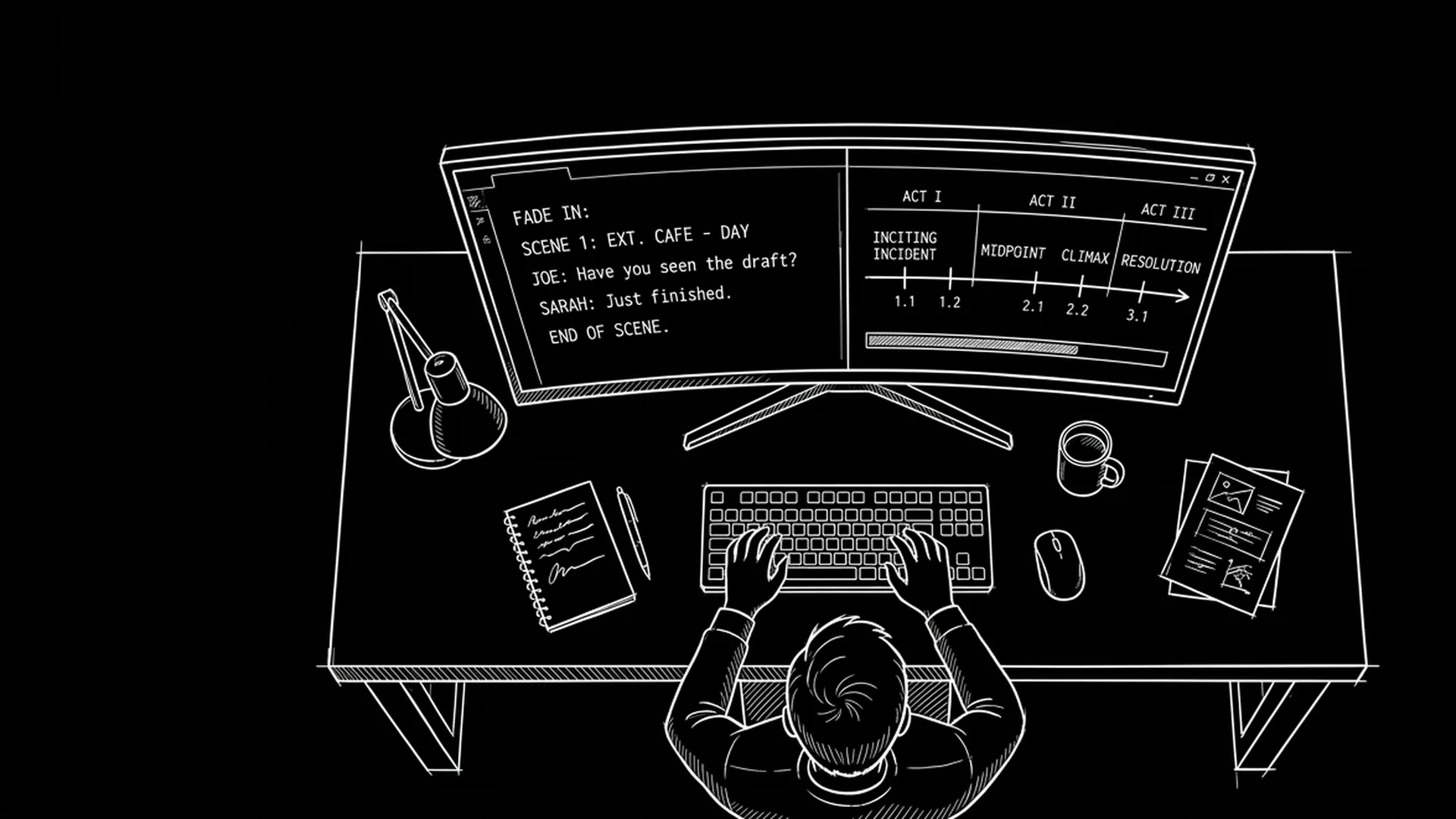

Final Draft earned its place in the industry for reasons that still matter: predictable screenplay output, entrenched expectations, and a long trail of production workflows built around its assumptions. None of that magically makes it the best thinking environment for every writer.
Visual thinkers often experience legacy drafting tools like visiting a bank vault. Secure. A little cold. Optimized for final forms more than exploratory cognition. They want spatial canvases, rapid restructuring, and immediate pattern recognition. They want to see the film’s pressure curve while still producing a screenplay that coordinators can read without pain.
Here is why that matters: if your ideation system fights your delivery system, you either slow down or you secretly maintain two parallel lives. Two lives mean drift. Drift means the pitch deck looks like one movie and the script reads like another.
This article is not an anti–Final Draft rant. It is a decision framework for visual thinkers who need a Final Draft alternative, sometimes as a full replacement, sometimes as a paired drafting stack, depending on who reads you and what you optimize for.
Free tool: use the Slugline Formatter to clean up and standardize your scene headings.
Cinematic workflow frames
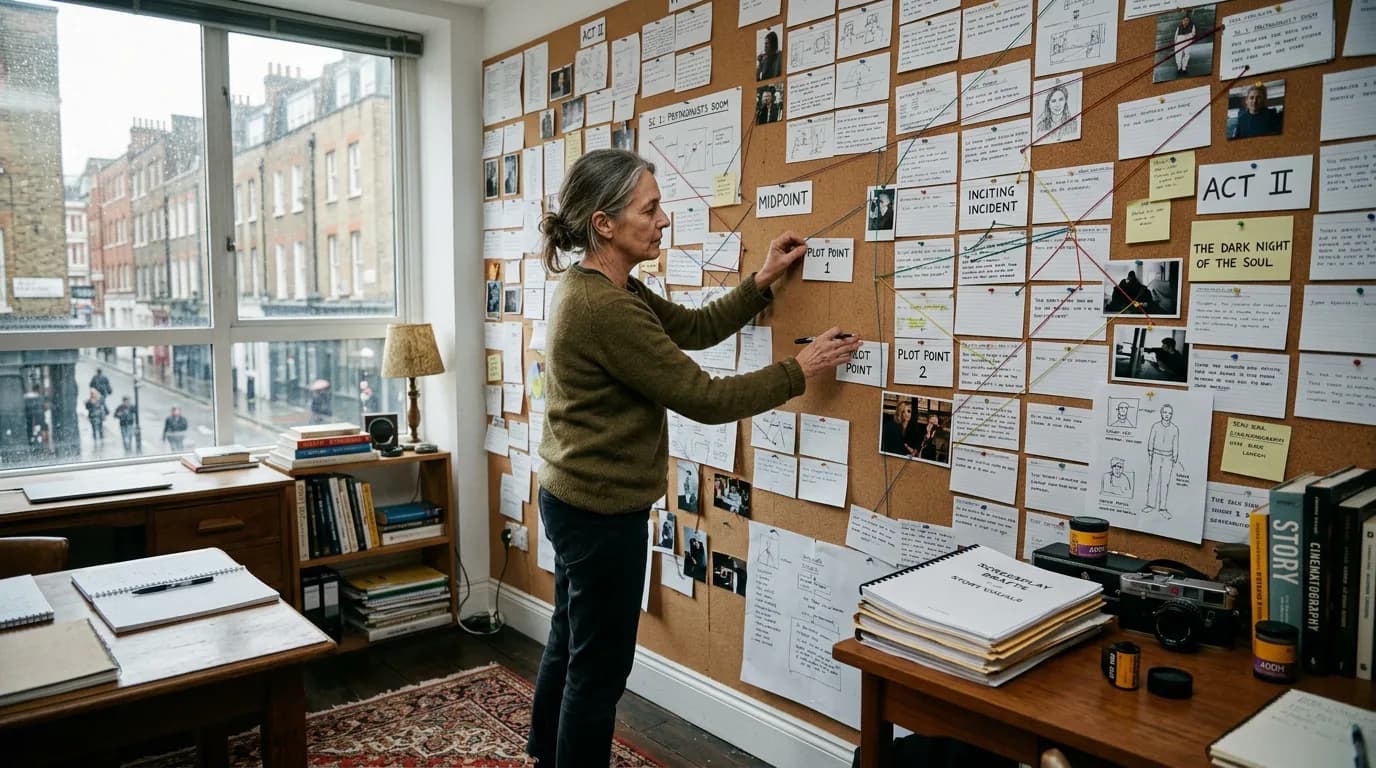
These two visuals work as a pair: the first shows Cinematic workflow still, first angle, 35mm film grain, and the second shifts to Cinematic workflow still, second angle, 35mm film grain - compare them briefly, then move on.

What Visual Thinkers Actually Need
Visual thinkers are not a monolith, but they share a pattern: comprehension improves when structure is externalized. Cards, grids, color cues, spatial grouping. They spot repetition faster when it is not buried in a scrolling page. They feel pacing problems when sequences appear as lengths and shapes, not only as prose.
A useful alternative must satisfy two opposing demands at once: freedom during development, discipline at export.
The goal is not to look artistic in your app. The goal is to think clearly and still ship professional pages.
Trade-Off Table: Visual Ideation vs Production Handoff
| Need | Visual-First Tool Strength | Risk If You Ignore It |
|---|---|---|
| Beat and sequence maps | Faster restructuring and pattern spotting | Premature structure confidence |
| Script parity | Clean screenplay mode with strong pagination | Executive reads that feel “off” |
| Collaboration | Shared canvases and comments | Over-editing in group mode |
| Interoperability | Reliable FDX/Fountain/PDF | Coordinator rework |
| Cost | Sometimes subscription-native | Seat creep over time |
Use the table as a diagnostic, not a ranking.
Scenario One: Writer Who Thinks in “Sequences,” Not “Pages”
Dante breaks movies into muscular sequence chunks. Acts are too big. Scenes are too small. Sequences are his natural unit.
In a page-only environment, Dante scrolls constantly to maintain context. He loses the shape of pressure. He migrates to a tool that displays sequence strips with page estimates tied to scenes. Suddenly his rewrites address rhythm instead of local polish.
He still exports to industry-standard screenplay PDF for reads. The visual system is upstream of the delivery artifact, not a replacement for it.
Scenario Two: Director-Writer Pitching Off Tone and Space
Mira pitches with images and scene geography. Her narrative brain attaches emotion to spaces: hallways, thresholds, vehicles, windows. She needs a drafting environment where she can park diagrams and references near scenes without polluting the script with shot bloat.
She uses an alternative that separates “thinking attachments” from “reader-facing pages,” then audits exports to ensure the reader PDF stays clean.
Scenario Three: Team With One FD “Gate” Writer
Some teams standardize on Final Draft at the production border but refuse to ideate there. One writer visual-boards in a modern tool, then syncs structure into FD for locked pacing rounds. That hybrid is common, unglamorous, and effective when rituals are strict.
As discussed in our guide on Fountain import and export for screenplays, interoperability tests should happen weekly, not at delivery.
Step-by-Step Migration That Does Not Blow Up Your Draft
Step 1 - Identify your non-negotiable handoff target. PDF for reads? FDX for a coordinator? Fountain for git nerds? Name it.
Step 2 - Freeze a baseline export. Archive your current “best” draft in two formats. That is your rollback.
Step 3 - Pilot one act. Migrate one act into the candidate tool. Beat map it. Rewrite one sequence. Export. Compare pagination and dialogue wraps in an independent viewer.
Step 4 - Run collaboration impersonation. Even if you mostly solo, pretend a partner: duplicate a scene, merge, comment, revert. See how the tool behaves under disagreement.
Step 5 - Decide replacement vs pairing. Full replacement is valid if exports pass your harshest reader. Pairing is valid if your network demands FD compatibility for certain partners.
Step 6 - Lock naming conventions. Visual tools encourage rapid duplication; sloppy scene headings compound.
Step 7 - Set review cadence. New tools seduce with novelty. Revisit whether the tool still earns its place after thirty days of real drafts.
Fade In often appeals to writers who want power without subscription vertigo. WriterDuet appeals when real-time collaboration is primary. Arc Studio can fit writers who want modern structure dashboards. Highland leans toward writers who love Markdown-ish simplicity and strong text philosophy. None of these sentences replace your own pilot.
Parameter specifics worth testing: default zoom and line height (reading fatigue matters), night mode quality (visual thinkers are often screen-stressed), how fast you can move scenes without fear, whether outlining lanes support tags for motif tracking, and whether exports preserve dual dialogue blocks correctly if you use them.
As discussed in our article on managing scene numbers for locked revisions, export fidelity is not vanity. It is production hygiene.
Trench Warfare: What Visual Thinkers Break When Leaving Final Draft
The first failure is falling in love with the board and neglecting the script. Beautiful maps can hide broken causality. Force a cold read of screenplay pages weekly, blind to the canvas.
The second failure is assuming visualization equals directing. Boards can trick you into over-specifying shots in action lines. Keep the board as a thinking layer unless your project truly needs screenplay-level camera notation.
The third failure is careless round trips. You restructure in a visual tool, export, import elsewhere, and lose dual dialogue or scene heading spacing. Fix with ritualized diff checks, not optimism.
The fourth failure is social pressure panic. Someone says “we use Final Draft,” and you abandon a working stack out of shame. Professionalism is about reliable delivery, not religious purity - unless your contract says otherwise.
The fifth failure is ignoring keyboard velocity. Visual thinkers still type. If navigation is mouse-heavy and slow, your thought rhythm suffers.
The sixth failure is data lock-in euphoria. Proprietary canvases feel magical until you need to exit. Maintain portable exports and plain-text backups where feasible.
The seventh failure is mismatched collaboration cultures. Visual tools invite big-picture interventions; some partners want line-level restraint. Negotiate modes.
The eighth failure is underestimating training costs. A team switch is never “just software.”
Alternatives are not rebellion. They are ergonomics.
For an external reference on screenplay craft standards while you evaluate tools, the Academy’s writer-facing resource page remains useful: <a href="https://www.oscars.org/nicholl/about/screenwriting-resources" rel="nofollow">Nicholl Fellowship screenwriting resources</a>.
[YOUTUBE VIDEO: Export torture test - same complex sequence exported from Final Draft vs two modern alternatives, with pagination and dual-dialogue comparison]
Try it free
Try Screenweaver for free on your script
It is free. Import your existing project, get a clearer view of your outline, and regain control of your story structure in minutes.
Start FreeWhy “Visual Thinker” Often Means “Pattern Thinker”
Sequences repeat motifs. Locations echo. Characters mirror. Visual tools surface repetition that prose hides. If you rewrite without seeing overlap, you might intensify the same beat three times under different names.
Use color sparingly, not as decoration. One color for motif, one for subplot pressure, one for time markers if your story plays with chronology. Too many colors create noise. Visual thinkers are not immune to clutter.
Performance and Stamina Considerations
Eye strain is a creative issue. Alternatives with poor contrast controls or jittery animations can nudge you toward shallow edits. Test long sessions. If your eyes feel hunted after ninety minutes, the tool is costing draft depth.
Closing Perspective
Final Draft is not the enemy. Rigidity is.
If your mind works in shapes, give yourself a workspace that honors shapes - then discipline yourself to convert shapes into pages readers can trust.
That is how visual thinkers stop feeling like tourists in their own screenplay.
That is how they direct attention without hijacking the reader.
Pick the alternative that makes your thinking visible and your handoffs boring.
Boring handoffs are professional love.
After You Choose: Thirty-Day Discipline
Most writers know whether a tool fits within thirty days if they commit to one honest metric: rewrite speed with restored clarity. Count how often you catch structural problems before page eighty. Count how often exports surprise you. Count how often you open the tool eagerly versus dreading it.
If the dread is mostly about the story, fine. If the dread is about navigation, clicks, or export anxiety, fix the stack.
Visual thinkers deserve environments that mirror cognition.
Readers still deserve pages that behave.
Hold both standards.
That dual hold is the job.
How to Talk About This With Agents, Producers, and Coordinators
Visual thinkers sometimes feel sheepish admitting they do not live in Final Draft seven days a week. You do not need to perform purity. You need to perform reliability. Most stakeholders care far less about your ideation cockpit than about the PDF they receive and whether scene numbers behave under revision. Lead with handoff quality. If someone demands FDX for a specific pipeline stage, treat that as a logistics requirement, not an identity verdict.
When asked what software you use, answer with workflow: where you draft, how you version, what exports you can deliver, and how quickly you can implement notes without breaking pagination. That answer sounds professional because it is.
Fade In, WriterDuet, Arc Studio, Highland: Visual Fit Notes Without False Certainty
Fade In often appeals to writers who want a no-nonsense drafting engine with strong formatting control and a UI that stays out of the way. Visual thinkers may pair it with external boards unless they adopt disciplined linking conventions. The win is stability. The watch-out is whether you still need a separate canvas for big-picture sculpting.
WriterDuet’s strength is collaboration visibility plus speed for teams. For visual thinkers who co-write, simultaneous presence can reduce the “where did that beat go?” confusion that email drafts create. The watch-out is comment hygiene; fast tools amplify messy rooms.
Arc Studio’s modern layout can reduce cognitive load for writers who think in sequences and want planning integrated closer to drafting. The watch-out is the same as any integrated system: keep the visible map from becoming a substitute for hard screenplay questions.
Highland tends to attract writers who want text-first purity with strong export philosophy. Visual thinkers can still thrive here if they like semantic structure and want version control that behaves predictably. The watch-out is that visual boards may live outside the ecosystem unless you build deliberate bridges.
These notes are not endorsements. They are patterns writers report when they choose alternatives for ergonomics, not brand romance.
When Final Draft Remains the Correct Hub
If your immediate next step is a production prep phase with a coordinator who runs revision layers exactly one way, optimizing for their reality can be smarter than optimizing for your dream interface. In that window, the alternative becomes upstream ideation or parallel drafting, then convergence. That is not defeat. It is scheduling sanity.
Some writers keep Final Draft as the “print shop” and never fall in love with it. They respect it like a print shop deserves respect.
The Hidden Cost of “Living in Two Apps”
Two-app life can be excellent. It can also create silent divergence if you do not ritualize reconciliation. A board says the midpoint is a public confrontation; the script still treats it as a private confession because you failed to sync after a late-night pass. The fix is a weekly structural parity check: read beats from the canvas, then skim screenplay headings for the same story promises.
If parity checks reveal drift often, either tighten ritual or collapse stacks through stronger native integration.
Accessibility, Motor Fatigue, and Why Visual Tools Must Stay Keyboardable
Mouse-first interfaces look cinematic in demos. Long writing sessions reward keyboard shortcuts. Visual thinkers still draft and cut lines for hours. If moving a card requires precision dragging every time, your wrists become an accidental editor. Test list-based moves, keyboard nudging, and bulk operations during evaluation.
Data Survival and Long-Horizon Projects
Some screenplays live for years - options, rewrites, director attachments, cast changes. Visual canvases become archives of thinking. Maintain dated exports and readable indexes. Tools change. Companies change. Your archive discipline should not depend on a single vendor’s benevolence.
A Simple Decision Rule
If you can export a clean screenplay and your thinking speed increases measurably in the new environment, you have a legitimate alternative.
If exports are messy and your thinking speed increases only slightly, you may be buying a new problem.
If exports are clean but thinking speed does not change, you may be procrastinating through novelty.
Measure, do not mythologize.
That measurement mindset is how visual thinkers keep power without losing professionalism.
When Visual Tools Help You Cut, Not Add
Visual maps expose bloat. You realize three beats repeat the same reversal. You notice your action episode actually contains four escapes in a row. Alternatives that help you delete with confidence often matter more than alternatives that help you generate. Deletion discipline is a career skill.
If your tool makes cutting emotionally painful because cards are pretty, simplify card aesthetics so you can kill darlings without mourning the UI.
Final honesty about identity
You are not less serious because you dislike scrolling through a single-column vault. You are not more serious because you tolerate friction. Seriousness is measured by rewrite rigor, readability, and delivery trust.
Choose ergonomics that match cognition.
Then do the unglamorous export checks anyway.
That combination is what makes an alternative sustainable beyond the first infatuation week.
One More Visual-Thinking Trap: Confusing “Clarity” With “Certainty”
A crisp map can make you feel finished when the script is still asking questions. If your alternative tool’s interface rewards tidy grouping, keep a standing invitation for disorder: a sandbox lane for unruly scenes, dead-end branches, and intentionally ugly beats. Visual order is a servant, not a scoreboard. Let the messy lane exist so your certainty stays honest.
When you sense false certainty, print a script PDF and read it somewhere away from your canvas. Paper lies less than dashboards, not because paper is magic, but because it strips away the comfort of rearranging without consequence.
Final Step
Build your next script with Screenweaver
Move from ideas to production-ready pages faster with timeline-native writing and AI-assisted story flow.
Try Screenweaver