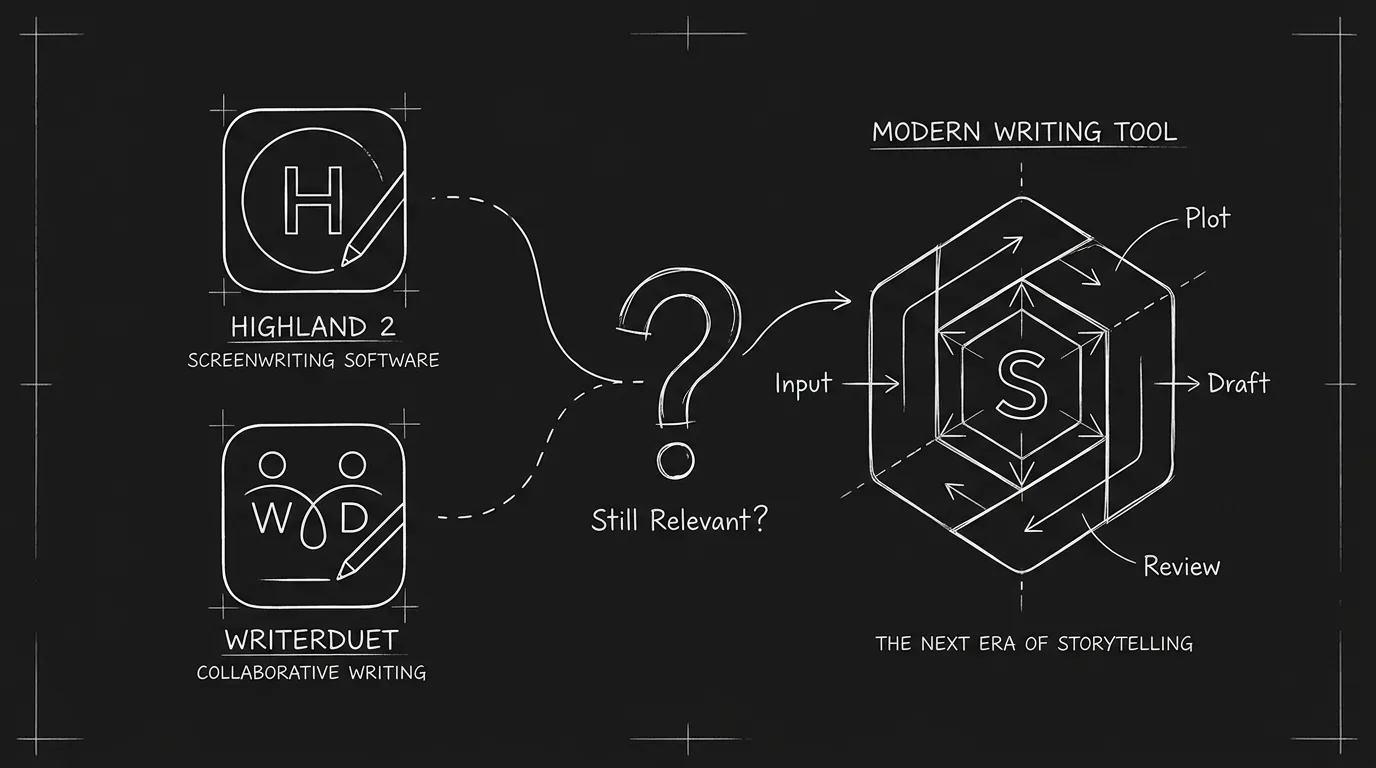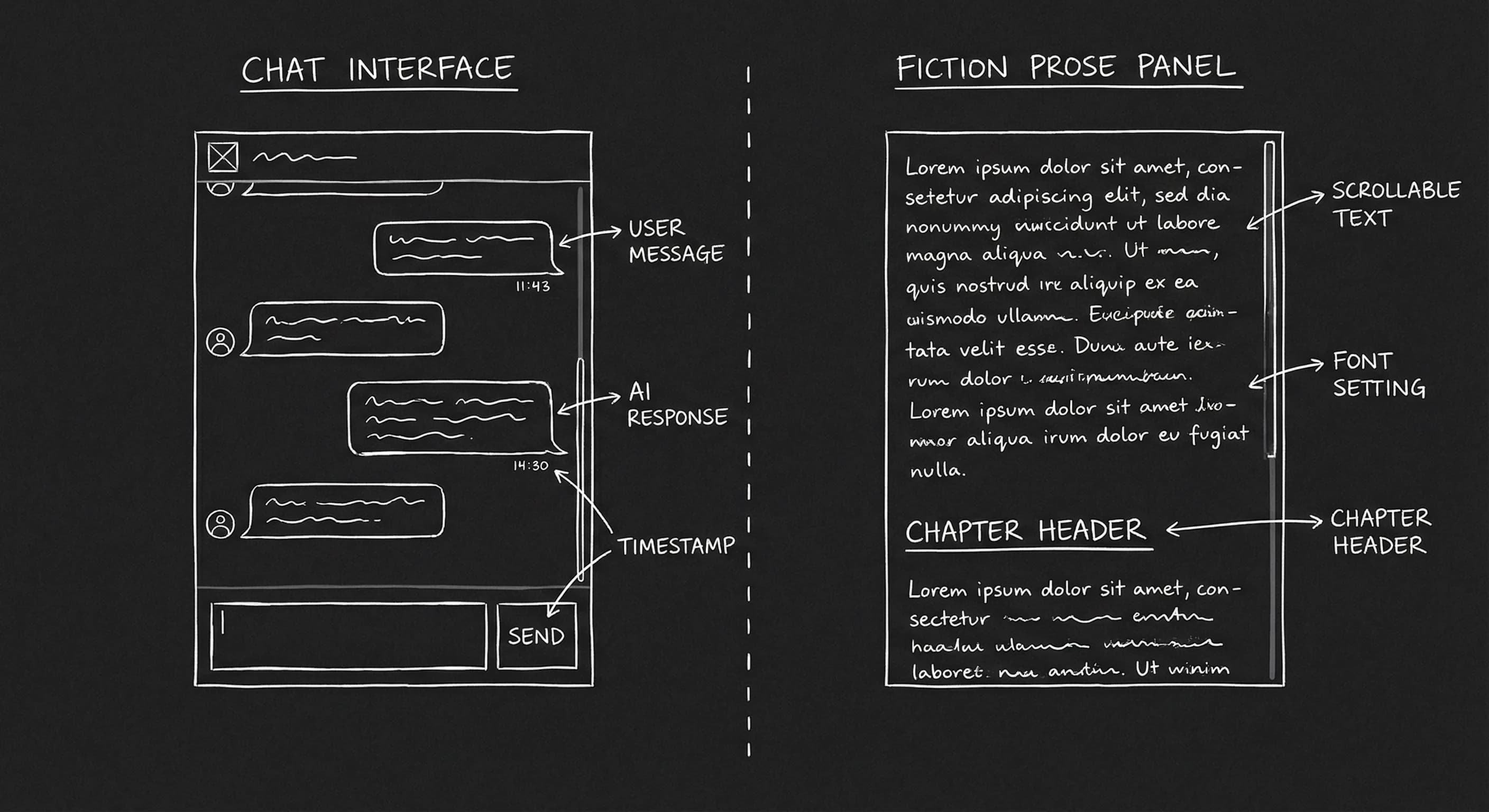

You need to brainstorm a scene, sharpen a line of dialogue, or break a story beat. You could open ChatGPT, the generalist that does a bit of everything. Or you could open Sudowrite, built for fiction, with "expand," "rewrite," and style-aware suggestions. Which one actually helps when you’re writing a script? The answer isn’t "one is better." It’s that they solve different problems. Here’s how they compare when the output has to be screenplay, not prose or a chat.
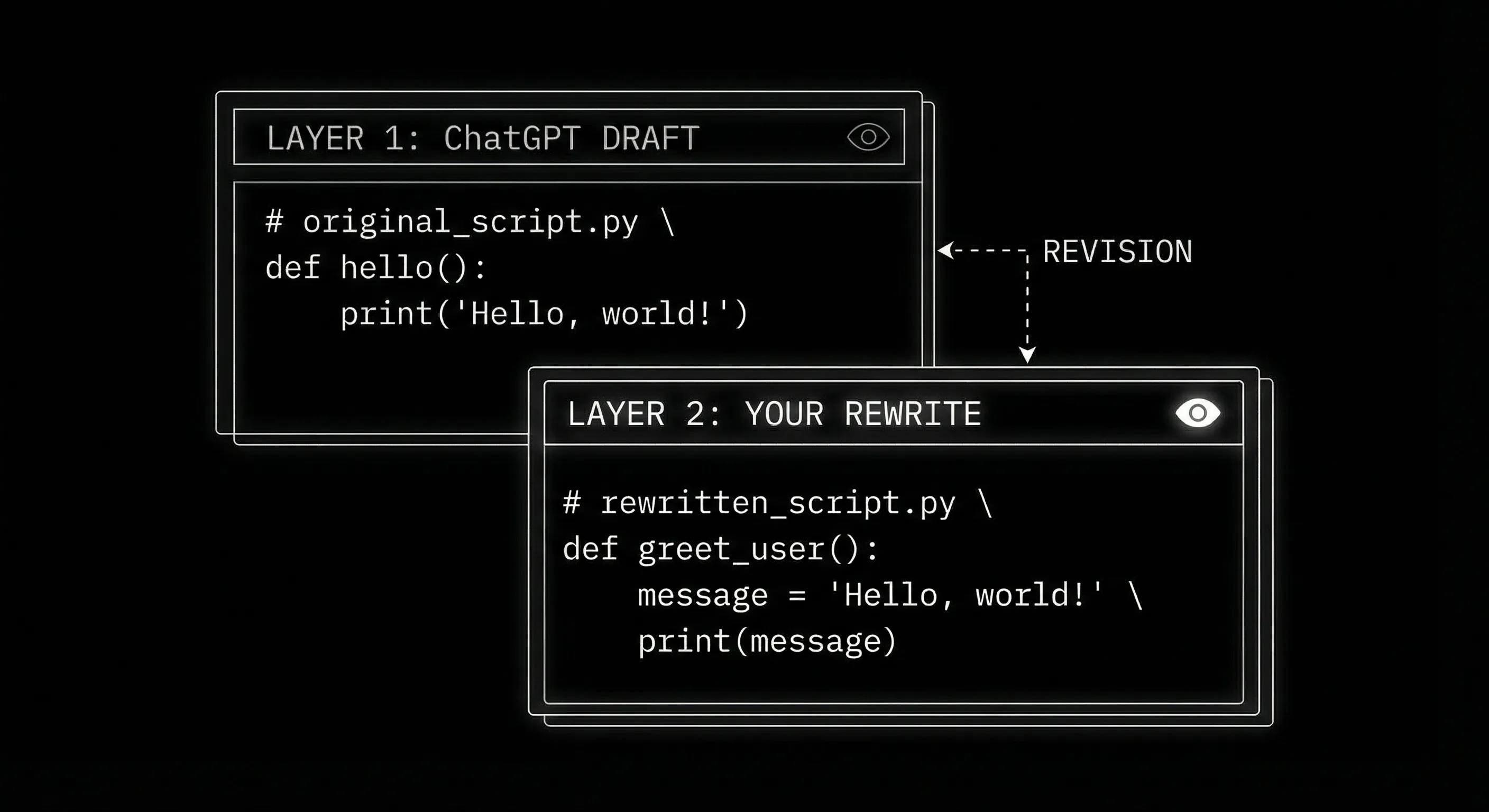
Generalist tools give you flexibility and structure. Fiction specialists give you better prose and dialogue variation. For scripts, you often need both, and a clear rule: whatever you generate, you rewrite before it’s yours.
For the ethics of using any AI on guild or studio work, ethics of AI in screenwriting sets the line. For a broader comparison of AI script tools, top AI tools for screenwriters 2026 covers Squibler, NolanAI, and Sudowrite in one place.
Free tool: use the Beat Sheet Calculator to map these beats to exact page numbers for your script length.
What Each Tool Is Built For
ChatGPT is a general-purpose language model. You can ask it to outline a thriller, explain a concept, draft an email, or write a scene. It doesn’t "know" screenplay format unless you tell it. It doesn’t have a dedicated script mode. You get text back; you paste it where you need it. That makes it flexible, you can use the same chat for research, structure, and dialogue, but it also means you have to prompt carefully for script format and you’ll often get prose that reads like a novel, not a script. Strengths: versatility, follow-up questions, and the ability to hold context across a long conversation. Weaknesses: no native script formatting, no "expand this beat" button, and dialogue that often sounds expositional or on-the-nose.
Sudowrite is built for fiction writers. It’s trained and tuned for narrative prose, description, voice, dialogue variation. You paste in a passage and use tools like "Expand," "Rewrite," or "Suggest" to get alternatives. It does not have a screenplay mode. You’re using a novel tool on script text. So you get better-sounding dialogue and description than ChatGPT often gives, but you’re still managing format yourself (slug lines, character names, parentheticals) in your script editor. Strengths: prose quality, dialogue options, and a workflow that fits "I have a draft and I want to polish it." Weaknesses: no structural view, no script-specific features, and you have to move text in and out of your script app.
So: ChatGPT is better when you want to brainstorm structure, explore plot options, or get a quick draft of a scene in script form (that you’ll rewrite). Sudowrite is better when you have script text and you want to improve the way it reads, dialogue rhythm, description, variation, without changing the structure. For script-only drafting with formatting built in, NolanAI or similar script-native tools fill a different niche.
One more option if ChatGPT stays your main tool: connect it to a real screenplay editor. With the ScreenWeaver app for ChatGPT, the scene you draft goes straight into your script, formatted, with the previous version kept in History.
Side-by-Side: Script Tasks
| Task | ChatGPT | Sudowrite |
|---|---|---|
| "Give me a 12-beat outline from this premise" | Strong. Flexible prompts, easy to iterate. | Not designed for it. You’d paste premise and ask for outline; no dedicated flow. |
| "Write this scene in screenplay format" | Can do it if you specify format. Output often needs heavy edit. | Not script-native. You’d paste action/dialogue and get prose-style rewrites. |
| "Give me three versions of this dialogue exchange" | Can do it. Often generic or expositional. | Strong. Built for variation and voice. |
| "Expand this beat into a full scene" | Can do it. You have to ask for script format each time. | Good at expanding prose; you adapt for script. |
| "Fix the rhythm of this dialogue" | Possible but not its strength. | Strong. Rewrite and suggest are built for this. |
| Research / fact-check / worldbuilding | Strong. General knowledge and follow-up. | Not built for it. |
So: use ChatGPT for structure, outlines, scene ideas, and research. Use Sudowrite for polishing dialogue and action lines once you have a draft. Don’t expect either to replace a proper script editor or a timeline-based workflow. For that, see what is augmented screenwriting.
Relatable Scenario: Breaking a Stuck Beat
You have a beat: "She confronts him in the parking garage." You don’t know what they say. You open ChatGPT. You paste the beat and the character descriptions. You say: "Write this as a screenplay scene. 2–3 pages. Focus on subtext, they’re not saying what they really want." You get a scene. The structure might be usable; the dialogue will probably feel a bit flat. You copy it into your script editor and rewrite every line. The confrontation is now yours. ChatGPT gave you a scaffold. You did the writing. That’s a valid split. With Sudowrite you’d be better off writing a rough version of the scene yourself, then pasting the dialogue into Sudowrite and using "Rewrite" or "Suggest" to get alternatives. So: ChatGPT for "give me something to start from"; Sudowrite for "make what I wrote sound better."
Try it free
Try Screenweaver for free on your script
It is free. Import your existing project, get a clearer view of your outline, and regain control of your story structure in minutes.
Start FreeRelatable Scenario: The Flat Dialogue Pass
You’ve written 30 pages. The plot works but the dialogue is stiff. You export a few key scenes and paste the dialogue into Sudowrite. You use "Suggest" or "Rewrite" to get variations. You pick the best bits, merge them with your own lines, and paste back into your script. The rhythm improves. Sudowrite was a dialogue polisher. ChatGPT could do something similar if you prompt it ("give me three ways to say this line"), but Sudowrite is tuned for that. So for a polish pass on existing script text, Sudowrite has the edge. For writing dialogue with subtext, the real work is still yours, tools can suggest options, they can’t feel the scene.
What Beginners Get Wrong
Using ChatGPT’s raw output as script. ChatGPT will give you something that looks like a script if you ask. It won’t be production-ready. Slug lines, spacing, and parentheticals will be inconsistent. More importantly, the dialogue will often be on-the-nose. So use ChatGPT to get a draft, then rewrite in your script editor. Never submit the raw output.
Using Sudowrite as a structure tool. Sudowrite doesn’t do outlines or beat sheets. It improves text you already have. If you’re at "blank page" stage, ChatGPT (or a dedicated outlining/script tool) is a better first step. Use Sudowrite when you have pages to polish.
Expecting either to "write the script." Neither tool is the author. Both can suggest, expand, or rewrite. The moment you stop editing and start accepting, you’re on the wrong side of the line. Set a rule: every generated line gets a human pass before it’s "yours."
Ignoring format. ChatGPT doesn’t enforce screenplay format. Sudowrite doesn’t know slug lines from action. So you need a script editor (Final Draft, Fade In, or an augmented tool) as the source of truth. Use ChatGPT and Sudowrite as sidecars, not as the place where the script lives.
Paying for both when one would do. If you only outline and draft, ChatGPT (or a script-native AI) may be enough. If you only polish dialogue, Sudowrite may be enough. You don’t need both unless you want one for structure and one for prose. Match the tool to the task.
The Perspective
ChatGPT is the generalist: structure, research, first-draft scenes. Sudowrite is the specialist: dialogue and prose variation. For scripts, use ChatGPT to beat the blank page and break story; use Sudowrite to polish what you’ve already written. Keep your script in a real script editor. Rewrite everything that comes from either tool. That’s how you get the benefit of both without handing over the script.
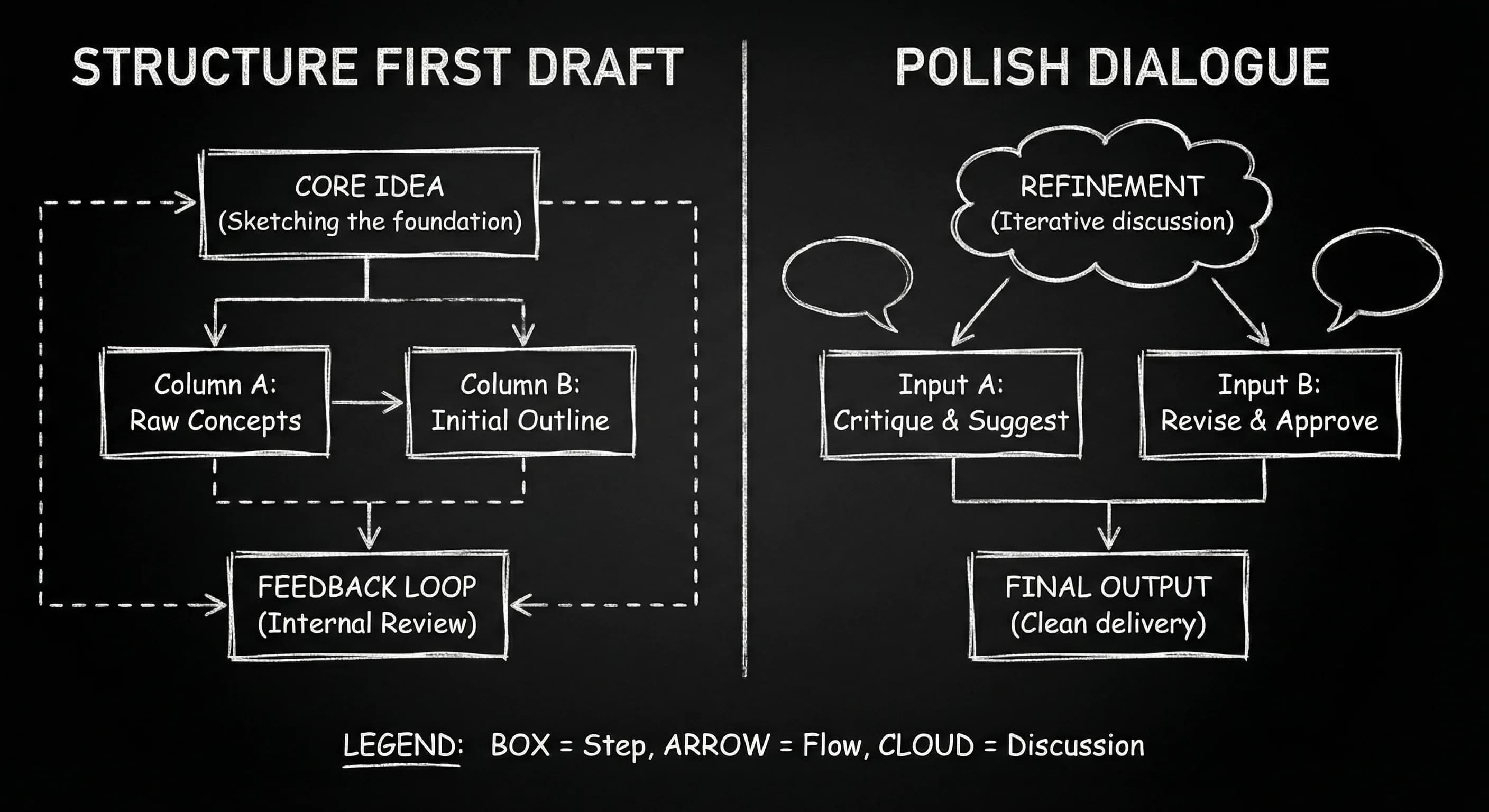
For more on getting better results from prompts in a script context, prompt engineering for screenwriters goes deeper. For legal and ethical boundaries, copyrighting AI-assisted work and ethics of AI are the next reads. Sudowrite’s approach to fiction is the external reference for how their model is designed.
The Perspective
Pick the tool for the job. ChatGPT for structure and first pass; Sudowrite for dialogue and polish. Then do the work only you can do: rewrite, own the lines, keep the script in a real editor. The best tool is the one that gets you to a draft you can defend, and that draft is the one you rewrote.
Final Step
Build your next script with Screenweaver
Move from ideas to production-ready pages faster with timeline-native writing and AI-assisted story flow.
Try Screenweaver