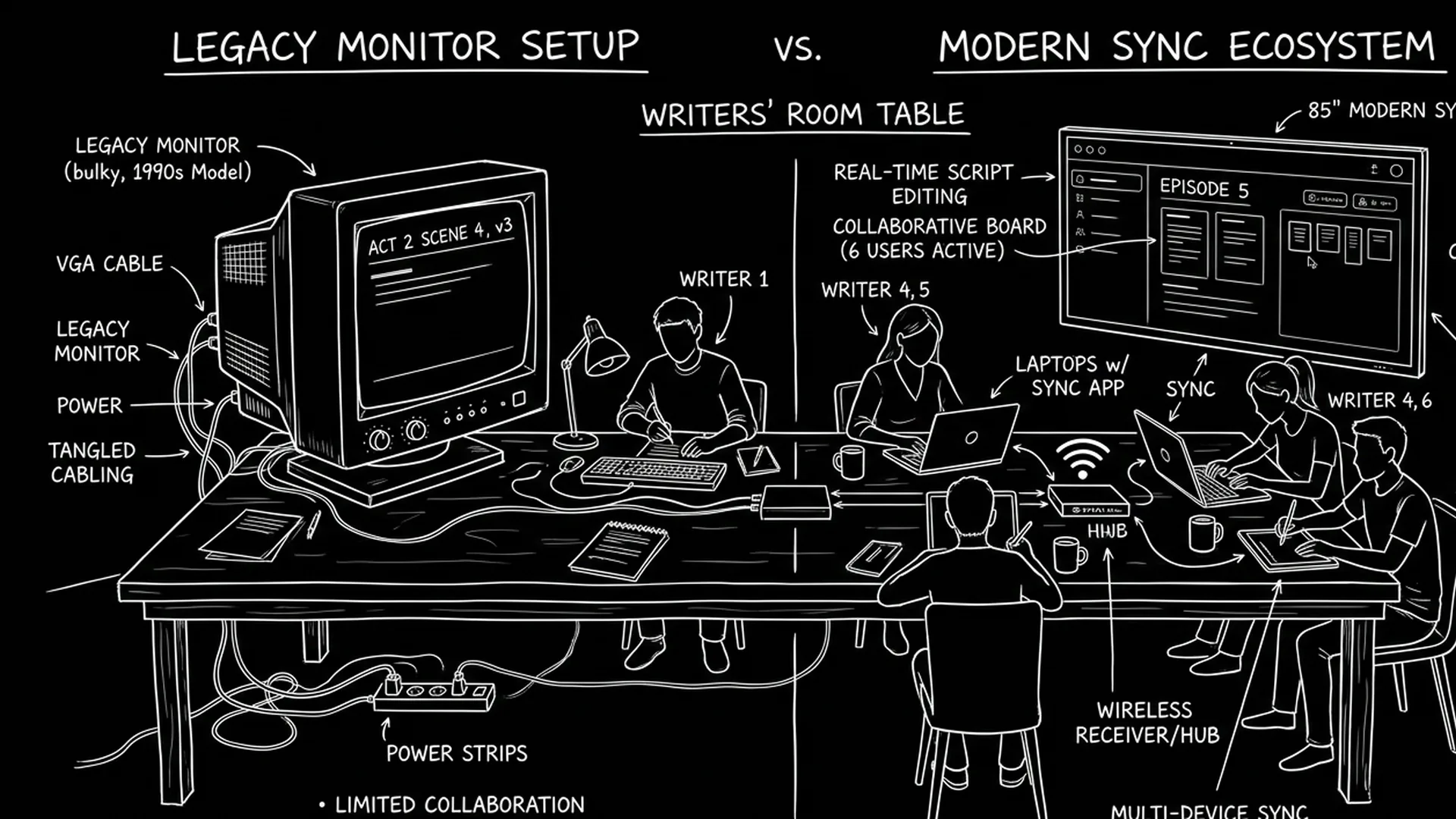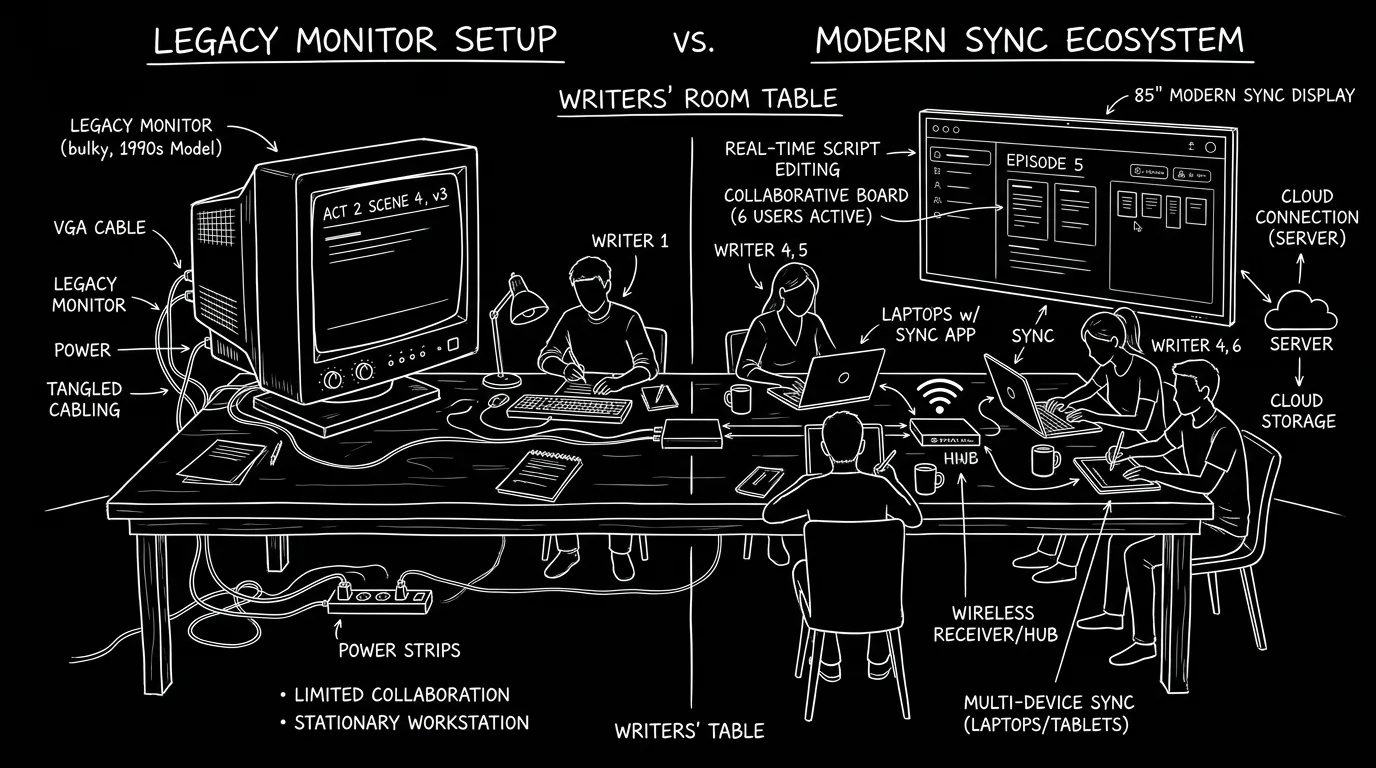

Prompt: Dark Mode Technical Sketch, Writers' room table with legacy monitor vs modern sync; thin white lines on solid black; no 3D renders --ar 16:9
The room runs on Final Draft. It has for years. The showrunner wants everyone in the same doc, seeing changes as they happen. The script coordinator is tired of merging five different FDX files at the end of the day. Something has to give. More showrunners and production teams are asking: do we stay on the tool we've always used, or do we switch to something that was built for the way we actually work? The answer isn't always "switch." But the question is being asked. Here's why legacy software is losing ground in the room, and what's replacing it.
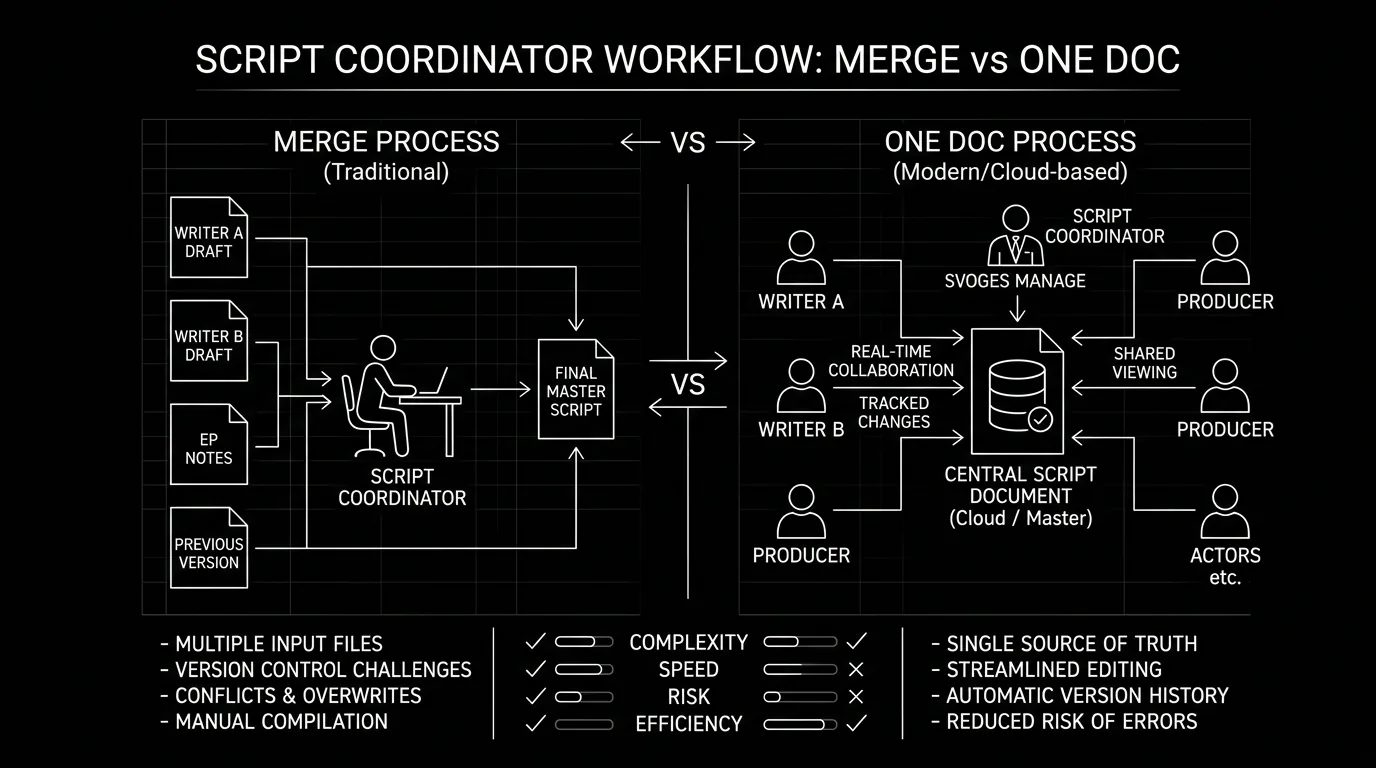
Legacy screenwriting software was built for a different workflow. One writer. One file. Pass the draft when you're done. Writers' rooms don't work that way. They're multiple people in the same story at once: breaking story, assigning scenes, rewriting in the room, and turning in a script that has to be consistent and on time. When the tool assumes one writer, the room has to work around it. That means: no real-time collaboration (so you pass the file or merge later), no shared view (so everyone's on a different version until someone consolidates), and no live presence (so you don't know who's editing what). The script coordinator becomes a human merge tool. Every day. It's not sustainable when the room is big or the schedule is tight. For why traditional software fails at sync, we go deep. For tools built for collaboration, we compare.
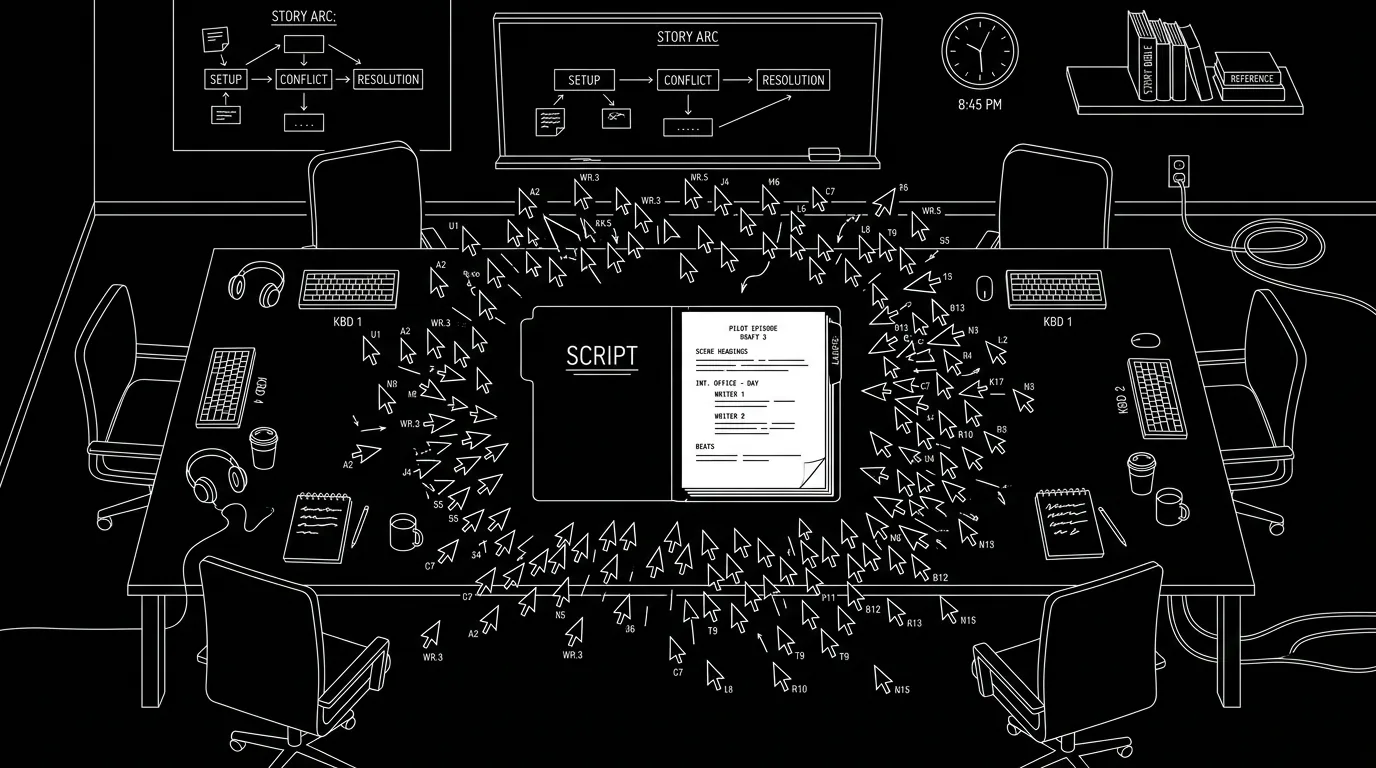
The room needs one draft, many hands. Legacy software gives you one draft, one hand at a time. The gap is why showrunners are looking elsewhere.
Free tool: use the Script Time Calculator to estimate your runtime from your script text or word count.
What the Room Actually Needs
A writers' room needs: one source of truth (everyone sees the same script), live or near-live updates (when someone writes, others see it without passing files), clear ownership (who's on which scene, so you don't overwrite each other), easy handoff to production (PDF and FDX that match what the room has been looking at), and stability (no lost work, no merge hell). Legacy tools often deliver the last two, format and stability, but not the first three. So the room either accepts a slower, pass-the-file workflow or looks for a tool that does. The script coordinator becomes the human sync layer. They collect versions, merge them, and hope nothing was lost. When that works, it's fine. When the room is under time pressure or when multiple people are rewriting the same scene, it breaks down. For pagination and consistency, we cover why "one source of truth" matters for page numbers too. For export for production, we cover what the room hands off.
Relatable Scenario: The Room That Spent an Hour Merging
A drama room had six writers. Each had a copy of the script. They broke the episode and assigned scenes. By end of day, there were six FDX files. The script coordinator had to merge them into one. Different formatting. Duplicate scene headings. One writer's version of scene 12 had overwritten another's in the merge. The coordinator spent over an hour fixing it. The showrunner asked: "Why can't we all just be in the same document?" The answer: the production-standard app didn't support it. So the room started trialling a collaboration-first tool. Takeaway: When the human merge becomes the bottleneck, the tool is the problem. For real-time options, we cover what's possible and what isn't.
Relatable Scenario: The Showrunner Who Wanted to See It Live
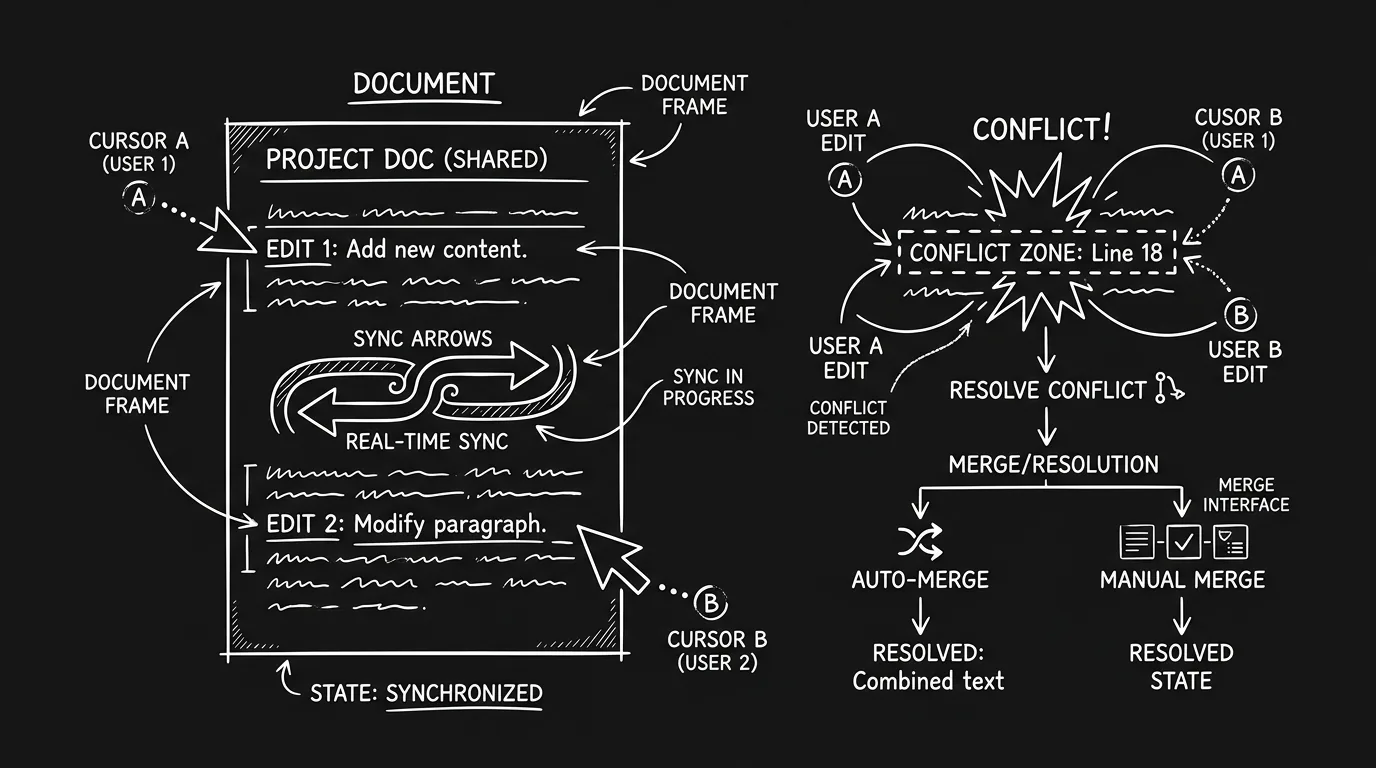
The showrunner liked to watch the script change. When a writer was rewriting a scene in the room, the showrunner wanted to see the lines appear, not get a new file in an hour. The legacy app had no live view. So the writer had to share their screen or paste into a doc. Clunky. The next show, the showrunner pushed for a tool with real-time. The room adapted. Fix: When the creative process wants live collaboration, legacy software can't give it. The only fix is a different tool or a workaround (screen share, Google Doc for breaking, etc.). For why sync fails in traditional apps, we explain the technical gap.
Relatable Scenario: The Network That Accepted a New Format
A studio had always required Final Draft and FDX. A showrunner wanted to run the room on a different app that had real-time. The showrunner's team asked: can we deliver FDX at the end? The new app could export FDX. The studio said: as long as we get FDX and the PDF matches, we don't care what you write in. So the room switched. The network got what it needed. The room got the workflow it wanted. Takeaway: "We've always used X" is a habit, not always a requirement. If the deliverable (FDX, PDF) is correct, some studios will accept a different writing tool. That doesn't mean every studio will. But it's worth asking. For industry tax and FDX, we cover what buyers actually need.
Relatable Scenario: The Room That Piloted on a Short
A comedy room wanted to try a collaboration tool. They didn't want to risk the main show. So they used the new tool for a single short or a backdoor pilot. The writers learned the interface. The coordinator learned the export. When it worked, they made the case to use it on the next full season. Fix: Pilot first. Don't switch the whole room on a deadline. For version control and drafts, we cover how to keep clean versions when you're testing.
Why Showrunners Are Willing to Switch
Showrunners care about: speed (get the script done), clarity (one draft, no merge confusion), and creative flow (see it as it happens). Legacy software often slows the room down and adds friction. So when a showrunner hears that another tool can give them real-time, one doc, and still export FDX, the question becomes: why are we still on the old one? The answers that keep rooms on legacy: production mandate (studio or network requires it), habit (everyone knows it), and fear of change (what if the new tool breaks?). The answers that push them away: merge hell, no live collaboration, and coordinator burnout. There's also a generational shift. Newer writers have often worked in Google Docs or other real-time tools. They find pass-the-file workflows slow and error-prone. So the pressure to change isn't only from the showrunner, it's from the room. For hidden costs of staying, we talk about cost; the same idea applies, the "cost" of legacy can be time and frustration. For alternatives, we list options.
What's Replacing Legacy in the Room
Rooms aren't all switching to one thing. Some are trying collaboration-first screenwriting apps that support real-time editing and still export FDX. Those apps were designed for multiple cursors and live updates, so the room doesn't have to merge at the end of the day. Some rooms are using hybrid workflows: break story in a shared doc or whiteboard (Notion, Google Docs, etc.), then write the script in the legacy app and have the coordinator merge. That reduces the "many hands in one script" problem but doesn't eliminate it. Some are pushing back on the mandate: asking the studio to accept FDX from any compliant tool. The studio's concern is usually format and delivery, if the PDF and FDX are correct, the source app can sometimes be flexible. The common thread is that the room is no longer assuming "we have to use X because we've always used X." They're asking what the room needs and whether the current tool provides it. For WriterDuet vs ScreenWeaver, we compare two collaboration-oriented options. For Highland and WriterDuet relevance, we discuss where older tools still fit.
Granular Workflow: Deciding Whether to Switch the Room
Step one: Name the pain. What's actually broken? Merge time? Confusion about versions? Showrunner wants to see live? Step two: Check the mandate. Does the studio or network require a specific app? If yes, get clarity on whether "require" means "we need FDX/PDF" or "you must use Final Draft." Step three: Pilot. Use the new tool on a short, a side project, or a single episode. Don't switch the whole season cold. Step four: Involve the script coordinator. They're the one who will merge, export, and hand off. If the new tool makes their job easier, they'll champion it. If it doesn't, they'll know first. Step five: Document the deliverable. Before you switch, confirm that the new tool can export FDX and PDF that match what production expects. Open the export and spot-check. If the coordinator or production has a checklist (page count, scene headings, etc.), run through it. That way the first handoff isn't a surprise. For export for production, we cover what to send and when.
Try it free
Try Screenweaver for free on your script
It is free. Import your existing project, get a clearer view of your outline, and regain control of your story structure in minutes.
Start FreeThe Trench Warfare: What Rooms Get Wrong
Assuming the studio will never allow a different tool. Some will. The ask is usually: we need to deliver FDX and PDF. If your tool does that, you have a case. Fix: Ask. Don't assume. For what production expects, we cover deliverables.
Switching tools mid-season without a plan. Chaos. Fix: If you're going to switch, do it in the off-season or for the next show. Pilot the new tool on a short or a side project first. For migration and backup, we cover moving safely.
Expecting the new tool to be identical to the old one. It won't be. There will be a learning curve. Fix: Train the room. Give the script coordinator time to learn the new merge/export flow. For real-time workflow, we cover what changes when you have sync.
Ignoring the coordinator. The coordinator is the one merging and exporting. If the new tool makes their job harder, the room will feel it. Fix: Include the coordinator in the decision. For version control and handoff, we cover clean handoff.
Staying on legacy because "everyone knows it." Habit is real. But so is the cost of merge hell. Fix: Weigh the cost of switching (training, risk) against the cost of staying (time, errors, frustration). One room might decide that the friction of switching is higher than the friction of merging. Another might decide the opposite. The point is to decide consciously. For when subscriptions and tools are worth it, we discuss value.
Not testing the export before the switch. The new tool says it exports FDX. You switch the room. You hand in the first script. Production says the format is wrong or the page count is off. Fix: Before you commit, export a full script from the new tool. Send it to the script supervisor or production and ask them to confirm it works in their pipeline. For pagination and format, we cover why page one and format matter.
Legacy vs Collaboration-First: What Changes in the Room
| Aspect | Legacy (e.g. Final Draft, pass-the-file) | Collaboration-first (real-time) |
|---|---|---|
| Who's in the doc | One writer at a time, or merge later | Multiple writers; live or near-live |
| Script coordinator | Merges versions by hand | Fewer merges; export from one doc |
| Showrunner view | New file when someone sends it | Can watch edits in real time (if tool supports) |
| Deliverable | FDX, PDF (same as always) | FDX, PDF (tool must export) |
| Risk | Overwrite, merge errors | Learning curve; vendor dependence |
So the room gains sync and clarity; it takes on the risk of a new tool and the need to verify that the deliverable still meets production's requirements. For more on sync and collaboration, see real-time co-writing and WriterDuet vs ScreenWeaver.
The Perspective
Showrunners are abandoning legacy software in the writers' room when the cost of staying, merge hell, no live collaboration, coordinator burnout, outweighs the cost of switching. Not every room will switch. Some are mandated to stay. Some are fine with pass-the-file. But the question is now on the table: do we keep using a tool that wasn't built for the way we work? If the answer is no, the next question is what to use instead, and whether the studio will accept the deliverable. The trend isn't that everyone is leaving legacy. It's that the default is no longer "we use X because we've always used X." It's "what does the room need, and does this tool provide it?" For more on collaboration and sync, see real-time co-writing and tools that support it. For what to deliver to production, we cover FDX and PDF. Industry discussion of writers' room tools and workflow often surfaces in guild and trade coverage; <a href="https://www.wga.org" rel="nofollow">WGA</a> resources and contracts don't mandate software, but they frame how work is delivered and credited, worth keeping in mind when changing tools.
Prompt: Dark Mode Technical Sketch, Script coordinator with merge vs one doc; thin white lines on solid black; no 3D renders --ar 16:9
Takeaway
The room needs one draft and many hands. Legacy software was built for one hand at a time. When that gap hurts enough, when the coordinator is drowning in merges or the showrunner wants to see the script change live, showrunners look for tools that support real-time collaboration and still export what production needs. The switch isn't universal. But the question is. For sync and collaboration, tool comparison, and deliverables, you're covered.
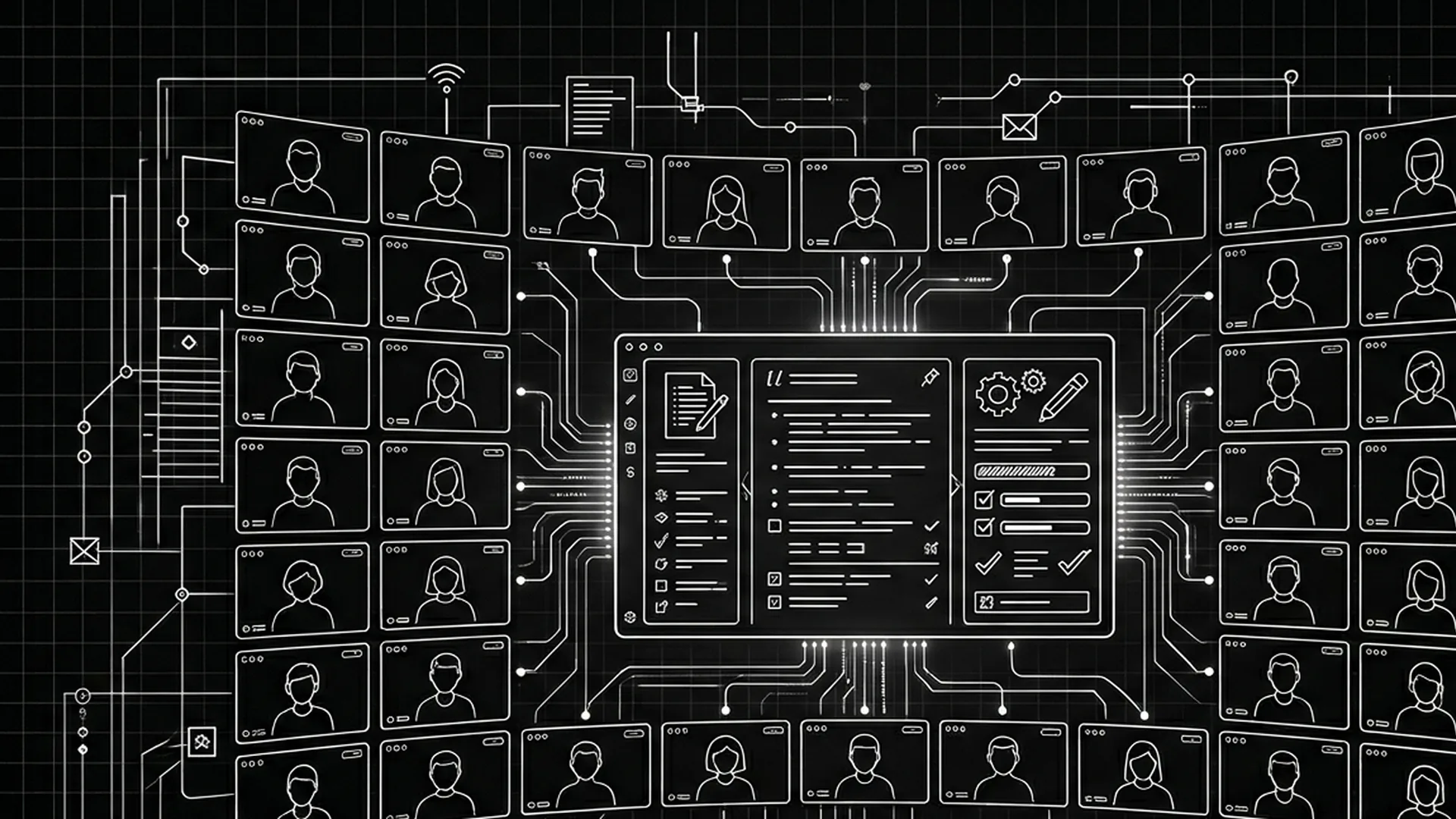
Prompt: Dark Mode Technical Sketch, Writers' room with one script and many cursors; thin white lines on solid black; no 3D renders --ar 16:9
Final Step
Build your next script with Screenweaver
Move from ideas to production-ready pages faster with timeline-native writing and AI-assisted story flow.
Try Screenweaver