You hit export. You send the file. A week later, a development exec says the margins look wrong or a line producer cannot import the script into the breakdown. The problem is not your story. The problem is the format you sent. When you export for production or submission, the file type and the export settings are not afterthoughts,they are part of the handoff.

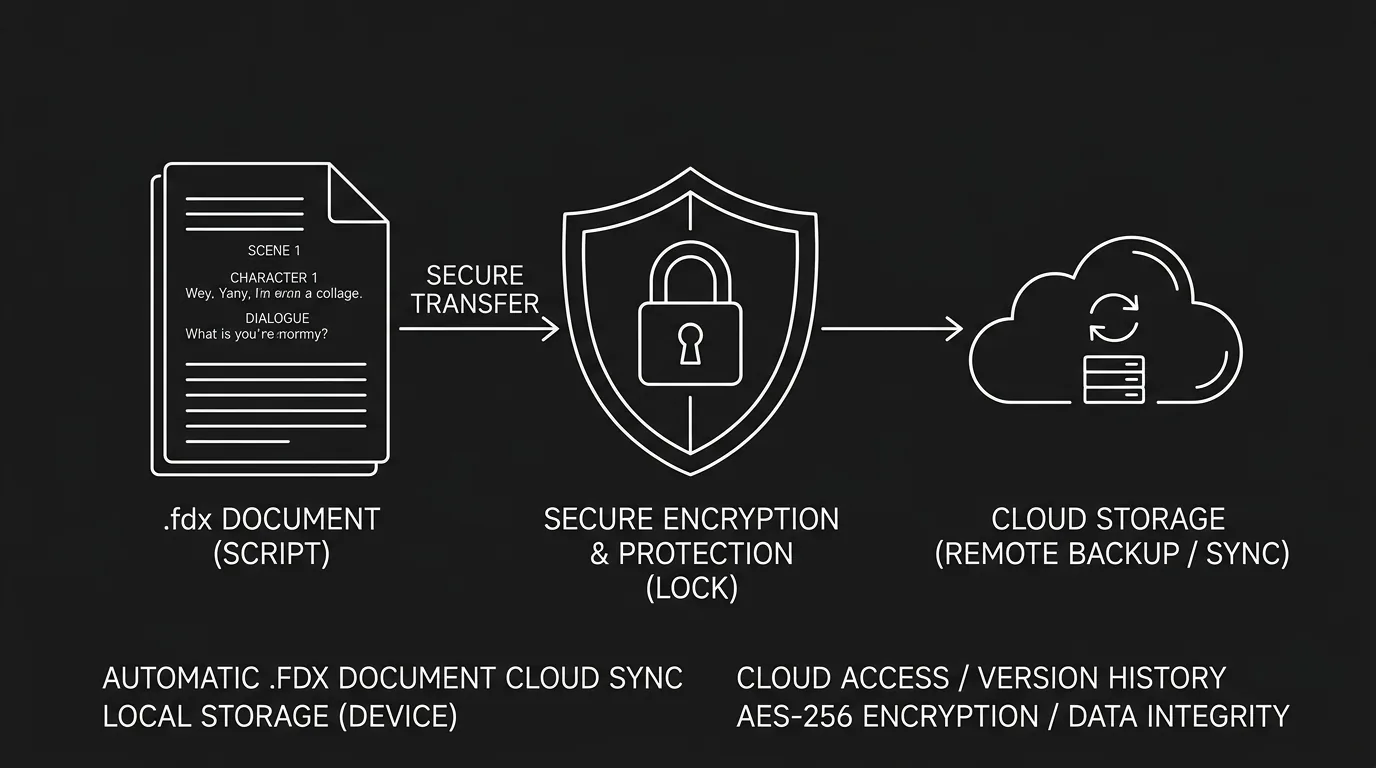
Prompt: Dark Mode Technical Sketch, two file icons labeled PDF and FDX with script elements flowing into each, clean thin white lines on black --ar 16:9
Two formats dominate: PDF and FDX. PDF is the universal read-only snapshot. Everyone can open it. Readers, judges, and executives expect it for submissions and for reading. FDX is the industry-standard interchange format for the actual script data: scene headings, action, dialogue, and metadata in a structured form that other software can read, edit, and break down. Each has a role. Sending the wrong one, or a badly generated version of either, can delay or derail the next step. This article is about why that is, when to use which, and how to export so your script looks and behaves the way production expects.
We will stay focused on the practical side: what PDF and FDX are, who asks for what, and what can go wrong if you ignore the standards. The goal is to make the export step something you do once, correctly, instead of a last-minute guess that costs you notes or credibility.
Export pain often shows up after revision passes, when pagination shifts because you finally cut scenes. If the story spine is still moving, finish idea-to-draft structure work before you treat PDF like a seal of approval.
Why File Format Matters at Submission
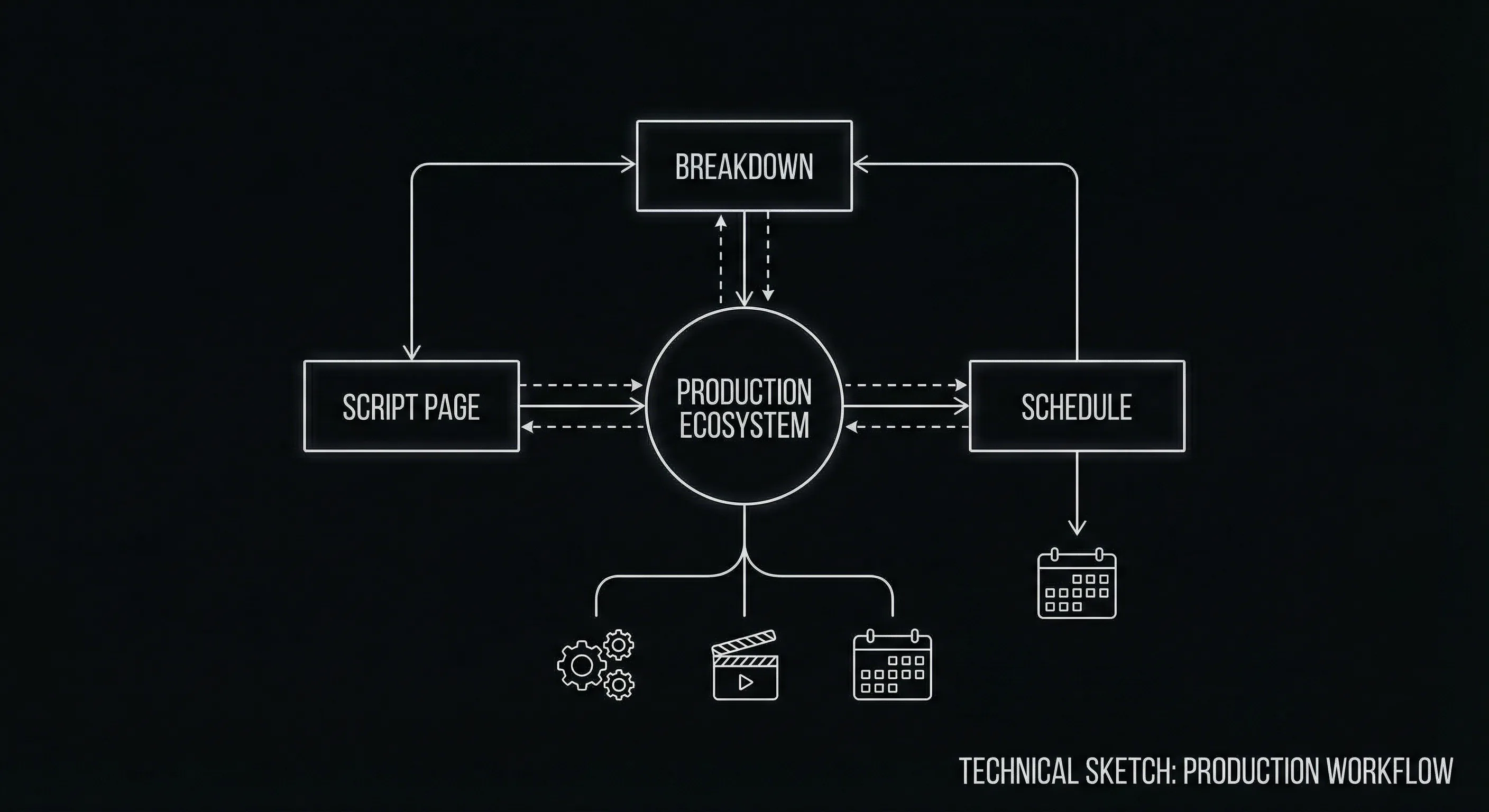
A script is not just text. It is a structured document. Scene headings, action, character names, dialogue, parentheticals, and transitions each have a place on the page and a meaning in production. When you export, you are deciding how that structure is preserved. A PDF freezes the visual layout: what you see is what the reader sees. That is ideal for reading and for locking the draft you are submitting. It is not ideal for editing or for breaking the script down into schedules and budgets. For that, production needs data. They need to know which block is a scene heading, which is dialogue, which character said what. That information lives in structured formats. FDX is the most widely supported of those formats in the film and television pipeline.
If you send a PDF when someone asked for FDX, they may not be able to import your script into their breakdown or scheduling software. If you send an FDX when someone asked for a PDF (e.g. a contest or a coverage service), they may not have a viewer that displays it nicely, or their workflow may assume PDF. If you send a PDF that was exported with wrong margins or font size, the script will look unprofessional and may not match the one-page-per-minute convention that production uses. So the choice of format is not arbitrary. It is dictated by who receives the file and what they will do with it. Getting it right is part of being easy to work with. For a grounding in why layout and structure matter in the first place, our screenplay format guide covers the rules that both PDF and FDX are meant to preserve.
PDF is for human eyes. FDX is for software. Send the one your recipient is set up to use. When in doubt, ask,or send both and label them clearly.
PDF: The Reading Standard
PDF stands for Portable Document Format. In screenwriting, a script PDF is a fixed representation of the script page. It looks the same on every device. Readers open it in Acrobat, Preview, or a browser. They do not need your screenwriting app. They do not need to worry about fonts or margins,as long as you exported correctly, the PDF already has the right layout embedded. That is why contests, agencies, and studios routinely ask for PDF. It is the lowest-friction way to read and share a script without losing formatting.
The catch is that PDF is a display format. It describes where pixels go, not "this is a scene heading" or "this is dialogue." Software can try to infer structure from a PDF (some tools do), but the result is not always reliable. So PDF is perfect for submission and for locking a draft for reading. It is not the format you use when the recipient needs to edit the script or run it through breakdown and scheduling software. For that, they need the structured file,FDX.
PDF is the photograph of your script. FDX is the DNA.
Prompt: Dark Mode Technical Sketch, script export pipeline showing editor splitting into PDF and FDX paths, thin white lines on black --ar 16:9
When you export to PDF, your app should be applying the same margins, font (Courier or Courier Prime 12pt), and element positions that we describe in our format guide. If your export dialog lets you tweak margins or font size, leave them at industry standard unless you have a specific request from the recipient. A PDF that does not look like a standard script will raise red flags before anyone reads a word. One more detail: page count. Production assumes roughly one minute per page. If your PDF is generated with different margins or font size, the page count can shift. That can throw off schedule and budget estimates. So export with the correct settings once, and reuse them for every submission.
One script, two outputs: PDF for reading and submission, FDX for editing and production.
Print script writing: proof copies and table reads
Paper refuses to die. Table reads. Director scribbles. Your own red pen in bed. People still google print script writing because bodies show up with bodies, not iPads only.
Same rule as submission: export a PDF from the same template you would email a reader, Courier or Courier Prime, margins boring on purpose, so page count still means something in the room. Squeeze margins in Word to save staples and you just taught twelve actors the wrong runtime. Do not be that host.
Duplex, single-sided, brads vs binder, ask the person who runs the office. Page one weird? Title page maker is a cheap sanity check. Fountain lifer? Fountain to PDF can still land on paper, just eyeball it against the format guide before you hit print.
Ink is not a new file type. It is the PDF you already trust, with gravity. Nail the export once; printing is logistics, not rewrite roulette.
FDX: The Production Interchange Format
FDX is an XML-based format originally associated with Final Draft. Over time it has become a de facto standard for exchanging script content between applications. An FDX file stores the script as structured data: each element is tagged (e.g. scene heading, action, character, dialogue). That allows other software to parse the script, extract scene lists, character lists, and dialogue, and feed them into breakdown and scheduling tools. Line producers and production offices often request FDX so they can import the script into their pipeline without retyping or re-parsing a PDF.
If you are only ever sending scripts to readers or contests, you might never need FDX. If you are working with a production company, a showrunner, or a co-writer who uses another app, FDX is often the handoff format. Export your script to FDX; they import it into their tool. The structure is preserved. Edits can be made in their environment. No one has to retype your script. That is why many screenwriting apps, including web-based and modern alternatives, support FDX export. It is the lingua franca for script data. For a comparison of how different tools handle export and collaboration, see our roundup of screenwriting software alternatives; export formats are a key differentiator when you are choosing or switching tools.
Two different jobs. You finish sentences and slug lines inside a screenplay editor. Someone else turns those slugs into stripboards, call sheets, the circus of prep, often in a dedicated scheduling stack (think Studio Binder energy, even if the sticker on the box differs). That handoff is why FDX exists. Export clean; let them import; nobody retypes your third act because you were too proud to send data instead of vibes.
FDX is not always human-friendly to look at. Open an FDX file in a text editor and you will see XML tags. That is normal. The point is that another application can read it and reconstruct the script with correct formatting. When you export to FDX, you are not trying to make something pretty for a reader. You are making something machine-readable for the next step in the pipeline. So do not worry if the raw file looks technical. Worry about whether your app exports FDX that other apps can import without errors. Most mainstream tools do; if you use something niche, test the FDX with the recipient’s software before the real handoff.
Prompt: Dark Mode Technical Sketch, PDF vs FDX comparison showing layout/appearance vs structure/elements, thin white lines on black --ar 16:9
| Format | Best for | Limitation |
|---|---|---|
| Submissions, contests, reading, locking a draft; universal openability | No editable structure; not ideal for breakdown/scheduling import | |
| FDX | Production handoff, co-writing across apps, breakdown/scheduling software | Not all readers have FDX viewers; not for "read-only" submission where PDF is required |
What Can Go Wrong (And How to Avoid It)
The most common export mistakes are simple. Sending PDF when FDX was requested, or the other way around. Exporting PDF with non-standard margins or font, so the script looks wrong or the page count is off. Exporting FDX from an app that does not tag elements correctly, so the receiving software misparses scene headings or dialogue. Or sending a draft that is not the one you intended,wrong version, wrong file. All of these are avoidable. Check the submission or handoff instructions. Use industry-standard settings for PDF. Test FDX with the recipient if possible. And double-check the file you attach. A quick scan of the first page and the last page of a PDF will confirm it is the right draft and that formatting looks correct.
Some contests and agencies specify "PDF only" or "no FDX." Respect that. They have a pipeline built around PDF. Sending FDX anyway will not impress them; it will complicate their workflow. Conversely, if a production company asks for FDX, send FDX. They need the structure. Sending only a PDF means someone may have to re-enter or re-parse the script, which is error-prone and slow. When the request is ambiguous, a short email,"Do you need PDF for reading, FDX for breakdown, or both?",saves time and avoids a resend. For more on presenting your script in the best light, our piece on mistakes that get scripts tossed includes submission and formatting pitfalls that can undermine an otherwise strong draft.
Export settings to double-check
Before you export, a quick pass over your app’s export options will prevent most issues. For PDF: confirm that the font is Courier or Courier Prime at 12pt, that margins match the standard (e.g. 1.5" left, 1" right, 1" top and bottom), and that page breaks fall where you expect. Some apps let you export with or without scene numbers; for submission you usually want the version the recipient asked for (often without numbers for spec scripts, with numbers for production drafts). For FDX: confirm that your app’s FDX export is enabled and that you are exporting the current draft, not an older snapshot. If you have used custom elements or non-standard formatting, run a test: export to FDX, open it in another app or send it to a colleague, and confirm that scenes and dialogue come through correctly. One bad export can undermine an otherwise smooth handoff. Taking a minute to verify settings and doing a single test export will save you from resends and confusion later.
PDF preserves how the script looks; FDX preserves what each element is. Both matter, for different stages.
Seeing It in Action
A short demonstration can clarify the export flow. The video below walks through exporting a script to PDF with correct formatting for submission, exporting to FDX for production handoff, and what to check before you send either file. Whether you are submitting to a contest or handing off to a line producer, the same principles apply: match the requested format, use standard settings, and verify the file before it goes out.
The Bottom Line
The Trench Warfare: What Beginners Get Wrong
The "Print to PDF" Mistake. Using your browser’s or OS’s generic "Print to PDF" function instead of your screenwriting app’s native export. This often results in broken page breaks, missing title pages, or non-standard margins. Fix: Always use the "Export to PDF" feature inside your screenwriting software.
The "Version Chaos" Trap. Sending a file named `script_v2_final_FINAL_v3.pdf`. It looks unprofessional and makes it impossible for production to track which draft is current. Fix: Use a clean, consistent naming convention like `ProjectTitle_DraftName_YYYY-MM-DD.pdf`.
The "FDX as a Read-Only" Error. Sending an FDX file to a contest or a reader who doesn't have a script editor. They won't be able to open it, and you'll miss the deadline. Fix: Send PDF for reading, FDX only when requested for production or co-writing.
If they can't open the file, they can't read the script. Don't make the reader work to find your story.
Ignoring Scene Numbers. Sending a spec script with scene numbers, or a production draft without them. Fix: Spec scripts (for contests/queries) should almost never have scene numbers. Production drafts (for shooting) must have them. Check your export settings.
The "Missing Title Page" Slip. Forgetting to include the title page in the export. A script without a title page is a script without an author. Fix: Ensure your export settings include the title page as page zero.
Exporting for production is not an afterthought. PDF is the standard for reading and submission: universal, locked layout, correct margins and font. FDX is the standard for handing script data to production: structured, editable, importable into breakdown and scheduling tools. Use PDF when the recipient needs to read. Use FDX when they need to edit or run the script through their pipeline. When in doubt, ask what they want,or send both and label them clearly. Get the export settings right once, and your script will look and behave the way the industry expects. That is how you close the loop between writing and production without losing format or credibility along the way.
Final Step
Build your next script with Screenweaver
Move from ideas to production-ready pages faster with timeline-native writing and AI-assisted story flow.
Try Screenweaver