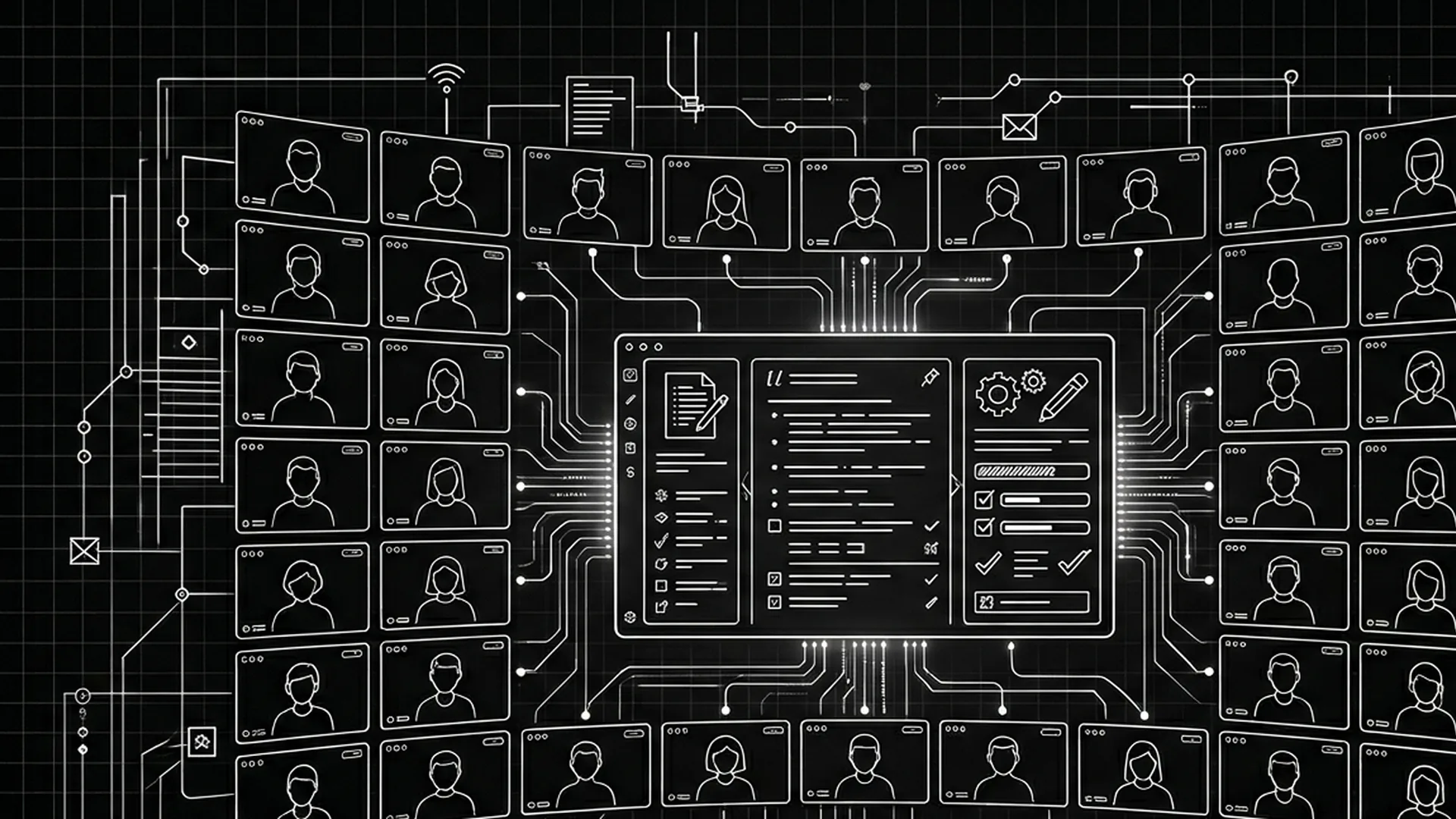

You are thirty thousand feet up. You are in a tunnel. You are on a set with Wi-Fi that technically exists the way unicorns technically exist. Your screenplay is due. The cloud spinner appears. Your stomach drops.
Offline mode is not nostalgia. It is occupational safety.
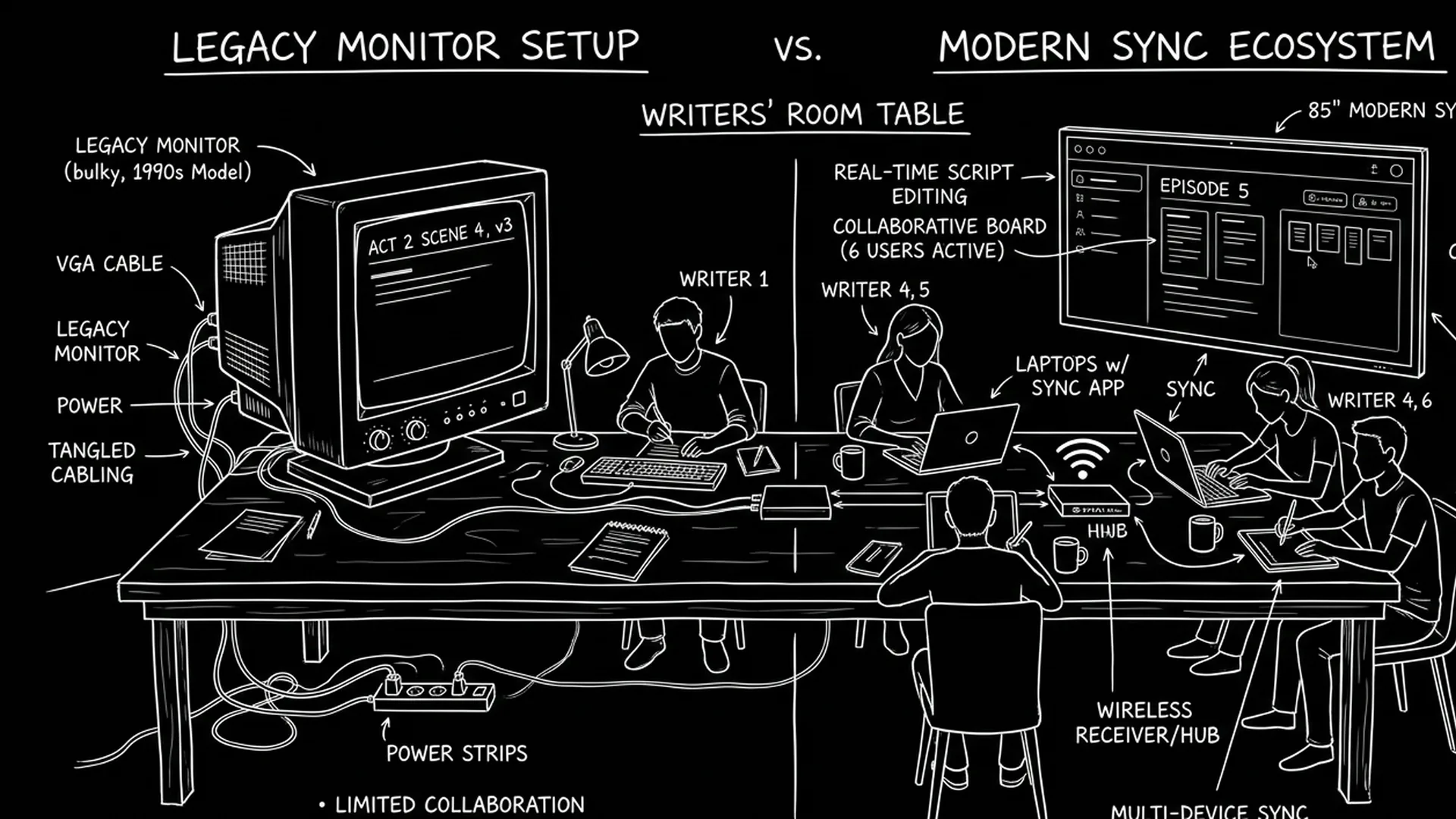
Cloud sync is not a luxury. It is how collaborators share truth without shipping USB drives like it is 2007.
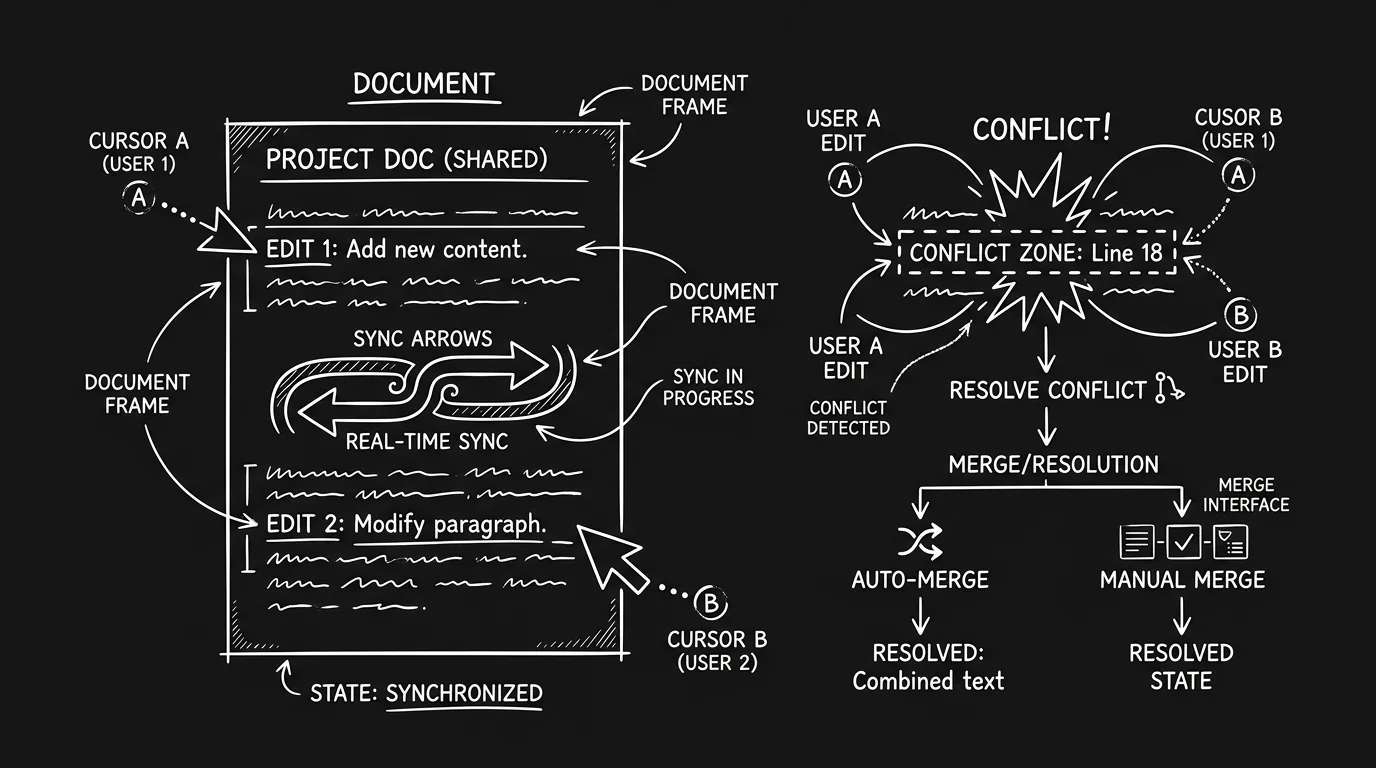
The hard part is choosing software that does both without lying - without “offline” that still blocks you, without “sync” that silently forks your draft into two competing realities.
Here is why that matters: screenwriters lose weeks to merge accidents that sound boring until they happen to you. You do not get those weeks back. Producers do not accept “the cloud ate my scene” as a creative choice.
Offline protects concentration. Sync protects coordination. Conflict resolution protects sanity.
Cinematic workflow frames
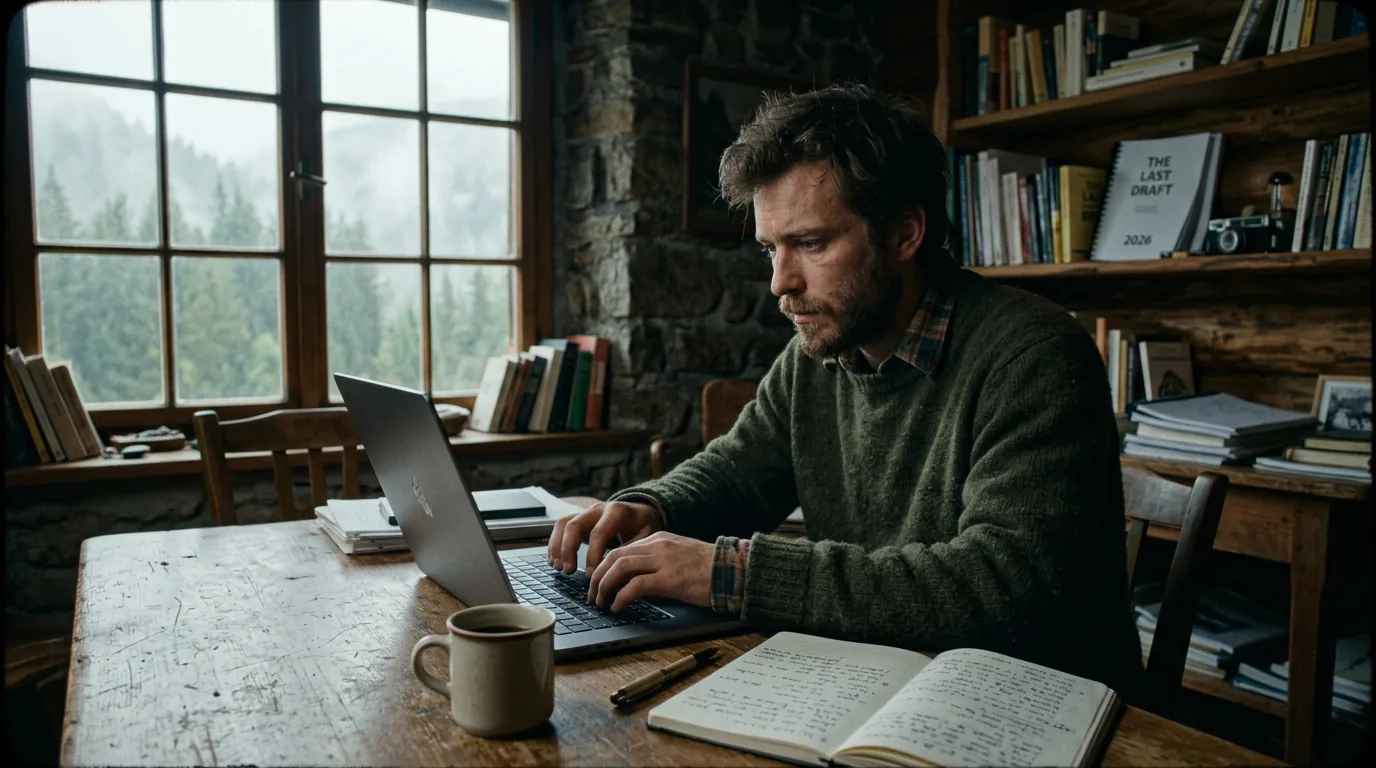
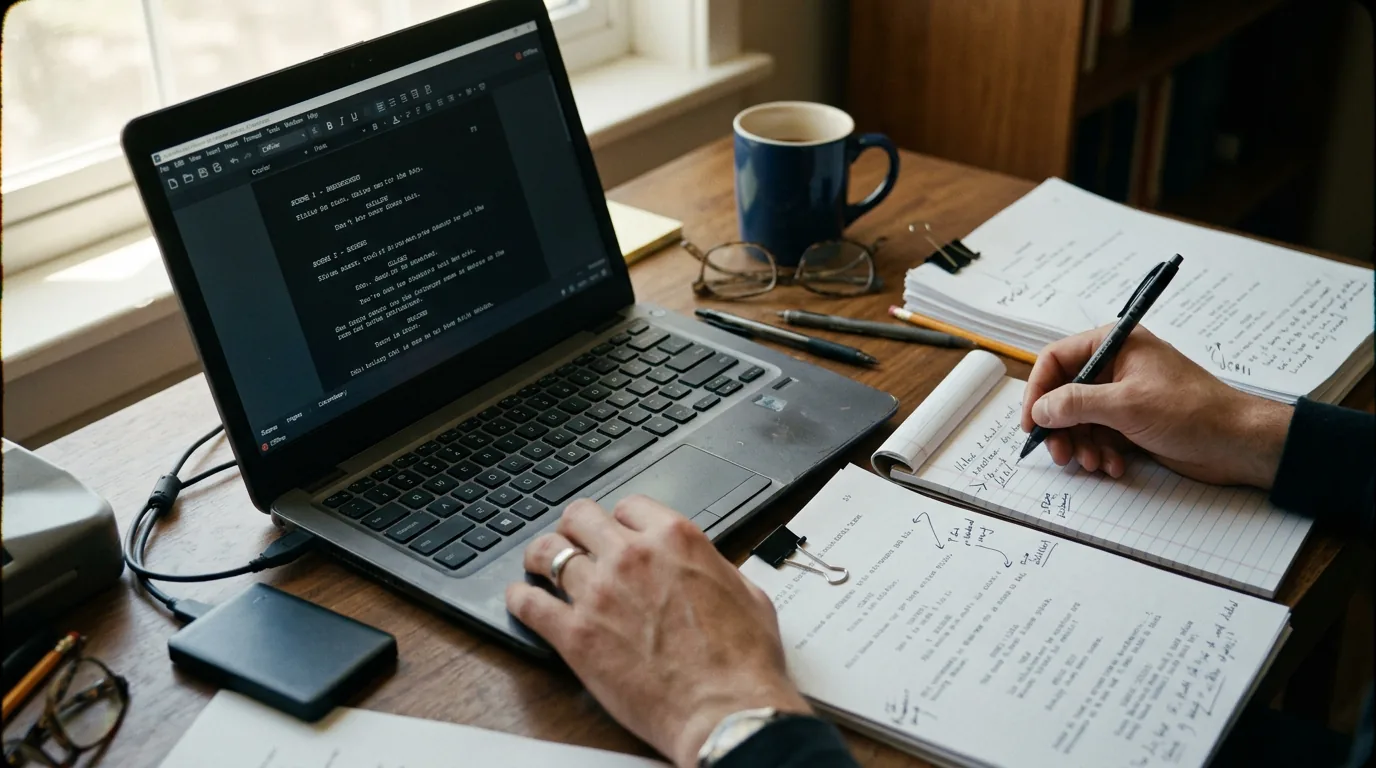
These two visuals work as a pair: the first shows Cinematic workflow still, first angle, 35mm film grain, and the second shifts to Cinematic workflow still, second angle, 35mm film grain - compare them briefly, then move on.
What Honest Offline + Cloud Behavior Looks Like
Truthful marketing is rare enough to name explicitly: you can edit locally without network dependency, changes queue safely, reconnection merges predictably, and you can always point to a local snapshot that is yours.
| Behavior | Pass Signal | Fail Signal |
|---|---|---|
| Offline edits | Full typing with clear saved state | Read-only mode disguised as offline |
| Queued sync | Visible pending queue | Silent background “maybe” |
| Conflict handling | Explicit merge or diff | Last-write-wins without warning |
| Exports local | PDF/FDX from disk | Export blocked until login |
| Recovery | Version snapshots | Hope |
Let skepticism guide your testing.
Scenario One: Transcontinental Flight Rewrite
Noah must implement note pass nine in eleven hours of airtime. His tool must allow full restructuring, not just line tweaks. After landing, his producer should see exactly one authoritative draft, not a merge mystery.
Scenario Two: Two Writers, One Cabin
One writer hikes; connectivity drops for a day. The other edits online. Reconnection should produce an understandable reconciliation, not a scene spliced by chaos.
Scenario Three: Festival Lobby Panic
You open your script in a crowded lobby. The network flakes. You still fix the typo an actor asked about before the Q and A.
As discussed in our guide on offline vs online screenwriting and writing on the go, strategy beats brand names.
Step-by-Step: Stress Test Sync Like You Distrust the Universe
Step 1 - Offline block: ninety minutes of real editing, including scene reorder.
Step 2 - Kill the app mid-paragraph. Reopen. Did you lose more than a few seconds?
Step 3 - Two-device simulation: edit Scene A offline on laptop, edit Scene B online on second machine if possible. Reconnect. Read diffs.
Step 4 - Export while offline. If blocked, assess whether you can live with that risk.
Step 5 - Network throttle: slow Wi-Fi for thirty minutes while autosave runs.
Step 6 - Account logout test: if you logout accidentally, can you recover local copies?
Step 7 - Long document test: does lag appear only when online features activate?
Parameter wisdom: shorten sync intervals when collaborating; lengthen slightly during deep solo drafting on flaky networks if the app allows without sacrificing safety; keep local export snapshots on a schedule you can actually maintain.
As discussed in our article on the 321 backup rule for screenwriters, redundancy is part of professionalism.
Try it free
Try Screenweaver for free on your script
It is free. Import your existing project, get a clearer view of your outline, and regain control of your story structure in minutes.
Start FreeTrench Warfare: Offline/Sync Failure Modes
Believing “autosave equals backup.” It does not.
Assuming last-write-wins is fine. It is not fine for scripts.
Running multiple cloud accounts without noticing active vs archived.
Editing the same scene in two tabs like a dare.
Trusting hotel Wi-Fi for a major restructure without local snapshot.
Letting collaborators work without naming canonical draft pointers.
Ignoring vendor status pages until day-of outage.
Export-from-cloud-only workflows on deadline week.
If your software cannot show you what it plans to merge, your software is asking for blind faith.
For external reference on digital document habits in creative fields, see <a href="https://help.apple.com/icloud/" rel="nofollow">Apple iCloud documentation</a> as a general cloud primer - not endorsement of a specific vendor.
[YOUTUBE VIDEO: Offline editing scenario followed by reconnection merge walkthrough with commentary on conflict resolution choices]
Desktop Apps vs Cloud-First Apps: Myth Busting
Cloud-first can excel at collaboration; offline-first can excel at focus. Hybrid promises both. Verify hybrid claims instead of trusting UI copy. Many “hybrid” systems lean cloud under stress.
Security and Confidentiality
Scripts leak through shared links, stolen laptops, and badly scoped permissions. Offline copies increase exposure surface if disks are unencrypted. Sync increases exposure if accounts are shared sloppily. Security is behavior plus settings: disk encryption, strong passwords, separate project accounts for sensitive work.
Closing Perspective
Pick software that lets you write when the world disconnects, then sync when the world returns - without turning your draft into a religion war between devices.
If sync feels magical, distrust it until tested.
If offline feels absolute, verify exports anyway.
Confidence should come from evidence, not branding.
Final Step
Build your next script with Screenweaver
Move from ideas to production-ready pages faster with timeline-native writing and AI-assisted story flow.
Try Screenweaver