
Short answer: the fastest accurate way to time a screenplay is to count pages and apply the one-page-per-minute rule, then adjust for dialogue density and action-block weight. A free Script Time Calculator does this in seconds from pasted text or a page count. Read on for the manual method and where it breaks.
By the end of this guide you will be able to time any screenplay, feature or short, to within a couple of minutes of its real runtime, using nothing but the script itself.
Step 1: Get an accurate page count first
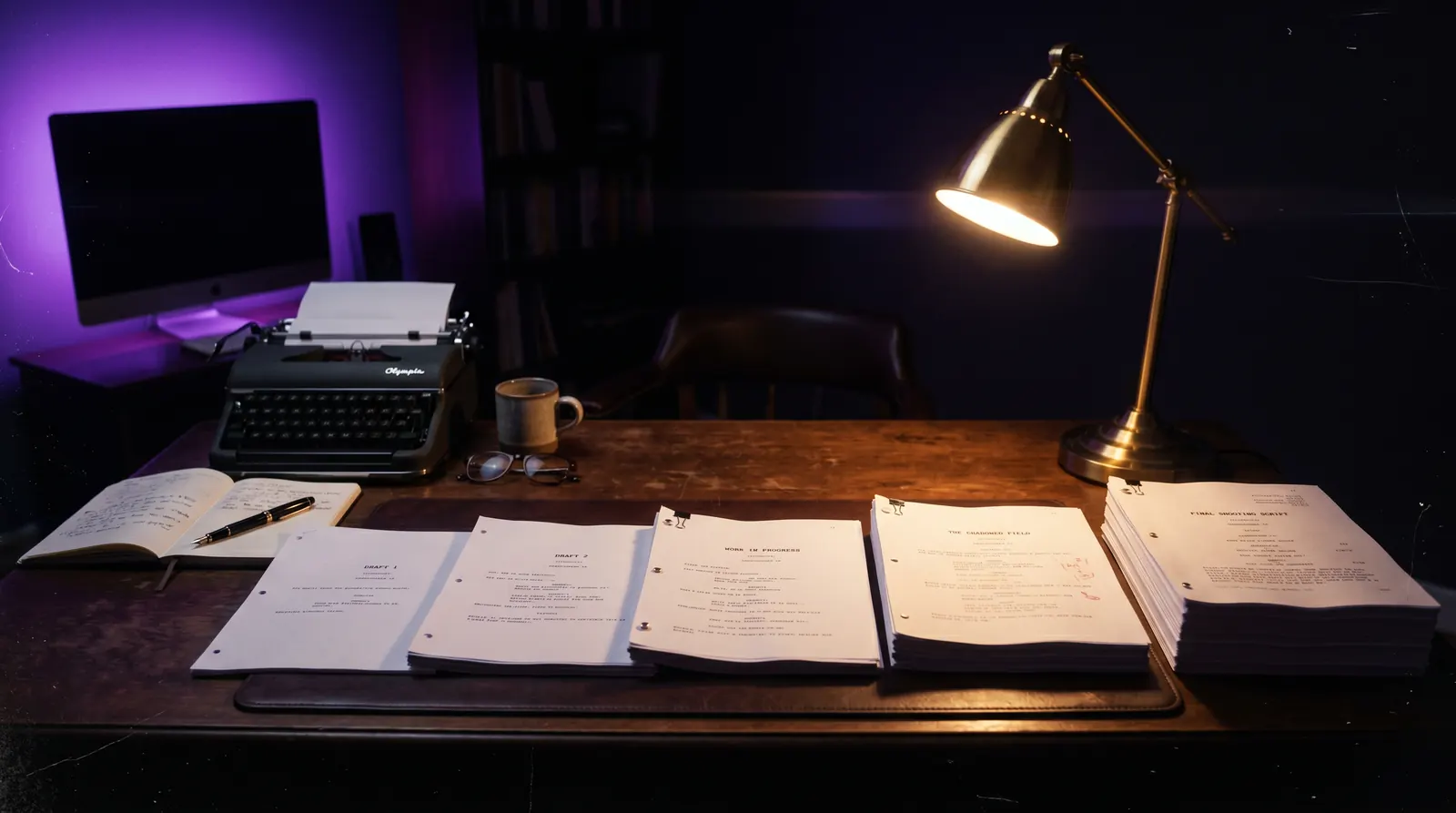
A timer is only as good as the page count feeding it. Export to a clean PDF in standard format (Courier 12pt, 1-inch margins) before counting. Google Docs, Final Draft, and most screenwriting software will quietly reflow line breaks if the font or margins drift, and that shifts your page count without changing a single word of dialogue.
Step 2: Apply the one-page-per-minute baseline
One page of correctly formatted screenplay reads in roughly one minute of screen time. A 100-page script runs close to 100 minutes. This is the number every reader, financier, and scheduling department starts from before they read a single scene. For the full breakdown of expected ranges by format, see How Long Should a Script Be?
Step 3: Count dialogue-heavy pages separately
Dialogue reads faster on the page than it plays on screen, but rapid back-and-forth exchanges compress more words into less vertical space, so a dialogue-dense page can still run close to a minute even with more lines than an action page. If a scene is almost entirely dialogue, do not assume it runs short. Time a sample scene aloud at a natural pace and compare it to its page length before trusting the baseline for that scene.
Step 4: Count action-heavy pages separately
Action lines are the opposite case. A page of dense action description, multiple beats, camera movement implied by staging, often plays shorter than one minute because a reader's eye moves faster than a shot actually takes to execute on set. Chase sequences and montages are the clearest example: five pages of action can cut to under four minutes of screen time once it is shot and edited.
Step 5: Time key scenes manually as a spot check
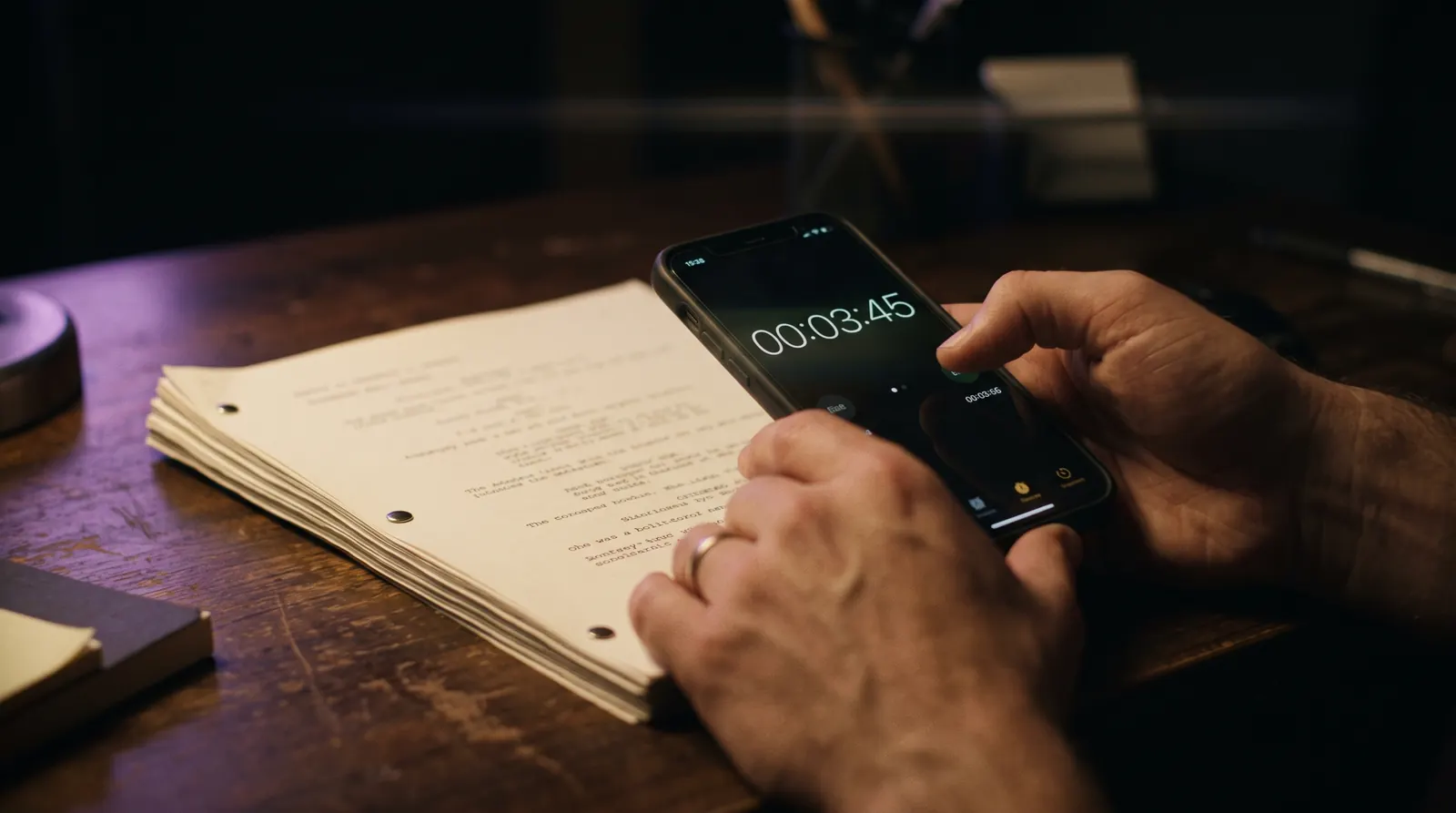
Pick three scenes: one dialogue-heavy, one action-heavy, one mixed. Read each aloud at the pace an actor would actually deliver it, stopwatch running. Compare the result to the page count for that scene. If your spot checks land within 10 to 15 percent of one-minute-per-page, the baseline holds for your whole script. If they drift further, your script skews toward one extreme and you should weight your total estimate accordingly.
Step 6: Use a calculator for a defensible number
Manual timing is useful for understanding your own script's rhythm, but when you need a number to put in a query letter or a budget document, use a tool built on the same rule so the estimate is reproducible. The free Script Time Calculator takes a page count or pasted script text and returns a runtime estimate instantly, no signup required.
Try it free
Try Screenweaver for free on your script
It is free. Import your existing project, get a clearer view of your outline, and regain control of your story structure in minutes.
Start FreeCommon failures
Trusting a word-processor page count. A script exported from the wrong template can run pages longer or shorter than the same script in proper format, throwing off every estimate downstream.
Ignoring format drift mid-script. Writers who switch software or paste in outside text mid-draft often introduce inconsistent margins on a handful of pages. Those pages silently break the one-page-per-minute assumption.
Timing only the opening. The first ten pages of most scripts are dialogue-light and action-heavy to hook a reader fast. Timing only that section and extrapolating overestimates your actual pace for the rest of the script.
Confusing script length with edited runtime. A script times close to its shot length only if it is shot close to as written. Directors add coverage, cut lines, and adjust pacing in the edit, so treat any script-based estimate as a planning number, not a guarantee.
FAQ
What is the most accurate way to time a script?
Count your pages in standard format, apply the one-page-per-minute rule, then spot-check three representative scenes by reading them aloud at a natural pace. For a fast, reproducible number, use the free Script Time Calculator.
Does dialogue read faster or slower than action on screen?
Rapid dialogue exchanges can pack more lines into a page without necessarily running longer on screen, while dense action description often plays shorter than its page count suggests once it is shot and edited. Neither is exact, which is why spot-checking sample scenes matters more than trusting the baseline blindly.
Can I time a screenplay without reading the whole thing aloud?
Yes. The one-page-per-minute rule gives a fast estimate from page count alone, and it holds within a few percentage points for most produced scripts. Reading key scenes aloud is a refinement step, not a requirement, for a rough number.
How much can editing change my script's timed length?
Significantly. A director can tighten or extend pacing well beyond what the page count implies, especially in action and montage sequences. Treat a script-based runtime as a planning estimate, not the final cut's length.
Is there a free tool to time a script?
Yes, the Script Time Calculator estimates runtime from a page count or pasted script text in seconds, applying the one-page-per-minute rule with no signup required.
Final Step
Build your next script with Screenweaver
Move from ideas to production-ready pages faster with timeline-native writing and AI-assisted story flow.
Try Screenweaver