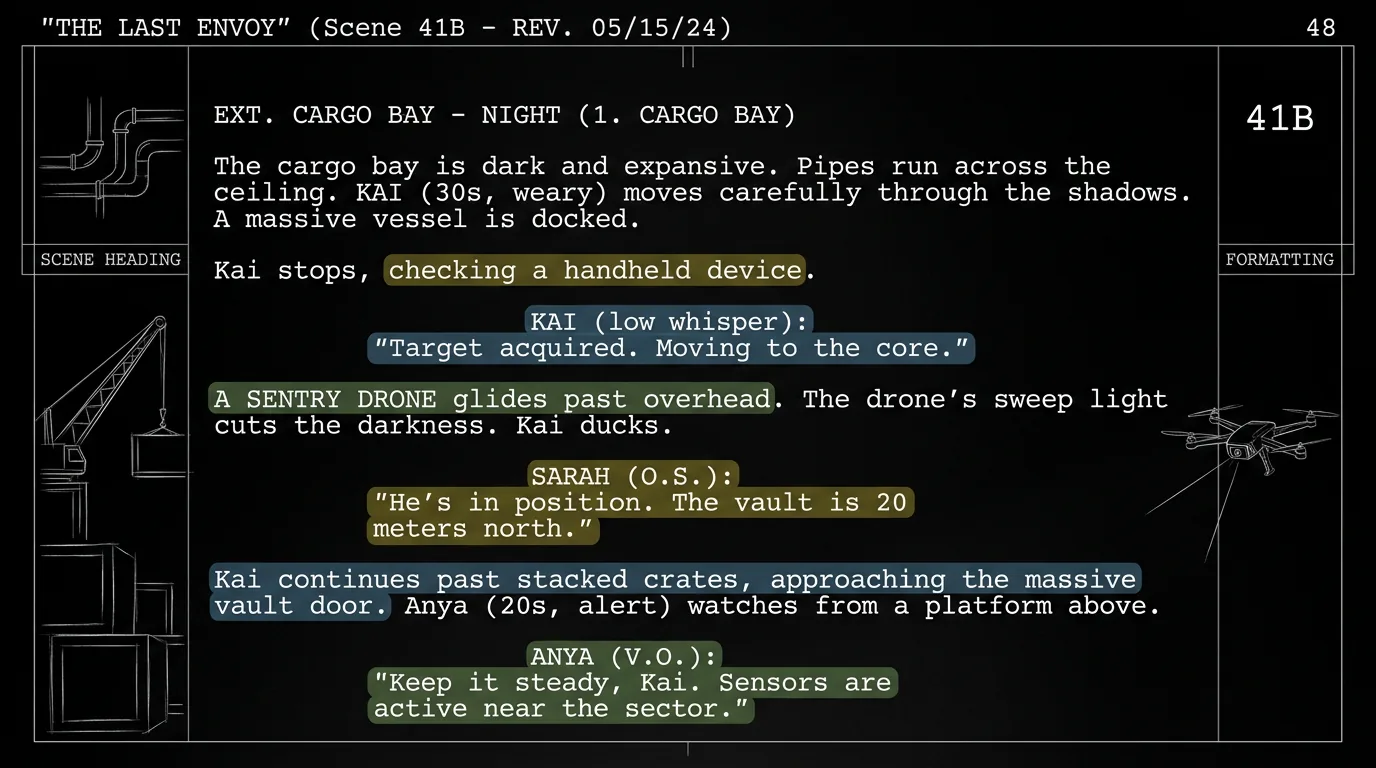

Free tool: use the Scene Extractor to pull and organize every scene from your script.
Try it free
Try Screenweaver for free on your script
It is free. Import your existing project, get a clearer view of your outline, and regain control of your story structure in minutes.
Start FreeCinematic workflow frames
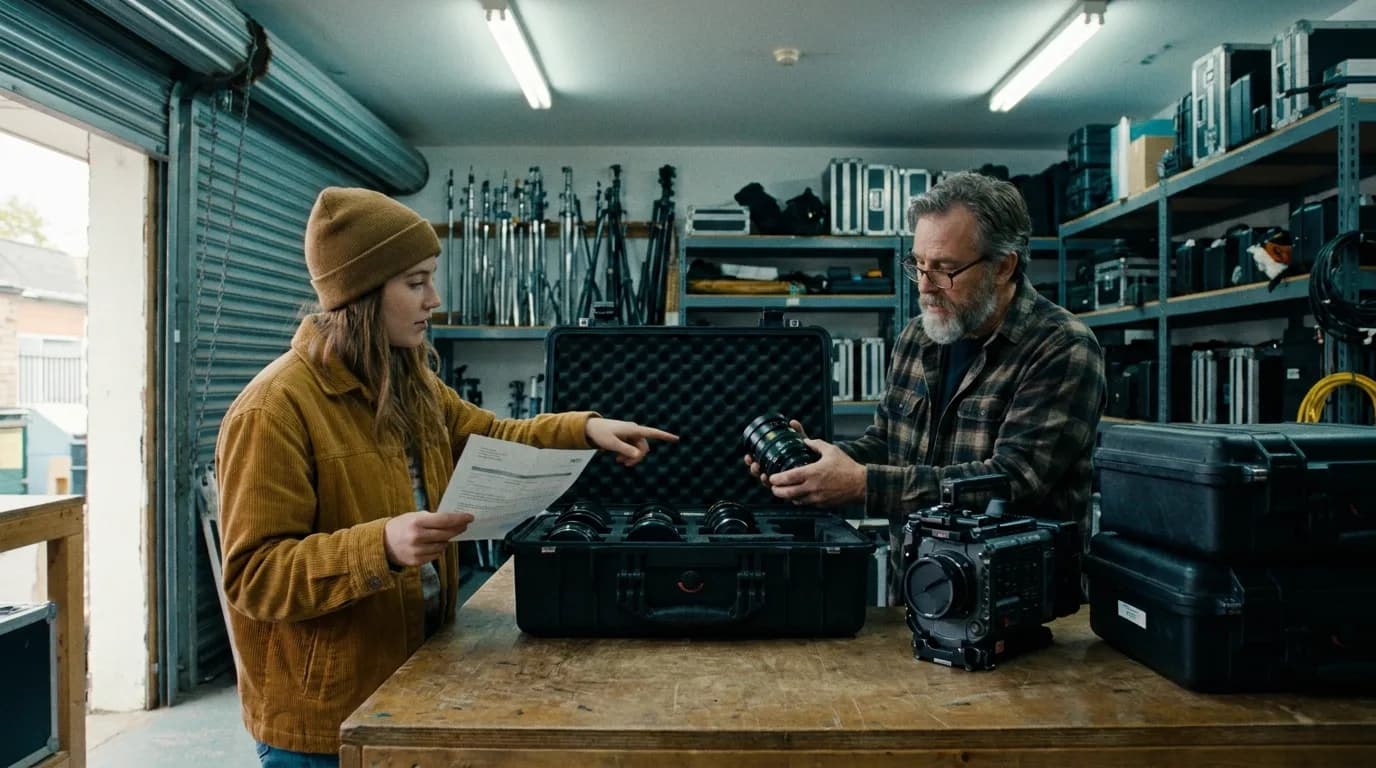
These two visuals work as a pair: the first shows Cinematic workflow still, first angle, 35mm film grain, and the second shifts to Cinematic workflow still, second angle, 35mm film grain - compare them briefly, then move on.
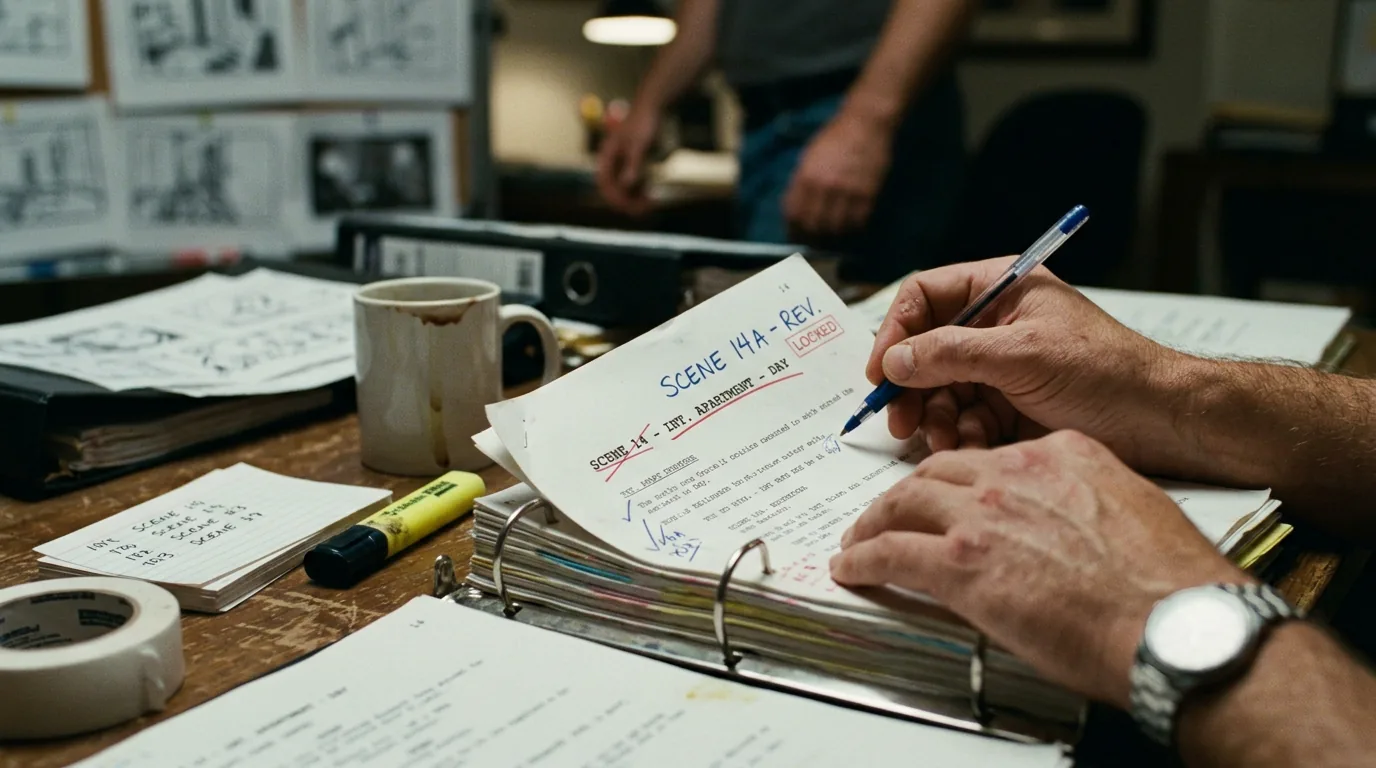
Managing Scene Numbers and Locked Revisions for Pre-Production
The script is locked. Budget is set. Schedule is set. Then someone asks for one more dialogue pass, and suddenly scene 47 is scene 48, two scenes merged, and the breakdown doesn't match the script. Prep descends into version chaos.
Scene numbers and locked revisions are how you keep the script stable once it leaves your desk and becomes the source of truth for production. Get it wrong and you cost the line producer and script supervisor hours. Get it right and your draft stays the single reference everyone can trust.
Why Scene Numbers Matter in Prep
In pre-production, the script is parsed into breakdowns: scenes, locations, cast, props, stunts (the full method is in our guide to how a script breakdown works). Each scene gets a number. That number appears on strip boards, schedules, and call sheets. If the writer changes the order or count of scenes after lock, every downstream document is wrong until someone manually re-syncs.
Locked revisions and stable scene numbers aren't bureaucracy. They're the contract between the writer and the rest of the production.
What "Lock" Means
Locked draft: The version everyone has agreed to use for breakdown and schedule. No structural changes (no adding, cutting, or reordering scenes) without a new revision and explicit communication. Dialogue polish or tiny action tweaks may be allowed in a controlled way, often as colored revision pages (see our color-coding rewrites piece).
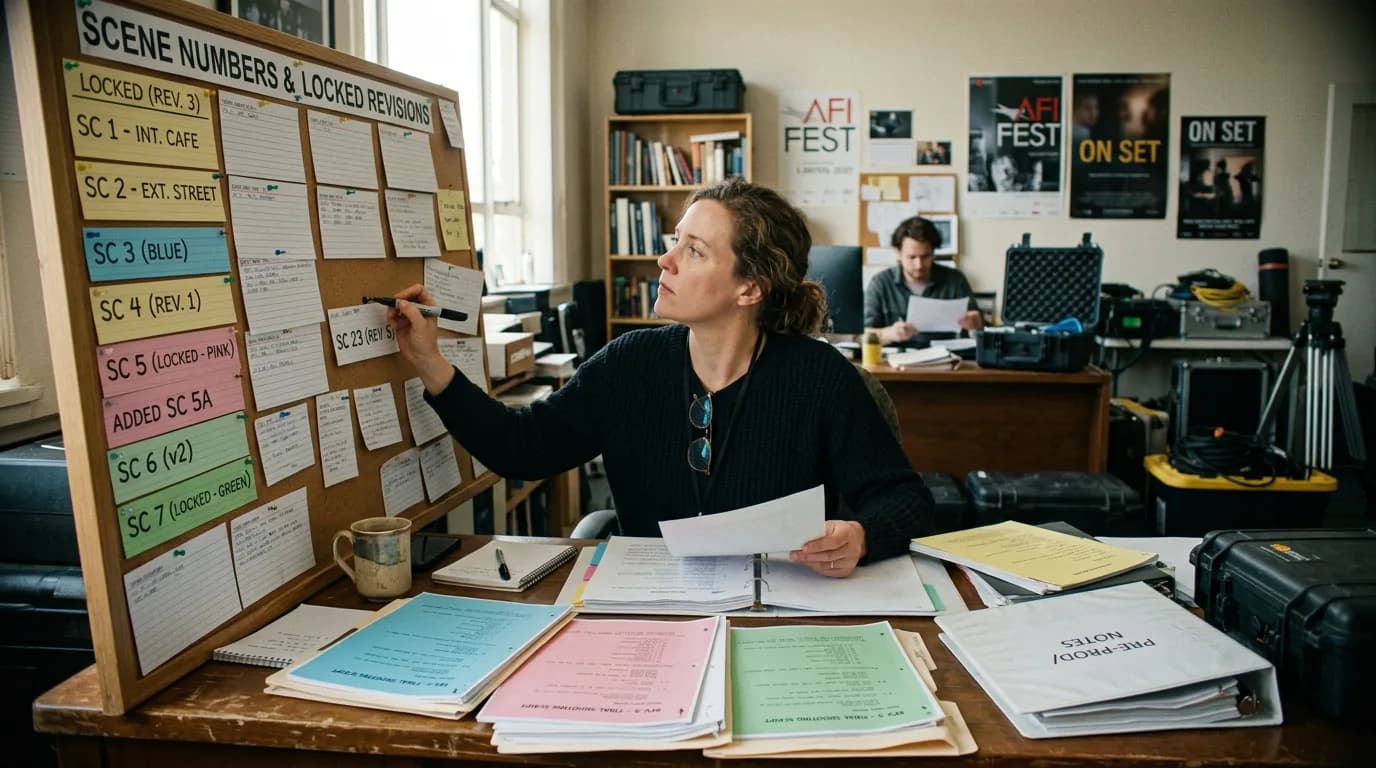
Scene numbers locked: Scene 1 is Scene 1. Scene 24 is Scene 24. If you add a scene, it gets the next number (e.g. 24A) or the sequence is renumbered and a new revision is issued so everyone replaces their documents. You don't renumber casually after lock.
Scenario: The "Quick Dialogue Pass" That Broke the Schedule
Production has a locked white draft. The director wants a dialogue polish. The writer does the pass but also merges two scenes and adds a new beat. They send "Rev. 1" without a proper revision memo. The script coordinator assumes only dialogue changed. The schedule still shows the old scene count. Two days later someone notices scene numbers in the script don't match the strip board. Now the coordinator and AD are re-breaking and re-scheduling under time pressure. The "quick pass" created a cascade of fixes. The fix: treat any structural change as a new revision; renumber only when necessary; issue a revision memo that states "Scene count changed: 89 → 87; scenes 42 and 43 merged."
Best Practices
Lock only when prep needs it. Don't lock too early (you're still restructuring) or too late (prep is already building from an unlocked draft). Agree with production on the lock date.
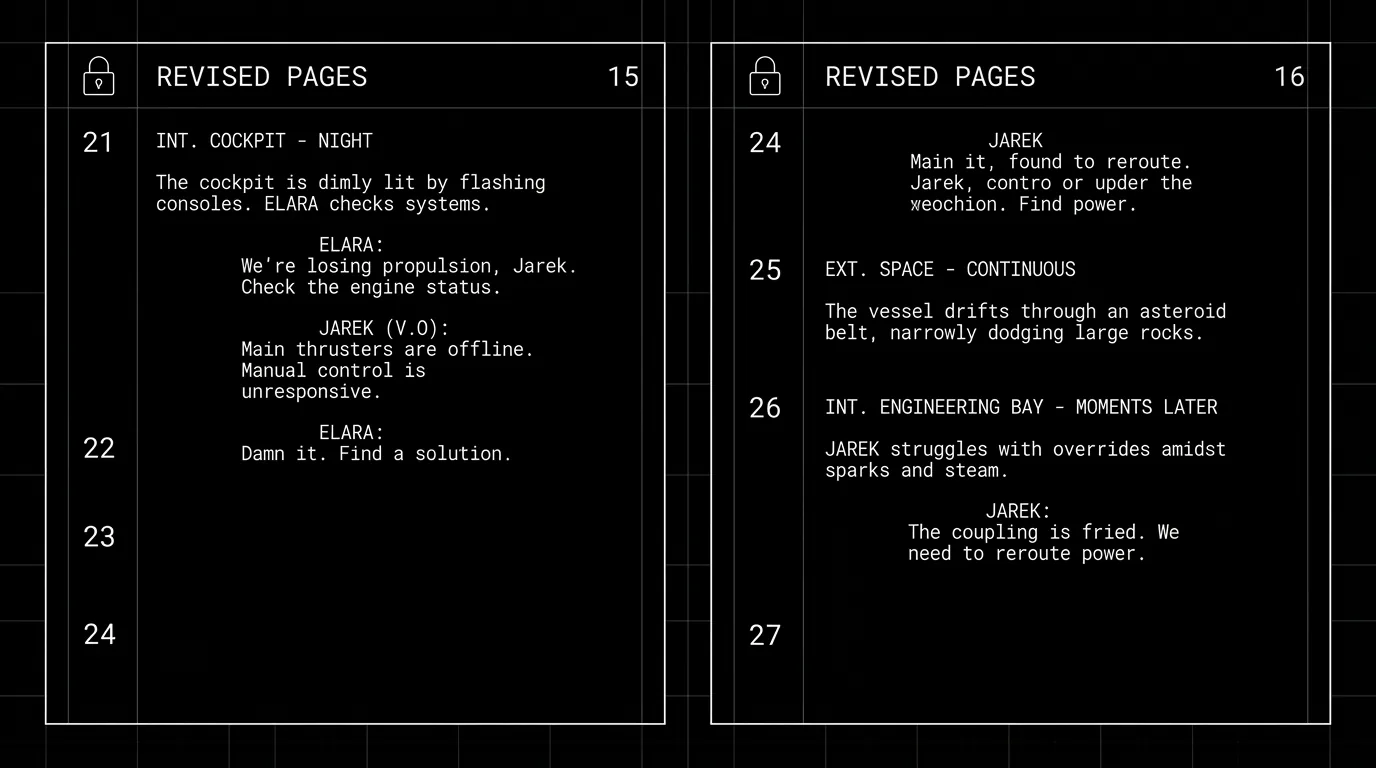
One revision = one version. When you lock again after changes, that's a new revision (Blue, Pink, etc.). Distribute the full script with revision marks so everyone replaces their copy. Put revision name and date on every page.
Document what changed. A short revision memo: "Pink revision. Dialogue polish only, no scene order or count changes." Or "Yellow revision. Scenes 12 and 13 merged; new scene 15 added. Scene count 90 → 89." That memo saves the script supervisor and production office from guessing.
Use your tool's revision and scene-numbering features. Many screenwriting apps support locked scene numbers and revision tracking. A scene numbering tool for shooting scripts can also stamp numbers onto a plain draft before the lock. If yours doesn't, maintain a manual log: revision name, date, and "structural changes: yes/no; scene count: X."
The Trench Warfare: What Goes Wrong
Renumbering after lock without telling anyone. Fix: Any renumber is a new revision. Issue it. Memo it.
Sending "just the changed pages" without revision colors or headers. Recipients don't know which draft they're holding. Fix: Send full script with revision marks and headers, or at minimum clearly labeled revised pages with revision and date.
Mixing dialogue-only passes with structural changes. Fix: Do dialogue-only in one pass (no renumber). Do structural in a separate pass; then renumber, lock, and issue as the next revision.
No single "master" draft. Different people have different PDFs. Fix: One canonical file per revision, distributed from one place (e.g. production office or writer). Everyone replaces their copy when a new revision is issued.
The Perspective
Managing scene numbers and locked revisions is dull until it isn't. The moment someone builds a schedule from the wrong scene count or an actor gets pages that don't match the script supervisor's copy, the cost is real. Lock when prep needs stability. Number consistently. Issue revisions with clear memos. Your job is to hand production a script they can trust, and to change it only in a way that keeps that trust intact.
Final Step
Build your next script with Screenweaver
Move from ideas to production-ready pages faster with timeline-native writing and AI-assisted story flow.
Try Screenweaver