
The tool suggests a line. It's grammatically fine. It moves the scene forward. It also sounds like everyone else. You've read that rhythm before, in a dozen other scripts, in the model's training set. Your voice isn't in the suggestion. Your voice is in the rewrite. The question isn't whether to use narrative suggestion tools. It's how to use them so the script still reads like you. The answer isn't a setting. It's a rule: suggestions are raw material. You edit every line until it fits your ear. If you don't have time to do that, don't use the suggestion. Leave the page blank or write a bad draft yourself. A page that sounds like you (even rough) beats a page that sounds like the machine.
The tool doesn't have a voice. It has a distribution. Your voice is what's left after you've pushed back on every line that doesn't fit.
Here's the tension. Suggestion tools are built to be smooth and coherent. They optimize for "sounds like writing." That's not the same as "sounds like you." You have tics. You have a rhythm. You favor certain sentence lengths, certain transitions, a certain level of formality or slang. The machine doesn't know any of that. So the workflow is: take the suggestion as a draft. Use it for structure (what happens next) or for breaking the blank page. Then rewrite every sentence until it passes the "would I say it this way?" test. If you can't rewrite it, cut it. The script that goes out has your name on it. It should have your sound on the page.
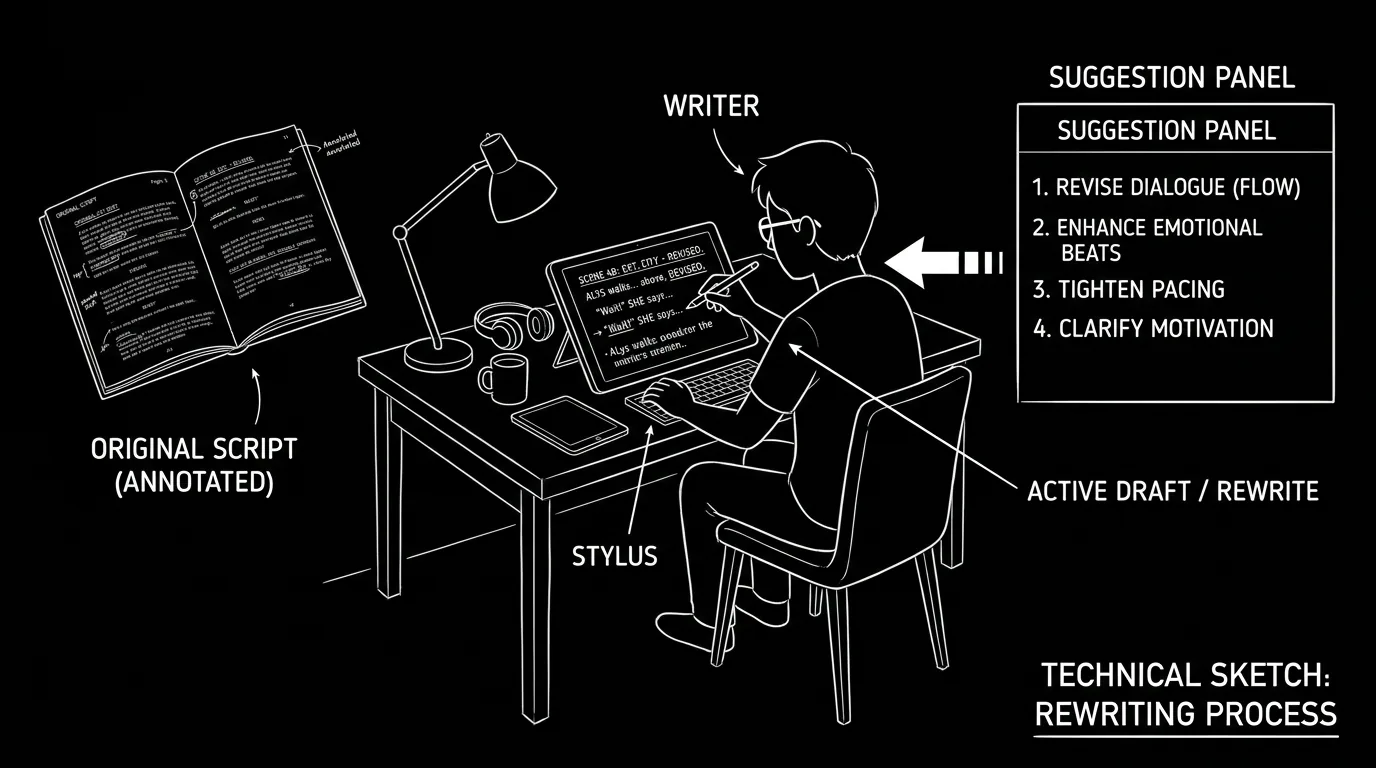
Cinematic workflow frames

These two visuals work as a pair: the first shows Cinematic workflow still, first angle, 35mm film grain, and the second shifts to Cinematic workflow still, second angle, 35mm film grain - compare them briefly, then move on.

What "Voice" Means When the Machine Is in the Loop
Voice is the sum of small choices. Word order. When you use a short sentence vs. a long one. When you slip into dialect or stay formal. How you handle silence. How you write action lines, spare or lush. Suggestion tools tend to average out those choices. They give you the middle. So "keeping your voice" means reintroducing the edges. After you get a suggestion, you ask: is that how I would put it? If not, you change the word order, cut the filler, add the beat that's missing, or replace the line with one you'd actually write. The more you do that, the more the page sounds like you. The less you do it, the more the page sounds like the model. There's no shortcut. Voice is preserved in the edit.
The Workflow: Suggestions In, Your Words Out
Step 1: Use suggestions for direction, not final copy. When the tool suggests "what happens next" or "a line of dialogue," treat it as a prompt to you: "something like this." Note the beat or the idea. Don't paste and move on. Paste and then rewrite so the idea is in your words.
Step 2: Read every suggested line aloud. If it doesn't sound like something you'd say or write, it doesn't stay. Change the vocabulary, the rhythm, or the tone. Shorten or lengthen. Add a fragment. Cut the connector. The goal is for a reader to not be able to tell which lines were suggested and which you wrote from scratch. That only happens if you make the suggested lines match your style.
Step 3: Keep a "voice sample" handy. When you're not using the tool, write a few lines you're happy with, pure you. When you're editing a suggested passage, compare. Does this sentence sound like that sample? If not, rewrite until it's in the same family. The sample is your calibration.
Step 4: Limit how much you accept at once. If you accept a full paragraph of suggestions, you'll have to rewrite a full paragraph. That's exhausting and you might miss lines. The fix: take suggestions in small chunks. One beat, one exchange, one action block. Rewrite that. Then ask for the next. You stay in control of the density of "machine" in the draft.
Step 5: When in doubt, cut. If a suggested line is useful for structure but you can't make it sound like you, cut it. Replace it with a shorter line of your own or a beat that does the same job. A thin line that's yours is better than a full line that's generic. The script is yours. The reader will feel the difference.
| Tool gives you | You do |
|---|---|
| Suggested next beat or line | Rewrite in your rhythm and vocabulary |
| Full paragraph | Rewrite sentence by sentence, or take only the beat and write the rest yourself |
| "Good enough" line | Run the "would I say it this way?" test; if no, change it or cut it |
For when the block is at the scene level and you need to unstick without losing voice, overcoming writer's block with prompts keeps you in the author role. For the limits of AI on subtext and nuance, can AI write subtext is a useful boundary.
Try it free
Try Screenweaver for free on your script
It is free. Import your existing project, get a clearer view of your outline, and regain control of your story structure in minutes.
Start FreeRelatable Scenario: The Dialogue That All Sounds the Same
You've used the tool to generate options for an exchange. You pick one and paste it. When you read the full scene later, that exchange stands out, polished but anonymous. You go back. You break up the rhythm: one short line, one interruption, one beat where the character doesn't answer the question. You replace two lines with versions you'd actually write. The scene now has your fingerprint. The suggestion was the scaffold. The rewrite was the voice.
Relatable Scenario: The Action Block That Reads Like a Manual
The tool suggested three sentences of action. They're clear and logical. They're also flat. You rewrite: shorter sentences, one fragment, a specific detail only you would choose. You cut the connector phrases. The action now has pace and a point of view. The suggestion told you what happens. You told the reader how it feels.
Relatable Scenario: The Producer Who Says "This Doesn't Sound Like You"
You've handed in a draft that had more suggestions than usual. The producer says the dialogue feels generic. You don't argue. You do a pass: every line that came from a suggestion gets read aloud and either rewritten or cut. You don't remove the story beats. You remove the generic phrasing. The next draft sounds like you again. The lesson: the tool is for getting to a draft. The pass that makes it yours is non-negotiable.
What Beginners Get Wrong: The Trench Warfare Section
Accepting suggestions without rewriting. The fastest way to lose your voice is to paste and move on. The fix: treat every suggested line as a first draft. Rewrite until it passes the "would I write it this way?" test.
Using the tool for long stretches without a break. The more you accept in one go, the harder it is to rewrite all of it. The fix: take suggestions in small chunks. One exchange, one beat. Rewrite. Then continue. You keep control of the ratio of "you" to "machine."
No calibration. You don't have a clear sense of what "your voice" is on the page. The fix: keep a short sample of lines you love, your own, no tool. When editing suggestions, compare. If the new line doesn't sit in the same family, rewrite it until it does.
Assuming "sounds good" means "sounds like me." The tool's output often sounds smooth. Smooth isn't the same as distinctive. The fix: read aloud. If it could be from any script, it's not yours yet. Change the vocabulary, the rhythm, or the beat until it's something only you would write.
Skipping the voice pass when you're under deadline. Under pressure, it's tempting to leave suggested lines as is. The fix: if you don't have time to rewrite suggestions, use fewer of them. A shorter draft that sounds like you is better than a full draft that doesn't. Protect the voice pass. It's the line between "assisted" and "ghostwritten."
Letting the tool set the tone. If the tool tends to be formal, your script will drift formal unless you push back. The fix: notice the tool's default tone (formal, neutral, etc.) and consciously rewrite in the opposite direction where you want your voice, more casual, more specific, more fragmented. You're not following the suggestion. You're using it as a starting point and then bending it to you.
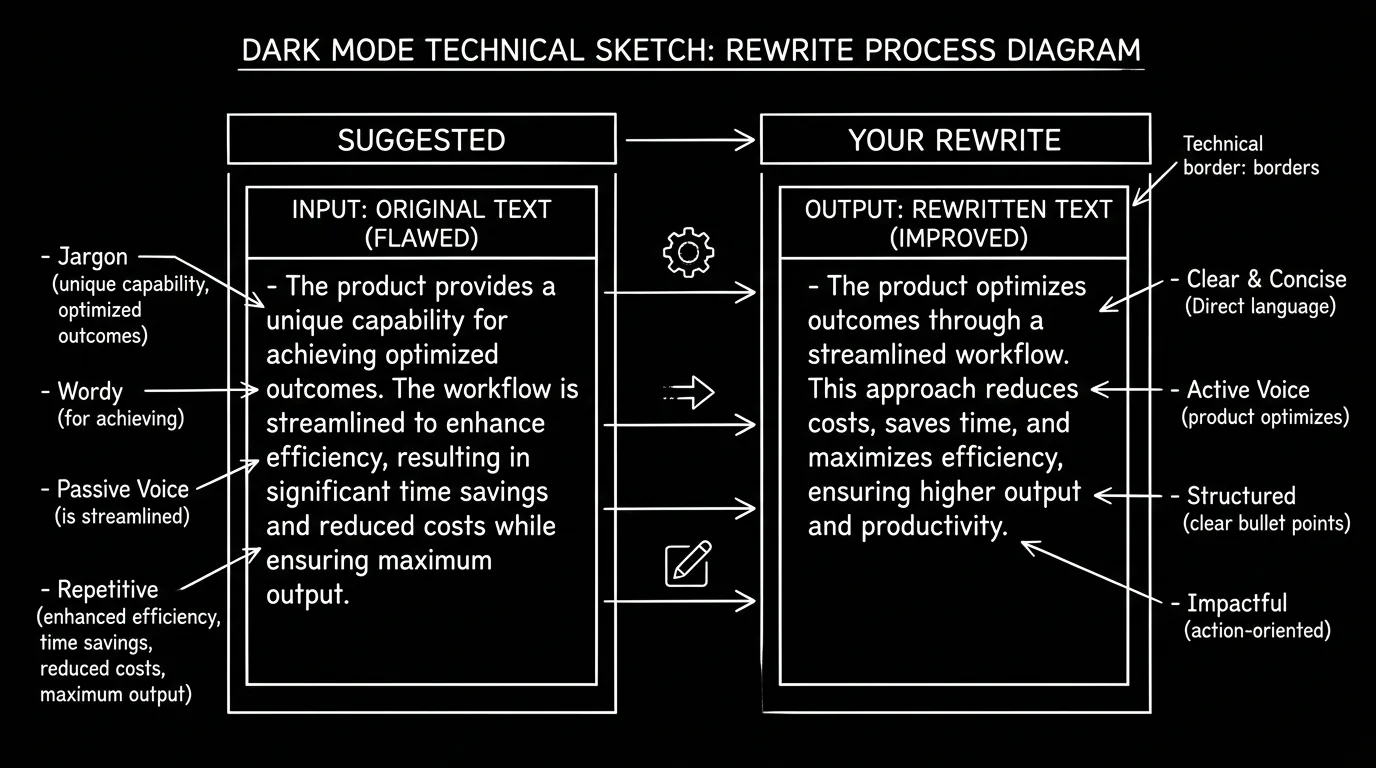
Software and parameters. Any narrative suggestion tool (built into an editor or standalone) will do. The variable isn't the tool, it's your discipline. After each suggestion: read aloud, rewrite until it fits your ear, then move on. For tools that generate longer passages, take them in chunks and do a voice pass on each chunk before asking for more. For more on when AI should stop and you should take over, AI for writer's block and can AI write subtext draw the line clearly.
One External Reference
Guild and industry positions on AI and authorship focus on disclosure and credit. The WGA’s position on AI is the authoritative source for covered work. Keeping your voice is a craft choice; it also supports the claim that the script is yours, because the words on the page have been through your rewrite.
The Perspective
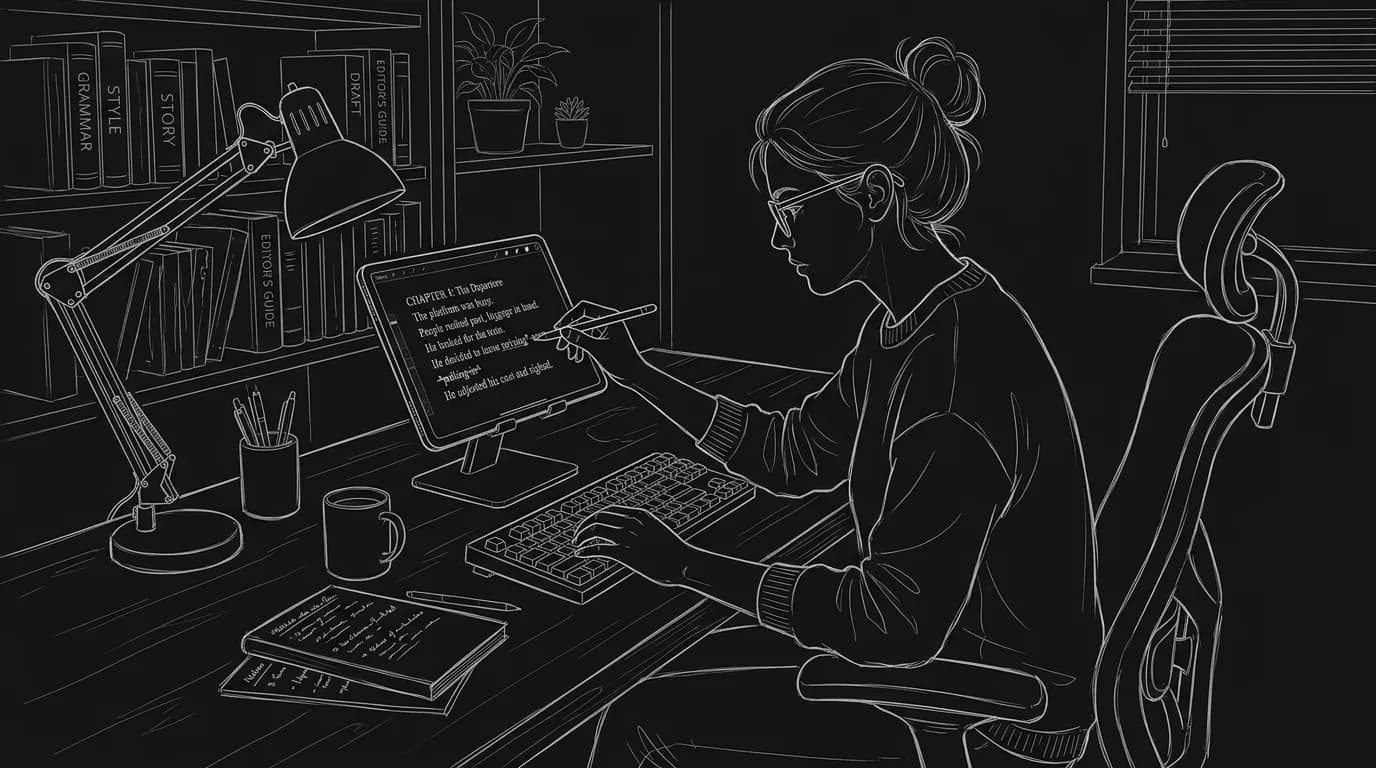
Narrative suggestion tools don't have a voice. They have a default. Your voice is what remains after you've edited every suggested line until it sounds like you. Use the tool for direction and for breaking the blank page. Then do the pass that no tool can do: the one that makes the reader hear you. If you skip that pass, the script might be coherent. It won't be yours.
Final Step
Build your next script with Screenweaver
Move from ideas to production-ready pages faster with timeline-native writing and AI-assisted story flow.
Try Screenweaver