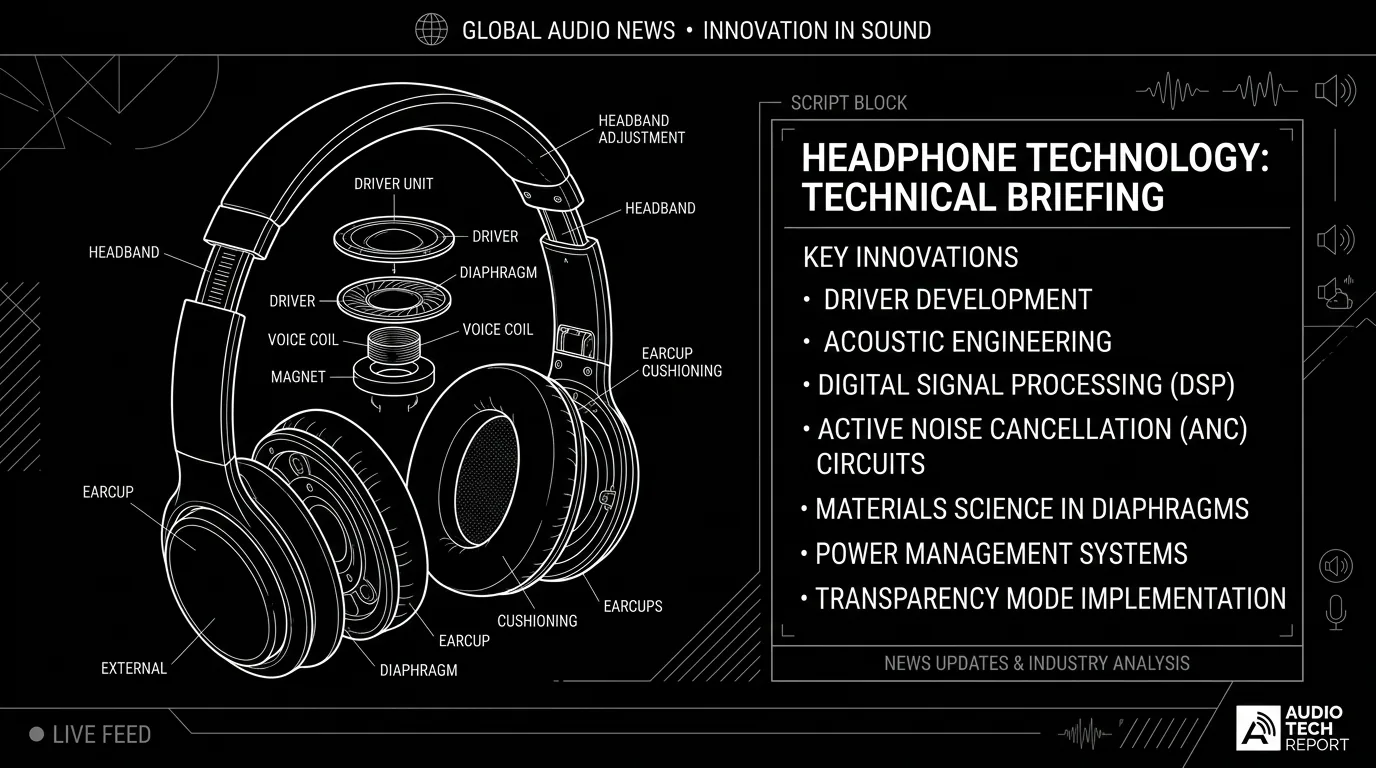

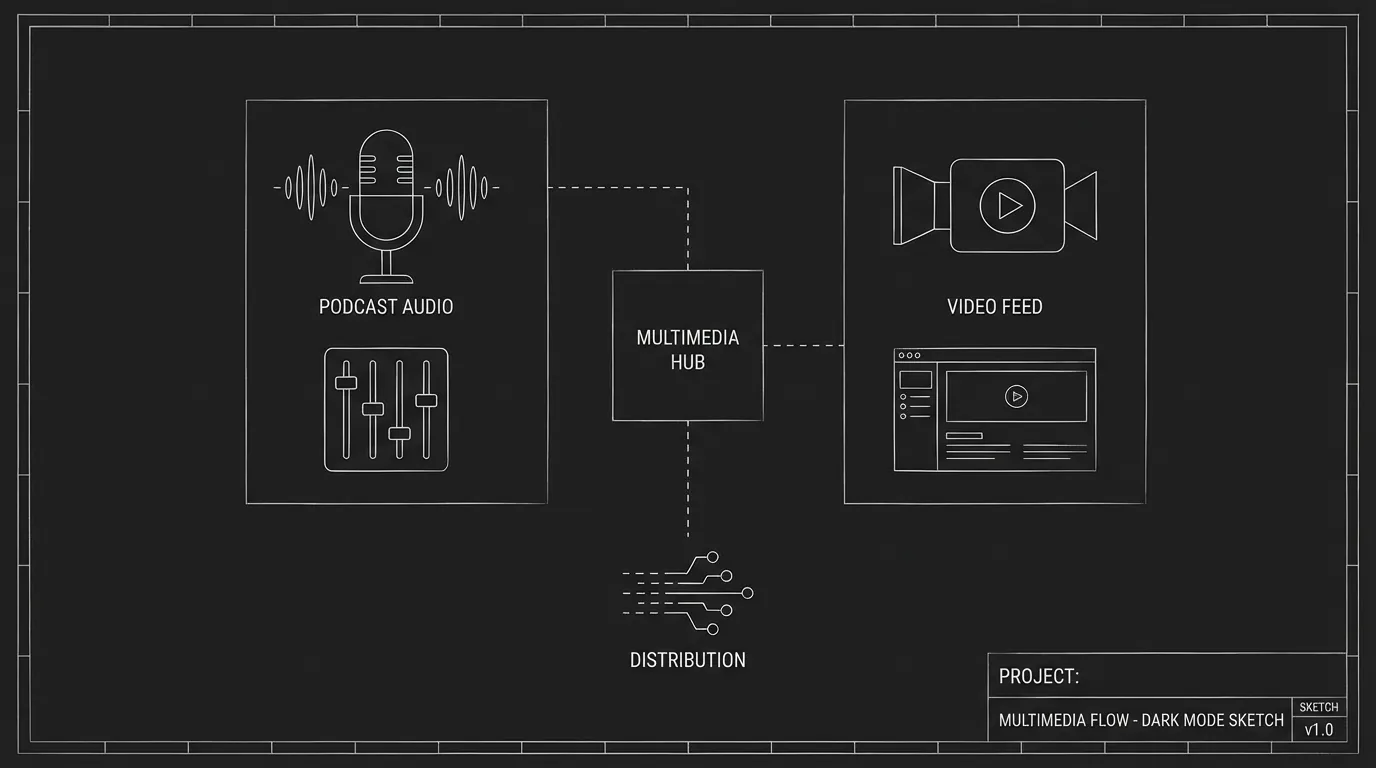
The character listens to a podcast. Or the TV is on, news, report, interview. Multimedia (podcasts, news, radio, TV segments) is both audio and often on-screen text or graphics. The script has to say what we hear and what we see so the reader and production can build or source it. Here's how to format podcasts and news reports in a script without turning the page into a transcript.
Specify the content and the source. We need to know what's said and where it's coming from (podcast, TV, radio).
Think about it this way. The audience will hear the host, the clip, the anchor, and maybe see a chyron, a logo, or a face. On the page you're giving the source (e.g. "PODCAST - 'Crime Hour'" or "TV - NEWS") and the content (key lines or a summary). You're not writing the full segment unless a line is story-critical. Our guide on chyrons covers on-screen text; this piece is about audio and source. For desktop cinema where the computer is the frame, see desktop cinema. For exposition through media, see exposition dump.
Podcasts in Scripts
Establish the source: "A podcast plays. 'Crime Hour' - Episode 12." Or "PODCAST - 'The Daily Drop' - AUDIO." Content: Either a summary ("The host discusses the missing person case. No new leads.") or key lines if they matter. "HOST (V.O.): And now, our interview with the detective." "DETECTIVE (V.O.): We're following every lead." Character listening: Tie the beat to the character. "She listens, driving. Her face changes when they mention the name." For subtext and reaction, see writing silence.
News Reports (TV or Radio)
Establish the source: "TV - MORNING NEWS." "RADIO - NEWS REPORT." Content: Anchor lines if they're story-critical. "ANCHOR (ON TV): Breaking: The suspect has been arrested." Or a summary: "The news report runs the story. Same headline we've seen. No new details." Graphics: If we see a chyron or a graphic, add it. "Chyron: Suspect in custody." For chyrons, see chyrons.
When to Quote vs. Summarize
Quote when a specific line matters, the character reacts to it, or the audience needs to hear it. Summarize when we just need to know the topic or tone. "The podcast covers the case." "The news runs the story again." Keeps the page moving. For exposition, see exposition dump, multimedia can deliver info; don't let it become a dump.
Relatable Scenario: The Character Hears Their Name on the News
They're listening. The report mentions them or the case. Format: Establish source (TV/podcast/radio). Give the line we need to hear. Then the character's reaction. For reaction beats, see writing silence.
Relatable Scenario: The Podcast as Exposition
We need to learn something. The character learns it via a podcast. Format: Keep it short. One or two lines of the podcast. Or action: "The podcast explains the theory. She takes notes." Don't transcribe the whole episode. For hiding exposition, see exposition dump.
The Trench Warfare Section: What Beginners Get Wrong
Transcribing the whole segment. The script has two pages of podcast dialogue. Fix: Summarize or give one or two key lines. The rest is action. For economy, see micro-pacing.
Unclear source. "We hear a voice." Whose? From where? Fix: Name the source (podcast name, TV, radio) and the speaker (HOST, ANCHOR) so we know where the audio is from. For format, see screenplay format.
No character tie. The multimedia plays and we don't know who's listening or why it matters. Fix: Tie the beat to a character, they're listening, they're watching, they react. For POV, see subtext.
Using it only to dump info. The podcast or news exists to explain the plot. Fix: Weave the info into the scene. One line. A reaction. Or use conflict (they're arguing over the radio). For exposition, see exposition dump.
Try it free
Try Screenweaver for free on your script
It is free. Import your existing project, get a clearer view of your outline, and regain control of your story structure in minutes.
Start FreeMultimedia in Scripts: What to Include
| Element | Include |
|---|---|
| Source | Podcast name, TV, radio, etc. |
| Speaker | HOST, ANCHOR, GUEST (V.O.) or (ON TV) |
| Content | Key lines or summary |
| Graphics/chyron | When we see text on screen |
| Character | Who's listening/watching and how they react |
Step-by-Step: Formatting a Podcast or News Beat
First: Establish the source (podcast name, TV, radio). Second: Decide if we quote (one or two lines) or summarize. Third: Tag the speaker (HOST (V.O.), ANCHOR (ON TV)). Fourth: Add graphics if we see them (chyron, logo). Fifth: Tie to the character, who's listening, what's their reaction. For more on audio and on-screen text, see chyrons and voice over vs off screen.
The Perspective
Format podcasts and news by naming the source, giving key lines or a summary, and tagging the speaker. Don't transcribe the whole segment. Tie the beat to a character. When the reader and production know what we hear and see, the format works. So name the source. Give the content. And keep it tight.
Final Step
Build your next script with Screenweaver
Move from ideas to production-ready pages faster with timeline-native writing and AI-assisted story flow.
Try Screenweaver