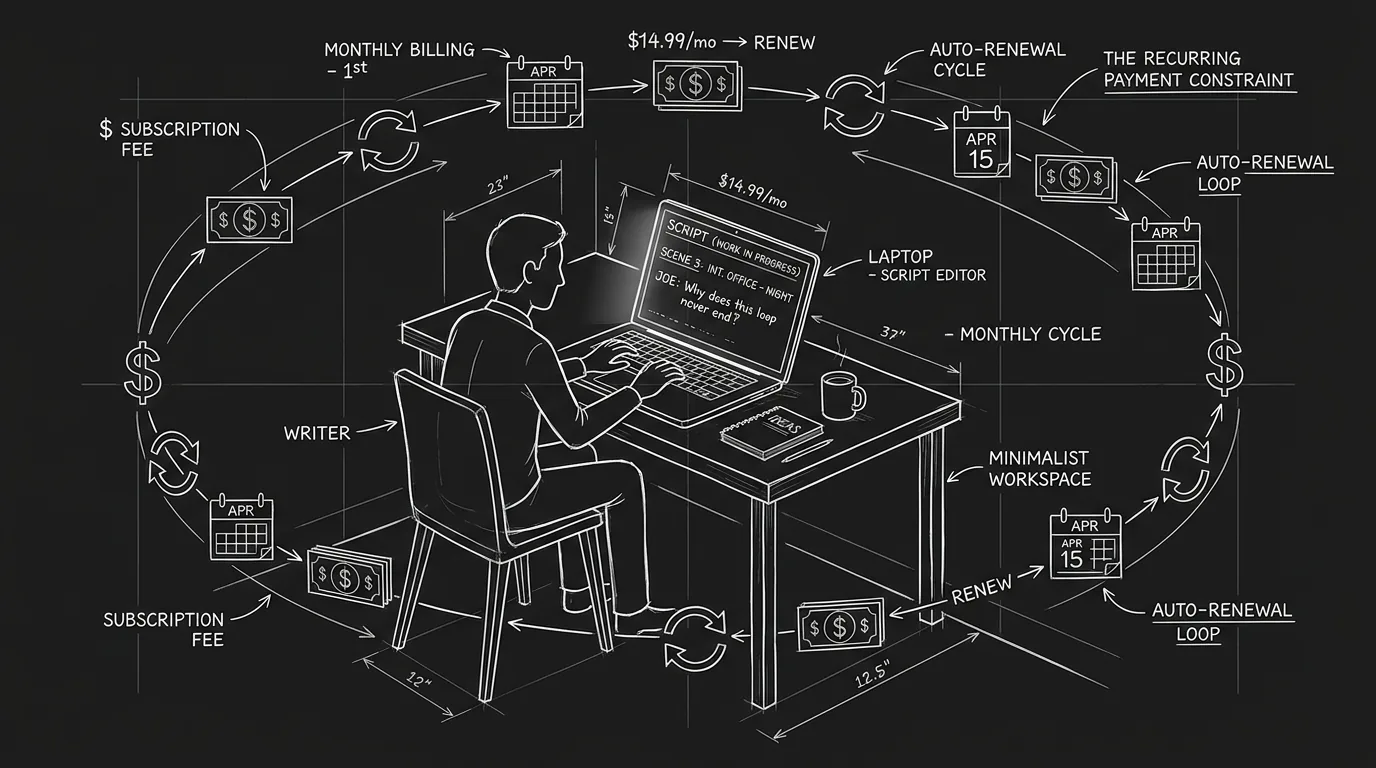
Three hundred scripts. That's what lands on an indie producer's desk in a slow month. They're not reading them all. They're not even reading most of them. They're reading coverage, those two-to-four-page summaries that tell them whether a script is worth their time. For decades, coverage has been the gatekeeping document of the industry: written by overworked assistants, staffed readers, and freelancers who charge by the page. It's subjective, inconsistent, and expensive if you need a lot of it.
Now there's another option. Automated coverage tools, software that analyzes scripts and generates summary reports, have moved from novelty to workflow for a growing number of indie producers. They don't replace human readers. They filter. They triage. They flag patterns that humans might miss or take too long to catch. And if you're trying to understand why your script keeps getting passed on, these tools might tell you things that human readers are too polite (or too busy) to articulate.
This isn't about handing creative decisions to machines. It's about understanding what machines can actually catch, what they miss, and how indie producers are integrating automated coverage into their evaluation pipelines today.
Free tool: use the Beat Sheet Calculator to map these beats to exact page numbers for your script length.
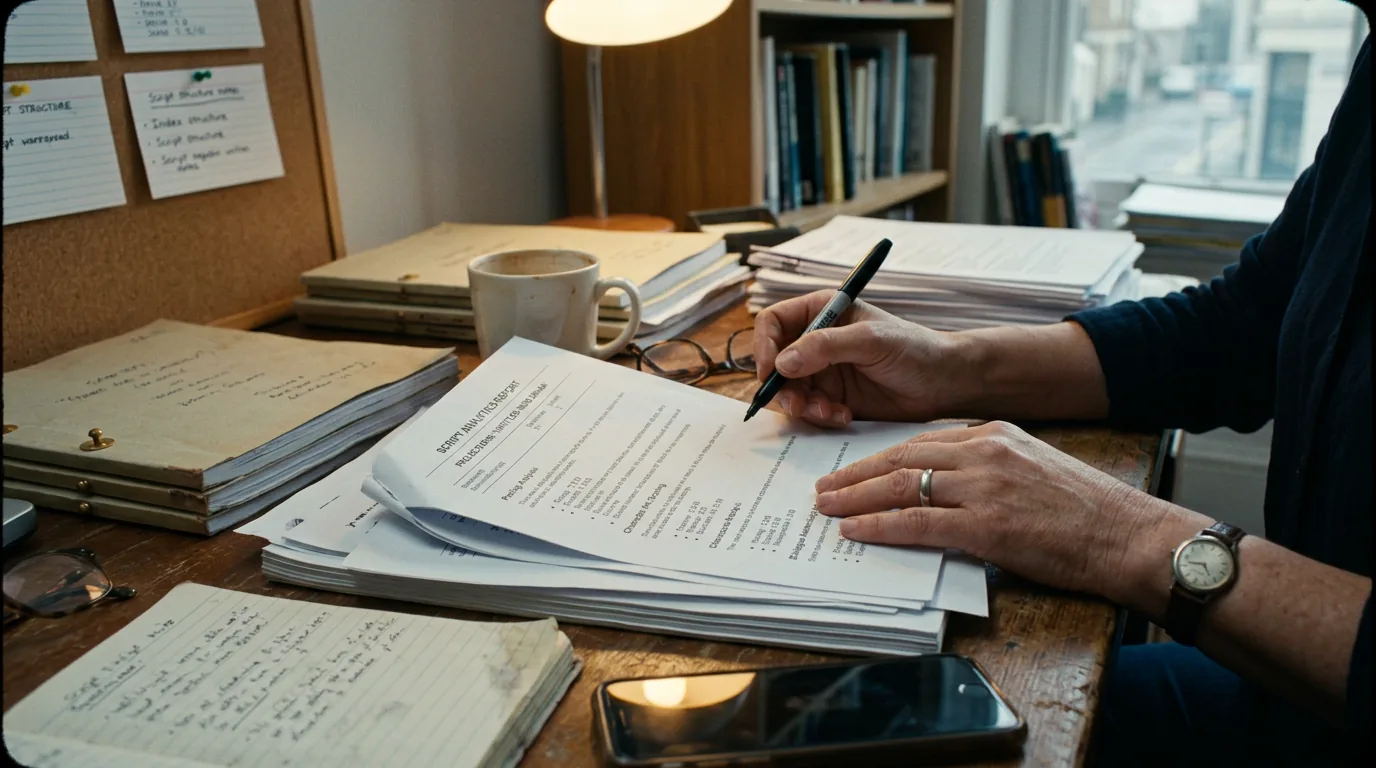
Cinematic workflow frames
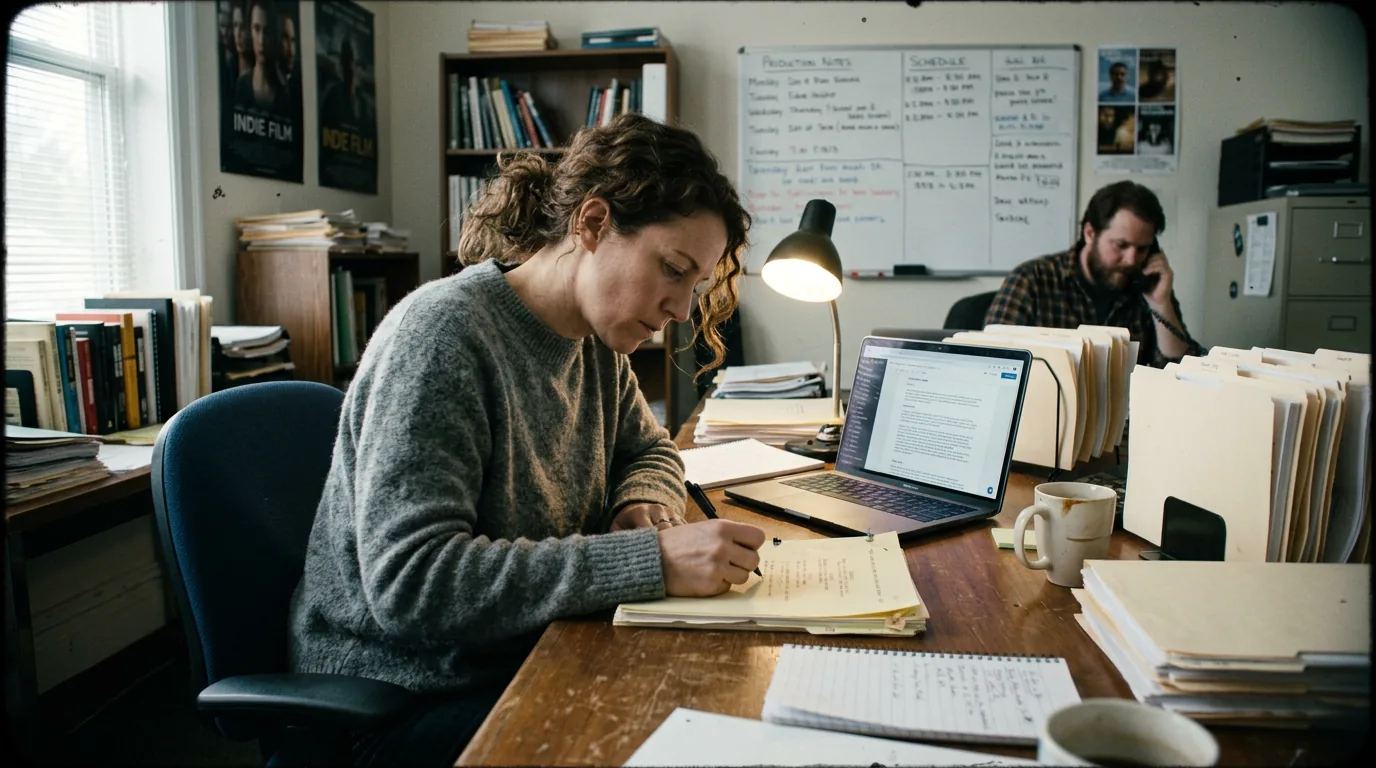
These two visuals work as a pair: the first shows Cinematic workflow still, first angle, 35mm film grain, and the second shifts to Cinematic workflow still, second angle, 35mm film grain - compare them briefly, then move on.
What Coverage Actually Does (And Why It Still Matters)
Before we talk about automation, let's be clear about what coverage is.
Coverage is a document that summarizes a screenplay for a decision-maker who doesn't have time to read it. A typical coverage report includes a logline, a synopsis (sometimes two pages, sometimes a paragraph), an assessment of concept, character, dialogue, and structure, and a recommendation: pass, consider, or recommend.
Coverage exists because reading is slow. A feature script takes sixty to ninety minutes to read well, longer if you're making notes. A producer who needs to evaluate a hundred scripts doesn't have a hundred spare hours. Coverage compresses those ninety minutes into five minutes of reading plus a recommendation. The decision-maker can then prioritize: read the "recommends" first, glance at the "considers," and skip the "passes."
The problem is that coverage is expensive at scale. A single coverage report from a professional reader runs anywhere from fifty to two hundred dollars. Multiply that by three hundred scripts and the numbers stop making sense. So indie producers compromise: they read loglines and first ten pages themselves, they rely on referrals, they trust contests. But they're still drowning.
Automated coverage tools promise to help with the triage layer. They don't produce the same quality of analysis as a good human reader, and producers know this. But they can flag basic structural issues, estimate tone and pacing, and surface patterns across large batches of scripts. The goal isn't to replace the reader; it's to tell the producer which scripts deserve a reader.
What Automated Tools Actually Analyze
There's no single standard for automated script coverage. Different tools emphasize different metrics. But most of them are looking at variations of the following:
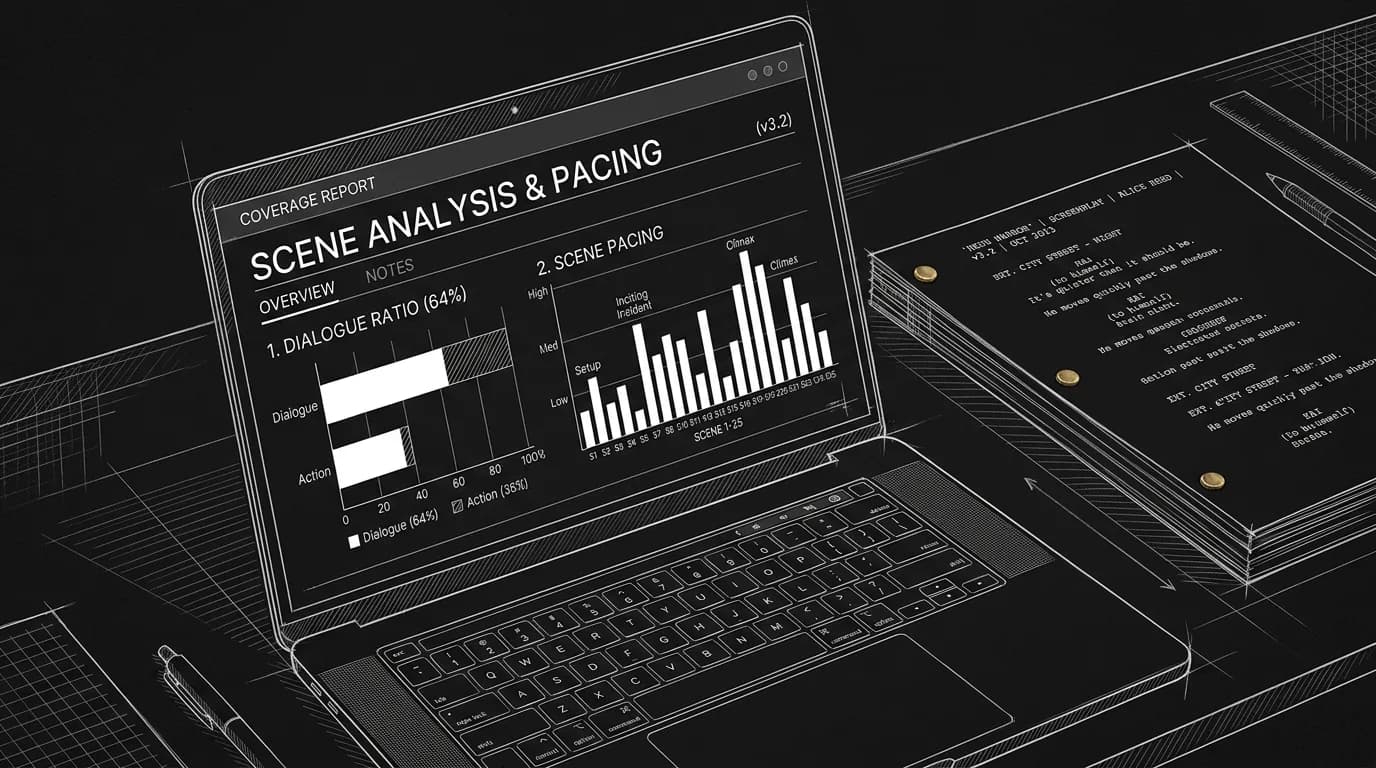
Structural milestones. Where does the inciting incident land? Is there a discernible midpoint? Does the climax fall in the expected range? Some tools compare against conventional beat-sheet templates (Save the Cat, three-act structure) and flag scripts that deviate significantly. This doesn't mean deviation is bad, but it's a data point.
Dialogue-to-action ratio. How much of the page is dialogue versus action? Is the script dialogue-heavy, suggesting a talky drama or comedy? Is it action-heavy, suggesting a genre piece? Extreme imbalances can flag pacing issues.
Character presence. How many named characters appear? How many lines does each character have? Is there a clear protagonist by page count, or is screen time diffused across an ensemble? This analysis can reveal whether a lead role has enough material to attract an actor.
Scene distribution. How many scenes are there? What's the average scene length? Are there sequences that run unusually long (possible drag) or unusually short (possible choppiness)? This helps producers anticipate pacing before they read.
Vocabulary and tone signals. Some tools run sentiment analysis or vocabulary checks to estimate the script's tone: dark, comedic, intense, tender. This is imperfect, tone is context-dependent, but it can help sort scripts into rough categories.
Readability metrics. How dense is the prose? Are action lines blocky or spare? This doesn't measure quality, but it correlates with readability, and readability affects how favorably a reader responds.
None of these metrics tell you whether a script is good. They tell you what kind of script it is and whether it conforms to structural expectations. That's useful information, but it's not a verdict.
How Indie Producers Are Actually Using These Tools
I spoke with three indie producers who've integrated automated coverage into their workflow. Here's what they told me (names withheld at their request):
Producer A: The Triage Filter
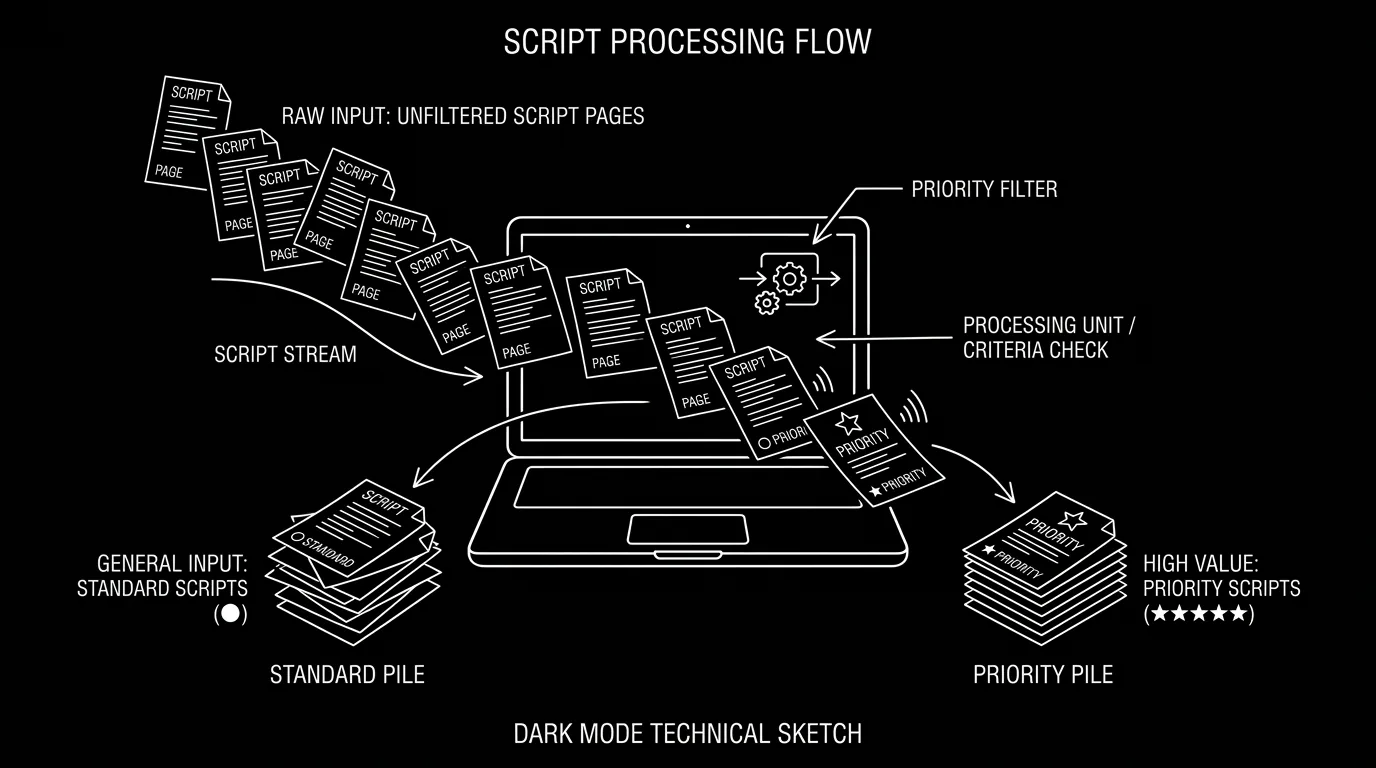
"I get about two hundred submissions a quarter through my website form. I don't have a reader budget. I used to read the first five pages of everything and then pick ten to read fully. Now I run every submission through [an automated tool] first. It flags structural outliers, scripts with no clear inciting incident by page twenty, or scripts with fifty-plus scenes in ninety pages. I don't reject based on the flag alone, but it changes the order I read in. The scripts that hit the expected milestones get read first. The outliers get read last, if at all."
Producer B: The Note-Generator
"I use automated coverage as a starting point for notes, not as a filter. Once I've decided to read a script, I run it through the tool and compare its analysis to my own impressions. Sometimes it catches things I missed, like a protagonist who has half the dialogue I thought they had, or a second act that runs fifteen pages longer than the first. I don't show the automated report to the writer. I use it to sharpen my own feedback."
Producer C: The Batch Comparison
"We optioned four scripts last year. Before we made decisions, I ran all thirty finalists through the same tool and exported the data into a spreadsheet. Not for pass/fail, for comparison. I could see at a glance which scripts had the tightest scene counts, which had the most dialogue variety, which had the strongest protagonist presence. It helped me articulate why I was drawn to certain projects beyond gut feeling."
These are three different use cases: triage, note-generation, and comparative analysis. None of them involve trusting the machine's judgment over the human's. All of them involve using the machine to surface data that would take hours to extract manually.
A Realistic Scenario: Filtering a Festival Submission Queue
Let's walk through a scenario in detail.
You're a producer with a first-look deal at a genre label. A regional horror festival has agreed to forward their top fifty submissions to you for consideration. Fifty scripts. You have a week. Your reader budget is zero.
Day One: Ingest and Run
You download all fifty PDFs and run them through your automated coverage tool. The tool generates a summary report for each script, including: page count, estimated runtime, inciting incident page, midpoint page, climax page, dialogue-to-action ratio, number of characters, and a tone estimate (dark, comedic, neutral).
You export the data into a spreadsheet. Sorting by inciting incident page, you notice that eight scripts don't hit an inciting incident until page thirty or later. You flag these as "slow starts."
Sorting by dialogue ratio, you notice that three scripts are over seventy percent dialogue. Horror is typically action-forward; this raises a question. You flag these as "talk-heavy."
Sorting by character count, you see two scripts with over forty named characters. For low-budget horror, that's a red flag. You flag these as "big cast."
Day Two: Prioritize
You now have three groups: the flagged scripts (possible issues) and the unflagged scripts (structurally conventional). You don't reject the flagged scripts, some of the best horror is unconventional. But you prioritize: you'll read the unflagged scripts first.
Within the unflagged group, you sort by tone estimate. You're looking specifically for dark, atmospheric horror, not comedy-horror or creature features. The tool's tone estimate narrows the unflagged scripts from thirty-seven to twenty-two.
Day Three Through Six: Read
You read the twenty-two prioritized scripts. You take notes. You identify five that merit a closer look. You also skim the fifteen unflagged scripts outside your tone preference and the eight flagged scripts, some of them might surprise you.
Day Seven: Decide
You end the week with five scripts you want to pursue and a clear rationale for why you passed on the others. The automated tool didn't make your decisions; it made your reading order strategic.
This is the workflow. It's not magic. It's just efficiency.
What These Tools Miss (And Why Humans Still Matter)
Here's the thing: automated coverage can tell you whether a script hits structural milestones. It cannot tell you whether the story is compelling.
The best scripts often break rules. Memento doesn't follow conventional structure. The Big Lebowski has a protagonist who barely drives the plot. Eternal Sunshine of the Spotless Mind plays with chronology in ways that would confuse any beat-sheet checker. If you filtered these scripts through automated coverage, they'd raise flags. And they're masterpieces.
Automated tools also miss:
Subtext and thematic depth. A tool can count dialogue lines. It cannot determine whether the dialogue is saying one thing and meaning another.
Voice and originality. Two scripts might have identical structural profiles and wildly different voices. One might be derivative; the other might be fresh. The tool can't tell the difference.
Emotional resonance. A tool can estimate tone. It cannot tell you whether the script made someone cry.
Execution. A perfectly structured script can still be badly written, wooden dialogue, clichéd descriptions, unclear action. The tool won't catch this.
This is why producers who use automated coverage don't trust it as a verdict. They trust it as a filter. The human reader still has to read. But the human reader doesn't have to read everything.
The machine tells you what the script looks like on paper. The human tells you what it feels like in the mind.
Try it free
Try Screenweaver for free on your script
It is free. Import your existing project, get a clearer view of your outline, and regain control of your story structure in minutes.
Start FreeThe "Trench Warfare" Section: Where Beginners Misuse These Tools
If you're a writer who's been tempted to run your own script through automated coverage tools, or if you're a producer just starting to use them, here's what goes wrong.
Mistake #1: Treating Flags as Verdicts
Your script has a forty-two percent dialogue ratio. The tool flags this as "dialogue-heavy." You panic and start cutting dialogue everywhere. But wait, your script is a courtroom drama. Dialogue-heavy is appropriate for the genre. The flag is information, not a condemnation.
How to Fix It: Always contextualize flags against genre expectations. A horror script at seventy percent dialogue is unusual; a legal drama at seventy percent is normal. Know your genre benchmarks before you react.
Mistake #2: Over-Optimizing for Structure
The tool says your inciting incident should land by page twelve. Yours lands on page seventeen. You rewrite the opening to hit the milestone. But the breathing room in your first act was intentional, it built atmosphere.
How to Fix It: Structural milestones are guidelines, not laws. If your delayed inciting incident is a conscious choice that serves the story, defend it. If it's an accident of pacing, fix it. The tool can't tell the difference; you can.
Mistake #3: Ignoring Comparative Data
You run your script through the tool and get a report. You don't compare it to anything. The report says you have thirty-eight scenes. Is that a lot? Is that normal for your genre? You have no idea.
How to Fix It: Run several scripts you admire, produced films in your genre, through the same tool. Build a baseline. Compare your numbers to the baseline. Now you know whether you're an outlier.
Mistake #4: Submitting Based on Automated Scores
Some tools give overall "scores" or "grades." Your script gets a B+. You assume producers will like it because the machine liked it. This is backwards. Producers don't see your automated score. They see your script.
How to Fix It: Use the tool to identify weaknesses, not to validate your ego. A B+ from a machine is meaningless if the dialogue is flat. Focus on improving craft, not chasing grades.
Mistake #5: Assuming the Tool Has Read Your Script
It hasn't. It has parsed text and counted patterns. It has no memory of your characters, no sense of your story's arc, no feeling about whether the ending landed. It's a statistical mirror, not a reader.
How to Fix It: Pair automated coverage with human coverage, at least for scripts you care about. The machine triages; the human judges.
A Comparison Table: Automated vs. Human Coverage
| Dimension | Automated Coverage | Human Coverage |
|---|---|---|
| Speed | Minutes per script | 60–90 minutes per script |
| Cost | Subscription or per-script fee (usually under $20) | $50–$200 per report |
| Objectivity | High (same metrics applied consistently) | Variable (depends on reader's taste and mood) |
| Depth | Surface-level structural and quantitative | Nuanced, contextual, interpretive |
| Voice assessment | None | Central to evaluation |
| Emotional resonance | Cannot measure | Can describe |
| Best use | Triage, batch comparison, self-diagnosis | Final evaluation, development notes, buy decisions |
Neither is better. They serve different functions. The smartest producers use both.
What This Means for Writers
If you're a writer, especially an emerging one, you should know that your script may be filtered through automated tools before a human ever reads it. This isn't unfair; it's economics. The volume of submissions exceeds the capacity of human attention.
Here's what you can do about it:
Make your structure legible. You can subvert structure, but make sure your inciting incident is recognizable as an inciting incident. If the tool can't find it, neither can a skimming producer.
Balance your dialogue-to-action ratio for genre. If you're writing action, keep dialogue proportional. If you're writing drama, lean into dialogue but don't let it dominate the entire page. Know your genre's norms.
Keep your cast manageable. Thirty characters in a ninety-page script will flag as a concern, for budget as much as clarity. If you need a big ensemble, make sure the protagonist's presence is unmistakable.
Write clean, readable prose. Dense action blocks signal "hard to read." Short, spare paragraphs signal "professional." This isn't about dumbing down; it's about visual clarity.
None of this guarantees a recommend. But it increases the odds that your script makes it past the filter and into the hands of a human who can appreciate what you actually did.
The Ethics Question (Briefly)
There's a conversation happening, still early, still unresolved, about whether automated coverage disadvantages certain kinds of writers. Unconventional structures are more likely to flag. Experimental work is more likely to be filtered out. Does this homogenize the scripts that get through?
Probably, a little. But the same critique applies to human readers with conventional taste. And most producers using automated tools are aware of the limitation. They don't auto-reject flagged scripts; they deprioritize them. There's still a path.
The larger ethical question is about transparency. Should writers know that their script was filtered by a machine before a human saw it? Some producers disclose; most don't. As these tools become more common, disclosure norms may shift.
For now, the practical advice is the same: write well, structure legibly, and understand that your script enters a system designed to handle volume. Make it easy for the system to see your strengths.
Where This Is Going
Automated coverage tools are improving quickly. Natural language processing gets better every year. Future tools may be able to assess dialogue quality, detect clichés, and estimate audience engagement, not just count lines and locate beats.
This doesn't mean human readers will become obsolete. It means the bar for what humans are asked to do will shift. Humans will handle the final evaluations, the creative judgments, the development notes. Machines will handle the first pass, the triage, the pattern-finding.
For indie producers, this is good news. It means smaller teams can evaluate more scripts. It means promising material has a better chance of surfacing. It means data can inform intuition without replacing it.
For writers, the landscape is tightening. The easy passes, scripts with clear structural problems, will be caught faster. But the hard recommends, scripts with genuine originality, will still require a human to champion them.
The machine is a filter. The human is a believer. You need both to get a script made.
Further reading:
- Explore how sentiment analysis tools can evaluate the emotional tone of your screenplay scene by scene.
- For writers preparing their own self-coverage, see our guide on submission packets and narrative bios.
- The Writers Guild has ongoing discussions about automation in coverage at WGA.org.
Final Step
Build your next script with Screenweaver
Move from ideas to production-ready pages faster with timeline-native writing and AI-assisted story flow.
Try Screenweaver