
You want to write a script and see the story at the same time,not just as an outline, but as something visual. Saga and ScreenWeaver both sit in that space: script plus something more. Saga offers integrated writing assistance and a focus on visual storytelling. ScreenWeaver offers a living story map and concept art tied to the script. This breakdown is for writers who care about how the tool connects words to vision, and where the two products actually differ.
Visual storytelling platforms are not just script editors with a few images attached. They are tools that let you work on the story and the look in the same place. Saga has built a following by combining script writing with integrated assistance and a visual bent. ScreenWeaver has built its product around a timeline that is the script,acts, sequences, beats,and visuals (concept art, mood) that stay attached to scenes. Both aim to reduce the gap between "what I wrote" and "what it looks like." The difference is in how they bind structure and visuals to the page.
Read alongside format rules, revision passes, and AI tools roundup. Saga’s product site is writeonsaga.com; we are not affiliated.
Saga: Visual Storytelling With Integrated Assistance
Saga positions itself as a visual storytelling platform. You write; you get help with expansion, alternatives, or structure from integrated tools. The idea is to keep you in one environment instead of jumping to a separate outline or a separate image tool. For writers who want assistance without leaving the script, that has value. You can iterate on scenes and get suggestions in context.
Where Saga sits on the "visual" spectrum varies. Some users come for the writing assistance and the promise of a more visual workflow; the product continues to evolve. The critical question for a comparison is: does the structure live as the same object as the script? Can you see a timeline of acts and beats that stays in sync when you reorder, and can you attach or generate images that live with specific scenes? If the answer is "partially" or "in a separate view," then you have a different model than a tool where the timeline is the script. ScreenWeaver is built on that second model. For a broader context on how structure visibility differs across tools, our best screenwriting alternatives guide lays out the split between formatting-focused and structure-and-visuals-focused products.
Visual storytelling only works in a tool if the visuals are tied to the right place in the script. Otherwise you have two projects: the script and the lookbook. Keeping them in sync is the hard part.
ScreenWeaver: Timeline and Visuals as Part of the Script
ScreenWeaver is built so that the script and the story map are one object. A horizontal timeline shows acts, sequences, and beats. When you drag a sequence, the script reflows. When you click a beat, the script scrolls there. There is no separate outline to maintain. Visual context,concept art, mood boards,is attached to the project and to scenes. When you export for a pitch, you can pull script and visuals into a deck format. So the binding is tight: structure and visuals live in the same project as the script.
That makes ScreenWeaver strong for writers and writer-directors who want to develop and pitch in one place. You are not building a lookbook in a separate app and hoping it matches the script. You are building it next to the script. For a detailed look at how this compares to a traditional, format-only workflow, our ScreenWeaver vs Final Draft comparison goes into the living story map and pitch-ready export.
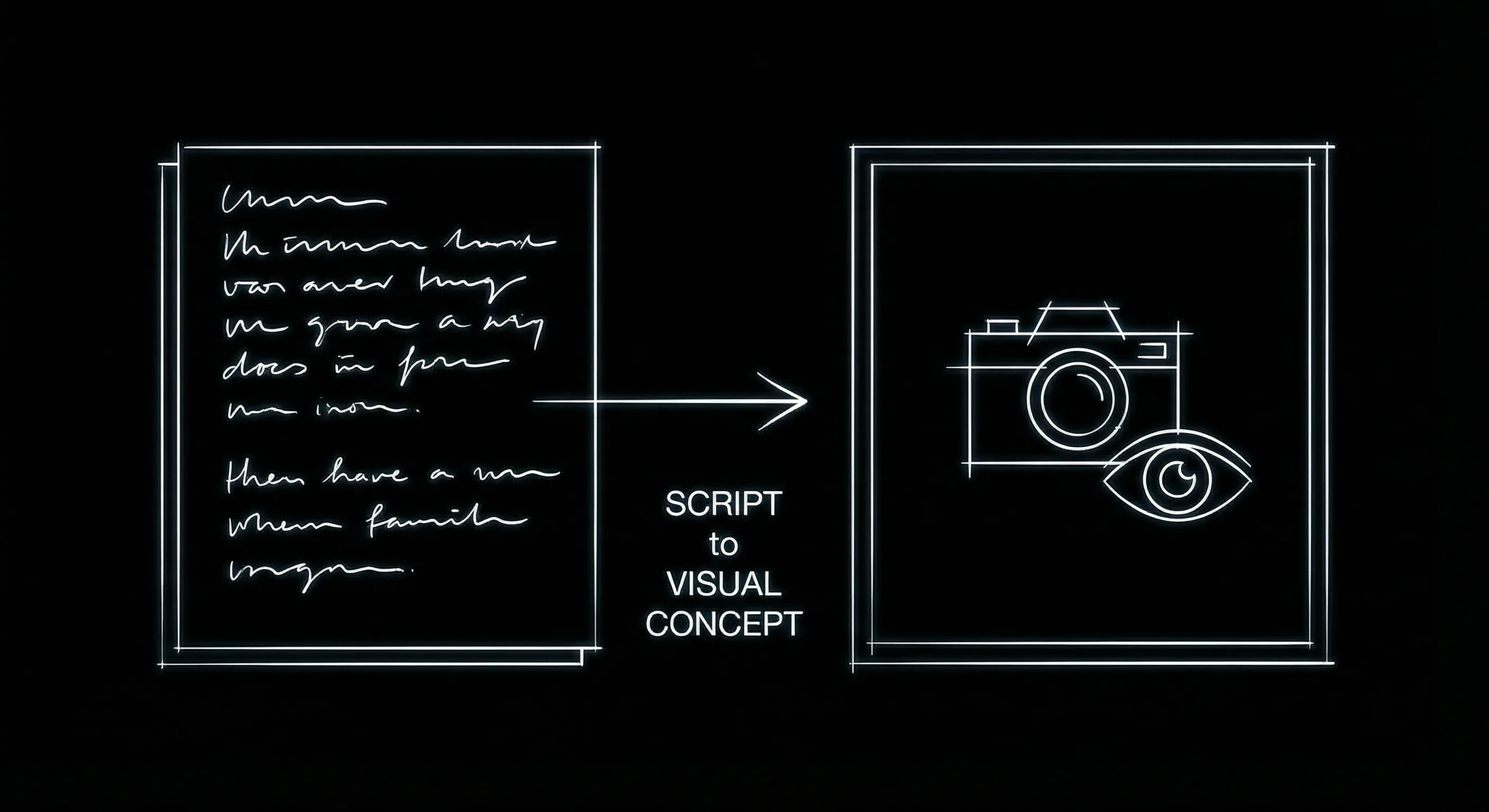
Script and visual concept in one surface: structure and look stay in sync.
A Detailed Breakdown: Where They Overlap and Diverge
The table below focuses on visual storytelling and structure. Both platforms aim to go beyond a plain script editor. The differences are in how tightly structure and visuals are bound to the script and what you can export.
| Dimension | Saga | ScreenWeaver |
|---|---|---|
| Structure view | Outline/beats; integration varies | Timeline is the script; drag to reorder |
| Visuals with script | Visual storytelling focus; check current product | Concept/mood tied to scenes; pitch deck export |
| Integrated assistance | Yes; in-context writing help | Yes; structure and visuals in-context |
| Export | PDF, FDX; check for deck/visual export | PDF, FDX, pitch deck with visuals |
| Best for | Writers who want assistance + visual angle | Full story map + visuals in one project |
When to Choose Which
Choose Saga if you want a visual storytelling platform with integrated writing assistance and you are comfortable with whatever structure view it offers (outline, beats, or similar). It is a good fit for writers who want to stay in one app and get help without switching to a separate tool. Choose ScreenWeaver if you want the timeline and the script to be the same object,so that restructuring is a single action,and you want concept art and mood tied to scenes with a clear path to a pitch deck. For submission and production, both should export industry-standard files; our export guide applies to either.
BODY IMAGE 2 PROMPT: One story, script and visual frame connected; dark technical sketch.
The Verdict
Saga and ScreenWeaver are both visual storytelling platforms that go beyond a basic script editor. Saga emphasizes integrated assistance and a visual workflow. ScreenWeaver emphasizes a single story map (timeline = script) and visuals tied to scenes with pitch deck export. The right choice depends on how much you care about the binding between structure and script,one object vs two related views,and whether you need a built-in path from script and visuals to a deck. Both are legitimate options; pick the one that matches how you think about story and image in the same place.
Final Step
Build your next script with Screenweaver
Move from ideas to production-ready pages faster with timeline-native writing and AI-assisted story flow.
Try Screenweaver