
You see the scene as frames before you hear it as dialogue.
That is not a flaw. It is a cognitive style. Some writers storyboard mentally with such intensity that writing pure screenplay pages feels like translating from a richer language into a narrower one. Others storyboard because they direct, pitch, or collaborate with cinematographers who think in shots.
The problem in 2026 is fragmentation. You can end up with a screenplay in one app, boards in another, reference packs in a third, and pitch decks in a fourth. Visual thinking becomes file management. Creativity becomes sync anxiety.
Here is why that matters: storyboards are not decoration if they influence how you write scene geography, eyelines, and reveal timing. When your tools isolate visuals from pages, you lose coherence. You write a line that feels cinematic in isolation, then discover it fights the board you drew last week.
The best screenwriting software for writers who also storyboard is software that keeps visual reasoning tethered to screenplay reality - without turning your draft into an animation board before the story earns it.
If your script spine is still moving, do not let panels drive rewrites: follow idea → first draft, then revision passes. For when to generate frames at all, read generative storyboards and pitch decks. Free formatting helpers while you iterate live on the tools hub.
Free tool: use the Beat Sheet Calculator to map these beats to exact page numbers for your script length.
Cinematic workflow frames
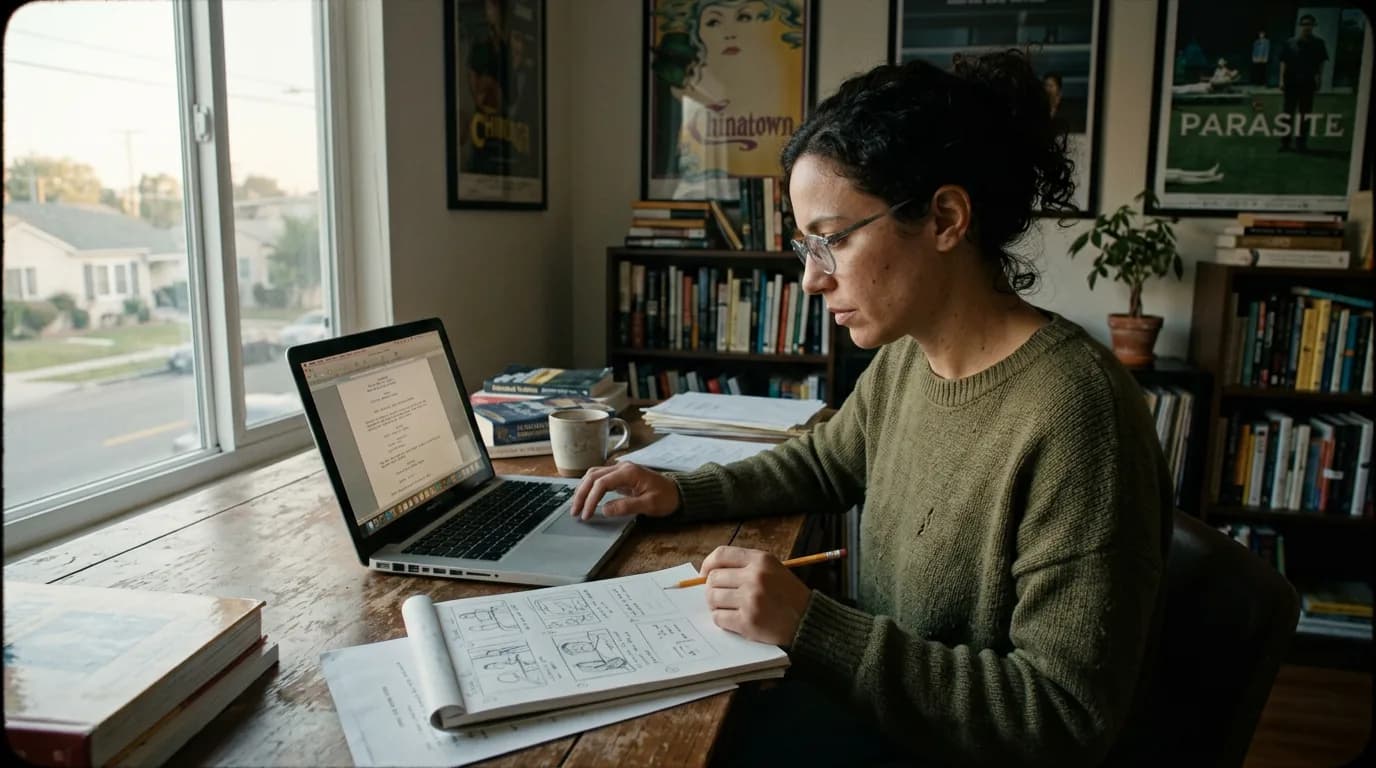
These two visuals work as a pair: the first shows Cinematic workflow still, first angle, 35mm film grain, and the second shifts to Cinematic workflow still, second angle, 35mm film grain - compare them briefly, then move on.
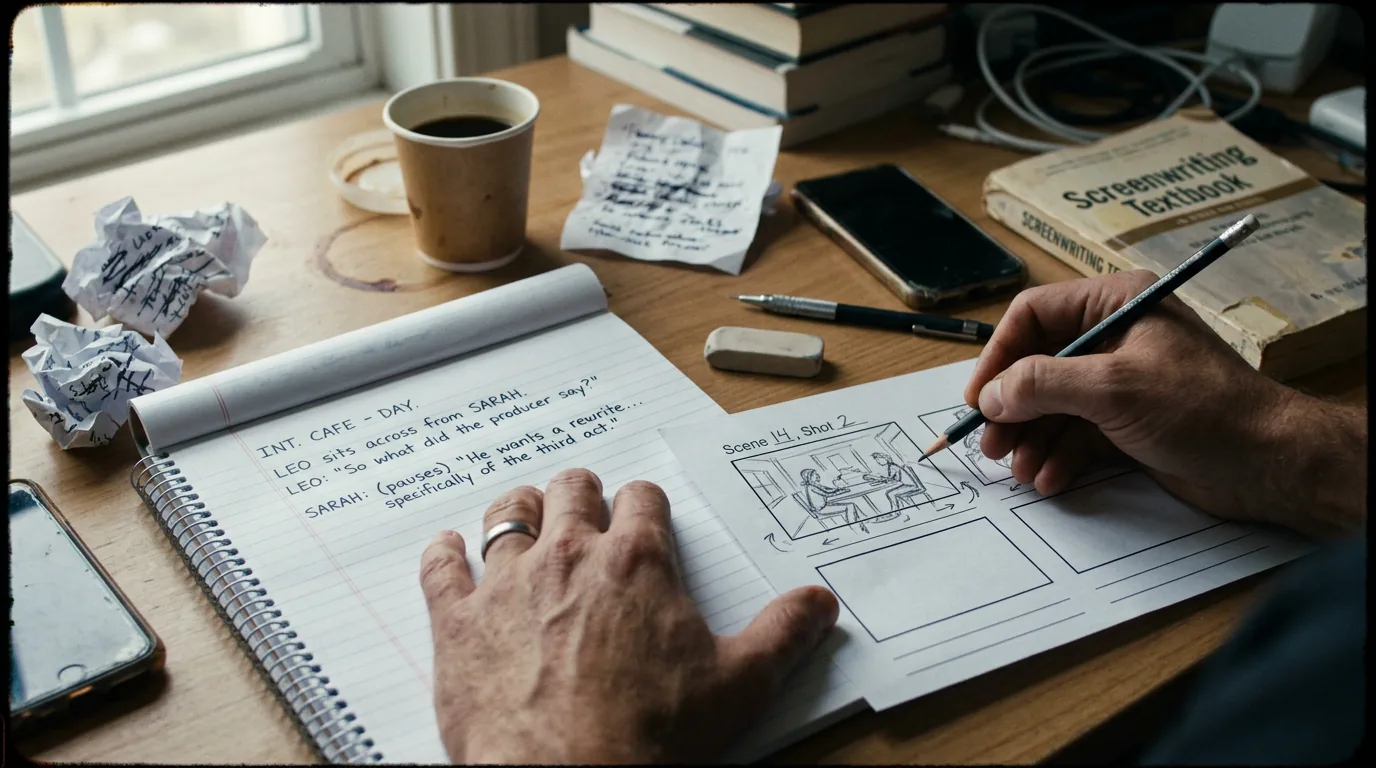
Writers Who Storyboard Need Three Linked Layers
Most useful workflows stack three layers: narrative intent (beats and scene purpose), screenplay text (dialogue and action), and visual translation (frames or shot plans that clarify staging).
You do not always need full panels. Sometimes a single overhead blocking diagram stops you from writing impossible geography. Sometimes a rough shot list prevents you from over-describing camera direction in action lines.
Think about it this way: storyboarding for a writer is often a thinking tool first and a communication tool second.
The best visual workflows do not replace writing. They keep writing honest about space, time, and attention.
Comparison: What to Optimize For
| Workflow Goal | What Strong Software Support Looks Like | Trade-Off |
|---|---|---|
| Tight script↔board linkage | Scene IDs, pins, or linked cards that reference real pages | More setup discipline required |
| Fast iteration | Rapid duplication of sequences when you rearrange structure | Risk of board drift if you skip snapshots |
| Pitch-ready visuals | Clean export story strip alongside PDF script | Can tempt premature polish |
| Director-writer hybrid | Shot planning that stays out of the script’s way until needed | Needs restraint to avoid over-directing on the page |
| Collaboration | Shared boards with permissions and comment trails | More coordination overhead |
Use this table as a decision lens, not a scoreboard.
Scenario One: Writer-Director Blocking a Dialogue Scene
Priya writes a tense kitchen confrontation. On the page it reads clean. On set it feels wrong. The geography does not support the power shift she imagined.
She sketches three simple panels: establishing space, tighter two-shot, close on hands. The board exposes the problem. The “winning” character needs a position that blocks the door at beat three. She rewrites action lines to justify that blocking without stuffing the script with shot vocabulary.
The storyboard did not change her theme. It changed her spatial understanding. The software value is linkage: those frames sit beside Scene 14’s notes, not in a disconnected illustration file she will misplace.
Scenario Two: Pitch Season With a Visual-First Partner
Liam writes. His producing partner thinks in decks and images. Investors skim words but linger on tone.
Their workflow pairs screenplay PDF truth with a board strip that shows the film’s visual escalation. They are careful about consistency: board frames reference scene numbers and page anchors. If Liam rewrites a reveal, the board updates. If the board changes staging, Liam checks whether dialogue timing still lands.
Without linkage, the pitch looks slick and the script reads like a different movie.
Scenario Three: Animation-Adjacent Writing
Even live-action writers sometimes borrow animation discipline: clear pose-to-pose thinking, readable silhouettes, explicit beats in silent moments.
In those modes, storyboarding is not “extra.” It is part of how you discover whether the scene is playable. Software that treats boards as second-class attachments eventually trains you to ignore them. That is how you drift back into unfilmable abstraction.
As discussed in our guide on beat boards versus outlines, the goal is a shared language between sequence thinking and page writing.
Step-by-Step: A Practical Storyboard-Linked Writing Loop
Start each sequence with a beat sentence: what turns, for whom, at what cost. If you cannot write that sentence, panels will not rescue you.
After the beat sentence, decide whether the sequence needs spatial clarity. If yes, create a minimal board pass: three to six frames maximum for most dialogue scenes. Label frames by beat, not by coolshots.
Draft screenplay pages without camera candy. Use action lines to describe what an audience can see, not a shot list unless your project genuinely requires it.
Sync check: read your script aloud while skimming frames. Does attention move as intended? Does the audience know where they are in the room?
When you export for collaborators, export both script truth and board truth in the same “package moment” so nobody reviews a mismatched pair.
Revision rule: structural rewrites require board review. Dialogue polish alone does not, unless timing changes.
If your tool supports references, attach casting or location photos sparingly - only when they constrain staging decisions, not when they procrastinate drafting.
Parameter discipline: keep frame labels consistent with scene headers. If your locations drift between INT. KITCHEN and INT. HOUSE - KITCHEN, your board links will rot.
As discussed in our workflow note on color-coding rewrites without confusing directors, stable scene labels are a writer’s respect for downstream readers.
Tool Landscape Without Mythology
Some writers will always prefer dedicated storyboard software for drawing. That can work if the handoff ritual is strict. Dedicated drawing tools win on illustration fidelity. They lose if linkage to script versions becomes manual labor.
All-in-one development platforms can reduce context switching. They risk feeling busy if you do not enforce minimalism. The enemy is panel sprawl.
Traditional screenplay apps may offer little native storyboarding. That is not disqualifying if you intentionally pair them with a pinned reference system and ruthless naming conventions.
The “best” choice depends on whether you board to think, board to pitch, or board to shoot. Those are overlapping but not identical needs.
[YOUTUBE VIDEO: Writer-director walkthrough: from beat to rough boards to screenplay pages, showing how panel edits force action-line rewrites]
Try it free
Try Screenweaver for free on your script
It is free. Import your existing project, get a clearer view of your outline, and regain control of your story structure in minutes.
Start FreeTrench Warfare: Storyboard-Writer Failure Modes
Premature prettiness is a classic trap. Beautiful frames feel like progress. They can seduce you away from broken structure. If your second act is wandering, no storyboard palette fixes it.
Board drift kills trust. You update the script but not the frames, or vice versa. The fix is ritual: any rewrite that changes spatial staging triggers a board diff review, even if you only adjust one panel.
Over-directing on the page is another trap. Storyboards tempt you to write shot grammar into action lines. Readers smell insecurity. If you must imply camera, imply it through staging and attention, not a pseudo-technical shot list masquerading as prose.
Tool hoarding is sneaky. Three apps feels creative. Three apps also means three failure surfaces. If you hoard, automate handoffs: nightly packaging, consistent filenames, and one canonical index that tells you what belongs to Draft v19.
Collaboration conflict arrives when visuals become identity. A producer falls in love with a frame that the script no longer supports. The fix is not “win the argument.” The fix is to treat boards as hypotheses until the script agrees.
Performance anxiety matters. Some writers avoid boarding because they cannot draw. You do not need illustration skills. You need readable spatial logic. Stick figures that clarify eyelines beat polished frames that lie about feasibility.
If your boards and your script disagree, your audience will believe neither.
For a grounded external reference on screenplay form while you balance action lines and visual planning, see <a href="https://www.oscars.org/nicholl/about/screenwriting-resources" rel="nofollow">Nicholl Fellowship screenwriting resources</a>.
Deeper Fix-It Guidance: Turning Visual Insight Into Better Pages
When a board exposes a blocking problem, translate the fix into audience-visible behavior. Instead of “CAMERA PUSHES IN,” describe what the viewer sees as proximity changes: knuckles whitening, a glass sliding half an inch, the hum of the fridge suddenly noticeable. Visual thinking should increase specificity, not cliché shot language.
When a board exposes pacing problems, adjust scene pressure before you redraw frames. Maybe the scene needs a late entrance, an interruption, or an object beat that forces hands into frame. Panels can lie if you redraw them without revisiting pressure.
When you pitch, align your board strip to emotional escalation, not only plot escalation. Investors often respond to a felt curve. Writers provide that curve by ensuring each new frame changes meaning, not merely location.
When you collaborate, treat visual suggestions as proposals until the script owns them. A beautiful frame is not canon until the screenplay supports it with causal logic.
When you revise, snapshot boards at major milestones. You will need to compare how staging evolved across drafts, especially when lines get cut but blocking assumptions remain, a common source of continuity errors in prep.
On-Set Reality: Why Storyboard-Linked Scripts Age Better
A script that boards well is often a script that locations can read. Grips, ADs, and operators translate words into geometry. When your action lines describe space with clarity - door downstage left, window behind, table between - you reduce expensive improvisation on the shooting day.
That does not mean turning your screenplay into a technical manual. It means using visualization disciplines to catch impossible geography early. If your storyboard shows a character crossing a room in two steps but your location scout sent a fifty-foot loft, you want that mismatch in development, not during blocking rehearsal.
Writers who storyboard also tend to notice eye-tracks: where the audience looks, what object owns attention, what face is readable. Those discoveries belong in action lines as behavior, not as nested camera vocabulary. The board is the laboratory; the page is the delivery.
Integrations: When to Pair Dedicated Board Tools With Screenplay Tools
Some teams will never abandon specialized drawing apps, and that is rational. Illustration fidelity matters if you are packaging a lookbook or aligning with a story artist. The operational rule is integration, not purity. Define a bridge: export frames with scene labels, store them in a dated folder, and maintain a one-page index mapping scene slug to frame filenames.
If your screenplay tool supports attachments, use them as pointers, not dumping grounds. Attachments work when they are few, labeled, and reconciled with each structural rewrite. Attachments fail when they become a junk drawer you fear opening.
Cloud sync across tools is convenient and can create silent divergence. Decide which artifact is canonical for each phase: sometimes the script leads; sometimes a board leads during a pitch sprint. Announce the lead artifact to the team so nobody optimizes the wrong file.
Mobile Capture: Thumbnailing Without Losing the Through-Line
Many writers thumbnail on tablets or phones during transit. That habit can be powerful if you ritualize ingestion. A photo of a napkin sketch is not useful until it lands beside Scene 18 with a date stamp and a one-sentence beat note.
If you capture on mobile, schedule a weekly “board intake” where thumbnails become indexed references. Otherwise you accumulate visual noise faster than narrative clarity.
The Ethics of Visual Certainty
Storyboards can oversell. A financier remembers frames. If frames promise spectacle your script does not earn, you have created a future conflict. Visual thinkers have a responsibility to keep boards faithful to the screenplay’s true scale and budget assumptions. Pitch beauty is not a license to smuggle phony feasibility.
When Not to Storyboard
Some sequences are better served by audio rhythm or dialogue torque than panels. If you board anyway, you might overfit visuals and underfit sound design realities. Let the scene’s primary engine guide the tool choice. Action-heavy geography scenes often love boards. Single-location emotional duels sometimes need only one diagram, or none until late drafts.
Long-Term Skill Transfer
Writers who maintain a storyboard discipline often improve action line economy. They stop repeating information the audience already saw. They stop hiding turns inside unfilmable interior monologue because they have practiced making turns visible. That skill transfers even when the board is not shown to anyone. The board trained attention.
A Week-One Exercise That Reveals Your True Needs
If you are stuck choosing between tools, run this seven-day experiment. Day one, pick one sequence you genuinely struggle with - not your sparkling opening, your problem child. Day two, write only beats and purpose. Day three, thumbnail three to eight frames with stick clarity, no rendering. Day four, draft pages without looking at frames, then compare. Day five, reconcile: adjust either the board or the script until staging and dialogue pressure agree. Day six, export a script PDF and a one-page image strip as you would for a collaborator. Day seven, ask a reader who owes you nothing: does this feel like one movie?
If the exercise feels like overhead, you may not need heavy storyboard integration. If the exercise saves you from a rewrite spiral, you are a visual thinker who should not settle for a stack that isolates images from pages.
Why Writer-First Boarding Still Belongs in Development Conversations
Sometimes writers storyboard privately for craft, then hesitate to show boards because they fear being labeled “too directorial.” Boards become useful for producers and department heads when framed as feasibility and tone proposals, not premature coverage mandates. Software helps when it supports labeled strips and version history so nobody mistakes a V1 pitch board for a V7 prep board.
Closing Stance
Storyboarding is not a lesser form of writing. It is spatial writing.
Pick software and rituals that keep your spatial reasoning close to your screenplay truth.
Then let the images sharpen the scenes, not replace them.
If you can do that, your pages stop fighting your eye.
They start earning it.
And when the images and the words finally agree, pitching gets quieter. Not because you are louder - because the room stops asking basic questions about what the movie is. That quiet is what visual thinkers are really shopping for when they choose software in 2026, without trading voice for rigid templates.
Final Step
Build your next script with Screenweaver
Move from ideas to production-ready pages faster with timeline-native writing and AI-assisted story flow.
Try Screenweaver