
Screenwriting Tools18 min read

Best Celtx Alternative for Screenplay Plus Storyboard Workflow in 2026

All-in-one suites help until modules swallow drafting. Pairs, bridges, and drift checks for teams that still need script plus boards without living in dashboard hell.

Try Screenweaver
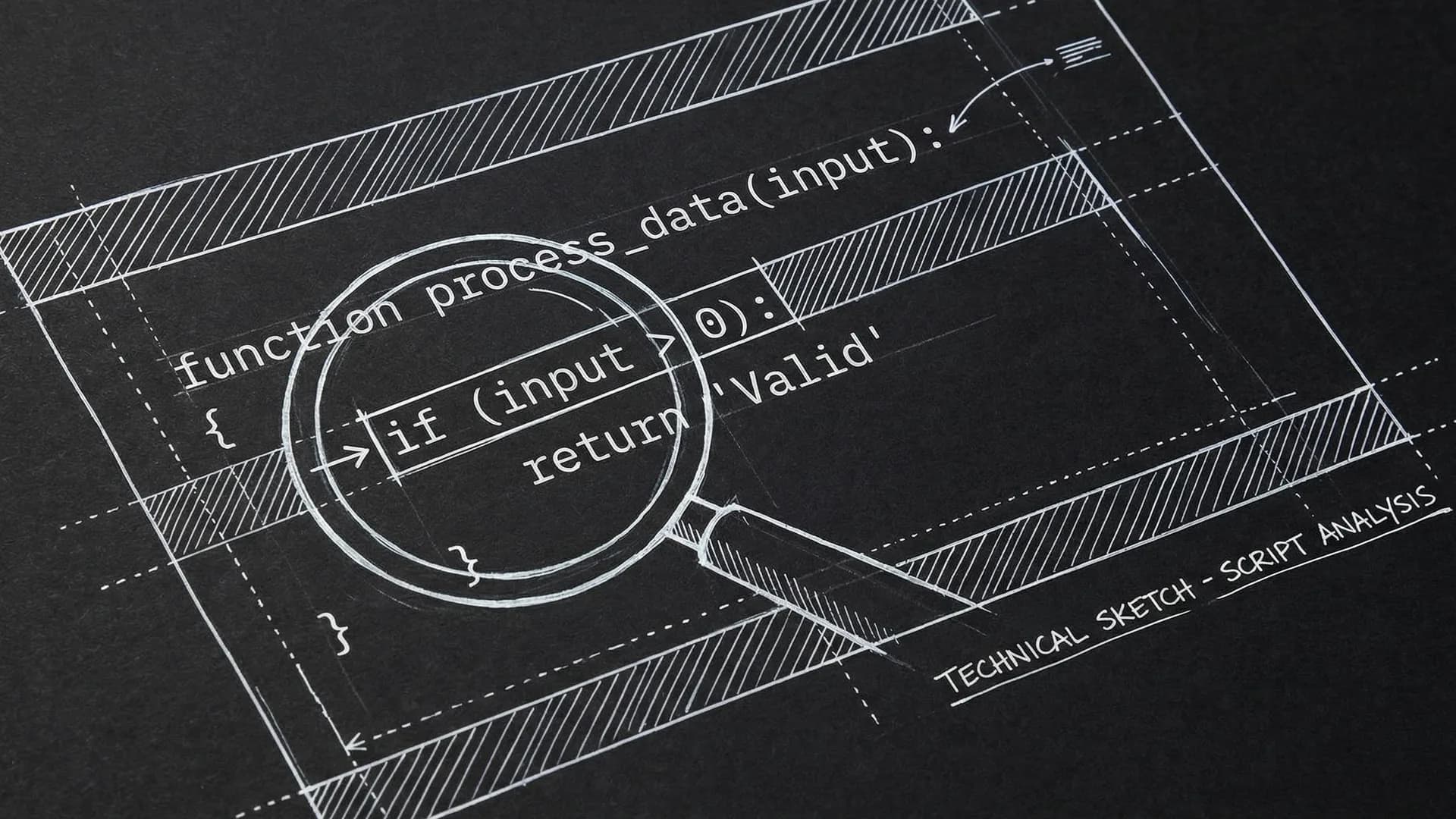
Dark mode technical sketch: screenplay column beside storyboard cells with shared scene numbers
ScreenWeaver Logo
ScreenWeaver Editorial Team
March 30, 2026

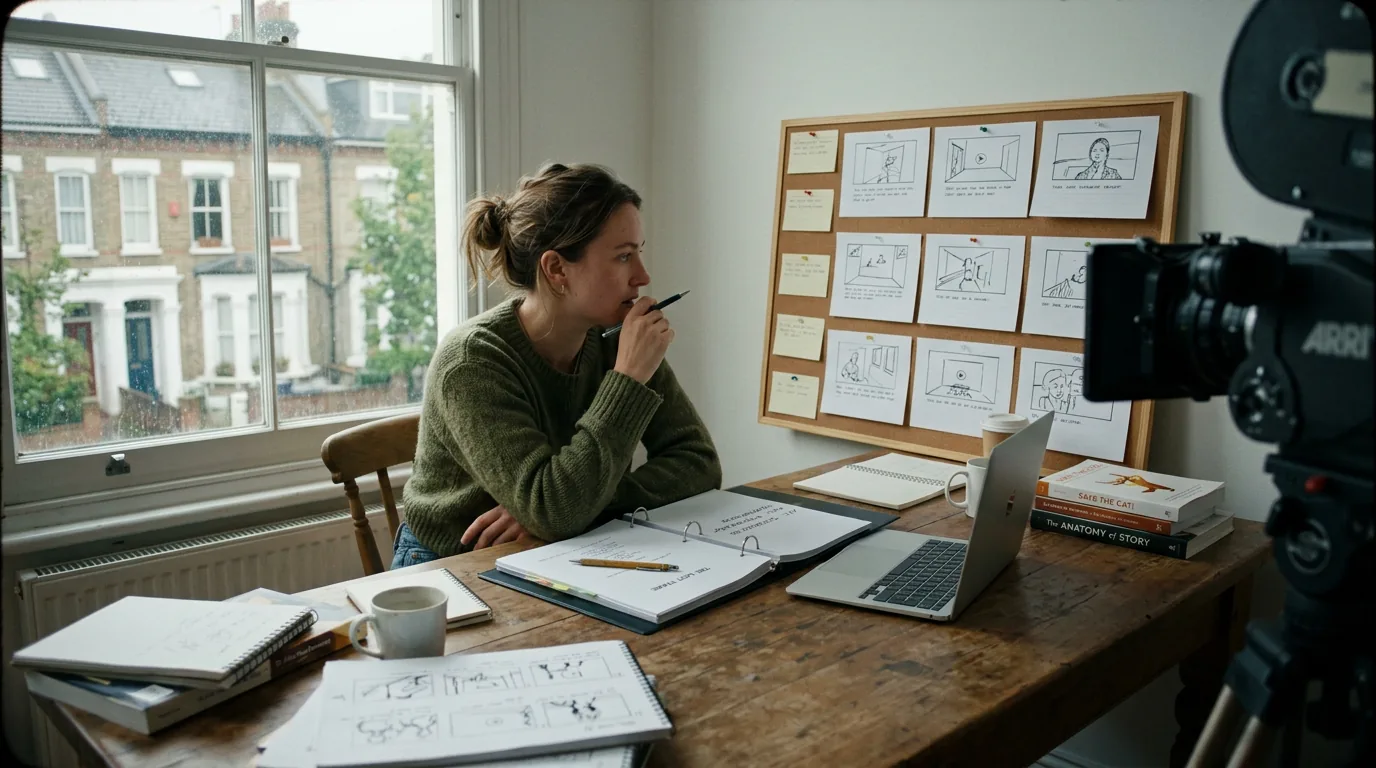
Celtx built its name by promising an all-in-one production universe: write here, plan here, storyboard here, schedule here. For teams that genuinely live inside one pipeline, that integration can feel like oxygen. For writers, integration can also become noise—dashboard gravity pulling you away from draft depth.

In 2026, many writers still want the idea of “screenplay plus storyboard workflow” without living inside an entire studio OS. They want script truth linked to frames, references, and blocking notes, with exports collaborators can read.

Here is why that matters: half-integration is worse than honest separation. If storyboards drift from pages, your pitch and your script argue. If production modules distract you during drafting, your pages arrive late and your boards lie about readiness.

A combined workflow should feel like one story told two ways, not two stories pretending to be one.

What a Celtx-Style Workflow Promises—and What Writers Actually Need

All-in-one suites seduce with convenience. Writers need dependability: clean script output, stable scene identifiers, and visual artifacts that update when dialogue or staging changes.

RequirementWriter-Centric DefinitionFailure Symptom
Linked scene IDsEvery frame references a slug + scene number truthFrames reference dead scenes
Clean screenplay PDFReadable industry-standard paginationWeird spacing surprises
Visual iteration speedBoards change without fighting the UIBoard avoidance
Optional production depthModules available, not mandatoryDraft drowning
Export interoperabilityFDX/PDF sanity for partnersCoordinator rework

Evaluate against this grid, not against feature count.

Scenario One: Indie Team Pitching With Frames and Script

A duo develops a contained thriller. Investors want tone proof. The script must be strong; frames must support feasibility. They run a linked workflow where each storyboard row references scene numbers and page anchors.

When the ending changes, the frames near the end update in the same work session. Nobody walks into a meeting with mismatched artifacts.

Scenario Two: Animation-Minded Live Action

The director thinks in key poses. The writer protects dialogue torque. Together they need a shared spine without overwriting each other’s authority.

They treat storyboards as proposals connected to scenes. The screenplay remains the narrative contract unless production locks staging. The tool stack must allow permissions and labels so “proposal frame” cannot masquerade as “locked blocking.”

Scenario Three: Student Team With Chaotic Roles

Everyone is everything. The risk is that “producer brain” hijacks “writer brain” during early drafting. They silo phases: script sprint weeks, then visualization passes, then packaging. The alternative suite supports modular focus rather than constant tab switching.

As discussed in our guide on concept art from scene descriptions for pitch decks, visual packaging must track script revisions or it becomes false advertising.

Step-by-Step: Build a Linked Screenplay-Storyboard Loop

Step 1 — Create scene IDs you will not rename casually. Stability is the spine.

Step 2 — Draft pages first until story events are real. Boards built too early become propaganda.

Step 3 — Thumbnail six panels max per sequence for early passes unless geography demands more.

Step 4 — Attach reference images only when they constrain decisions.

Step 5 — After each rewrite pass, reconcile frames against changed dialogue timing.

Step 6 — Export paired deliverables together: script PDF plus board PDF labeled by date.

Step 7 — Archive milestones. Visual workflows generate large assets. Disk discipline matters.

Tool candidates vary by budget and taste: modern drafting platforms with visual modules, dedicated storyboard apps bridged to screenplay tools, or disciplined folder pipelines with strict naming. The correct architecture is the one your team will maintain when tired.

Parameter tuning: compress image sizes for archives; label frames with scene slugs; never embed text-only story notes solely inside images; keep text notes in searchable fields when possible.

As discussed in our note on turning scene descriptions into pitch-ready visuals, visuals should not lock before narrative confidence exists.

Aligned slug row and board cells

Trench Warfare: Where Combined Workflows Break

Boards become a procrastination engine when writing is hard.

Folder sprawl murders linkage when discipline slips.

Heavy production modules tempt premature scheduling before script viability exists.

Export mismatch surprises teams who rehearsed only inside the native viewer.

Collaborators outside the suite cannot see your boards unless you package them—plan for PDF truth.

Permissions confusion turns frames into fights.

Over-detailed boards steal flexibility from on-set discovery.

The goal is not maximal documentation. The goal is truthful documentation.

For external context on screenplay fundamentals while combining media workflows, see <a href="https://www.oscars.org/nicholl/about/screenwriting-resources" rel="nofollow">Nicholl Fellowship screenwriting resources</a>.

[YOUTUBE VIDEO: Full workflow from script revision to updated storyboard strip, packaged for a pitch meeting]

Choosing Separation vs Integration Honestly

Sometimes two-app separation wins: best-in-class script editor, best-in-class boards, strict bridging rules. Sometimes integrated wins: fewer clicks, fewer orphan links. Test with a chaotic week. If separation survives, keep it. If integration prevents drift, keep it.

Budget Reality: Suite Pricing vs Pay-As-You-Go Stacks

Suites bundle costs. Separate tools stack costs. Calculate both with collaborator seats and storage. Also calculate time: switching tabs is a cost; re-linking assets is a cost; export repair is a cost.

Security for Visual Assets

Boards leak tone and endings fast. Treat shares like script shares. Watermark pitch decks if your market expects it. Keep public links scoped.

Closing Perspective

You do not owe loyalty to a unified dashboard. You owe loyalty to coherent story delivery.

Pick the Celtx alternative that preserves script-page authority while making visualization useful.

Then treat boards like accountable collaborators, not decorations.

They should sweat when the script sweats.

Paired script and board export

Extended Fix-It Playbook for Drift Prevention

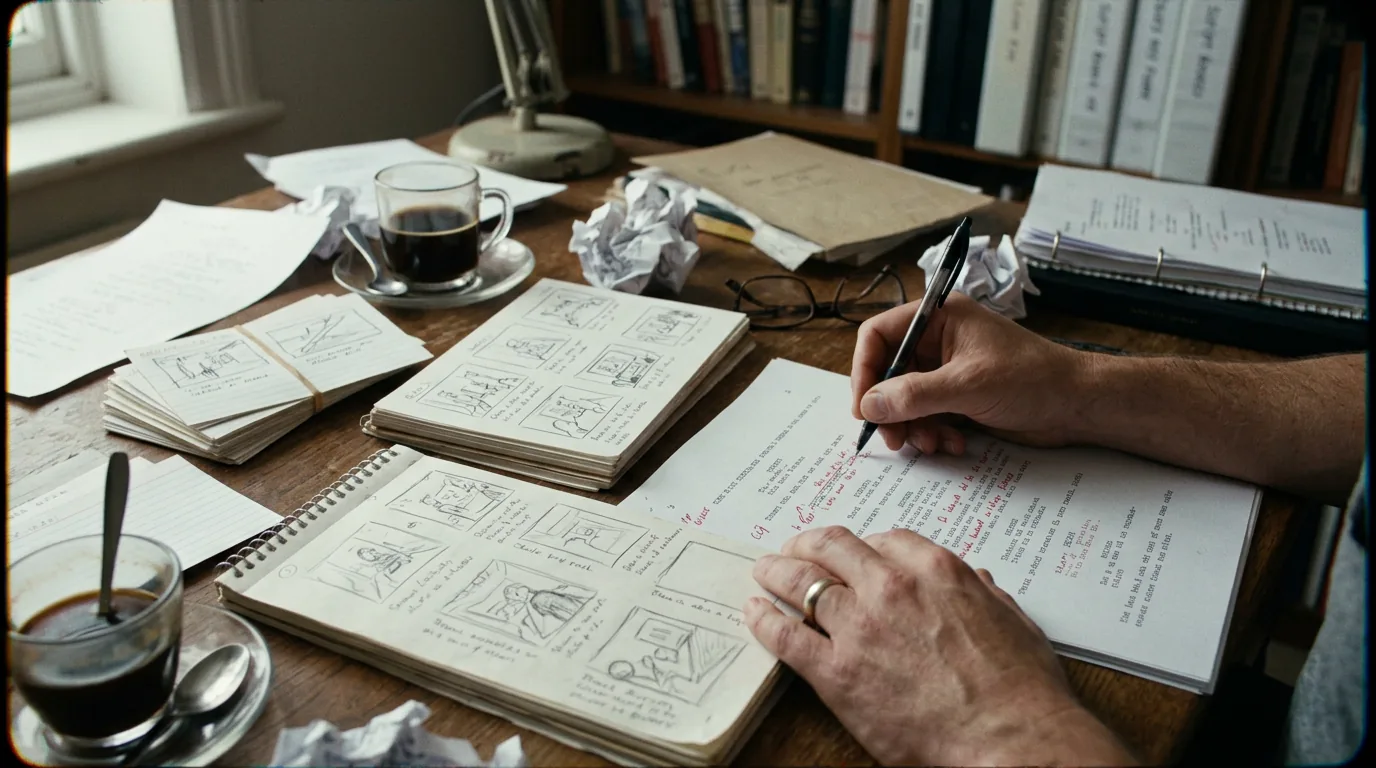
Drift begins innocently. A line of dialogue shortens a beat; the board still shows a long pause beat. A location changes from a kitchen to a garage; the thumbnail still shows tiles. Fix those mismatches immediately, not "after the draft settles," because drafts never settle peacefully. Treat visual drift like continuity errors in production: they are cheap now and expensive later.

When you work with a story artist, codify handoff language. What does “approved” mean? What does “exploratory” mean? Software cannot enforce respect, but labels reduce misunderstandings. If your alternative cannot label frame status, use filename prefixes religiously.

When your screenplay tool lacks native boards, build a lightweight bridge document: a table listing scene number, slugline, beat purpose, and link to frame assets. Low-tech bridges often outperform flashy integrations when discipline is high.

When your team grows, audit permissions quarterly. Artists, producers, and writers need different edit rights. Accidental overwrites of linked frames can waste days.

When storage grows, deduplicate assets. Duplicate frames breed duplicate truths. Choose one canonical image per beat milestone.

When you pitch, sequence frames for emotional curve, not just plot order. The script may be linear while the pitch wants a tonal crescendo. Maintain two orderings if needed, clearly labeled, so internal accuracy and external persuasion do not corrupt each other.

When you migrate from Celtx, export everything you legally can and store immutable snapshots. Migration week is not the moment to discover missing codecs or broken archives.

Try it free

Try Screenweaver for free on your script

It is free. Import your existing project, get a clearer view of your outline, and regain control of your story structure in minutes.

Start Free

Why Writers Fear Leaving All-in-One Suites

Fear is rational: ecosystems create habit memory. Buttons feel known. The fix is to rebuild habit deliberately with a thirty-day onboarding plan: same daily export ritual, same naming, same weekly reconciliation. Habit rebuild is a skill, not a mood.

Final Operational Test

If your screenplay-plus-storyboard workflow still produces paired truth after a brutal rewrite week, keep it.

If it does not, simplify until truth returns.

Simplicity that ships beats complexity that lies.

The Producer Question You Should Answer Early

Producers often ask a blunt question: is this script real, or is this package cosmetic? Combined workflows tempt writers to lead with visuals because visuals feel persuasive. Persuasion without script backbone creates downstream mistrust. Lead with pages for craft-heavy partners; lead with paired truth for finance-heavy partners; never lead with frames alone unless you knowingly sell a visual concept piece. Your alternative stack should make honesty cheaper than performance.

Education and Workshop Contexts

Schools love suites because administration loves standardization. Individual students may prefer lighter stacks that keep them writing. If you are choosing a Celtx alternative for a class, optimize for grading clarity: stable PDF, consistent scene numbering, and storyboard submissions that map to rubric items. Teachers suffer when linkage is clever but non-gradable.

Collaboration Between Writer and Storyboard Artist

Professional collaboration often splits authorship. Writers own causality; artists own staging grammar. Your workflow must preserve that boundary. Comments should attach to elements without collapsing roles. If the tool encourages artists to rewrite dialogue inside board tools, establish rules. Dialogue drift in side channels ruins table reads.

Hardware and Tablet Realities

Some workflows shine on tablets for drawing but suffer for long screenplay drafting. If your team uses mixed hardware, test pairing: desktop script sessions, tablet capture sessions, then merge. Friction here is not “preference.” It is attrition. Attrition kills momentum.

Long-Term Archiving: The Unsexy Competitive Advantage

Writers who archive paired milestones cleanly can return to projects after hiatus without archeology trauma. That advantage compounds across a career. Name archives with project, draft, and date. Keep a README in the folder explaining which export is canonical. Future you is still you, just tired and suspicious.

When “Modules” Help vs Hurt

Production modules can be wonderful after script viability. Before viability, scheduling and budgeting can become sophisticated ways to avoid rewriting a soft second act. Treat modules like sharp tools in a drawer: accessible, not mandatory, and only opened when the story can justify them.

Alternative Philosophies: Integration-First vs Script-First

Integration-first tools assume you want continuity across planning domains. Script-first tools assume pages are sacred and everything else orbits. Celtx-adjacent users often think they want integration-first while their behavior is script-first. Watch your behavior for two weeks. If you spend seventy percent of time in script mode, buy script-first ergonomics and bridge visuals deliberately.

Troubleshooting Drift Without Shame

When you discover drift, do not moralize. Schedule a reconciliation sprint: print script PDF, open board strip, mark mismatches with highlighters, fix worst three first. Momentum returns faster from triage than from perfect audits.

Why Some Teams Return to Suites After Experimentation

Sometimes experimentation reveals that separate tools cost more attention than expected. Returning is not failure. It is information. The lesson is to choose based on measured friction, not ideology.

A Strong Closing Discipline for Linked Workflows

End every Friday with paired exports, even if nobody asked. That habit prevents Monday surprises. Monday surprises in creative industries become expensive reputational dings.

Voice and Taste Still Live in the Script

No storyboard strip replaces subtext craft. Visual workflow supports clarity of event design, not automatic depth. If you rely on frames to “sell emotion,” return to dialogue and behavior lines until the emotion survives without images.

Thirty-Day Evaluation Lens

Ask weekly: did visuals speed decisions, or delay them? Did exports stay aligned? Did collaborators understand labels? Did you write more pages with higher causal density? Positive trends merit commitment. Flat trends merit simplification.

If You Remember Nothing Else

Link scenes honestly, export painfully often, and treat boards as accountable story machinery.

That trio keeps screenplay-plus-storyboard workflows from becoming pretty lies.

When pretty lies die, projects walk taller.

That is the Celtx alternative promise worth paying for: not more tabs—more truth.

Scene Number Discipline as Social Glue

Scene numbers are boring until they are not. The moment an AD references Scene 42 and your board references “the warehouse beat,” you have introduced a class system between departments. Your stack should reinforce shared numbering early. Renumbering is inevitable in development; when it happens, update boards in the same session and ping collaborators with a blunt note: numbers shifted, frames updated, PDF refreshed. Silence is how teams quietly work on different movies.

Sound and Music Cues in Visual-Forward Workflows

Writers who storyboard sometimes pre-imagine score drops. That can sharpen rhythm. It can also tempt you to write music direction into scripts prematurely. Keep sonic ideas in side notes tied to beats until production wants them. Visual suites often tempt multimedia sprawl; define what belongs in draft versus what belongs in development experiments.

Casting Reality Checks Through Frames

Faces in frames influence imagination—for better and worse. If you use reference faces, label them as casting fantasies, not commitments. Clarity prevents accidental promises in pitch rooms.

Geography and VFX Implications

A quick frame can smuggle VFX scale without a line producer noticing. Pair visualization passes with feasibility notes: stunts, extras, VFX shots, night hours. If your alternative cannot store those notes, add a parallel tracker. Beautiful images without feasibility tethering become liabilities when budgets arrive.

Transitioning From Celtx Without Losing Team Morale

Tool migration exhausts teams. Acknowledge it. Run short training rituals rather than long manuals. Celebrate small wins: first clean paired export, first week without drift. Morale is part of workflow velocity.

When Writers Should Push Back on “Use the Suite”

If a partner demands suite uniformity for convenience, ask what operational need it serves. Sometimes uniformity helps. Sometimes it centralizes control at the expense of draft quality. Pushback framed as delivery quality lands better than pushback framed as taste.

Measuring Creative Output, Not Just Artifact Output

Track pages written per week and meaningful story decisions per week. Tools that increase artifact count without increasing decision quality are fooling you. Combined workflows can inflate busywork. Stay suspicious of motion.

A Practical Tip for Mixed Remote Teams

Run a fifteen-minute “board parity standup” twice weekly: one person shares screen, walks frames against slug list, flags mismatches. Short, boring, effective. Boring is how pipelines survive.

Final Word on Alternatives

There is no moral medal for all-in-one or multi-app. There is only the question: does this workflow make truth easier at deadline?

If yes, keep it.

If no, change it.

Change is expensive; lying to financiers is worse.

Hold your workflow to a blunt standard: if your script and your boards disagree, your project is not ready to travel. Fix the disagreement before it becomes somebody else’s problem—somebody who will not forgive it as kindly as you hope, and who will remember the mismatch longer than they remember your charm in the room that day.

Final Step

Build your next script with Screenweaver

Move from ideas to production-ready pages faster with timeline-native writing and AI-assisted story flow.

Try Screenweaver
ScreenWeaver Logo

About the Author

The ScreenWeaver Editorial Team is composed of veteran filmmakers, screenwriters, and technologists working to bridge the gap between imagination and production.