Free tool: use the Beat Sheet Calculator to map these beats to exact page numbers for your script length.
Try it free
Try Screenweaver for free on your script
It is free. Import your existing project, get a clearer view of your outline, and regain control of your story structure in minutes.
Start FreeCinematic workflow frames
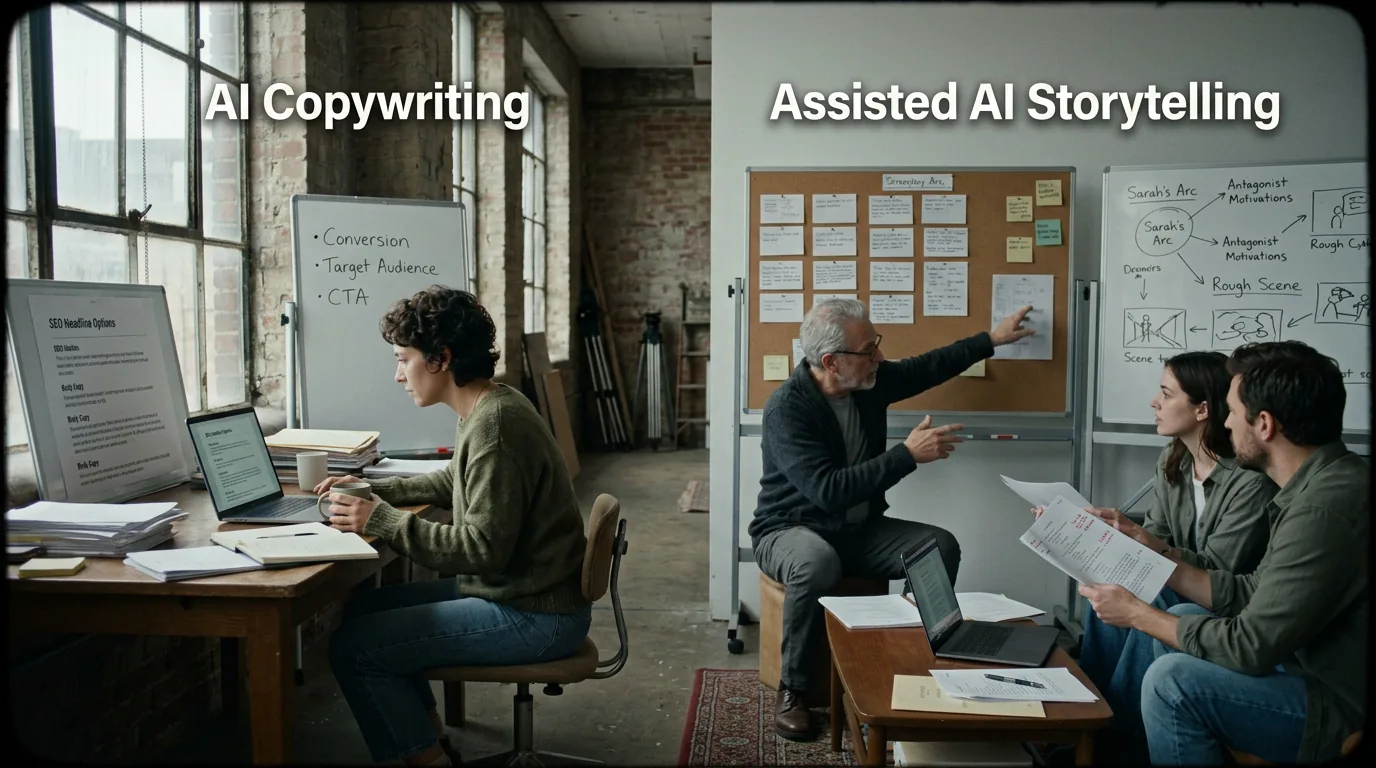
These two visuals work as a pair: the first shows Cinematic workflow still, first angle, 35mm film grain, and the second shifts to Cinematic workflow still, second angle, 35mm film grain - compare them briefly, then move on.

The Psychology of the Blank Page: How Your Writing Interface’s Design Impacts Creativity
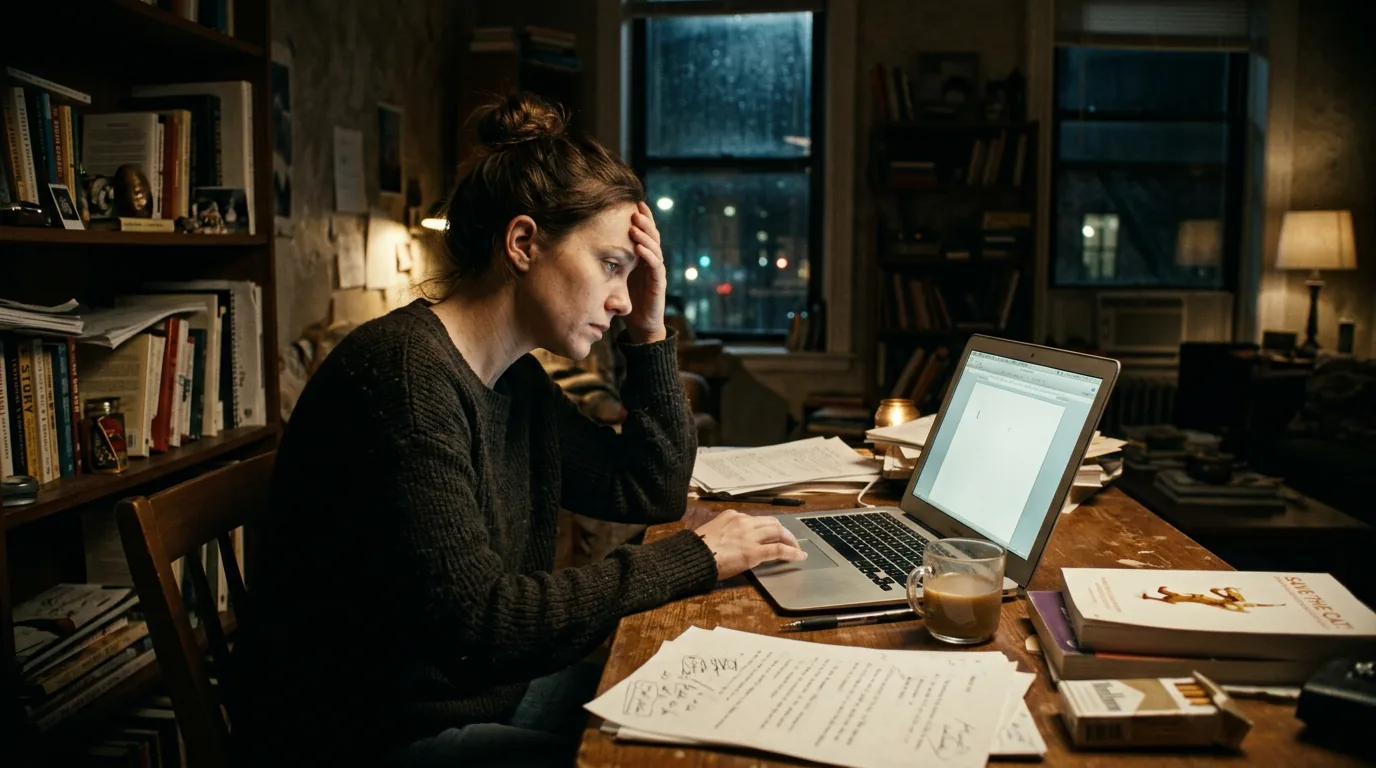
You open the document. The page is white. The cursor blinks.
Nothing else.
Your brain, which was full of images and voices a moment ago, goes quiet. Not the good quiet. The kind where the inner critic wakes up and starts listing everything that could go wrong. You type one line. You delete it. You stare. Twenty minutes later you close the laptop and tell yourself you’ll try again tomorrow.
The blank page didn’t do that to you by itself. But the way that blank page is presented, the layout, the chrome, the absence of structure or invitation, plays a real role in whether you start or freeze.
Your writing interface is not neutral. It’s a set of cues. It can say “begin here” or “this space is sacred and terrifying.” Design decides which message lands.
This isn’t mysticism. It’s cognitive load, attention, and habit. Once you see how interface design affects the psychology of starting, you can choose tools and set up workspaces that pull you into the draft instead of holding you at the threshold.
Why the Blank Page Feels Like a Test
From the reader’s side, a blank page is promise. From the writer’s side, it’s often threat.
You’re not just “not writing yet.” You’re facing:
- Unbounded choice. Any word, any scene, any tone. No constraints. That freedom can trigger decision paralysis.
- Visibility of failure. The moment you type, you create something that can be bad. The empty page doesn’t judge; the first line does.
- No anchor. There’s nothing to react to, nothing to edit, nothing to continue. You have to generate from zero.
Different people feel this to different degrees. But almost everyone has had the experience of being more productive when there’s something already on the page, a prompt, a beat, a previous scene, than when there’s pure white.
Interface design can either amplify that anxiety or soften it.
A screen that is nothing but a giant white rectangle and a blinking cursor is maximally “blank.” It’s the digital equivalent of “Go. Create. We’re watching.” A screen that offers a structure, a scene heading placeholder, a beat card, a timeline with a clear “start here” node, reduces the terror of the void. You’re not inventing the universe; you’re filling in a frame.
That’s why the psychology of the blank page isn’t just about “mindset.” It’s about what’s on the screen when you sit down.
Scenario 1: The Writer Who Only Starts When There’s “Something There”
Jordan has no trouble rewriting. Give them a draft full of problems and they’ll tear through it for hours. But ask them to start a new project and they stall.
They’ve noticed the pattern: the moment they have a single scene heading and “FADE IN,” they can keep going. The moment they’re in a brand‑new file with no template, they freeze.
So they started cheating (their word). Before “writing,” they spend ten minutes typing garbage: random scene headings, “PLACEHOLDER,” fragments. Then they go back and replace those placeholders with real content. The draft grows. They’re not facing blank; they’re facing mess, and mess is editable.
What Jordan discovered by accident is what good interface design can do on purpose: pre-populate the page with low-stakes structure so that “starting” feels like completing, not conjuring.
An app that opens with a default scene (e.g. “INT. LOCATION – DAY”) or a first beat card that says “Opening Image” gives the writer something to edit instead of an infinite void. The blank page is still there conceptually, but it’s been reframed as “fill this in” rather than “create from nothing.”
Scenario 2: The Overwhelmed Outliner
Sam loves planning. They have a 40-card beat board, a one-pager, and a detailed outline. But when they open their screenwriting software, they see only the script pane. The outline lives somewhere else, another tab, another app, another window.
To write the first scene, Sam has to hold the whole plan in their head while staring at a blank script page. The cognitive load is huge. They know what should happen; the interface doesn’t show it. So the blank page isn’t really blank, it’s blank in context, and the context is scattered.
Contrast that with an interface where the outline and the script share one surface. The first beat, “Opening Image: we meet the hero in their normal world”, is visible right beside the empty scene. The blank page is no longer “invent something.” It’s “write the scene that belongs in this slot.” The design has turned the blank from a question into an assignment.
That’s the psychology of the blank page in practice: the more your interface reminds you what you’re supposed to be writing, the less the blank feels like a trap.
What the Research Suggests (Without the Jargon)
You don’t need a PhD to benefit from what’s been observed about creativity and environment.
- Reduced choices increase output. When people are given a small set of options or a clear starting point, they often produce more and judge themselves less harshly than when faced with “do anything.”
- Familiar contexts trigger habit. If your brain learns “this screen shape, this layout = writing,” it can slip into flow faster. Chaos and novelty, new themes, new toolbars, constant pop-ups, can keep you in “evaluation” mode instead of “generation” mode.
- Visible progress encourages continuation. A page that shows “Scene 1 of 24” or a timeline with the first node highlighted doesn’t just inform; it motivates. The blank is no longer infinite. It’s one step in a sequence.
So: interfaces that provide structure, consistency, and progress cues tend to support starting. Interfaces that offer maximum blank and maximum flexibility can backfire for many writers.
That doesn’t mean everyone should write in a rigid template. It means that “blank” is a design variable. You can have a minimalist page that still carries a light scaffold (e.g. one scene heading, one beat label) so that the writer’s first move is “fill” rather than “invent.”
Design Choices That Change How the Blank Feels
Concrete levers your tool (or your self-setup) can pull:
1. Default content vs pure white
- Pure white: no headings, no placeholders. Maximum freedom, maximum exposure to the void.
- Light scaffold: e.g. “INT. – DAY” and an action line, or a single beat label. The writer’s first action is to replace or continue, not to type into nothing.
2. Chrome and distraction
- Heavy chrome: toolbars, panels, notifications, tips. The blank page is one element among many. Attention is split.
- Calm chrome: the script is the main event. Sidebars and tools are available but don’t compete. The blank feels like “the” space, not one of many.
3. Relationship to outline/structure
- Script only: the writer must remember or flip to another doc what happens in this scene.
- Outline visible beside script: the current beat or scene goal is visible. The blank is “write the scene for this beat.” Lower cognitive load, less existential blank.
4. Progress and orientation
- No context: you’re on “page 1” with no sense of the whole.
- Context visible: e.g. a slim timeline, “Scene 1 of 12,” or a beat map showing where this moment sits. The blank is part of a journey, not an abyss.
5. Consistency
- Layout and theme change often: every time feels like a new room.
- Same layout every time: your brain learns “this = writing.” The blank becomes a familiar starting line, not a new exam.
These aren’t rules. They’re levers. You can push toward more structure and less pure blank if that’s what gets you moving, or toward more minimalism if you’ve learned that too much frame kills your flow. The point is to notice that the blank page is designed, and to design it (or choose tools that design it) in a way that serves you.
The Trench Warfare: What Writers Get Wrong About “Blank”
A few recurring mistakes keep people stuck at the threshold, and they’re often reinforced by the very tools they use.
Mistake 1: Treating “Minimal” as Always Better
A lot of writing advice glorifies the empty page: no distractions, no clutter, just you and the word.
For some, that’s true. For many, “minimal” means “no support.” The page is empty because the designer wanted to get out of the way. The result is that the writer’s brain has to do all the work: invent structure, hold the outline in memory, and generate the first word. That’s a lot.
Fix: test whether you need a bit of scaffold.
Try starting in an environment that gives you one of the following: a default scene heading, a beat label, or a single prompt line (“What does the audience see first?”). If you find yourself writing more and judging less, your problem wasn’t discipline. It was interface. Keep the scaffold.
Mistake 2: Starting in the Wrong Place
Some writers open the doc and assume they have to write “FADE IN” and page one. So they stare at the literal beginning of the script even when the most vivid scene in their head is the midpoint or a later set piece.
The blank page they’re facing isn’t “the script.” It’s “the first page.” If that’s the hardest page for them, they’ve set themselves up to fail.
Fix: start where the energy is.
Use an outline or beat board to jump to the scene you’re most ready to write. Write that scene. The “blank” you face is then a single scene, not the whole script. Tools that let you navigate by beat or scene (like a Living Story Map) make this easy: you click the beat that’s alive in your head and the script pane shows that scene, possibly empty, but bounded.
Mistake 3: Mixing Creation and Evaluation
The blank page becomes terrifying when you’re not just trying to write but also trying to judge. “Is this the right opening? Is this line good enough?” That’s two jobs at once. Creation and evaluation use different mental modes. Doing both at once slows or blocks creation.
Fix: separate drafting from editing in space or time.
Some writers do this by writing in a plain text buffer or a “draft” view with no formatting, then moving the text into the proper script format later. The blank they face is low-stakes: no script format, no page count, just words. Others use a strict time rule: “For the next 20 minutes I only add words; I don’t delete.” The interface can support this by making it easy to open a “draft” or “sprint” mode where the goal is volume, not polish.
Mistake 4: No Clear “Done” for the Session
When the only marker of progress is “the whole script,” every session can feel like a drop in the ocean. The blank page is not just today’s page; it’s a symbol of the entire unfinished project. That can be demoralizing.
Fix: make progress visible.
Use an interface that shows “today you wrote this scene” or “you’re 3 scenes into Act One.” Even simple cues, a checklist of beats, a timeline with completed nodes, can turn the blank from “everything left” into “this scene, now.” Our piece on writing sprints and the Pomodoro method ties into this: short, bounded sessions plus a clear sense of “I finished this chunk” reduce the weight of the infinite blank.
Mistake 5: Changing the Interface Constantly
New theme, new font, new app, new layout. It keeps things fresh, and it keeps your brain from forming a stable “this is where I write” habit. The blank page feels new every time because the whole context is new.
Fix: commit to one writing setup for a while.
Pick a layout, a theme, and a default view (e.g. outline + script, or script only with a minimal sidebar). Use the same setup every day for the same project. Let your brain learn: this screen = writing. The blank page will start to feel like “my” blank, not a generic void.
How Screenwriting Tools Can Design for the Blank
Not every app thinks about the psychology of starting. Many optimize for “power” and “features” and leave the first moment of use as a big white rectangle.
Tools that take the blank page seriously tend to do at least one of the following:
- Offer a clear “first step.” e.g. a template that opens with one scene or one beat, so the writer’s first action is “fill this” or “write this scene.”
- Keep structure visible. Outline, beat board, or timeline beside the script so that “what I’m writing” is always in view.
- Reduce chrome on the writing surface. The script area is dominant; panels and tools are secondary so that attention stays on the page.
- Support “start in the middle.” Easy navigation to any scene or beat so that writers can begin where they have energy instead of defaulting to page one.
ScreenWeaver’s approach, one Living Story Map with beats and script as one object, is an example: the “blank” is rarely a total void. There’s a timeline, there are beat cards, and the script attaches to them. So “starting” can mean “open the beat I care about and write that scene.” For more on how that looks in practice, see what ScreenWeaver is.
The Perspective: The Blank Is a Design Problem
The blank page will always be a little daunting. You’re creating something from nothing. But the degree of daunt, and whether you freeze or flow, depends in part on what’s around that blank.
If your interface shouts “anything is possible” and gives you no structure, no anchor, and no sense of progress, it’s stacking the deck against starting. If it quietly says “here’s the next scene, here’s the beat, here’s the frame, fill it,” it’s stacking the deck for flow.
So don’t accept the default blank. Tweak it. Choose tools that give you a starting scaffold. Put your outline or beat list next to the script. Start in the middle when that’s where the heat is. And give yourself a consistent, calm writing surface so that the only thing that’s blank is the line you’re about to write, not the whole room.
Final Step
Build your next script with Screenweaver
Move from ideas to production-ready pages faster with timeline-native writing and AI-assisted story flow.
Try Screenweaver