
Free tool: use the Beat Sheet Calculator to map these beats to exact page numbers for your script length.
Try it free
Try Screenweaver for free on your script
It is free. Import your existing project, get a clearer view of your outline, and regain control of your story structure in minutes.
Start FreeCinematic workflow frames

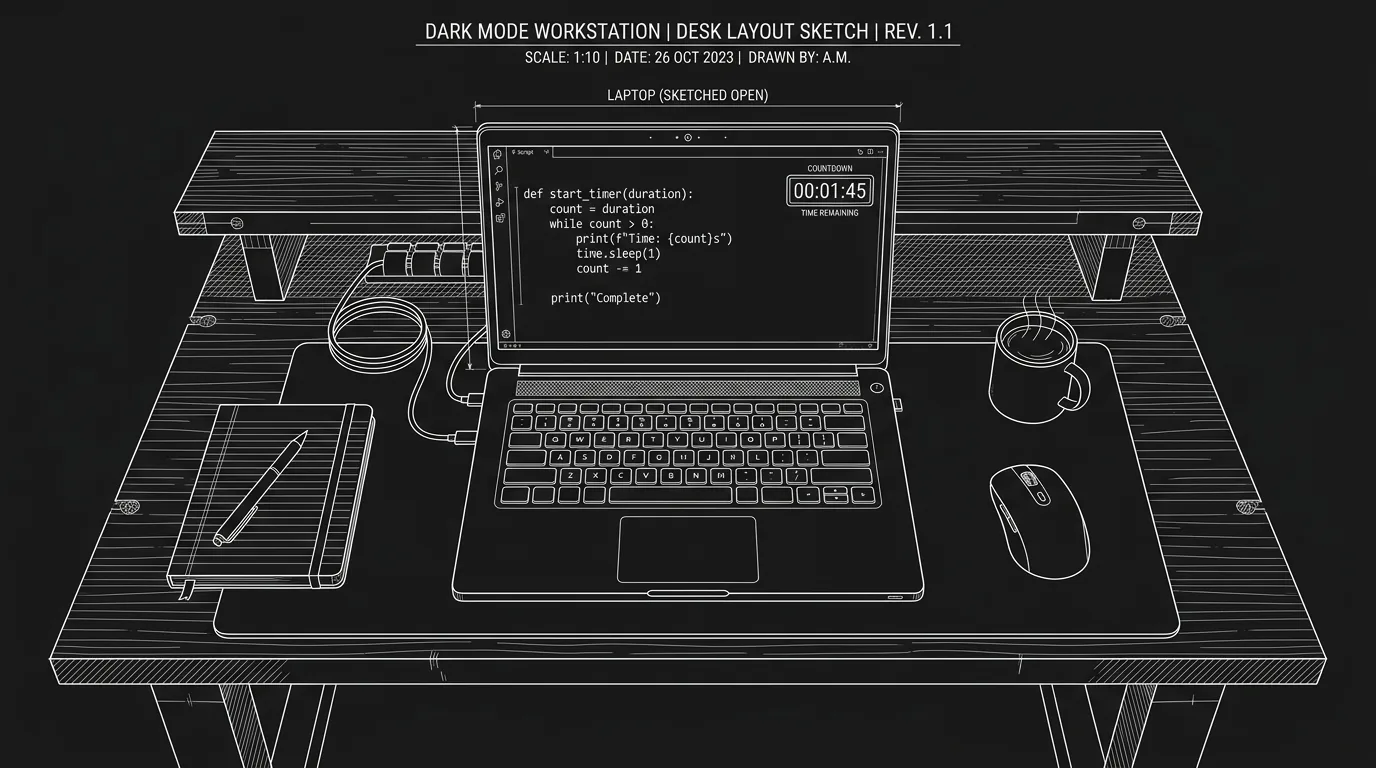
These two visuals work as a pair: the first shows Cinematic workflow still, first angle, 35mm film grain, and the second shifts to Cinematic workflow still, second angle, 35mm film grain - compare them briefly, then move on.

Using Built-In "Writing Sprints" (Pomodoro Method) to Finish Your Vomit Draft
You’ve blocked three hours. The outline is solid. The beat sheet is pinned to the wall.
You open the script. You write two lines. You check email. You write one more. You wonder if that scene should come later. You open the outline again. An hour later you’ve added a paragraph and a half and you feel like you’ve been working for a week.
The problem isn’t ideas. It’s sustained, protected focus. The vomit draft doesn’t ask for perfect prose. It asks for words on the page, in order, without you editing yourself into a standstill. The best way to get there is often to shrink the unit of work from “write the script” to “write for the next 25 minutes.”
That’s what writing sprints are: timed blocks where the only goal is to type. No polishing, no backtracking, no research tangents. When the timer rings, you stop or you take a short break and go again. Over a few sessions, pages stack up. The draft that felt impossible becomes a file with a page count.
Sprints don’t make you more creative. They make you harder to interrupt, including by yourself.
Here’s how to use them (with or without built-in tools) to finish your vomit draft.
Why Timed Sprints Work for the Vomit Draft
The vomit draft has one job: exist.
You’re not writing for readers yet. You’re not writing for the director. You’re writing to find out what happens and what the characters say. That means the enemy is not “bad writing.” The enemy is stopping. Stopping to fix a line. Stopping to look up a fact. Stopping to rethink the structure. Stopping because the scope of “write a feature” is too big to hold in your head at once.
Sprints fix the scope.
When you commit to “I will type for the next 25 minutes,” you’re not committing to “write the script.” You’re committing to a single, doable task. Your brain can hold “25 minutes” and “don’t stop typing.” It can’t hold “write 110 pages” without panic or drift.
The Pomodoro method, named after a tomato-shaped kitchen timer, is just a formalization of that:
- Work for a set interval (often 25 minutes).
- Take a short break (5 minutes).
- Every few cycles, take a longer break (15–30 minutes).
For writing, the “work” is drafting. No editing in the same block. No switching to outline or research unless it’s a quick note and back. When the timer is on, you’re putting words in the document. When it’s off, you can breathe, stretch, check the world, then reset.
Built-in writing sprints in a screenwriting app take that idea and bake it into the interface: you hit “Start sprint,” the app may hide or dim distractions, show a countdown, and sometimes track how many words or pages you added in that block. When the block ends, you have a clear “I did one sprint” win. That win is a powerful cue to do another.
Scenario 1: The Writer Who Can’t Stop Editing
Morgan has been “writing” the same first act for six months. Every time they sit down, they reread the last scene, tweak a line, move a beat, then add a few new lines. Progress is glacial. The script never gets worse, but it never gets longer either.
They try a sprint. Rules: 25 minutes, no deleting. If they type something they don’t like, they leave it and keep going. They can fix it in the next draft.
The first sprint is uncomfortable. They type a line, hate it, and have to fight the urge to backspace. By the end of 25 minutes they have a page and a half of messy, uneven prose. It feels wrong. It also feels done, for that block.
Over the next week they do two sprints per day. In 10 sprints they’ve added 15 pages. They’ve stopped trying to make the vomit draft pretty. The sprint enforced a simple rule: during this time, only add. That rule broke the edit loop and got the draft moving.
Scenario 2: The Parent With Ninety-Minute Windows
Jesse has a day job and kids. The only reliable writing window is 5:30 to 7 a.m., and some days they’re too tired to “get into the zone.”
They don’t try to get into the zone. They run one 25-minute sprint. No goal except “keys moving.” Some days that’s half a page. Some days it’s two. The point is that when the timer ends, they’ve done something. They don’t need to “feel creative.” They just need to have run the sprint.
Over a month, 30 sprints add up to 25 or 40 pages. The vomit draft grows in small, non-heroic increments. The built-in sprint in their app helps: they don’t have to remember to set a timer elsewhere; they click “Sprint” in the writing environment and the session is defined. When they’re done, the app might show “Today: 2 sprints, ~3 pages.” That feedback turns “I wrote today” into a visible fact.
What a Built-In Sprint Feature Can Do for You
If your screenwriting tool supports writing sprints (or Pomodoro-style timers), it can do more than a generic timer on your phone.
1. Context in one place
The timer lives inside the same window as your script. You’re not switching to another app to start or stop. That keeps the mental contract clear: this window = writing; the sprint is part of it.
2. Optional focus mode
Some apps dim or hide other panels when a sprint is active: no outline sidebar, no notifications, no “quick check” of another document. The screen becomes a tunnel. You can replicate this manually (full-screen, turn off notifications), but built-in focus mode makes it one click.
3. Session stats
After a sprint, the app can show “This sprint: 420 words” or “+1.2 pages.” That turns an abstract “I worked” into a number. Numbers are motivating for many people. They also make it easy to see patterns: “I write more in the first sprint of the day,” “I write more when I sprint after coffee.”
4. Consistency
When the sprint is in the app you always use for this script, you’re more likely to run it. The habit attaches to the project. “Open script → start sprint” becomes a single routine.
If your current app doesn’t have sprints, you can still use the method: any timer (phone, browser extension, physical Pomodoro timer) plus a strict “no editing during the block” rule. The principle is the same; the integration is just nicer when it’s built in.
Sprints vs “Flow”: Do They Conflict?
Some writers worry that a timer will kill flow. “What if I’m in the middle of a great run and the bell rings?”
Two things to try.
First, allow yourself to keep going if you’re mid-scene and the bell rings. The sprint is a minimum commitment, not a hard stop. If you’re on fire, finish the beat, then take your break. The timer is there to start you and to give you permission to stop; it doesn’t have to cut you off mid-sentence.
Second, experiment with length. The classic Pomodoro is 25 minutes. Some writers prefer 15; others prefer 45 or 50. If 25 feels too short to get into the zone, try a longer sprint. If 45 makes you restless, shorten it. The point is sustained, low-editing output, not a specific number of minutes.
Sprints and flow can coexist. Often the sprint is what creates the conditions for flow: you’re not deciding whether to write, you’re already writing. The first five minutes might be sluggish; by minute 15 you might be in the scene. The timer got you there.
The Trench Warfare: What Goes Wrong With Sprints (And How to Fix It)
Sprints are simple. So are the ways people undermine them.
Mistake 1: Editing During the Sprint
You start a 25-minute block. Two minutes in you read the last line, don’t like it, and “quickly” fix it. Then you fix the line before that. Then you’re reorganizing the paragraph. The sprint becomes an editing session. Word count barely moves.
Fix: make the rule absolute. During the sprint, only add. No deleting, no rewriting. If you type something wrong, add a note in brackets like [fix later] and keep going. If your app has a “focus” or “sprint” mode that disables backspace, use it. If not, practice: put your hands back on the keys and type the next line every time you want to delete.
Mistake 2: Using the “Break” to Do Something That Eats the Next Sprint
Five-minute break. You open Twitter, then email, then the news. Twenty minutes later you’ve forgotten you were in a writing session. The next sprint never starts.
Fix: keep breaks physical and dull. Stand, stretch, get water, use the bathroom. Don’t open a browser or a social app. If you need to check something, write it on a sticky and do it after you’ve finished your planned number of sprints. Breaks are for your eyes and body, not for your attention.
Mistake 3: No Clear Sprint Goal Beyond “Write”
“Write” can mean “stare at the screen” or “type one word.” Some writers need a loose target to make the sprint feel real: e.g. “one scene,” “one page,” “until the next beat.” It doesn’t have to be strict, you’re not failing if you don’t hit it, but it gives the brain something to aim at.
Fix: before you start the timer, name the chunk. “This sprint: get them out of the apartment and into the car.” Or “This sprint: finish the argument scene.” Then run the sprint. If you finish the chunk early, keep going into the next beat. The goal is a compass, not a cage.
Mistake 4: Sprints Only When You “Feel Like It”
If you only sprint on high-energy days, you’ll associate sprints with inspiration. On low-energy days you’ll skip them and get nothing. The power of sprints is that they work even when you don’t feel like writing, because the commitment is small and the rule is simple.
Fix: schedule sprints. e.g. “Two sprints every weekday morning before I open email.” Don’t wait for motivation. Start the timer. Type. Let the sprint pull you in.
Mistake 5: No Way to See Progress Over Time
If you run sprints but never look back at how many you did or how much you wrote, the method can feel like spinning wheels. A little visibility, a log, or an in-app history, turns “I did some sprints” into “I did 12 sprints this week and added 18 pages.”
Fix: use whatever your app offers (sprint history, word count per session). If it offers nothing, keep a simple log: date, number of sprints, approximate pages or words. Review it weekly. The numbers will show you that the vomit draft is growing even when it doesn’t feel like it.
How Sprints Fit Into a Bigger Writing System
Sprints are a tactic. They work best inside a system.
Outline and beats first. If you don’t know what happens next, the sprint can turn into “stare at the cursor.” A light beat sheet or scene list gives you a “next chunk” every time. Tools that keep outline and script in one place (like a Living Story Map) make it easy to click the next beat and sprint that scene. For more on structure before drafting, see our beat sheet calculator and the idea of one object for outline and script.
Protect the block. Close other tabs. Silence notifications. If you’re using built-in sprint mode, let it hide or dim everything else. The sprint only works if you’re not constantly pulled out of it.
Stack sprints, don’t marathon. Two or three sprints in a row with short breaks usually beat one long, exhausting push. You stay fresher and the “I finished a sprint” wins add up.
Vomit first, polish later. Sprints are for the draft that doesn’t have to be good. Once you have a full draft, you can revise in a different mode, with or without a timer, where editing is allowed. Mixing drafting and polishing in the same block is what kills momentum.
The Perspective: Small Blocks, Full Draft
The vomit draft doesn’t care how you got there. It only cares that it exists. Writing sprints are one of the most reliable ways to get there: they shrink the task, protect focus, and turn “write the script” into “write for 25 minutes.” Do that enough times and the script appears.
Use built-in sprint features if your tool has them. If not, use any timer and your own rules. Either way, make the rule clear, during the block, only add, and keep the breaks short and non-digital. Then watch the page count climb.
Final Step
Build your next script with Screenweaver
Move from ideas to production-ready pages faster with timeline-native writing and AI-assisted story flow.
Try Screenweaver