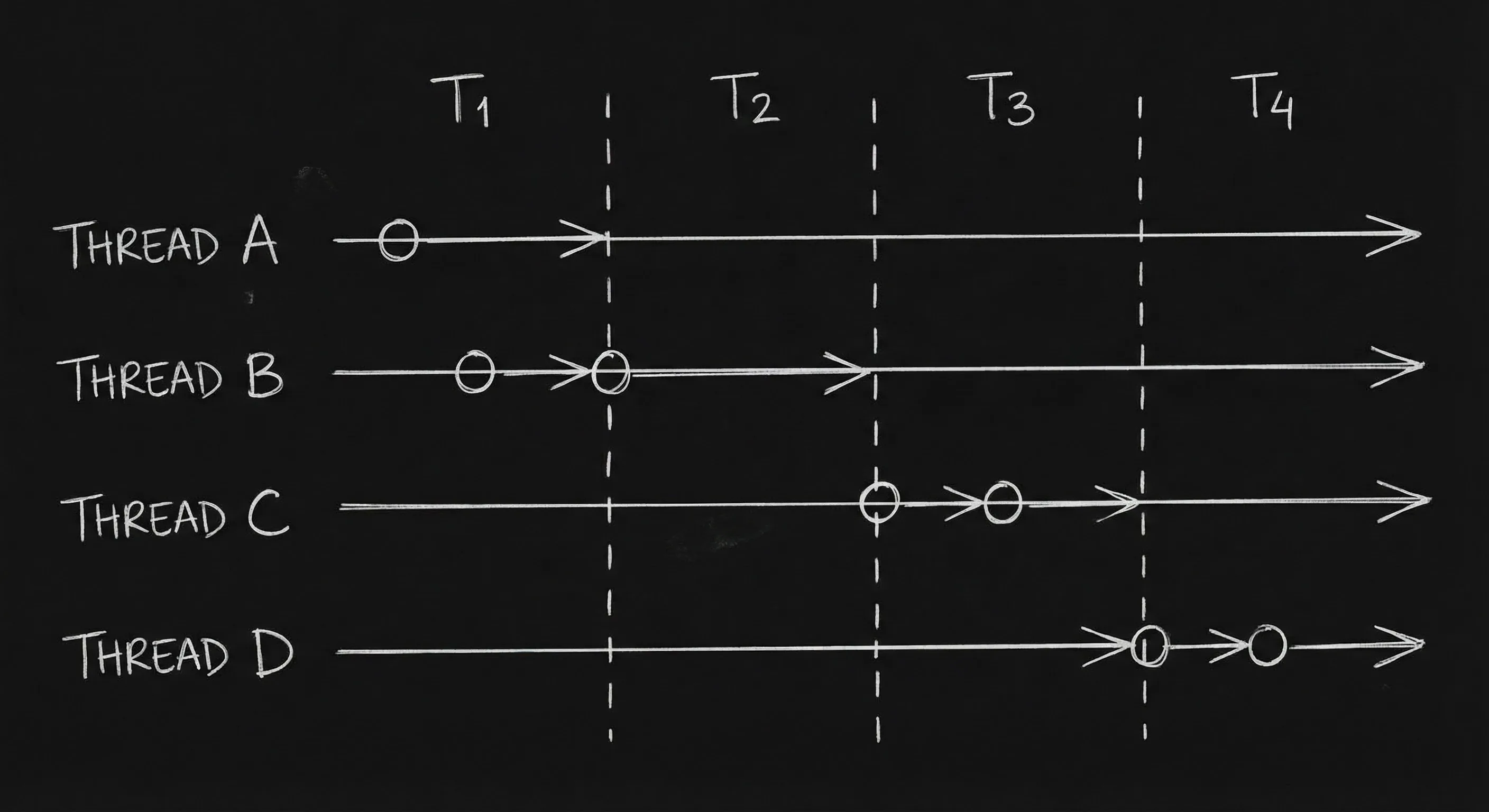

The story jumps between times or threads. 1985. 1999. Present. Or Thread A, B, C. The reader has to know where they are at every cut. Visual cues, scene headings, supers, character age, or thread labels, do that job. Here's how to format multiple timelines so the script never loses the reader.
Every time we change time or thread, the page has to say so. One clear convention.
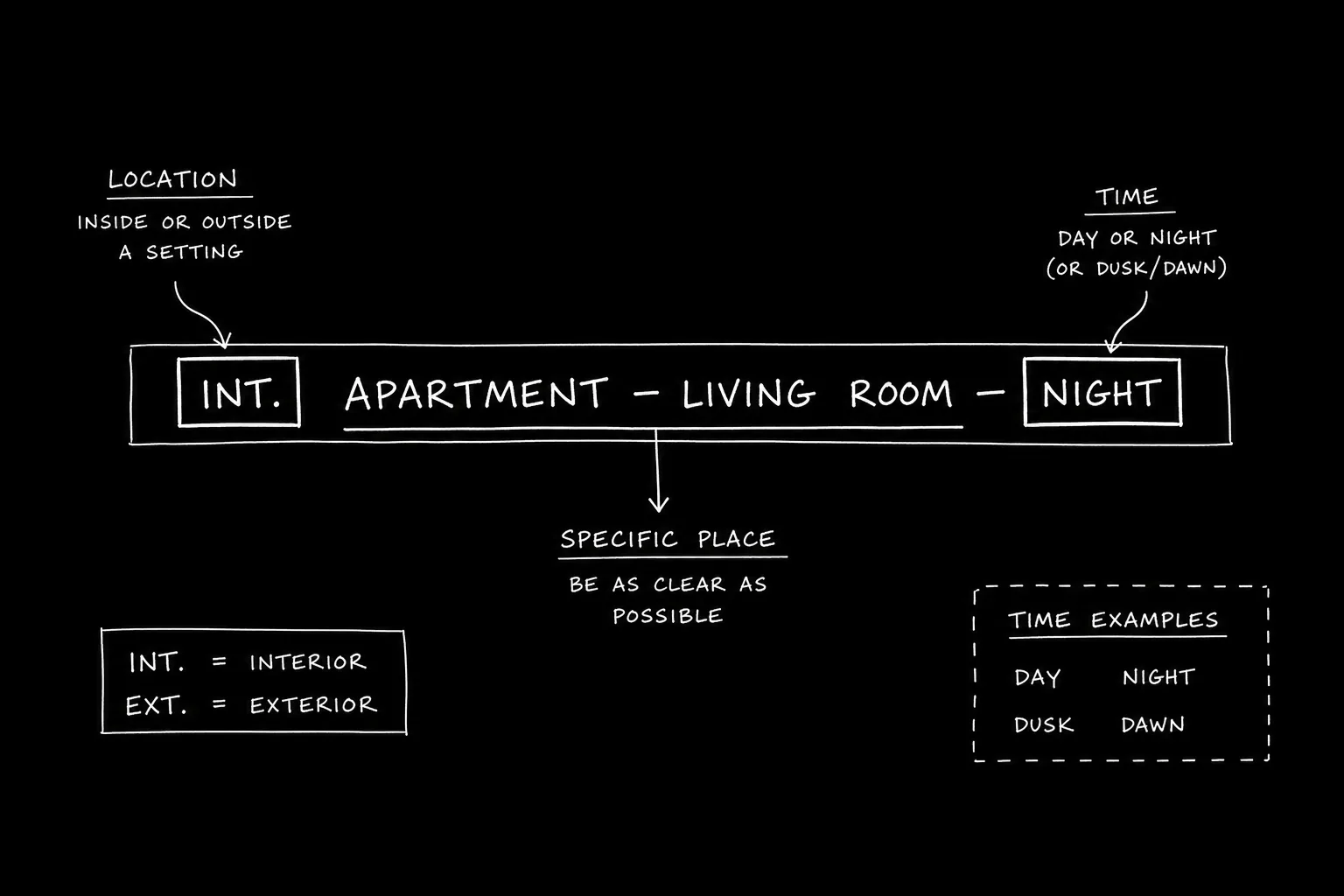
Think about it this way. We have two or more timelines (past/present, or parallel threads). Each time we cut, we need a cue: a super ("1999"), a scene heading ("INT. HOUSE - 1985"), or a label ("THREAD A - "). The same cue should appear whenever we're in that time or thread. Our guide on managing multiple timelines covers temporal shifts; this piece aligns with it, visual cues so the reader always knows where they are. For flashbacks, see flashbacks. For chyrons, see chyrons.
Free tool: use the Slugline Formatter to clean up and standardize your scene headings.
Cues That Work
Super: "SUPER: 1999." or "SUPER: Three years earlier." Scene heading: "INT. HOUSE - 1985 - DAY." Thread label: "THREAD A - " or "JANE'S STORY - " then the scene. Character age: "JAMES (20)" in one timeline, "JAMES (45)" in another. Use one primary cue (e.g. super or heading) and be consistent. For chyrons, see chyrons.
Relatable Scenario: Past and Present
Two time periods. Format: Every time we're in the past, SUPER: "1985" or "INT. LOCATION - 1985." Every time we're in the present, SUPER: "Present" or no super. For flashbacks, see flashbacks.
Relatable Scenario: Three Threads
Three storylines. Format: Label each cut. "THREAD A - INT. OFFICE." "THREAD B - EXT. STREET." Or use character name if each thread has a lead. For ensemble, see ensemble casts.
The Trench Warfare Section: What Beginners Get Wrong
No cue. We cut and the reader doesn't know when or which thread. Fix: Always cue the change (super, heading, or label). For clarity, see screenplay format.
Inconsistent cues. Sometimes super, sometimes heading, sometimes nothing. Fix: One convention for the script. For format, see screenplay format.
Too many threads. Five timelines with similar names. Fix: Simplify or label very clearly (year, character, thread name). For readability, see micro-pacing.
Try it free
Try Screenweaver for free on your script
It is free. Import your existing project, get a clearer view of your outline, and regain control of your story structure in minutes.
Start FreeMultiple Timelines: Cues at a Glance
| Cue | Use |
|---|---|
| SUPER | "1999." "Ten years earlier." |
| Scene heading | INT. HOUSE - 1985 - DAY |
| Thread label | THREAD A - / JANE'S STORY - |
| Character age | JAMES (20) vs. JAMES (45) |
Step-by-Step: Formatting Multiple Timelines
First: List the times or threads. Second: Choose one cue type (super, heading, or label). Third: Apply it every time we're in that time or thread. Fourth: Re-read, can you tell where you are on every page? For more, see managing multiple timelines, flashbacks, and chyrons.
The Perspective
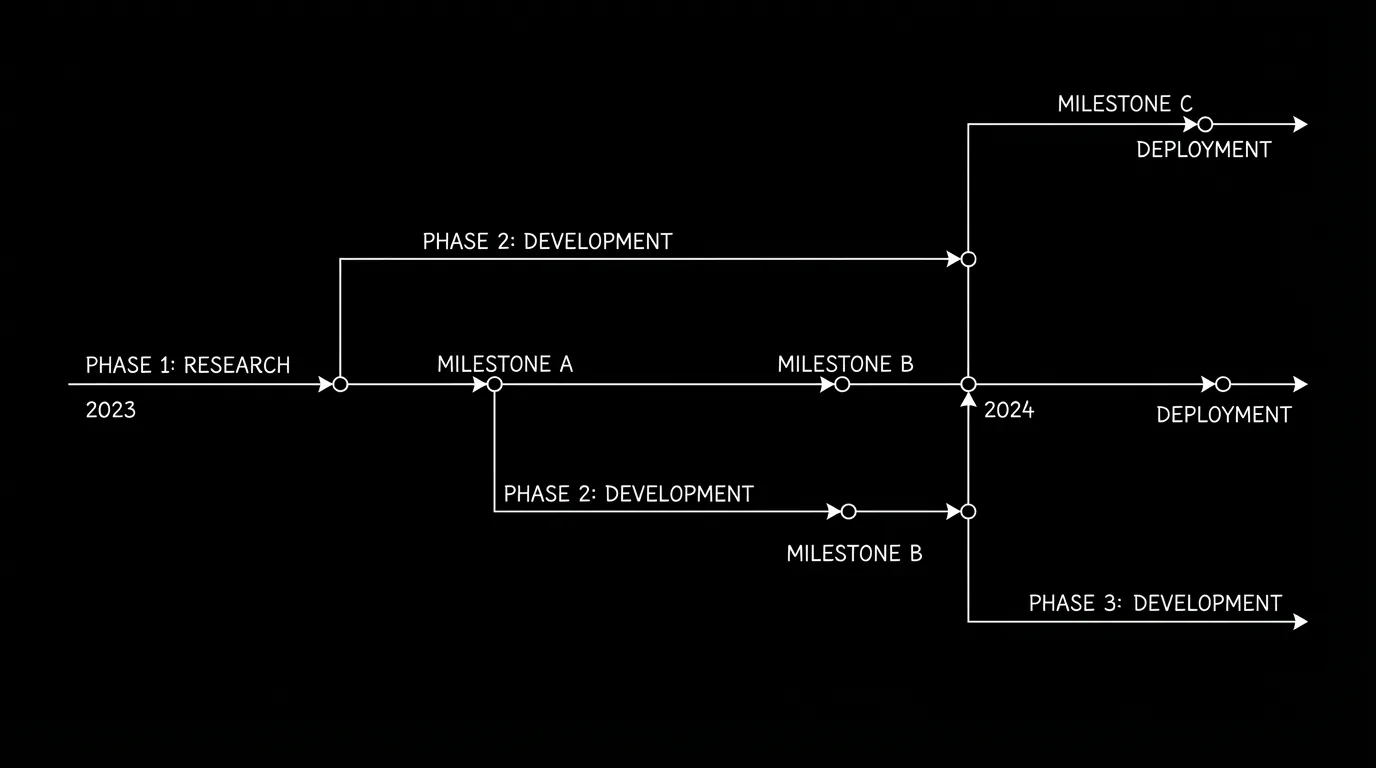
Give every time or thread change a visual cue, super, heading, or label. Be consistent. When the reader always knows which timeline they're in, the script works. So pick a cue. Use it every time. And keep the reader oriented.
Final Step
Build your next script with Screenweaver
Move from ideas to production-ready pages faster with timeline-native writing and AI-assisted story flow.
Try Screenweaver