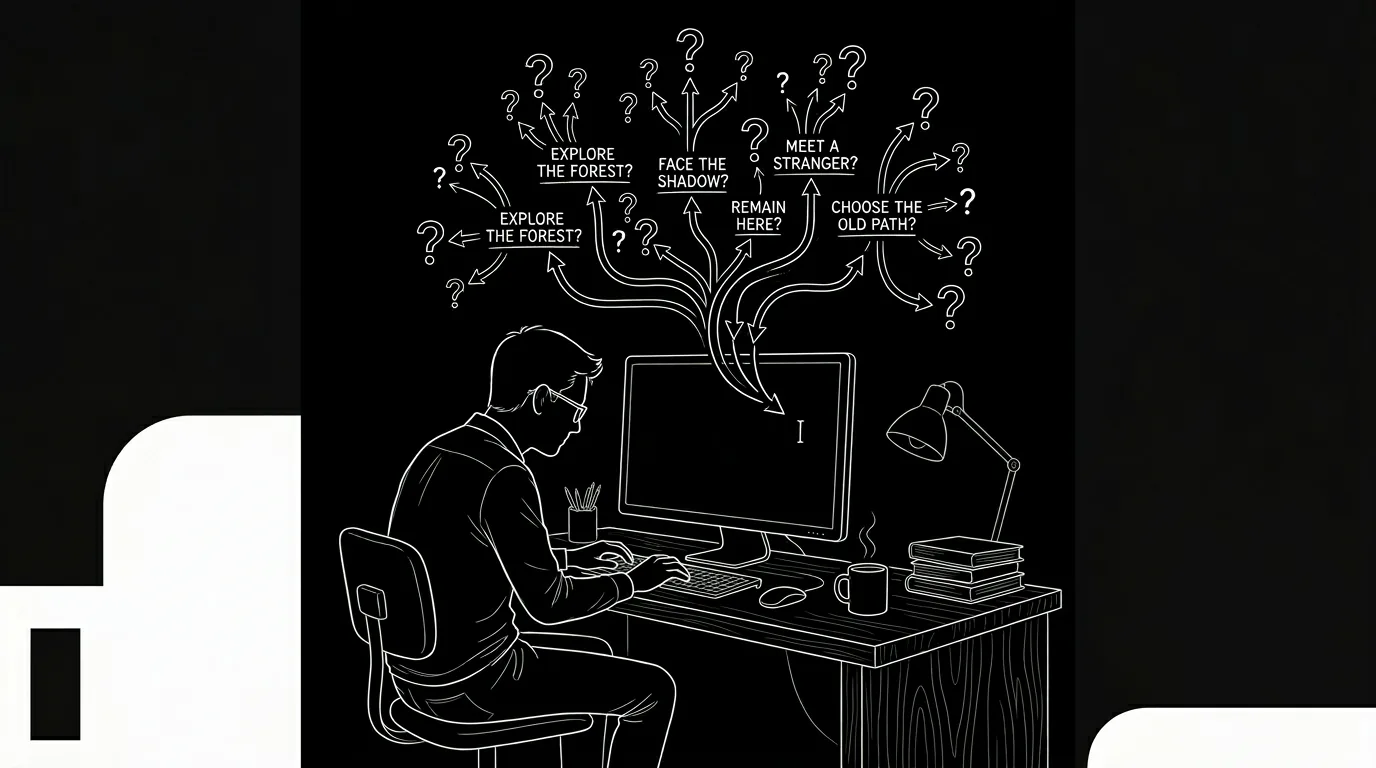

You have been staring at the same scene for an hour. You know something is wrong. The scene does not land. The transition into it feels abrupt, or the transition out of it goes nowhere. Maybe the whole middle of the script feels like mud. You are not out of ideas. You are stuck because you cannot see the shape of the problem. Writer’s block, in that form, is often a structure problem disguised as a prose problem. The fix is not to have a machine write the scene for you. The fix is to have a better view of where the scene sits in the story,and what might be missing or misaligned. This article is about using tools to break that kind of block without losing your voice.
The key is to treat the tool as a diagnostician, not a ghostwriter. When you are stuck, the temptation is to ask for “ideas” or “suggestions” that generate new text. That path leads to generic output and the slow erosion of what makes your script yours. The better path is to use the tool to expose structure: where are the beats? Where is the tension dropping? Where might a scene be in the wrong place, or missing altogether? Once you see that, you can fix it yourself. Your words. Your voice. The tool just turned on the lights.
Why Blocks Happen
Writer’s block is not one thing. Sometimes it is fatigue. Sometimes it is fear. Sometimes it is a vague sense that the story has gone off the rails and you do not know where. The last kind is the one that structural tools can help with. When the block is “I don’t know what happens next,” the issue is often that the previous beat is unclear or that the sequence has no clear goal. When the block is “this scene feels wrong,” the issue is often that the scene is doing too much, or too little, or that it is in the wrong position relative to the midpoint or the act break. When the block is “the middle sags,” the issue is usually that the protagonist’s pursuit has stalled,no new information, no escalation, no turn. In each case, the problem is structural. You need to see the structure to fix it.
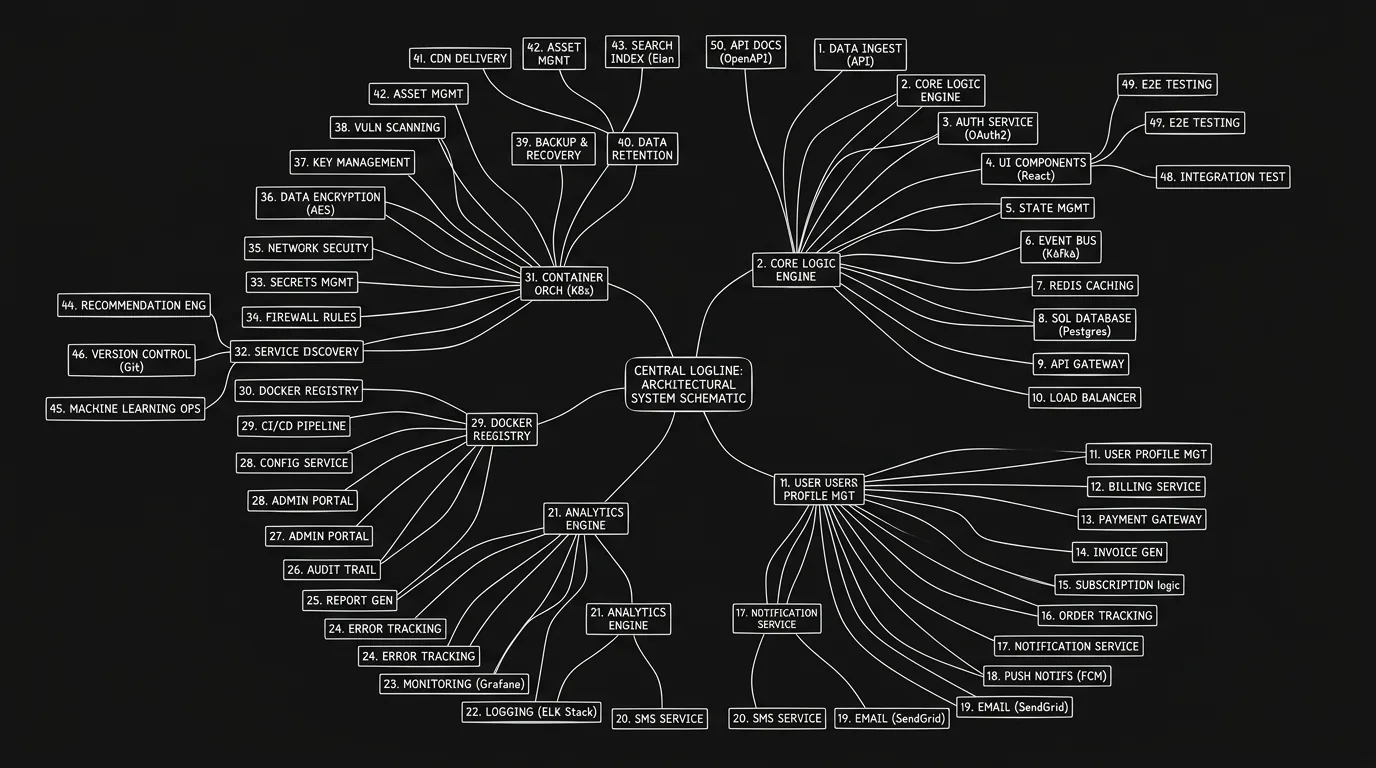
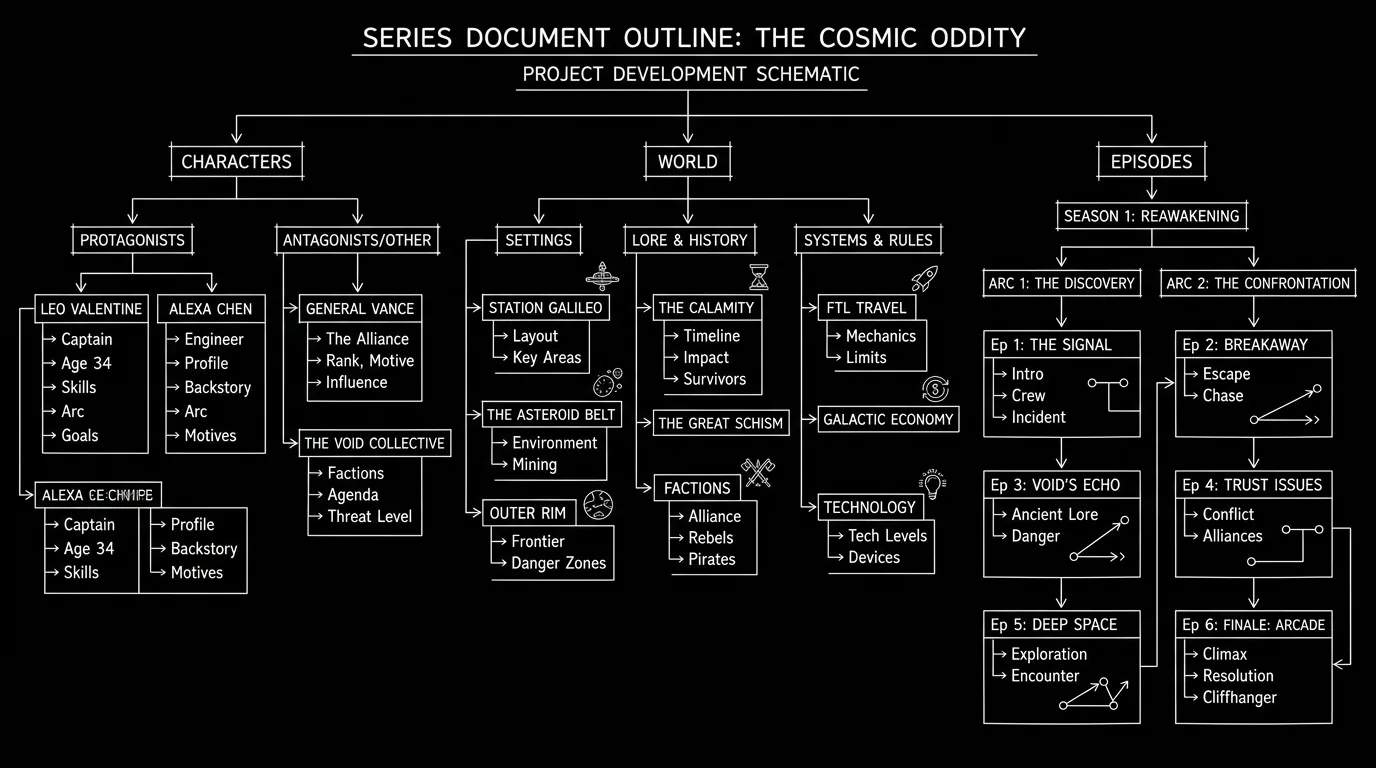
A document-only workflow hides structure. You have a long scroll of scenes. You might have an outline in another file. Comparing the two is manual and error-prone. By the time you are stuck, you may have lost the thread of how this scene connects to the overall design. An environment that shows the timeline and the script as one object changes that. You look at the map. You see that the sequence you are stuck in is twice as long as the others. You see that the beat before it is vague,“they discuss the plan”,and the beat after it jumps to a new location with no emotional bridge. The block was not a lack of talent. It was a lack of visibility. Now you have it.
The fix is not to have a machine write the scene for you. The fix is to have a better view of where the scene sits in the story,and what might be missing or misaligned.
The Architect, Not the Ghostwriter
ScreenWeaver includes a layer called the Architect. The Architect does not write your scenes. It looks at your structure and suggests structural fixes. A sequence might be too long; the Architect might suggest splitting it or trimming. A beat might be missing between two others; the Architect might point out the gap. The midpoint might be drifting too late in the script; the Architect might flag that the second act is out of balance. In every case, the suggestion is about shape, not content. The Architect says “something is wrong here.” It does not say “write this.” You take the hint and you rewrite in your voice. That is how you break a structure-based block without handing the prose to a machine.
Why does that preserve your voice? Because the only words in the script are still yours. The tool has not proposed dialogue or action lines. It has proposed that you look at a certain part of the map. You might add a beat. You might cut a beat. You might move a scene. When you do, you write the new or revised material yourself. The result is still your story, your rhythm, your choices. The tool has only made the problem visible. For more on how augmentation differs from generation, our piece on what augmented screenwriting is draws the line clearly: clarity versus replacement.
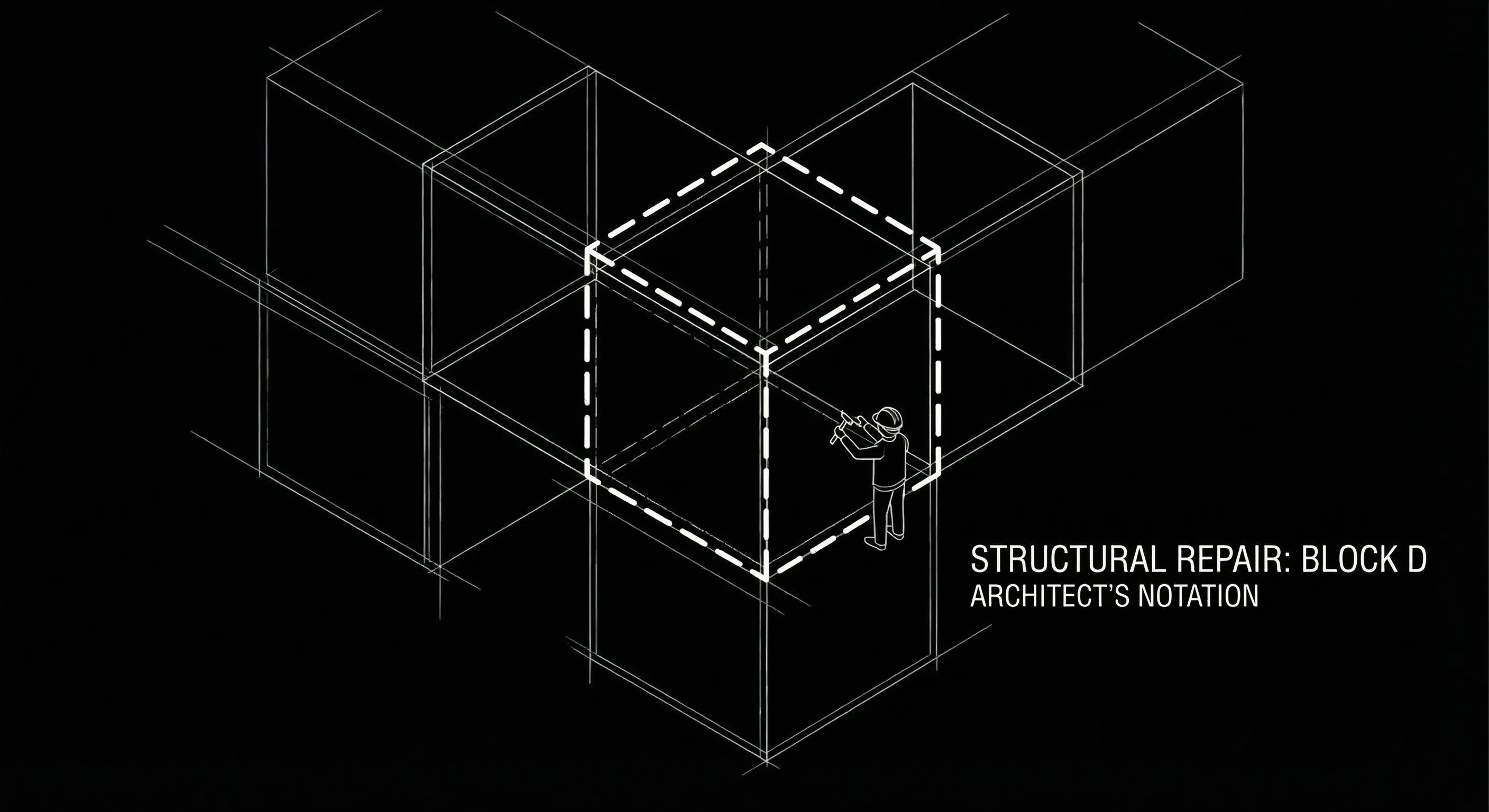
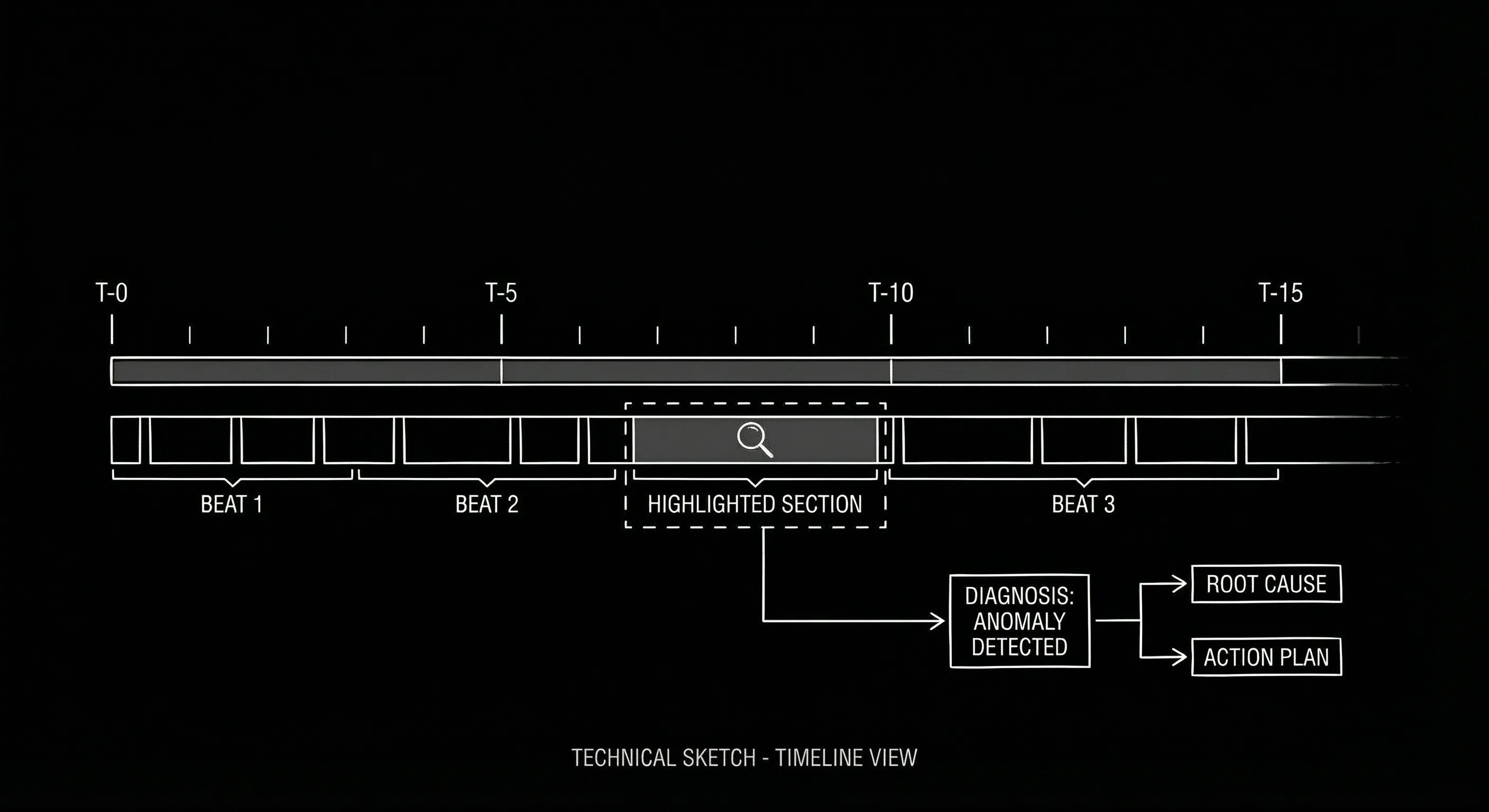
BODY IMAGE 1 PROMPT: Dark mode technical sketch. Solid black background. Horizontal timeline with several blocks. One block is highlighted with a thin circle or bracket. A small callout or arrow with a short label: “Sequence long” or “Consider split.” No dialogue, no prose,only structure. Thin white lines, hand-drawn, high-contrast.
Brainstorming Scenes Without Generation
“Brainstorming” often gets confused with “generating.” True brainstorming is you throwing out possibilities: what if they meet here? What if the reveal happens earlier? What if this character lies in this scene? A tool can help you brainstorm without writing a word. How? By giving you a place to see the consequences. If you move the reveal earlier, what happens to the sequences that come after? The timeline shows you. If you add a beat where the character lies, how does that affect the beat length and the rhythm of the act? The map shows you. You are still generating the ideas. The tool is helping you evaluate them against the structure you already have. That is brainstorming with support, not brainstorming by asking the machine to spit out options.
You can also use the timeline to brainstorm by omission. Look at a long sequence. Ask yourself: what is the single purpose of this stretch? If you cannot answer in one sentence, the sequence might be doing too much. Split it into two beats and see if each one sharpens. Or look at a gap. You have beat A and beat C, but nothing between. What could B be? The tool does not fill in B. It shows you the gap. You fill in B in your head, or in a note, and then you write the scene. The tool has made the gap visible. You have done the creative work.
| Approach | What you do | Voice |
|---|---|---|
| Ask tool to “write” the scene | Prompt for dialogue or action; edit output | Erodes,you are editing machine prose |
| Use tool to see structure | Read timeline, gaps, Architect hints; you write the fix | Preserved,every word is yours |
Practical Steps When You Are Stuck
When you feel blocked, step back from the page. Open the timeline. Look at the sequence you are stuck in. How long is it compared to the others? Is there a beat before it that is vague or missing? Is there a beat after it that assumes something you have not shown? The Virtual Spectator might have already flagged that the rhythm sags or that a beat feels rushed. Use that as a clue, not as a command. The Spectator is reacting as a reader. It is telling you where the experience falters. You translate that into a structural hypothesis: maybe the scene is in the wrong place, maybe it needs a predecessor, maybe it should be split. Then you test the hypothesis by adjusting the map. When the shape feels right, go back to the script and write (or rewrite) in your voice.
Another move: zoom out to the act level. Is the second act one long stretch with no clear turns? Many blocks come from a mushy middle,the protagonist is doing things, but there is no “false victory” or “false defeat,” no midpoint turn that raises the stakes. The Architect might suggest that the midpoint is late or that a sequence is carrying too much weight. You do not have to follow the suggestion literally. You can use it as a prompt to ask yourself: what would a midpoint turn look like here? What would make the audience think the protagonist is winning, or losing, before the real crisis? You answer in your story terms. Then you write the beat and the scenes. The tool has given you a structural question. You have answered it with your story.
BODY IMAGE 2 PROMPT: Dark mode technical sketch. Solid black background. Three acts indicated by brackets or labels. Within Act 2, several blocks; one block has a subtle highlight or marker. Thin white hand-drawn lines. Suggests “focus here” without any text. Minimalist, high-contrast.
For more on where the midpoint belongs and how to fix a sagging middle, our guide on mastering the midpoint goes deep on structure. The same principle applies: use structure as a lens, then write the scene yourself.
The Takeaway
Writer’s block rooted in structure can be broken by seeing the structure. Tools that show you the timeline, flag gaps or imbalances, and suggest structural fixes,without writing a word for you,let you break the block and keep your voice. Use the Architect and the Spectator as diagnosticians. Use the timeline as a map. When you know where the problem is, you can fix it in your words. That is the difference between assistance and replacement. Assistants help you see. Replacements write for you. Stick with the former, and your script stays yours.
Final Step
Build your next script with Screenweaver
Move from ideas to production-ready pages faster with timeline-native writing and AI-assisted story flow.
Try Screenweaver