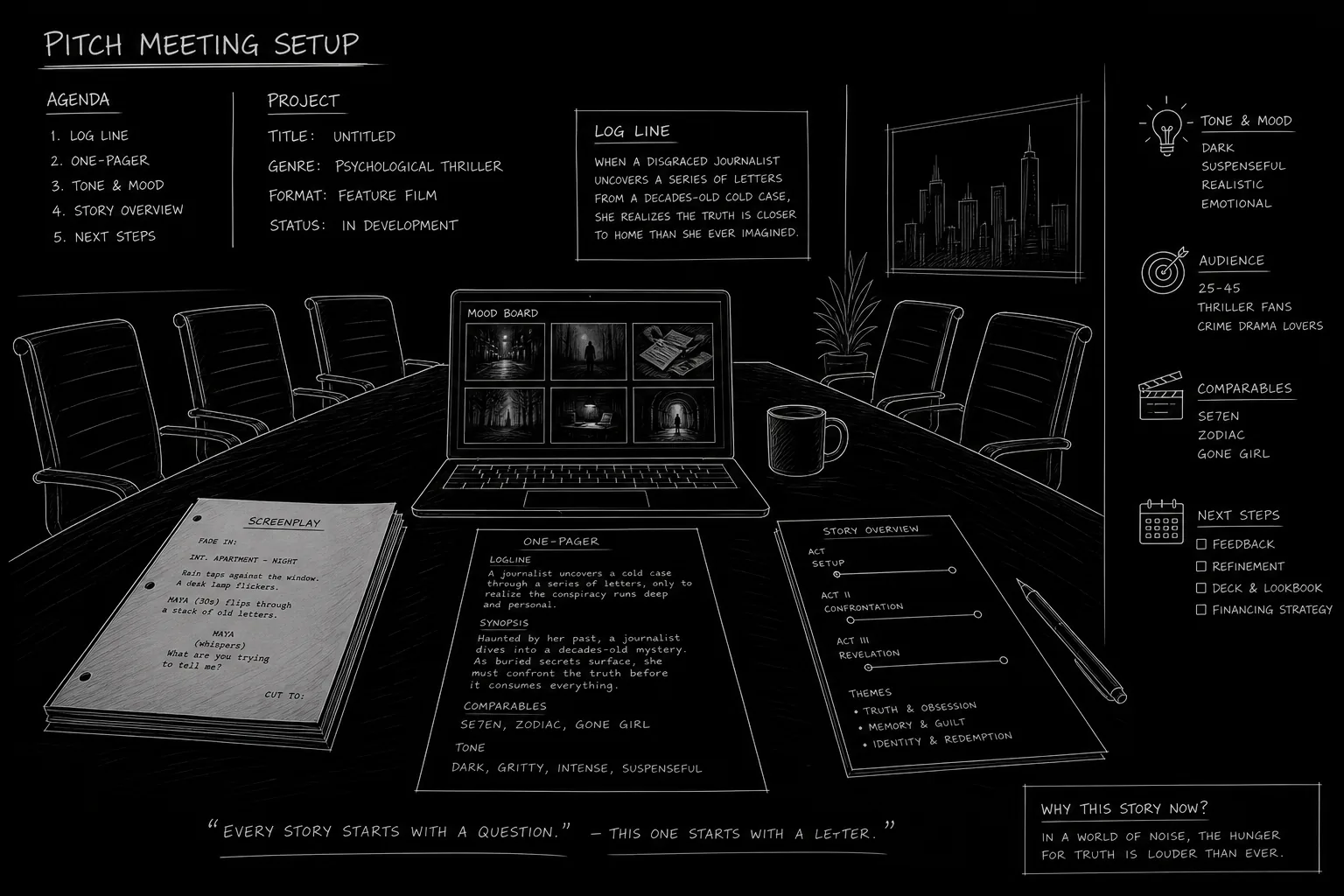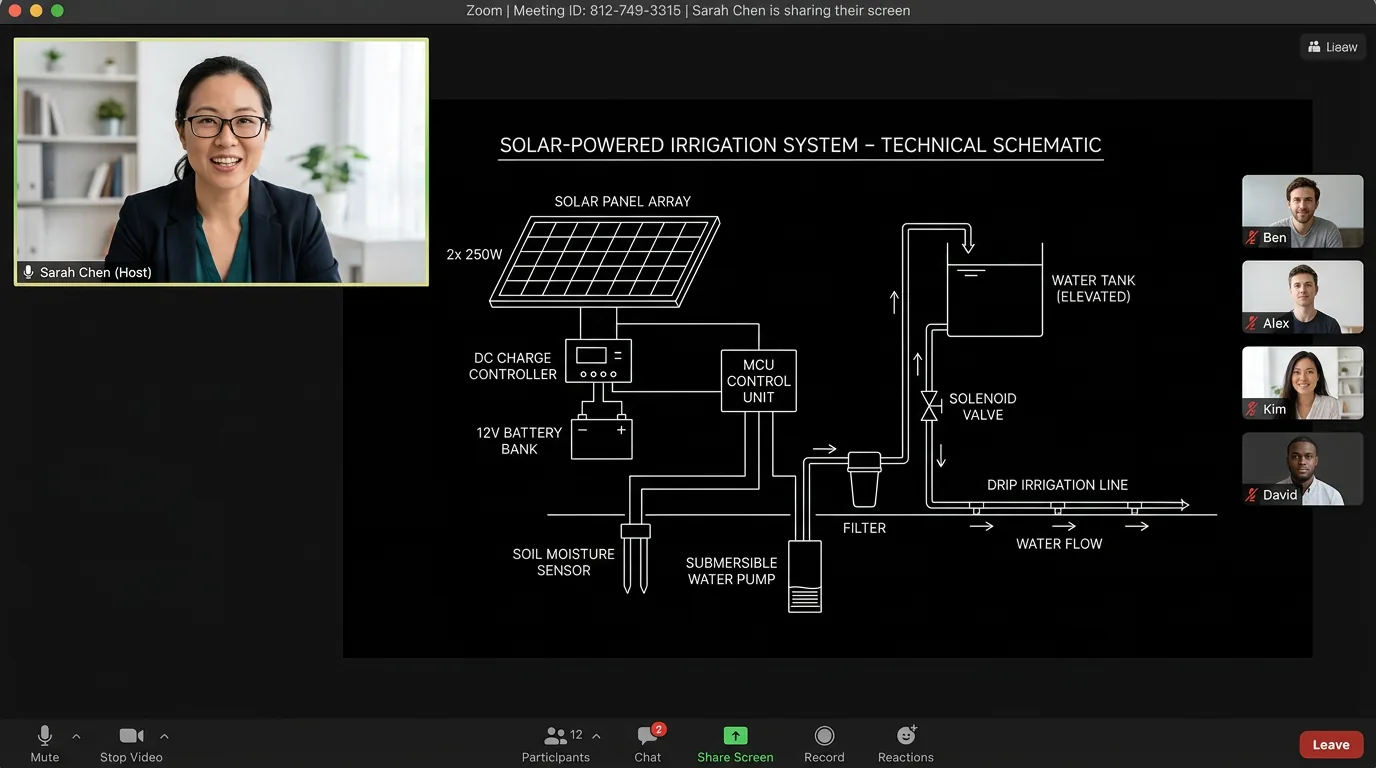

The meeting is at 3. You click the link. Your face appears in a small rectangle. So does theirs. The pitch you rehearsed for a room now has to land through a camera, a screen, and a connection that might stutter. Zoom pitching is the norm in 2026. That doesn’t make it easy. The same pitch that would crackle in person can fall flat if you’re poorly lit, buried in a cluttered background, or talking to a thumbnail instead of the lens. The content matters. So does the package. This guide is about the performance of the pitch on Zoom: lighting, background, and delivery so you keep the energy and the focus on the project, not on the setup.
You’re not trying to look like a TV studio. You’re trying to look professional and present. The goal is to remove friction. When your face is clear, your background is calm, and your delivery is direct, the exec can focus on the idea. When the frame is dark, the background is distracting, or you’re reading from a script off-camera, they’re pulled out of the pitch. Small choices add up. Here’s how to get them right.
Free tool: use the Logline Workshop to build and pressure-test your logline.
Why Zoom Is Different From the Room
In a room you have body language, eye contact, and shared space. You can gesture. You can feel when they’re leaning in or zoning out. On Zoom you have a grid of faces (or one face), a small window of yourself, and a delay. You can’t read the room the same way. You have to create presence. That means your face and voice carry almost everything. Lighting and framing make your face readable. A clean background keeps the eye on you. And the way you speak, pace, pauses, where you look, has to compensate for the lack of physical presence. Think of it as performing for the camera, not for the room. The camera is the conduit. Serve the camera and you serve the viewer.
Lighting: Be Seen Clearly
The problem: Harsh overhead light creates shadows under your eyes and nose. A window behind you turns you into a silhouette. No light and you’re a voice in the dark. None of that helps the pitch.
The fix: Put your main light in front of you, not behind. A window in front of you (with the camera between you and the window) is ideal. So is a soft lamp or ring light in front of you, slightly to one side or above the camera. The goal is to illuminate your face evenly. You don’t need professional gear. A desk lamp with a shade, moved in front of you, can work. A ring light is cheap and effective. Avoid a single bare bulb directly above, it’s unflattering. If you have a window behind you, close the blinds or move so the window is in front of you or to the side. Test before the call. Turn your camera on and look at yourself. Can you see your eyes clearly? Are there weird shadows? Adjust until your face is clear and consistent. That’s it. You’re not going for glamour. You’re going for clarity.
On Zoom, your face is the product. If they can’t see it clearly, they’re not fully with you. Light yourself first.
Background: Reduce Distraction
The problem: A busy background, bookshelves, posters, a messy room, people walking by, pulls attention away from you. So does a virtual background that glitches around your edges or feels gimmicky. The exec should be listening to you, not decoding what’s behind your head.
The fix: The simplest option is a neutral, tidy background. A plain wall. A bookshelf that’s organized, not chaotic. A corner of a room that’s clean. Nothing moving. Nothing that invites "What’s that?" If you don’t have that, a virtual background can work, a simple blur or a static image (office, abstract). Test it. Some software blurs your outline when you move; if it’s jumpy, switch to a real background or a different virtual one. Avoid busy or funny virtual backgrounds in a pitch. You want to look like you’re in a calm, professional space. The same goes for your real space: no laundry, no clutter, no open doors with traffic. One more thing: camera height. Position the camera at or slightly above eye level. Too low and you’re looming; too high and you’re looking up. Eye level feels natural and confident.
Delivery: How You Sound and Where You Look
Look at the lens. When you’re pitching, look at the camera (the lens), not at the image of the exec on the screen. When you look at the screen, you look like you’re looking away from them. When you look at the lens, you’re making eye contact. It feels weird at first. Do it anyway. Glance at the screen to check their reactions, but when you’re delivering the key beats, logline, act breaks, ask, look at the lens.
Speak clearly and pace yourself. Zoom compresses sound. Mumbling or speaking too fast gets lost. Enunciate. Pause between sections. Slow down a little. You’re not in a room; they can’t lean in. Give them time to absorb. If you’re sharing your screen (e.g. a pitch deck), don’t read the slides word for word. Use them as anchors. Talk to the camera. Let the deck support you; you’re still the performance.
Energy. In a room you might dial up the energy to fill the space. On Zoom the tendency is to dial down. Don’t. Match the energy you’d bring to a room. Not shouting, engaged. Lean in slightly. Use your hands if it helps (they’ll see them in frame). Vary your tone. A flat monotone reads as disengaged even if you’re not. The exec is staring at a small box. Give them a performance that holds attention.
Tech check. Before the meeting: camera on, mic on, connection stable. Close other tabs and apps. Silence your phone. Have your deck or one-pager open and ready to share. Have water nearby. If you’re on WiFi, sit close to the router. A dropped call or a frozen frame in the middle of the pitch is recoverable but costs momentum. Prevent what you can.
Relatable Scenario: The Flat Pitch
You know the material cold. You’ve pitched it in person and it worked. On Zoom you run through the same beats. When you’re done, there’s a pause. "Thanks, we’ll be in touch." Later you hear they didn’t feel the passion. What went wrong? On Zoom, "knowing" the material isn’t enough. You have to show it. That means lifting your energy, looking at the lens, and pausing so they can react. It means not rushing. It means treating the camera like a person. Next time: rehearse once with the camera on. Watch the recording. Do you look engaged? Do you sound like you care? Adjust. The pitch is the same; the performance has to be tuned for the medium.
Relatable Scenario: The Distracting Setup
You’re in a coffee shop. Behind you: people, windows, noise. You’re at a kitchen table with a pile of mail and a plant that keeps catching the light. The exec keeps glancing somewhere off your face. They’re not rude, they’re distracted. The fix: move. Find a corner, a wall, or a room where the frame is clean. If you can’t, use a blur or a simple virtual background. Test it so your edges don’t flicker. One clean frame is worth more than "authentic" chaos. Authenticity is in the pitch, not in the mess behind you.
Try it free
Try Screenweaver for free on your script
It is free. Import your existing project, get a clearer view of your outline, and regain control of your story structure in minutes.
Start FreeWhat Beginners Get Wrong (The Trench Warfare Section)
Sitting in the dark. "I don’t need to be on camera." They do want to see you. Pitch meetings are about the person as much as the project. Turn on the camera. Turn on a light. Show your face.
Backlighting. A window or a bright lamp behind you makes you a silhouette. They can’t read your expression. Move the light or move yourself. Face the light.
Reading from a script. Glancing at notes is fine. Reading line by line from a document next to the camera kills connection. You sound like you’re presenting a report. Learn the pitch well enough to deliver it to the lens. Use the deck or a one-pager as a guide, not a script.
Ignoring the small window of yourself. You have a preview. Use it. Before you join, check your frame. Are you centered? Is your face visible? Is there something weird in the background? Fix it before they see it.
Rushing. You have 20 minutes. You try to say everything in 10. You speed up. They tune out. Slow down. Hit the key beats: logline, premise, tone, arc, ask. Pause. Let them ask questions. The pitch is a conversation, not a monologue. Even on Zoom.
Not testing the link. You click at 2:59. The link doesn’t work. Or you’re in the wrong meeting. Or your mic is muted. Join two minutes early. Test audio and video. Be ready when they appear.
Quick Reference: Before the Call
| Check | Why |
|---|---|
| Light in front of you | Face visible, no shadows |
| Clean or neutral background | No distraction |
| Camera at eye level | Natural, confident frame |
| Mic and camera on, other apps closed | No tech surprises |
| Deck or one-pager ready to share | Smooth handoff |
| Water nearby, phone silent | No interruptions |
Spend five minutes on this before every pitch. It becomes routine. The pitch itself benefits from our logline and one-pager guides; the Zoom setup is what lets that pitch land.
The Perspective
Zoom pitching is still pitching. The idea, the logline, and the story are what they’re buying. But the package matters. Light your face. Clean your frame. Look at the lens. Pace yourself. When the technical and performative choices are handled, the room, even a virtual one, can focus on what you’re selling. You’re not just sending a signal. You’re holding the space. Do that, and the pitch has a chance to land. For more on how to structure what you say in that space, our pitch deck and one-pager guides cover the content; this is the delivery. One more resource: the WGA’s guidance on virtual meetings and professional conduct (nofollow) is a useful external reference for industry norms.
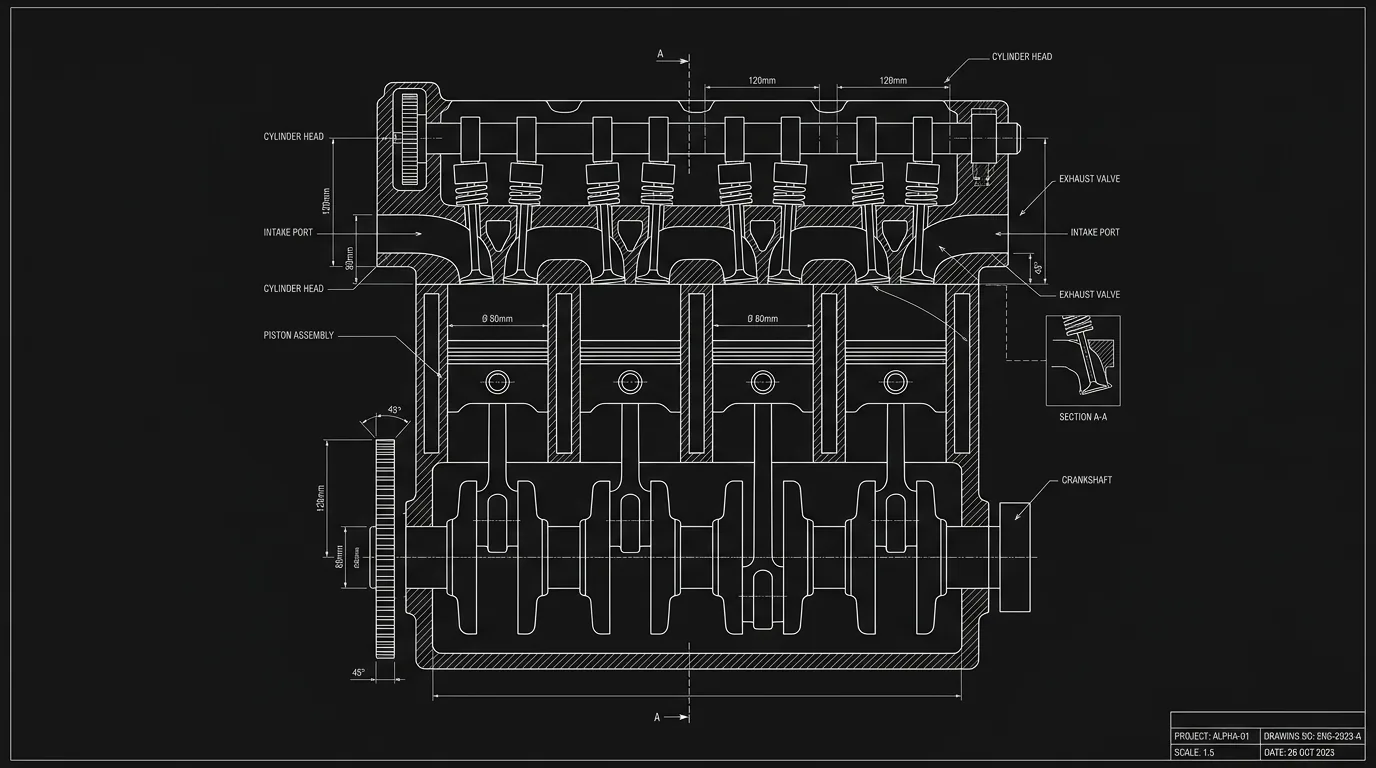
These two visuals work as a pair: the first shows Light position: in front, not behind; dark mode technical sketch, and the second shifts to Frame: eye level, clean background; dark mode technical sketch - compare them briefly, then move on.
Final Step
Build your next script with Screenweaver
Move from ideas to production-ready pages faster with timeline-native writing and AI-assisted story flow.
Try Screenweaver