Cinematic workflow frames
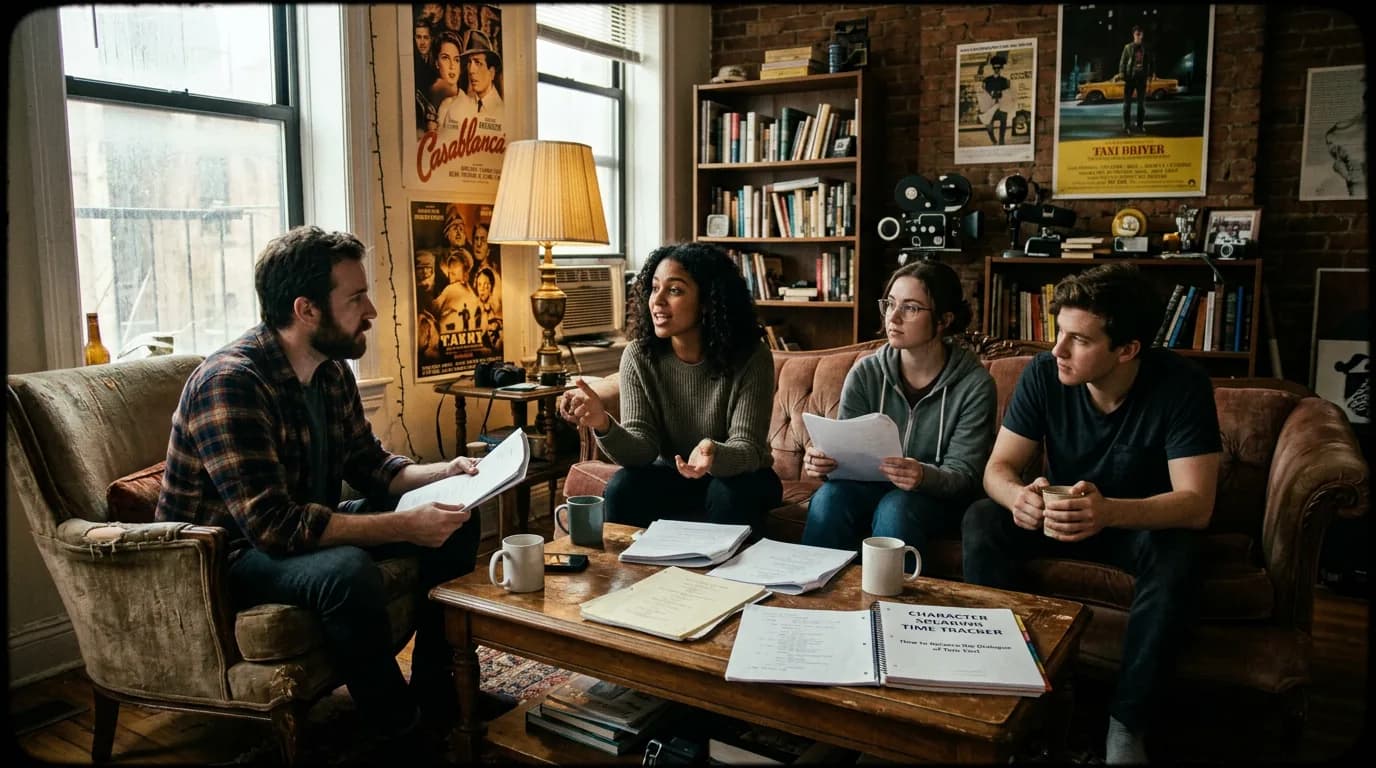
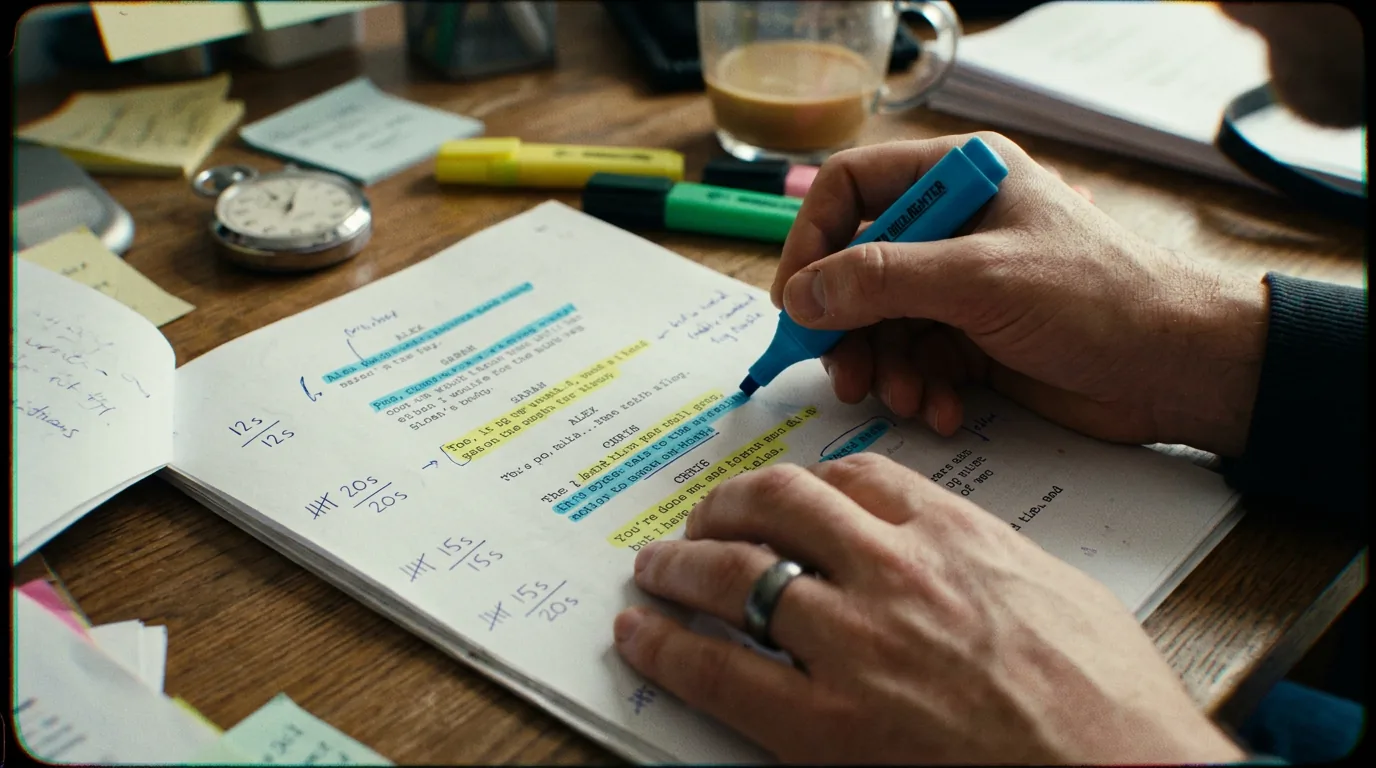
These two visuals work as a pair: the first shows Cinematic workflow still, first angle, 35mm film grain, and the second shifts to Cinematic workflow still, second angle, 35mm film grain - compare them briefly, then move on.
Tracking Character Speaking Time: How to Balance the Dialogue of Your Cast
Halfway through the table read, the air shifts. Your lead has been owning the room. Then your supporting actor flips a page, glances at their sides, and you see it: the micro-frown that says "Am I even in this episode?"
Afterward, the showrunner pulls you aside. "We love the character. Look at the pages. They disappear after the midpoint."
On the page, one character is a thick stripe of dialogue; another is a thin trace. Tracking speaking time is how you see that before the read, and fix it.
Why "Feel" Isn't Enough
You tell yourself the B-story love interest is "threaded throughout" or the antagonist has "strong presence." Memory lies. What the reader gets is whatever's on the page: action plus who speaks how much. If you don't measure it, you're guessing.
A character's weight is what's on the page. Track it or default to the loudest voice.
Scenario: The Ensemble Pilot That Wasn't
Logline promises three co-leads: chef, manager, bartender. On cards they're even. In the draft, a speaking-time check shows the chef at 55%, manager 25%, bartender 8%. You didn't set out to write a star vehicle, but that's what the PDF says. When you can say "We want the chef at 40%; here are three scenes where we hand lines to the manager and bartender," you're not defending a vibe. You're proposing a fix.
How to Measure Speaking Time
Count dialogue blocks per character, then words or characters. A character line counter runs that tally automatically from your script text. Express each character's share as a percentage of total dialogue. Tools that do action/dialogue ratio (e.g. ScreenWeaver's Action/Dialogue Ratio) can extend to per-character share, and the Script Time Calculator helps estimate pacing impact after rewrites. Run a pass at act breaks and at end of draft. Ask: Does this match who I say the show is about? Do focus episodes actually give focus characters the page?
Try it free
Try Screenweaver for free on your script
It is free. Import your existing project, get a clearer view of your outline, and regain control of your story structure in minutes.
Start FreeSimple Snapshot
| Character | Dialogue blocks | Approx. words | Share |
|---|---|---|---|
| Alex (protagonist) | 210 | 7,800 | 46% |
| Rae (best friend) | 95 | 3,200 | 19% |
| Mara (antagonist) | 80 | 2,900 | 17% |
| Sato (mentor) | 45 | 1,500 | 9% |
| Others | 60 | 1,600 | 9% |
Numbers don't write. They expose. If Rae was meant to be co-lead but sits at 19%, you have work to do.
The Trench Warfare: What Goes Wrong
Protagonist vacuum. The lead explains the plot, argues every theme, narrates their growth. Everyone else feeds them prompts. Fix: Reassign philosophy. Give the mentor or antagonist the argument; let the hero respond with behavior. Run the numbers again, the lead's share can drop but the script can feel bigger.
Silent spine. A character is in every scene but barely speaks. "That's who they are." On the page they're scenery. Fix: Give them at least one line that reframes the scene or challenges someone. Quiet ≠ absent.
Exposition to whoever's handiest. One character becomes the Explanation Machine. Fix: Assign exposition by stake. Who pays the emotional price for this fact? Who would fight to phrase it? Hand the line to them.
Focus episodes that don't focus. Episode 3 is "the mentor's episode" but the protagonist still dominates dialogue. Fix: Set a loose target before drafting ("This episode, mentor 35–40%, protagonist under 30%"). Run a speaking-time check after the pass. If you've drifted, your habits wrote the show, not your plan.
"They'll fix it in production." They might not. Schedules cut pages; scenes merge. If it's not on the page, it's a coin flip. Fix: Treat the script as the last place you control who speaks. Track it. Balance it before it leaves your desk.
Build a Rhythm
Draft "deaf" at first, discover the story. At act or episode milestones, run a report. Look at global share, per-episode share, and scene-level surprises. Where the numbers don't match intent, do targeted line reassignments and new beats. Use tools that surface character dialogue share without a separate export ritual when you can; see script templates and workflow for bending your setup to your habits.
The Perspective
Speaking-time tracking answers one uncomfortable question: Who gets to define reality in this story? The character with the most lines frames the narrative. If you're not deliberate, that power defaults to the easiest voice or the star. Track it. Then hand a speech to someone who's never been listened to, cut a rant that belongs in subtext, give the quiet character one more line in the scene that matters. Balance isn't a number, but if you never look at the numbers, you're asking the feeling to work blind.
Final Step
Build your next script with Screenweaver
Move from ideas to production-ready pages faster with timeline-native writing and AI-assisted story flow.
Try Screenweaver