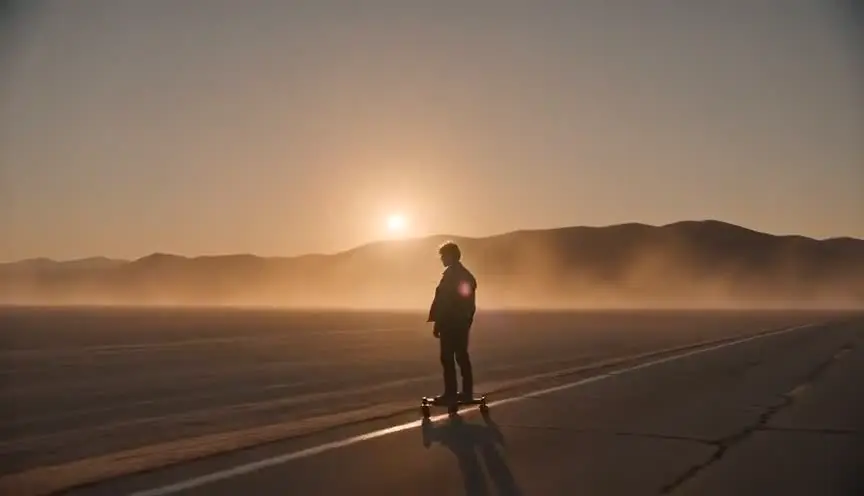
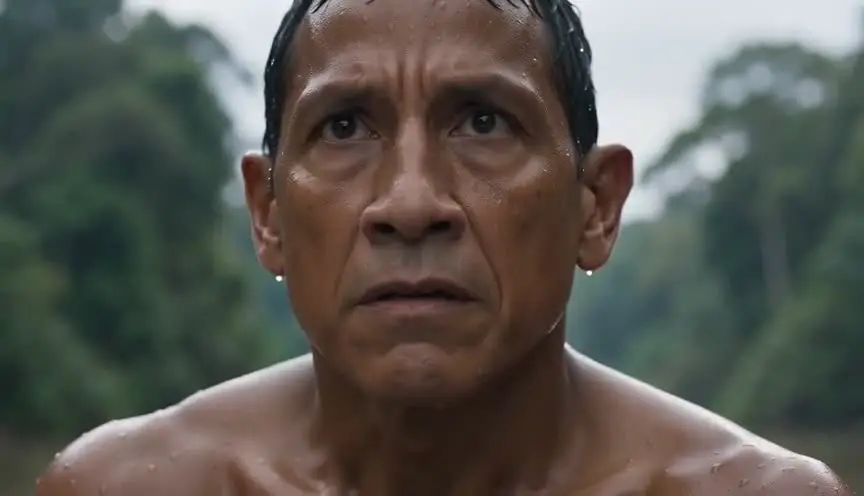
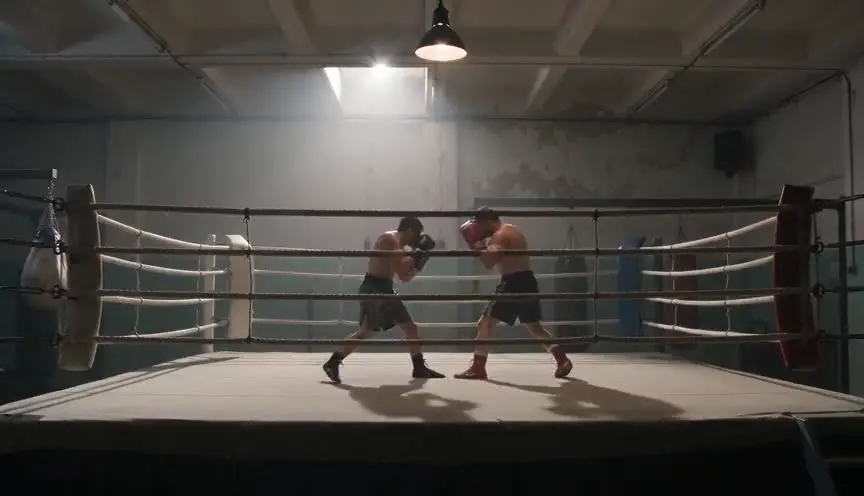
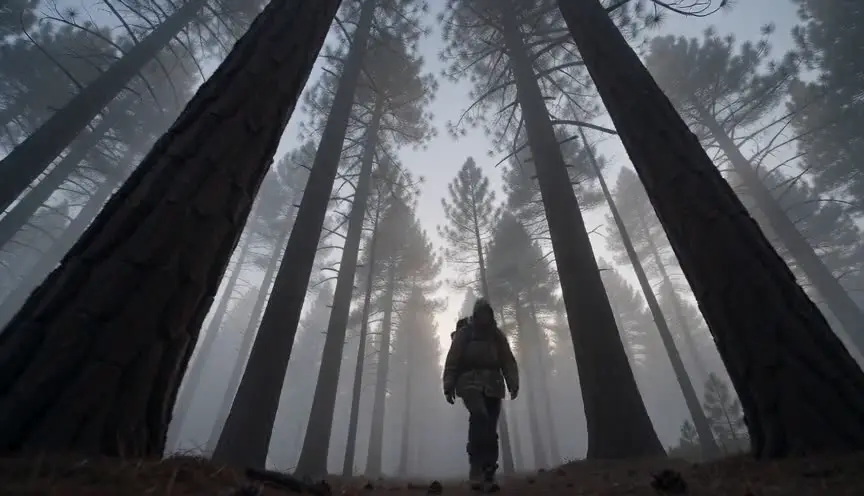
Shot-purpose framing
Every prompt template starts with narrative function: establish, reveal, react, transition. Models respond to intent, not just description.
Adding "cinematic" and "8K" is not prompt engineering. Strong prompts come from clear scene structure, specific visual intent, and continuity discipline. ScreenWeaver gives you all three.
You study prompt guides. You stack quality tokens. You try "shot on ARRI Alexa" and "anamorphic bokeh." The clip looks polished for two seconds, then you realize it has nothing to do with your story. The prompt was grammatically rich and narratively empty.
Most prompt advice treats generation like a magic spell. Say the right words and the model delivers a film. But models respond to specificity, not poetry. A prompt that says "woman sad in room" will always lose to a prompt grounded in who the woman is, what room, what happened thirty seconds ago, and what the camera wants the audience to feel.
The creators who write the best AI video prompts are not the best wordsmiths. They are the ones who did the scene work first: character intent, spatial logic, camera purpose, and visual continuity.
ScreenWeaver helps you build the scene foundation that makes prompts work: defined characters, established locations, clear shot intent, and visual references that persist across a sequence.
Once the structure is solid, prompt language becomes precise instead of desperate. You describe what the film needs, not what you hope the model might hallucinate.
Before writing a single prompt, define what the scene must accomplish. What does the audience learn? What changes? The answer shapes every visual choice downstream.
Lock character appearance, location geography, and lighting conditions. These anchors become non-negotiable details in every prompt for the sequence.
Each prompt opens with what the shot does narratively, then describes the visual execution. Purpose before decoration.
Read your prompt set as a sequence. Check that characters, props, and environments persist. Fix structure gaps before you generate.
A director generated a chase sequence with eight prompts written in a hurry. The hero's coat changes, the alley layout shifts, and the lighting jumps from noon to dusk. Instead of rewriting prompts with more adjectives, they rebuild the sequence in ScreenWeaver. They define the hero's look, map the alley geography, and write eight shot-purpose prompts: establish space, track the run, close on the hand on the railing. The second generation holds together because the structure was fixed first.
Every prompt template starts with narrative function: establish, reveal, react, transition. Models respond to intent, not just description.
Before export, ScreenWeaver flags prompts missing key anchors: character name, location reference, or time of day. Catch gaps before generation.
Prompt suggestions use real shot language: rack focus, over-the-shoulder, low angle push-in. Less keyword spam, more camera grammar.
See how the same scene reads as a vague prompt versus a structured one. The difference is specificity born from preparation.
Without structure
With ScreenWeaver
Specificity and intent. A cinematic prompt names the shot purpose, camera relationship, character state, and environmental context. It reads like a director's instruction, not a wish list.
Use terms that describe framing and movement: wide shot, close-up, dolly in, handheld. Avoid gear name-dropping unless your model responds to it. ScreenWeaver suggests camera grammar that models understand.
Long enough to be specific, short enough to stay focused. Most strong scene prompts are two to four sentences: shot purpose, subject and action, environment, and one lighting or mood detail.
Single shots do not test continuity. Sequences expose missing anchors: undefined characters, vague locations, inconsistent lighting. Structure the full sequence before judging individual prompts.
ScreenWeaver shows the relationship between scene structure and prompt quality. As you define characters, locations, and shots, you see how specific details produce stronger prompts automatically.
Both matter, but structure is the multiplier. A well-structured prompt improves results on any model. A poorly structured prompt fails on the best model. Fix the scene first, then choose your tool.
AI generation is not the hard part anymore. Keeping the film coherent is. Start in ScreenWeaver and build the chain before you burn credits.
Start creating with ScreenWeaverFilm techniques
Each one with a short clip, a screenplay excerpt and the shot list line.