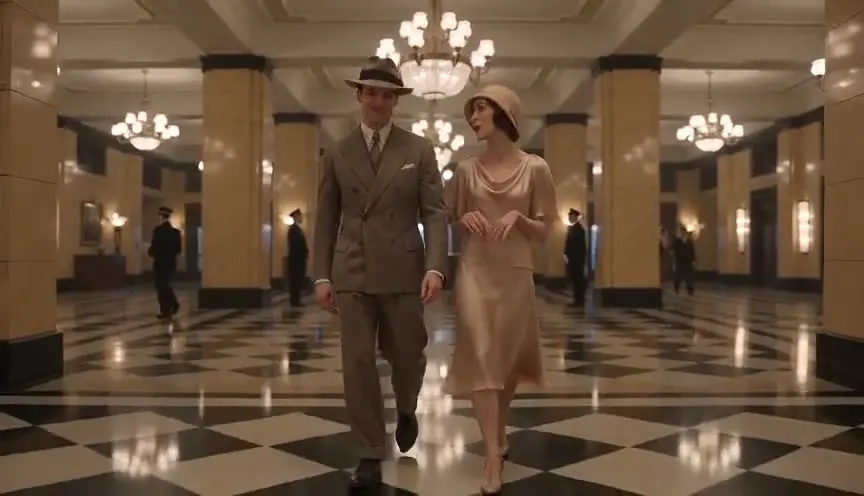
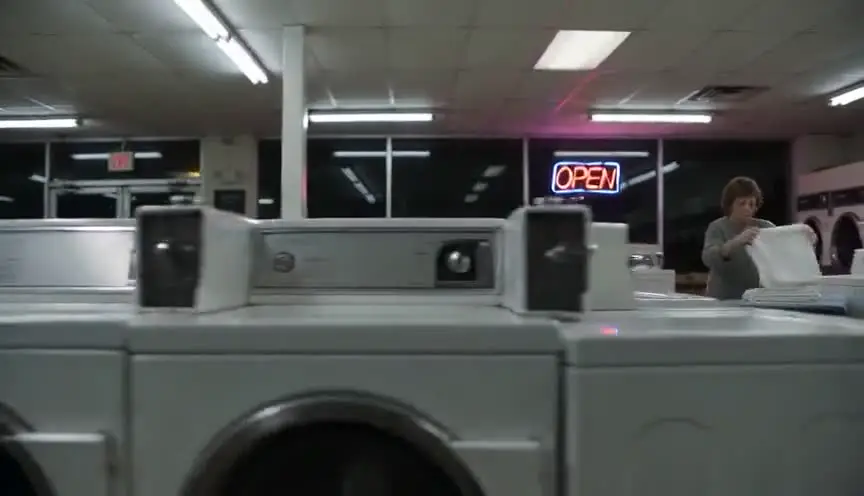
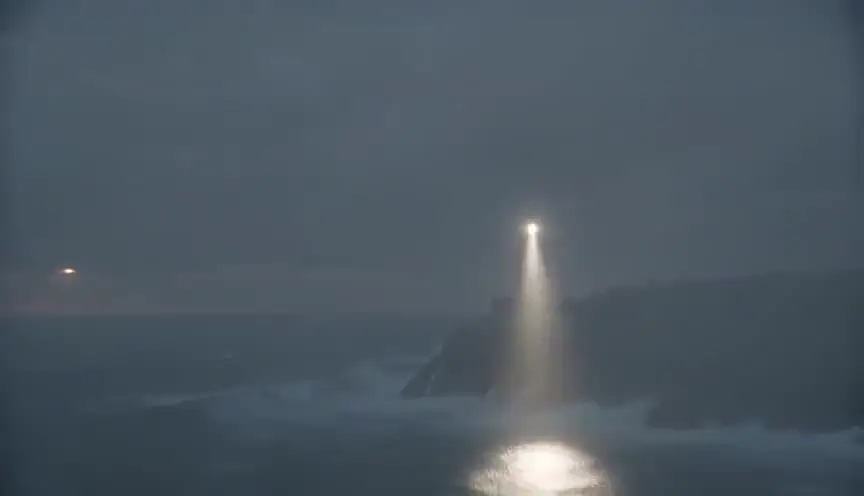
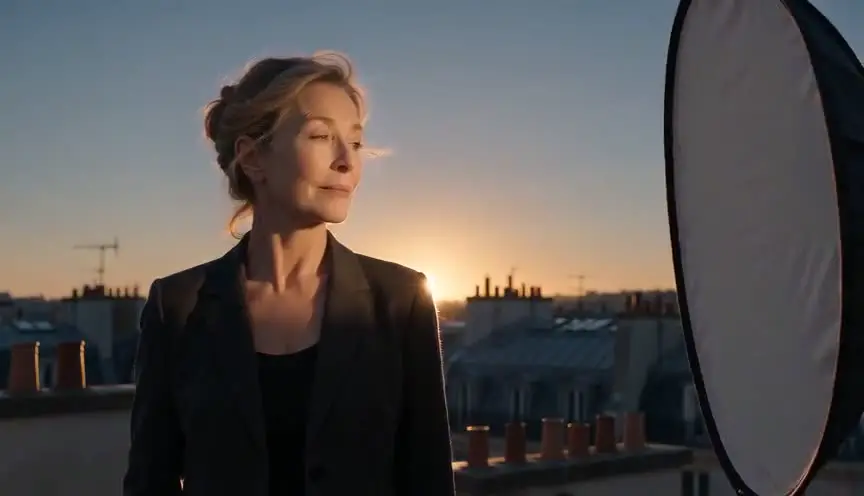
ตัวสร้างพรอมป์ตวิดีโอ AI
พรอมป์ตเชิงภาพยนตร์สำหรับ Veo, Sora, Runway และ Kling
อธิบายช็อตของคุณแบบที่ผู้กำกับบรีฟผู้กำกับภาพ ทั้งตัวแบบ แอ็กชัน ขนาดภาพ การเคลื่อนกล้อง และแสง ตัวสร้างฟรีนี้จะประกอบตัวเลือกเหล่านั้นเป็นพรอมป์ตที่มีโครงสร้างซึ่งโมเดลข้อความสู่วิดีโออ่านได้อย่างน่าเชื่อถือ แทนที่จะเป็นสายคำคุณศัพท์ที่เดาเอา
โมเดลวิดีโอ AI ตอบสนองดีที่สุดต่อไวยากรณ์หนังจริงที่เรียงลำดับคงที่ ขนาดภาพ ตัวแบบ แอ็กชัน ฉาก การเคลื่อนกล้อง แสง บุคลิกของเลนส์ สไตล์ และอารมณ์ นั่นคือโครงสร้างที่เครื่องมือนี้สร้างขึ้นพอดี พร้อมผลลัพธ์เป็นข้อความหรือ JSON ที่คัดลอกได้ทันที
การประกอบพรอมป์ตให้ผลแน่นอนและทำงานในเบราว์เซอร์ของคุณทั้งหมด ไม่มีสิ่งที่คุณพิมพ์ถูกส่งไปยังเซิร์ฟเวอร์ใด
เลือกขนาดภาพ การเคลื่อนกล้อง และลุค เว้นว่างช่องที่ไม่ต้องการเพื่อให้พรอมป์ตกระชับ
พรอมป์ตของคุณ
อธิบายตัวแบบด้านบนแล้วพรอมป์ตของคุณจะประกอบขึ้นตรงนี้
วิธีการทำงาน
ตัวสร้างจะเรียงตัวเลือกของคุณตามลำดับที่โมเดลข้อความสู่วิดีโออ่านได้ดีที่สุด ขนาดภาพก่อน แล้วตัวแบบกับแอ็กชัน ตามด้วยฉาก การเคลื่อนกล้อง แสง เลนส์ สไตล์ และอารมณ์ ทุกตัวเลือกมาจากคำศัพท์การถ่ายภาพยนตร์จริง เป็นขนาดภาพและการเคลื่อนกล้องชุดเดียวกับที่รายการช็อตใช้ โมเดลจึงได้รับคำสั่ง ไม่ใช่คำบรรยายบรรยากาศ แท็บ JSON ให้ช็อตเดียวกันในรูปแบบข้อมูลที่มีโครงสร้าง เหมาะกับไปป์ไลน์และการทำงานเป็นชุด
วิธีเขียนพรอมป์ตวิดีโอ AI ที่ได้ผลจริง
ความล้มเหลวที่พบบ่อยที่สุดของวิดีโอ AI ไม่ใช่ที่โมเดล แต่อยู่ที่พรอมป์ต กองคำคุณศัพท์เชิงสไตล์ที่ไม่มีตัวแบบชัดเจน ไม่มีแอ็กชันที่เป็นรูปธรรม และไม่มีคำสั่งเรื่องกล้อง โมเดลจะเติมทุกช่องว่างที่ไม่ได้ระบุด้วยจินตนาการของมันเอง ผลลัพธ์จึงเพี้ยนไปคนละทางในแต่ละครั้ง
พรอมป์ตที่แข็งแรงอ่านเหมือนคำบรรยายช็อต ไม่ใช่มูดบอร์ด ตัวแบบหนึ่ง แอ็กชันหนึ่งที่กล้องถ่ายได้จริง ขนาดภาพหนึ่ง การเคลื่อนกล้องหนึ่ง «ภาพใกล้ของนักสืบผ่านโลกจุดบุหรี่ในตรอกเปียกฝน ค่อย ๆ ดันกล้องเข้า แสงนีออนยามค่ำคืน» ชนะ «บรรยากาศนัวร์ระดับหนังใหญ่ 4K ผลงานชิ้นเอก» ในทุกโมเดลหลัก
ความคงเส้นคงวาข้ามช็อตมาจากการทำซ้ำ ไม่ใช่โชค ล็อกคำบรรยายตัวแบบและฉากไว้แบบคำต่อคำแล้วใช้ซ้ำในทุกพรอมป์ของซีเควนซ์ โดยเปลี่ยนแค่ไวยากรณ์ของช็อต นั่นคือวิธีที่คนทำหนังด้วย AI ทำให้ตัวละครยังจำได้ตั้งแต่ภาพกว้างไปจนถึงภาพใกล้
เหมาะกับใคร
- คนทำหนังด้วย AI สร้างชุดพรอมป์ตที่เข้ากันสำหรับทั้งซีเควนซ์ แทนที่จะด้นคลิปทีละอันจากความจำ
- ผู้กำกับที่ทำพรีวิชวลไลซ์ สั่งภาพกว้าง ภาพครึ่งตัว และภาพใกล้ของช่วงเวลาเดียวกันเพื่อทดสอบการถ่ายคลุมก่อนถ่ายจริง
- คนทำคอนเทนต์และสตูดิโอ ได้พรอมป์ตช็อตที่ทำซ้ำได้และคุณภาพระดับงานพาณิชย์ โดยไม่ต้องไปเรียนตำนานเรื่องพรอมป์ตจากกระทู้ที่กระจัดกระจาย
เริ่มจากบทภาพยนตร์แล้วได้สตอรีบอร์ด
ScreenWeaver แบ่งบทของคุณออกเป็นช็อต แล้วสร้างสตอรีบอร์ดจากบทนั้น คุณกำหนดขนาดภาพ มุมกล้อง การเคลื่อนกล้อง และความยาวได้เอง ตัวละครคงเดิมในทุกช็อต
- 0 ดอลลาร์ ไม่มีวันหมดอายุ
- ส่งออกเป็น PDF และ Final Draft
- Mac, Windows, Linux, iPad

ตัวสร้างพรอมป์วิดีโอ AI: คู่มือฉบับเต็ม
มันประกอบพรอมป์เชิงภาพยนตร์ที่มีโครงสร้าง จากภาษาหนังจริง ทั้งขนาดช็อต การเคลื่อนกล้อง แสง บุคลิกของเลนส์ สไตล์ และอารมณ์ เรียงตามลำดับที่โมเดลข้อความเป็นวิดีโออ่านได้ดีที่สุด
ในงานแบบนี้ ปัญหาหลักชัดเจนอยู่แล้ว: พรอมป์วิดีโอ AI ส่วนใหญ่เป็นคำขยายที่ต่อกันแบบด้นสด ผลลัพธ์จึงเพี้ยนไปเรื่อยระหว่างการเจน และไม่เคยตรงกับช็อตที่คนทำนึกไว้ ถ้าปล่อยไว้ มันจะไปสร้างความติดขัดในขั้นถัดไปและทำให้ตัดสินใจช้าลง เป้าหมายที่จับต้องได้คือ พรอมป์ที่สม่ำเสมอ เขียนด้วยไวยากรณ์หนังจริง ๆ ซึ่งบอก Veo, Sora, Runway, Kling หรือ Seedance ได้ตรงว่าต้องสร้างช็อตแบบไหน
ข้อจำกัดที่ควรจำไว้: มันสร้างพรอมป์ ไม่ได้สร้างวิดีโอ แต่ละโมเดลตีความภาษาต่างกัน และการรักษาตัวละครหรือสถานที่ให้เหมือนเดิมข้ามช็อตต้องใช้วิธีทำงาน ไม่ใช่พรอมป์เดียว
การใช้งานขั้นสูง: คนทำหนัง AI ที่จริงจังจะมีชีตพรอมป์ต่อหนึ่งฉาก ล็อกคำบรรยายตัวละครและสถานที่ที่ใช้ซ้ำแบบคำต่อคำ และเปลี่ยนแค่ไวยากรณ์ของช็อตระหว่างการเจน
วิธีทำทีละขั้น
- อธิบายตัวแบบและการกระทำด้วยภาษาตรงไปตรงมาและจับต้องได้ คือสิ่งที่กล้องจะเห็นจริง
- เลือกขนาดช็อตและการเคลื่อนกล้องที่ช่วงเวลานี้ต้องการ เหมือนที่คุณจะบรีฟผู้กำกับภาพ
- เลือกแสง บุคลิกเลนส์ สไตล์ และอารมณ์ แล้วคัดลอกพรอมป์ที่ประกอบแล้วหรือรูปแบบ JSON
- ใช้คำบรรยายตัวแบบและสถานที่แบบเดียวกันเป๊ะ ๆ ในทุกช็อตของฉาก เพื่อรักษาความต่อเนื่อง
ตัวอย่างการใช้งานตามบทบาท
- คนทำหนัง AI: สร้างชุดพรอมป์ที่เข้ากันทั้งซีเควนซ์ แทนที่จะด้นสดทีละคลิป
- ผู้กำกับ: พรีวิชวลไลซ์คัฟเวอเรจของฉาก ด้วยการเจนช็อตกว้าง ช็อตกลาง และโคลสอัพของช่วงเดียวกัน
- ครีเอเตอร์: ได้ช็อตคุณภาพงานโฆษณาที่ทำซ้ำได้ โดยไม่ต้องไปเก็บสูตรกระจัดกระจายตามเธรด
ข้อผิดพลาดที่พบบ่อย
- กองคำขยายสไตล์สิบคำ แทนที่จะมีตัวแบบชัดหนึ่งอย่าง การกระทำหนึ่งอย่าง และคำสั่งกล้องหนึ่งอย่าง
- เปลี่ยนคำบรรยายตัวแบบระหว่างช็อต แล้วสงสัยว่าทำไมหน้าตัวละครเพี้ยนไป
- พรอมป์ความรู้สึกแบบนามธรรม แทนที่จะบรรยายสิ่งที่ถ่ายได้จริงในเฟรม
แนวปฏิบัติของมืออาชีพ
- หนึ่งพรอมป์ต่อหนึ่งช็อต อธิบายการตั้งกล้องเดียว ไม่ใช่คัฟเวอเรจทั้งฉาก
- รูปธรรมชนะนามธรรม 'ฝนหยดจากบันไดหนีไฟ' ได้ผลกว่า 'บรรยากาศหม่นเศร้า'
- เก็บบล็อกคำบรรยายที่ล็อกไว้ของตัวละครประจำ แล้ววางเหมือนเดิมทุกครั้งในทุกพรอมป์
ให้ถือว่าผลลัพธ์จากเครื่องมือนี้เป็นตัวช่วยตัดสินใจ ไม่ใช่ตัวแทนการเขียน บทที่ดีถูกจดจำจากการเลือกที่เฉพาะเจาะจง ความแม่นยำทางอารมณ์ และความชัดเจนของการเคลื่อนของเรื่อง เครื่องมือช่วยตัดเสียงรบกวนออก เพื่อให้แรงของคุณไปลงตรงที่สำคัญจริง ๆ คือตัวละคร ความขัดแย้ง การยกระดับ และการจ่ายคืน ถ้าคุณทบทวนผลลัพธ์หลังทุกรอบและจดบันทึกสิ่งที่ยอมรับไว้ วิธีทำงานของคุณจะเร็วขึ้นและคาดเดาได้มากขึ้นจากร่างหนึ่งไปอีกร่างหนึ่ง ความสม่ำเสมอแบบนี้คือสิ่งที่คนทำงานมืออาชีพให้ค่า คือเซอร์ไพรส์น้อยลง เหตุผลชัดขึ้น และบทที่พัฒนาไปอย่างมีเจตนา
คำถามเชิงลึก
พรอมป์วิดีโอ AI ที่ดีเป็นยังไง
ตัวแบบชัดหนึ่งอย่าง การกระทำที่จับต้องได้หนึ่งอย่าง คำสั่งกล้องหนึ่งอย่าง แล้วค่อยตามด้วยแสงและสไตล์ โมเดลอ่านไวยากรณ์หนังที่มีโครงสร้างได้ดีกว่ากองคำขยายมาก และนั่นคือสิ่งที่ตัวสร้างนี้ประกอบให้
พรอมป์ใช้ได้เหมือนกันทั้ง Veo, Sora, Runway และ Kling ไหม
โครงสร้างหลักย้ายข้ามโมเดลใหญ่ได้ดี แต่แต่ละตัวตีความภาษาต่างกันเล็กน้อย พรอมป์ที่ได้เป็นจุดตั้งต้นที่ดี เผื่อปรับหนึ่งถึงสองรอบต่อโมเดล
จะให้ตัวละครเหมือนเดิมข้ามช็อตได้ยังไง
ล็อกคำบรรยายรูปลักษณ์แบบคำต่อคำ แล้วใช้ซ้ำในทุกพรอมป์ ความสม่ำเสมอมาจากการใช้ถ้อยคำเดิม ซึ่งง่ายกว่าเมื่อพรอมป์มาจากเครื่องมือที่มีโครงสร้าง ไม่ใช่จากความจำ
ควรใช้พรอมป์แบบข้อความหรือ JSON
โมเดลส่วนใหญ่รับภาษาธรรมชาติ ซึ่งเป็นค่าเริ่มต้นที่นี่ JSON มีประโยชน์กับสายงานที่มีโครงสร้าง งานเป็นชุด และเครื่องมือที่รับข้อมูลเป็นฟิลด์
ทำไมผลลัพธ์เปลี่ยนทุกครั้งที่เจน
พรอมป์คลุมเครือเปิดทางให้โมเดลคิดใหม่ทั้งหมด ยิ่งระบุตัวแบบ การกระทำ การจัดเฟรม และแสงชัดเท่าไร โมเดลก็มีอิสระน้อยลงและผลลัพธ์ก็ทำซ้ำได้มากขึ้น
ใช้ทำหนังสั้น AI ทั้งเรื่องได้ไหม
ได้ ถือว่าแต่ละพรอมป์คือหนึ่งช็อตในลิสต์ช็อตของคุณ วางแผนซีเควนซ์ก่อน ล็อกคำบรรยายตัวแบบและสถานที่ให้เหมือนกัน แล้วเจนทีละช็อตเหมือนกองถ่ายเก็บคัฟเวอเรจ
คำถามที่พบบ่อย
ได้ โครงสร้างพรอมป์ตที่มันสร้าง (ขนาดภาพ ตัวแบบ แอ็กชัน ฉาก การเคลื่อนกล้อง แสง สไตล์) ใช้ข้ามโมเดลข้อความสู่วิดีโอหลักได้ทั้งหมด แต่ละโมเดลตีความภาษาต่างกันเล็กน้อย จึงควรเผื่อรอบปรับแต่งหนึ่งรอบต่อโมเดล
ไม่ มันประกอบตัวเลือกของคุณอย่างแน่นอนตายตัวโดยใช้ไวยากรณ์หนังจริง ทำงานในเบราว์เซอร์ ไม่มีการเรียก API คุณจะได้พรอมป์ตเดิมทุกครั้งเมื่อใส่ข้อมูลเดิม ซึ่งเป็นสิ่งที่ความคงเส้นคงวาระหว่างช็อตต้องการพอดี
ข้อความใช้ได้กับช่องพรอมป์ตของทุกโมเดลหลัก ส่วน JSON มีประโยชน์กับไปป์ไลน์ที่มีโครงสร้าง การเจนเป็นชุด และเครื่องมือที่รับข้อมูลแบบแยกฟิลด์
ใช้คำบรรยายตัวแบบชุดเดิมคำต่อคำในทุกพรอมป์ของซีเควนซ์ แล้วเปลี่ยนแค่ประเภทช็อต การเคลื่อนกล้อง และแอ็กชันระหว่างการเจนแต่ละครั้ง
พรอมป์ตที่คลุมเครือปล่อยให้โมเดลคิดใหม่ทุกอย่างที่ไม่ได้บอกไว้ ยิ่งคุณระบุตัวแบบ แอ็กชัน ขนาดภาพ และแสงเป็นรูปธรรมมากเท่าไร อิสระของมันก็ยิ่งแคบลงและผลลัพธ์ก็ยิ่งทำซ้ำได้
Related tools
ตัวแบ่งฉากเป็นคลิป
แบ่งฉากเป็นคลิปวิดีโอ AI ที่พอดีกับข้อจำกัดความยาวของโมเดลคุณ
แผ่นคุมความคงเส้นคงวาของตัวละคร AI
สร้างบล็อกตัวละครที่ใช้ซ้ำได้ เพื่อกันตัวละครเพี้ยนข้ามคลิป
พรอมป์ตการเคลื่อนกล้อง
คลังการเคลื่อนกล้องแบบเคลื่อนไหวพร้อมพรอมป์ตให้คัดลอก
ตัวสร้างแบบฟอร์มสตอรีบอร์ด
สร้างแผ่นสตอรีบอร์ดพร้อมพิมพ์ในอัตราส่วนภาพใดก็ได้
You can also browse the full library on /tools.
Core blog guides
- Idea → first draft (process hub)
- Screenplay format guide 2026
- Hidden costs of “free” software
- Affordable software & TCO
- Revision passes (structure → dialogue)
เทคนิคการถ่ายหนัง
เทคนิคภาพยนตร์ที่น่าสำรวจ
แต่ละเทคนิคมีคลิปสั้น ตัวอย่างบทภาพยนตร์ และบรรทัดในช็อตลิสต์