
For the last decade, choosing screenwriting software has felt like choosing a character class in an RPG. You had to pick your trade-off.
Do you want the Industry Standard (Final Draft)? Then you lose modern collaboration.
Do you want Real-Time Collaboration (WriterDuet)? Then you lose the robust offline production tools.
Do you want Budget-Friendly (Fade In)? Then you lose the fancy templates and boarding features.
Do you want All-in-One Production (Celtx)? Then you pay a monthly premium that rivals your car insurance.
Writers in 2026 are tired of compromising. We are tired of the "Patchwork Workflow",writing in one app, exporting to PDF, emailing it for notes, importing it back, and losing half our formatting in the process.
We built ScreenWeaver to be the answer to this fragmentation. We didn't just want to be "another option." We wanted to be the synthesis. The tool that takes the stability of Final Draft, the fluidity of WriterDuet, the scope of Celtx, and the value of Fade In,and then adds a layer of AI visualization that none of them have touched.
If you are looking for an alternative to the "Big Four," here is why ScreenWeaver is the last switch you’ll ever need to make.
Read the craft spine in parallel: idea to first draft, TCO, revision passes, and PDF vs FDX. Vendor homes (we are not affiliated): Final Draft, WriterDuet, Celtx, Fade In.
The State of the Market
Final Draft
The 800lb Gorilla.
- Pros: Industry acceptance, robust tagging, stable.
- Cons: Expensive updates, archaic UI, weak real-time collab, zero visual tools.
WriterDuet
The Google Docs of Scripts.
- Pros: Best-in-class real-time collaboration, browser-based.
- Cons: Can feel lightweight for heavy production, subscription fatigue, text-only focus.
Celtx
The Studio Suite.
- Pros: Great integration with budgeting/scheduling.
- Cons: Expensive recurring costs, writing interface is secondary to production tools.
Fade In
The Reliable Underdog.
- Pros: Affordable one-time cost, clean interface, robust.
- Cons: Lacks the "ecosystem" features, no major innovation in years.
The ScreenWeaver Unification
When we designed ScreenWeaver, we didn't ask "How do we beat Final Draft's SmartType?" We asked, "What does the entire workflow look like?"
1. Formatting (The Final Draft & Fade In Pillar)
We use a proprietary engine that ensures 100% FDX compatibility. You can open a Final Draft 13 file in ScreenWeaver, edit it, and send it back without a single margin shifting. We respect the industry standard because we know you have to get your script read by people who still live in 1999.
2. Collaboration (The WriterDuet Pillar)
Writing is lonely, but filmmaking is collaborative. ScreenWeaver’s multiplayer engine is built on modern CRDT technology (the same tech behind Figma). It’s faster and more conflict-resistant than the legacy syncing used by older competitors.
3. Production Context (The Celtx Pillar)
We don't bloat the software with full accounting suites, but we give you the data. Our "Entity Recognition" automatically tracks characters, locations, and props as you write, so when you are ready to export for a Line Producer, the breakdown is already 50% done.
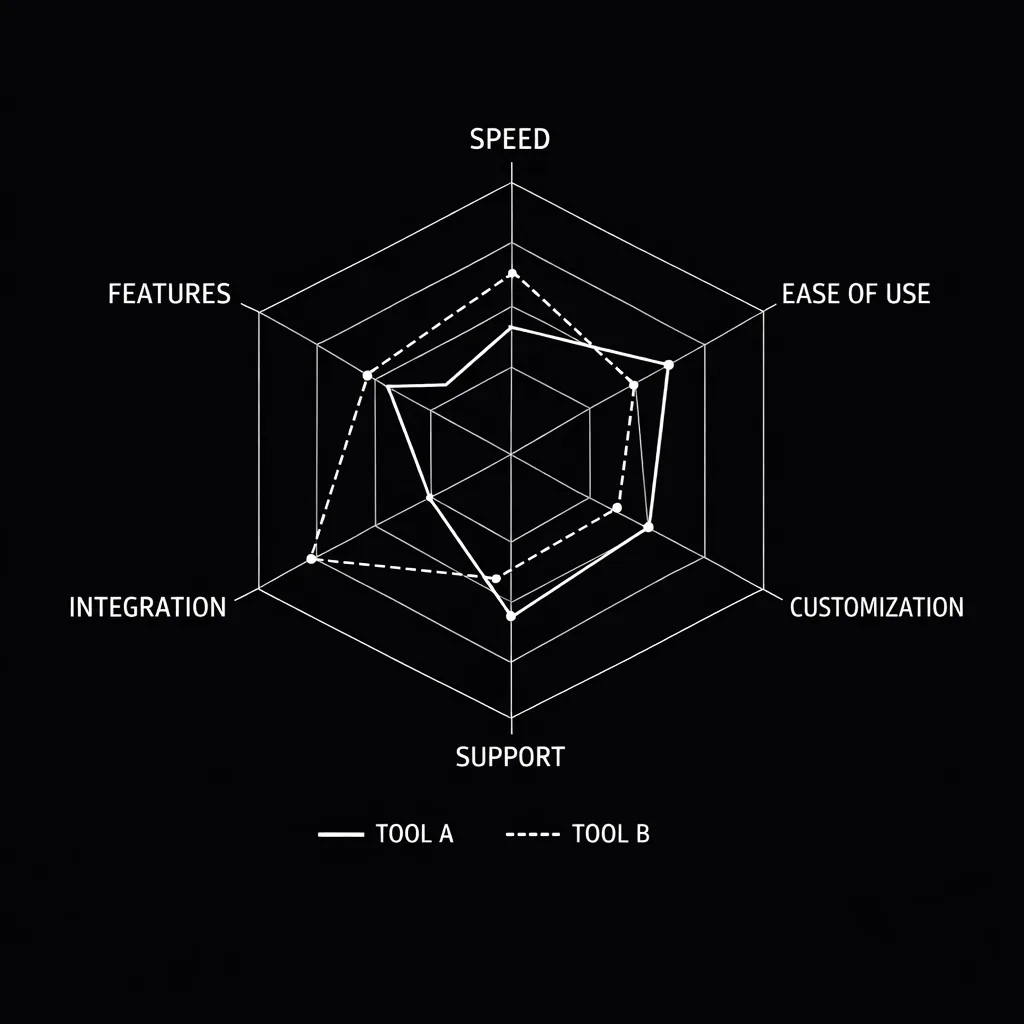
Visualizing the Feature Gap: While competitors specialize, ScreenWeaver generalizes without compromising depth.
The "Killer Feature": Why We Are Different
If the comparison stopped there, ScreenWeaver would be a "Better Mouse Trap." But we didn't want to just build a better typewriter. We wanted to build a Vision Engine.
None of the "Big Four" help you see.
- Final Draft shows you courier font.
- WriterDuet shows you courier font (with colored cursors).
- Fade In shows you courier font (cleanly).
ScreenWeaver shows you the movie.
Our Generative Visual Engine runs in parallel with your text.
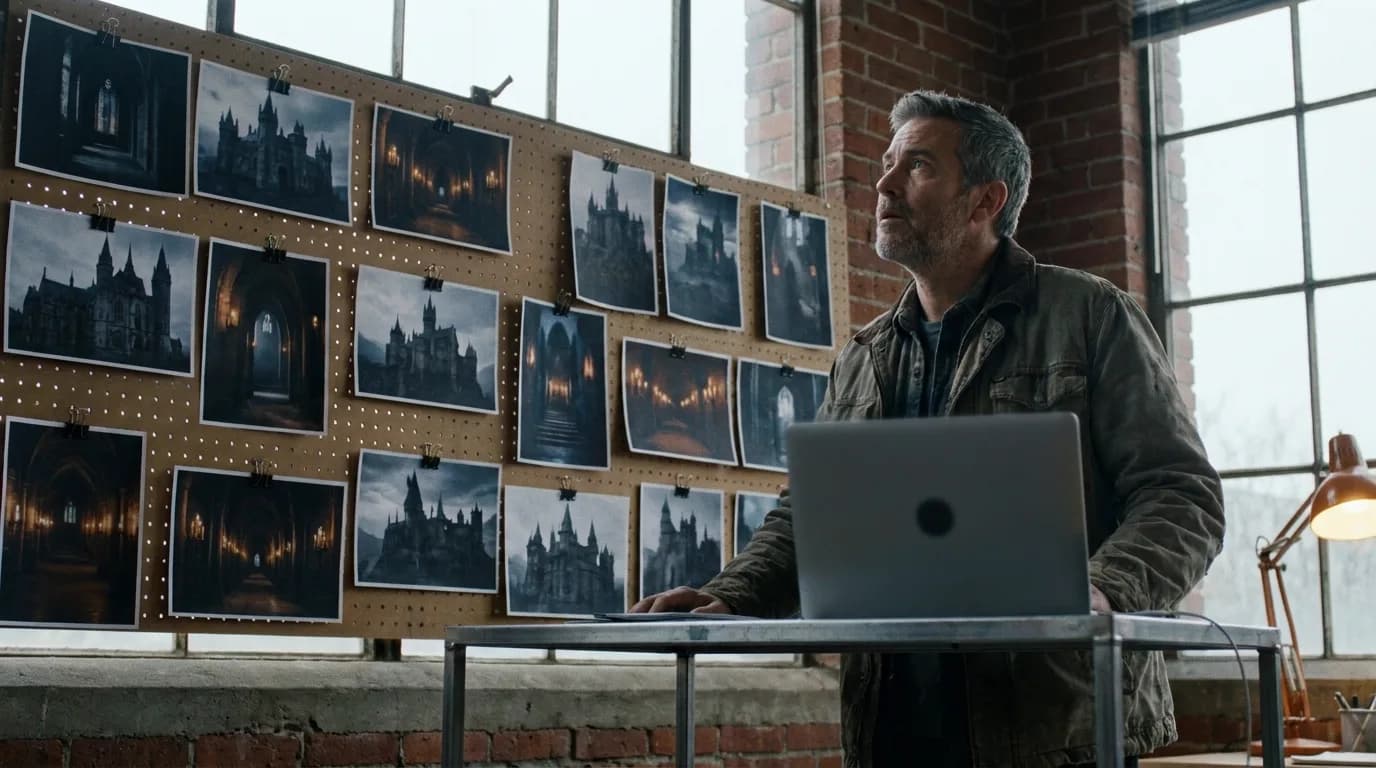
"When I write 'EXT. CYBERPUNK ALLEY - NIGHT', ScreenWeaver doesn't just format the slugline. It generates a mood board of neon-soaked rain and wet pavement in the sidebar. It keeps me in the vibe."
This isn't distraction; it's inspiration. And when you are done? You don't just export a script. You export a Visual Bible. You can send a producer a link where they can read the script and see the concept art for the locations.
"But I Have 10 Years of Scripts in FDX..."
We know. Switching software is scary. That is why we built the Universal Importer.
You can drag and drop a folder of Final Draft files, Celtx backups, or PDFs into ScreenWeaver. We preserve your revision history, your scene numbers, and your omitted scenes.
We also respect your wallet.
- No $250 upfront cost. (Looking at you, Final Draft).
- No "locked features" behind Enterprise tiers. (Looking at you, Celtx).
- A generous Free Tier that lets you actually write, not just "view."
If the upfront price is what keeps you on Final Draft, our free Final Draft alternative page lays out the plans side by side.
The Future is Here
The era of "The Big Four" is ending. The silos are breaking down.
You deserve a tool that writes as fast as you think, connects you with your team instantly, and helps you sell your vision with more than just words.
ScreenWeaver isn't just an alternative. It's the upgrade.
Import Your Legacy. Build Your Future.
Switch to ScreenWeaver today. It takes 30 seconds to import your script.
Make the SwitchFinal Step
Build your next script with Screenweaver
Move from ideas to production-ready pages faster with timeline-native writing and AI-assisted story flow.
Try Screenweaver