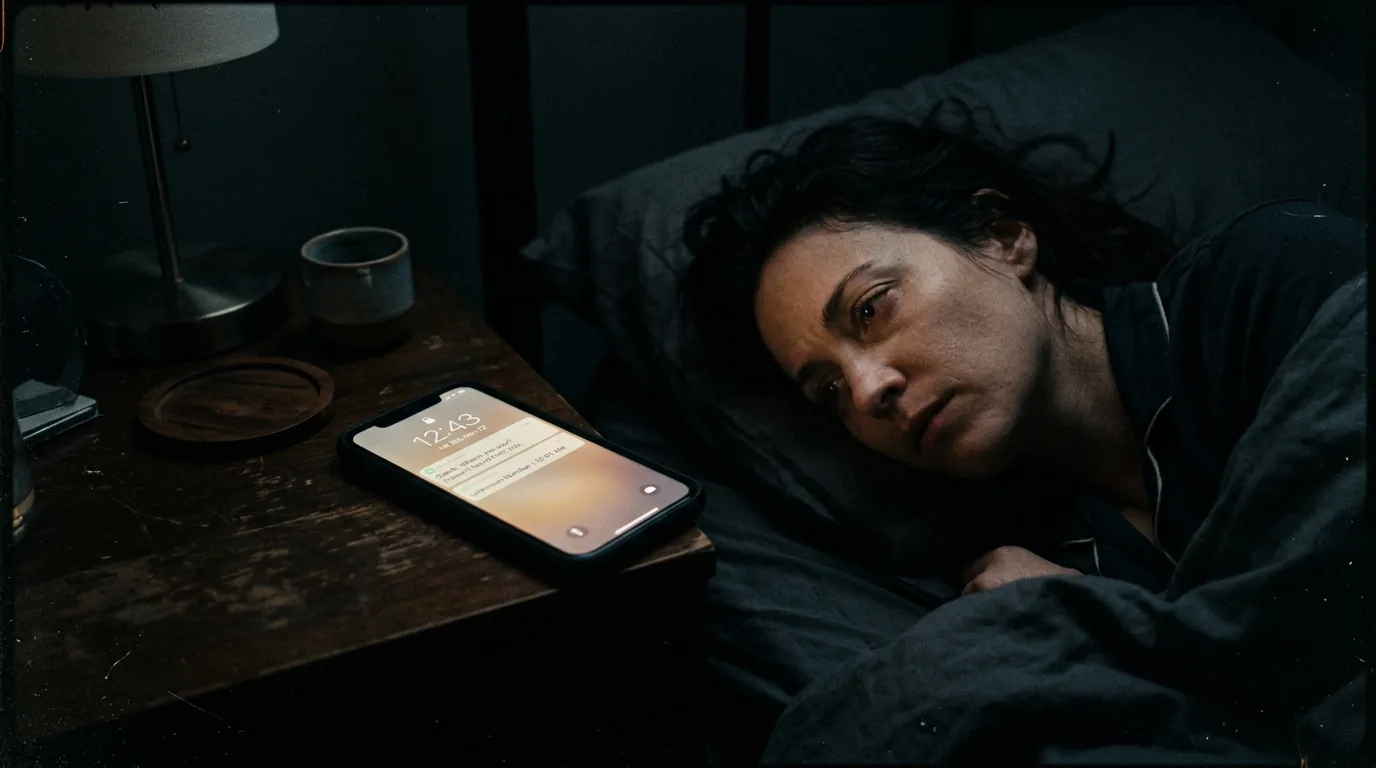

A phone buzzes on a kitchen counter.
LOCK SCREEN: MOM CALLING.
Ignored.
Three seconds later:
EMERGENCY ALERT: SHELTER IMMEDIATELY.
Now the same character who refused to answer must decide whether denial is still possible.
That is on-screen notification writing doing narrative work.
Most beginner scripts either underwrite these beats (“phone buzzes”) or over-design them with app-like UI descriptions that clog page flow. Both versions miss the core point: notifications are not decorative tech realism. They are compressed decision triggers.
Here’s why that matters: modern stories run on incoming signals. If your formatting for alerts is vague, readers lose source clarity and consequence timing. If it is too detailed, they drown in interface noise.
Good notification formatting is a balance between legibility and pressure.
Think about it this way: an on-screen alert is a tiny scene inside a larger scene. It needs setup, impact, and behavioral aftermath.
Cinematic workflow frames

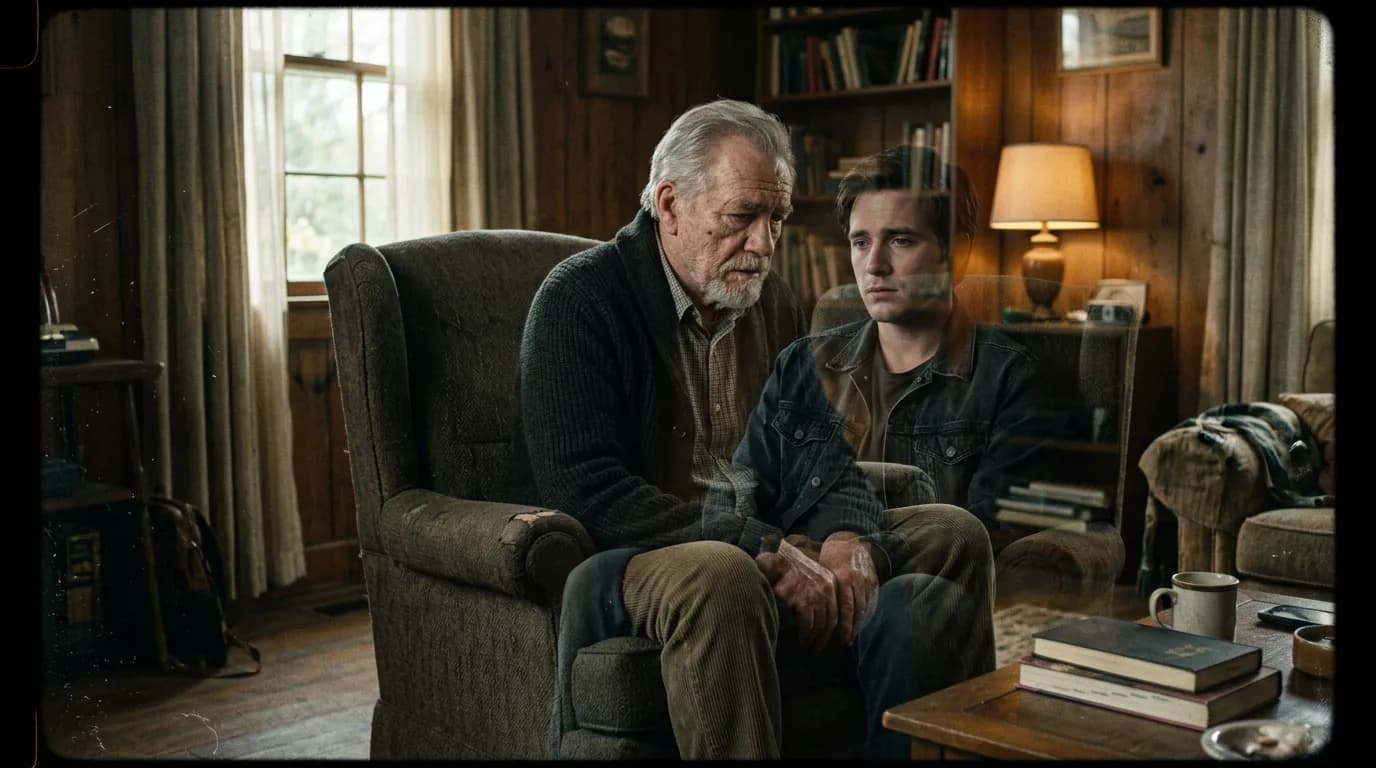
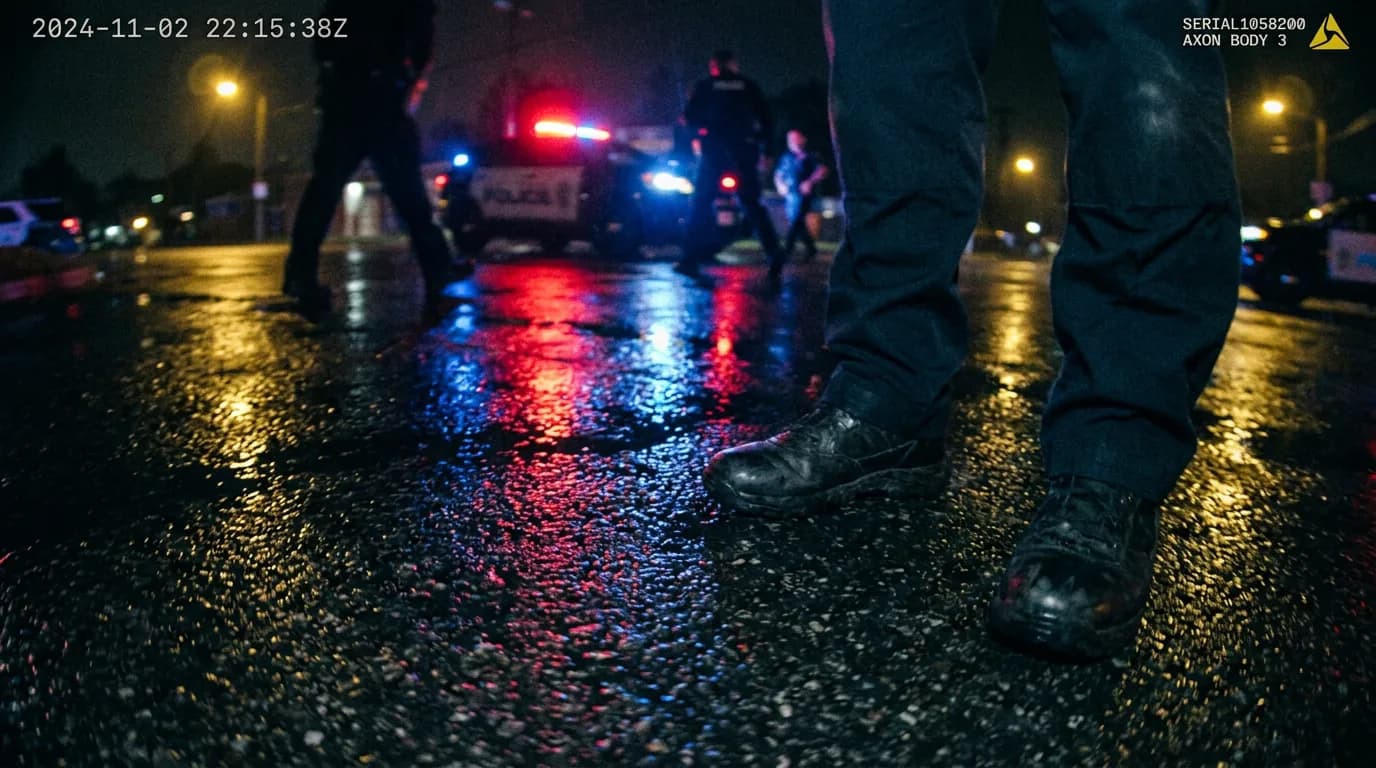
These two visuals work as a pair: the first shows Cinematic workflow still, first angle, 35mm film grain, and the second shifts to Cinematic workflow still, second angle, 35mm film grain - compare them briefly, then move on.

What Counts as an On-Screen Notification in Script Terms
Writers often lump together different signal types:
text pop-ups,
lock-screen banners,
app alerts,
system warnings,
calendar reminders,
bank fraud alerts,
emergency public broadcasts,
in-app DM overlays,
smartwatch pings,
car dashboard warnings.
They are not interchangeable.
Each carries different authority and urgency.
A “new like” notification does not function like a civil defense warning.
Your formatting should reflect source hierarchy so readers instantly infer stakes.
Notification scenes are strongest when source authority, timing, and behavioral consequence are obvious at a glance.
Core Formatting Patterns That Work
There is no single mandatory style, but consistency and parse speed are non-negotiable.
Pattern 1: Action Line + ALL CAPS Notification Text
Example:
Her phone lights up.
ON SCREEN: EMERGENCY ALERT - SHELTER IMMEDIATELY.
Clean and widely readable.
Pattern 2: ON SCREEN Labels with Device Context
ON MAYA'S PHONE:
UNKNOWN NUMBER: "OPEN THE DOOR."
Useful when multiple devices are active in same scene.
Pattern 3: Notification as Interruption Beat
Treat alerts as momentum disruptions, not passive details.
Insert reaction immediately after key alert to keep causality alive.
Pattern 4: Minimal UI Metadata
Include only metadata that changes interpretation (sender, timestamp, priority level, icon class) and omit ornamental app chrome.
Comparison Table: Clarity vs Detail
| Approach | Best Use Case | Strength | Risk |
|---|---|---|---|
Action + ON SCREEN text | Most genres | Fast readability | Can blur source if many devices present |
| Device-scoped labels | Multi-device scenes | Strong source clarity | Repetitive if overused |
| High-detail UI description | Tech-thriller specifics | Precise interface context | Page clutter and pacing drag |
| Alert-as-beat structure | Tension and reversals | Strong consequence flow | Feels mechanical if every beat uses same pattern |
Three Beginner Scenarios That Commonly Fail
Scenario 1: The Thriller Scene With Generic Buzzing
Script repeatedly says “phone buzzes” but never shows message content.
Result: alerts feel empty and interchangeable.
Fix: surface only mission-critical alert text and immediate behavioral shift.
Scenario 2: The Social Drama Overloaded with App UI
Writer details font, button colors, and icon positions on every message.
Result: screenplay reads like product documentation.
Fix: trim to narrative-essential elements only.
Scenario 3: The Disaster Sequence With Alert Flood
Multiple alerts appear at once across TV, phone, smartwatch, laptop, with no hierarchy.
Result: reader cannot parse signal priority.
Fix: designate one primary channel per beat and stage secondary channels as support.
Step-by-Step Workflow for Notification-Driven Scenes
Step 1: Define Alert Function
Each alert should do one primary job:
warn,
reveal,
mislead,
escalate,
redirect,
expose.
If an alert does none of these, cut it.
Step 2: Map Source Authority Ladder
Rank your channels by trust and urgency in scene world:
official emergency system,
known contact,
unknown sender,
social feed rumor,
automated app noise.
This helps avoid false equivalence.
Step 3: Choose Notification Formatting Syntax
Pick one syntax and stick to it:
ON SCREEN:
ON [DEVICE]:
or structured alert labels.
Consistency beats novelty.
Step 4: Write Alerts as Time-Critical Inserts
Keep alert text short and loaded.
Long messages kill urgency.
One line often lands harder than a paragraph.
Step 5: Pair Every Major Alert With Action
Alert arrives.
Character reacts.
Choice changes.
Without this sequence, alerts feel like set dressing.
Step 6: Control Alert Frequency
Frequent alerts desensitize both character and reader.
Use spacing and escalation logic so each important notification feels distinct.
Step 7: Run a Signal-Only Read
Read only ON SCREEN / alert lines and immediate action responses.
Can you reconstruct threat progression?
If not, tighten source clarity and consequence chain.
Body Image: Notification Hierarchy Map

The Trench Warfare Section: What Beginners Get Wrong and Exact Fixes
This is where notification-heavy scripts usually break.
Failure 1: Alert Content Hidden or Vague
Reader sees buzz but not meaning.
Fix: display key text for alerts that affect decisions.
Failure 2: No Source Context
Unclear whether alert is system-level, app-level, or personal contact.
Fix: include source identity in first line.
Failure 3: UI Overdescription
Design-level detail overwhelms narrative function.
Fix: include only interpretation-critical UI info.
Failure 4: Repetitive Alert Rhythm
Every beat is buzz -> read -> stare.
Fix: vary response patterns and consequences.
Failure 5: No Priority Hierarchy
Minor and major alerts treated equally.
Fix: stage one primary signal at a time, with clear urgency cues.
Failure 6: Alerts Without Behavioral Impact
Character receives high-stakes warning and keeps doing same thing.
Fix: tie major alerts to immediate objective adjustment.
Failure 7: Overusing Unknown Sender Mystery
Too many cryptic pings dilute threat.
Fix: escalate unknown alerts with concrete stakes quickly.
Failure 8: Inconsistent Formatting Across Draft
ON SCREEN, TEXT, MESSAGE POPUP all mixed randomly.
Fix: normalize syntax in final pass.
Failure 9: Notification Cramming in Action Blocks
Multiple alerts stuffed into long paragraphs.
Fix: isolate key alerts on dedicated lines.
Failure 10: No Post-Alert Residue
Alert passes with no lasting scene consequence.
Fix: leave behavioral residue that affects next scene.
Alerts should trigger choices, not just atmosphere.
Try it free
Try Screenweaver for free on your script
It is free. Import your existing project, get a clearer view of your outline, and regain control of your story structure in minutes.
Start FreeAdvanced Craft: Notification Design as Psychological Pressure
Strong writers use notifications to externalize internal denial.
A character can ignore one warning.
Ignore two.
On third, the cost becomes visible.
That progression dramatizes psychology without speech.
You can also use conflicting channels to stage truth instability.
Official alert says “all clear.”
Private message says “do not go outside.”
Live map shows roads shutting down.
Now the scene is not just about receiving information. It is about choosing which system to trust.
This is powerful in thrillers, political dramas, techno-paranoia, and even intimate relationship stories where receipts and digital traces become moral evidence.
Another advanced move is delayed alert payoff. An ignored notification in Act One returns as catastrophic consequence in Act Three. If planted cleanly, this feels inevitable rather than contrived.
Software Workflow and Revision Discipline
Notification scenes decay during rewrites when syntax drifts and alert importance blurs.
Create a style key:
notification label format
device scoping rule
max metadata rule
reaction pairing rule
Then run search normalization across terms like ON SCREEN, TEXT, ALERT, NOTIFICATION.
Do a skim pass reading only alert lines and one following action line. This should tell a coherent escalation story.
For produced-script readability comparison in modern digital storytelling, the <a href="https://www.scripts.com/" rel="nofollow">Scripts.com script archive</a> can be useful for reference patterns, but your own consistency and consequence logic should govern final format.
As discussed in our guide on [screenplay formatting for FaceTime and video chat scenes], mediated communication scenes live or die on source clarity and timed reactions.
If your alert sequence intersects with emergency radio channels, pair with [how to format a radio broadcast in a script] to separate official broadcasts from device-native notifications.
And if notification triggers split-location escalation, [how to show simultaneous action in two locations in a script] helps maintain chronology and causality.
Body Image: Alert-to-Decision Timing Strip

YouTube Placeholder
Before-and-After Micro Example
Before:
“INT. BEDROOM - NIGHT
Her phone buzzes a lot.
She checks messages and looks worried.
Another notification appears.
She runs out.”
Readable, but dramatically weak and source-blind.
After:
“INT. BEDROOM - NIGHT
Nora’s phone lights up.
ON SCREEN: CITY ALERT - CURFEW EFFECTIVE IMMEDIATELY.
She ignores it and keeps packing.
Buzz.
ON SCREEN: DAD - "DON'T TAKE MAIN STREET."
Nora stops. Opens live traffic map.
ON SCREEN: ROAD CLOSURE - MAIN STREET.
She dumps the suitcase, grabs only her keys, and exits.”
Same basic beat.
Now we get hierarchy, escalation, and consequence.
Ending Perspective: Format the Ping, Reveal the Person
On-screen notifications are easy to treat as modern decoration.
They are not.
They are miniature pressure events that can expose denial, fear, loyalty, and panic in seconds.
When formatted clearly, they sharpen pacing and decision logic.
When formatted carelessly, they create clutter and false urgency.
Use a consistent syntax.
Show only meaningful alert content.
Pair critical alerts with visible behavior change.
Respect source hierarchy.
Leave residue after impact.
Do this, and notification-heavy scenes stop feeling like app noise.
They become dramatic signal architecture your reader can trust at speed.
There is a deeper craft layer many scripts miss: notifications are not just information packets, they are attention hijacks.
Every alert competes with whatever your character is currently doing. If that competition is meaningful, scene tension rises. If it is random, scene rhythm gets noisy and cheap.
To use this well, write notification moments as attention conflicts:
task in progress,
incoming signal,
choice to ignore/read/respond,
cost of that choice.
That loop is tiny, but if repeated with escalation logic, it becomes a powerful suspense engine.
Another advanced technique is notification stacking with hierarchy control.
In real life, devices stack alerts in unread piles. In scripts, you should rarely display full stacks unless confusion itself is the point. Better approach: pick one dominant alert per beat and imply the stack through behavior - frantic swipe clears, red badges, vibration bursts, repeated lock wakeups.
This preserves realism while protecting readability.
You can also build character through notification habits.
One character dismisses everything instantly.
Another reads previews but never opens threads.
Another archives warnings to avoid anxiety.
Another forwards alerts before understanding them.
These habits are behavioral voice. In digital-era scripts, they can be as revealing as dialogue patterns.
Practical Drill: Alert Consequence Audit
Print your script’s notification moments and complete one sentence for each:
“This alert matters because after it, the character ____.”
If the sentence is weak or generic, the alert likely does not deserve page space.
Practical Drill: Source Trust Stress Test
Rewrite one key scene with inverted trust assumptions:
Version A: official alerts are accurate.
Version B: official alerts are delayed or manipulated.
Keep character goals constant and compare decisions.
This test reveals whether your scene logic depends on true source hierarchy or shallow signal aesthetics.
Practical Drill: Delay Window Design
For one high-stakes alert sequence, map delay windows explicitly:
alert arrives, character notices after X seconds, interprets after Y seconds, acts after Z seconds.
These tiny timing gaps can create huge dramatic differences. A five-second delay can be the difference between catching someone and missing them. Designing this intentionally makes your pages feel precise rather than lucky.
Practical Drill: Notification Removal Pass
Delete 30% of your alerts in a duplicate draft.
If story impact remains identical, original version likely had signal bloat.
Re-add only the alerts that alter route, objective, trust, or risk.
This pass is brutal and extremely useful.
One more advanced move: use notification language contrast as world-building.
Corporate app alerts sound polished and liability-aware.
Government emergency alerts sound standardized and blunt.
Personal texts sound incomplete, emotional, context-heavy.
Scam alerts mimic urgency but fail lexical credibility.
If these channels all sound the same, your world feels flat. Differentiated alert diction can add texture quickly with minimal page cost.
In larger structures, think in notification arcs, not isolated pings.
Act One: nuisance-level signals ignored.
Act Two: ambiguous signals force interpretation conflict.
Act Three: high-authority signal collides with character denial or overreaction.
This macro arc gives your digital communication layer thematic progression rather than repetitive utility.
Operationally, keep a notification ledger in revision:
alert source,
message text,
priority tier,
character response,
resulting consequence.
When notes cause scene moves, update ledger immediately. This prevents continuity errors like impossible timestamps, repeated first alerts, or contradictory channel authority.
Finally, remember what makes alert scenes emotionally resonant: they are not about devices, they are about interruption. A human intention is interrupted by a competing claim on attention. That interruption forces choice under uncertainty. Choice reveals character.
If your notification formatting keeps that chain visible, readers will experience digital signals as drama, not UI clutter.
And that is the line worth holding.
One final technique can sharpen these scenes dramatically: notification misdirection with fair recovery.
You can let an alert appear to mean one thing at first glance, then reveal its true implication through context two beats later. The key is fairness. The original alert wording must support both interpretations without cheating grammar. This creates intelligent tension because the audience and character revise meaning together in real time.
Example pattern:
Initial alert appears routine.
Character deprioritizes it.
Secondary cue reframes it as urgent.
Late response creates cost.
This pattern is especially effective in thrillers and relationship dramas where delayed interpretation is a core engine.
Also consider emotional contrast between alert tone and lived reality. Many official alerts are mechanically calm. Pairing that neutral language with visible chaos can create powerful irony. Conversely, a frantic personal message arriving during an outwardly calm scene can puncture denial instantly.
In both cases, alert language and scene image should interact, not duplicate each other.
If you apply that principle consistently, your notification moments become more than functional plot plumbing. They become compact dramatic hinges that turn character and story with almost no page footprint.
And that small footprint is strategic: the alert lands fast, the consequence lands hard, and the reader never has to wade through interface trivia to understand why the story just changed direction.
When that happens repeatedly with escalating stakes, notifications become one of the cleanest pacing tools in modern screenwriting.
Used with discipline, they can carry entire turning points in seconds.
Final Step
Build your next script with Screenweaver
Move from ideas to production-ready pages faster with timeline-native writing and AI-assisted story flow.
Try Screenweaver