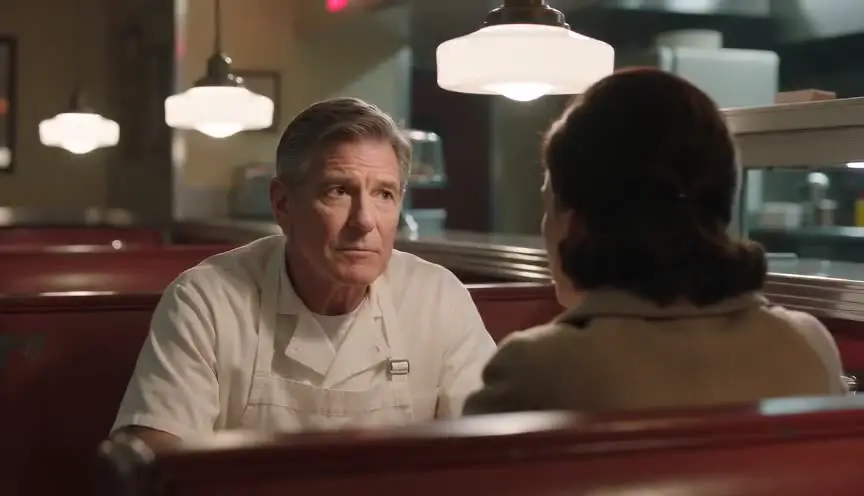
Script-native breakdown
Elements live on scenes you already wrote instead of a separate spreadsheet.
Pre-production is where AI films are won. ScreenWeaver gives you breakdown, boarding, and shot intent tied to sluglines so generation becomes execution, not discovery.
Teams jump straight to video because still frames feel less exciting. Then they use render credits to learn that the kitchen and living room do not share a wall the way the script implies.
Traditional pre-production tools stop at PDF breakdowns. They do not connect to AI prompts or regen passes, so the board never talks to the generator.
Directors working alone need pre-pro that fits a laptop and a weekend, not a production office full of coordinators.
ScreenWeaver combines script breakdown, visual development, and approval states in one graph. Each board row carries lens intent, character tags, and location notes into the prompt layer.
You finish pre-production with a shootable plan: which scenes exist, what they look like, and which rows are cleared for video.
Tag characters, props, and locations per scene. Flag effects or stunts that need extra visual planning.
Generate panels for each scene. Fix eyelines, entrances, and screen direction before motion.
Scroll scenes in order and catch continuity breaks across adjacent locations.
Approve only the frames that match the script. Locked pre-pro becomes the prompt source for video.
Morgan directs a single-location drama with long dialogue scenes. During pre-pro they board every reverse shot and mark eyelines in stills. The review reveals an axis crossing in Scene 6 that would confuse viewers once characters move. Morgan fixes blocking on the board, approves six rows, and only then runs video. Two hours of pre-pro prevent a full day of unusable clips.
Elements live on scenes you already wrote instead of a separate spreadsheet.
Know which shots are concept, review, or cleared for generation.
Scan neighboring scenes for wardrobe, lighting, and geography mismatches.
Export strips that prove you can stage the script before money goes to render farms.
Without structure
With ScreenWeaver
Traditional tools stop at boards. ScreenWeaver connects boards to script breakdown and AI generation so pre-pro remains useful after export.
A solid draft is ideal. You can pre-pro key sequences while other acts are still in outline form if turning points are stable.
Narrative and scripted hybrid projects benefit most. Breakdown tags help whenever scenes have repeatable visual requirements.
Composition, character placement, eyelines, and location continuity. Approve rows, not vague scene vibes.
Detailed enough to stage the scene: entrances, key props, and lens feeling. You do not need portfolio illustration for every panel.
Export board strips and breakdown summaries so collaborators can comment before generation starts.
AI generation is not the hard part anymore. Keeping the film coherent is. Start in ScreenWeaver and build the chain before you burn credits.
Start creating with ScreenWeaverFilm techniques
Each one with a short clip, a screenplay excerpt and the shot list line.